
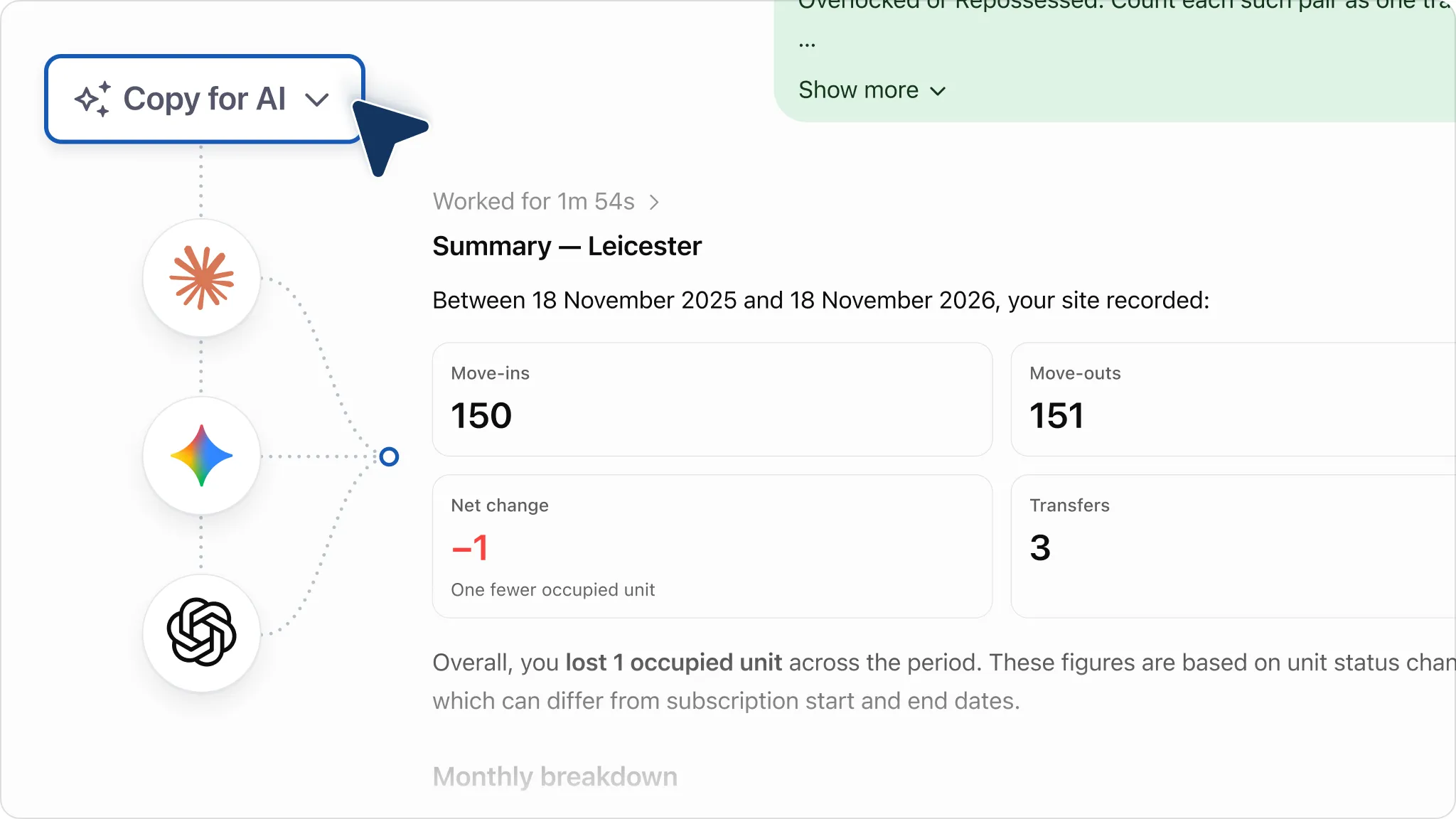
The unit activity report lists every move-in, move-out and transfer across your sites. Filter it, search it, export it, or have your AI assistant total it up by month.
How it works
- Filter by site, date range and what each unit changed to.
- Search by unit, unit type or customer name.
- Transfers are marked, so a customer swapping units isn’t counted as a move-out and a move-in.
- Export to CSV for your own reporting.
Move-in & move-out reporting with Copy for AI
Pick your sites and dates, then open Copy for AI in the top right:
- Download the data. Customer names are swapped for labels like “Customer 1”, and emails are removed.
- Copy the prompt. It spells out what counts as a move-in, a move-out and a transfer.
- Paste into your AI chat. Attach the file in Claude, ChatGPT or any AI assistant, then paste the prompt.
Back comes a short summary, then move-ins, move-outs, net change and transfers by month, site and unit type. The prompt is just a starting point: keep the chat going to reshape the tables, chart the trend or dig into a single month.
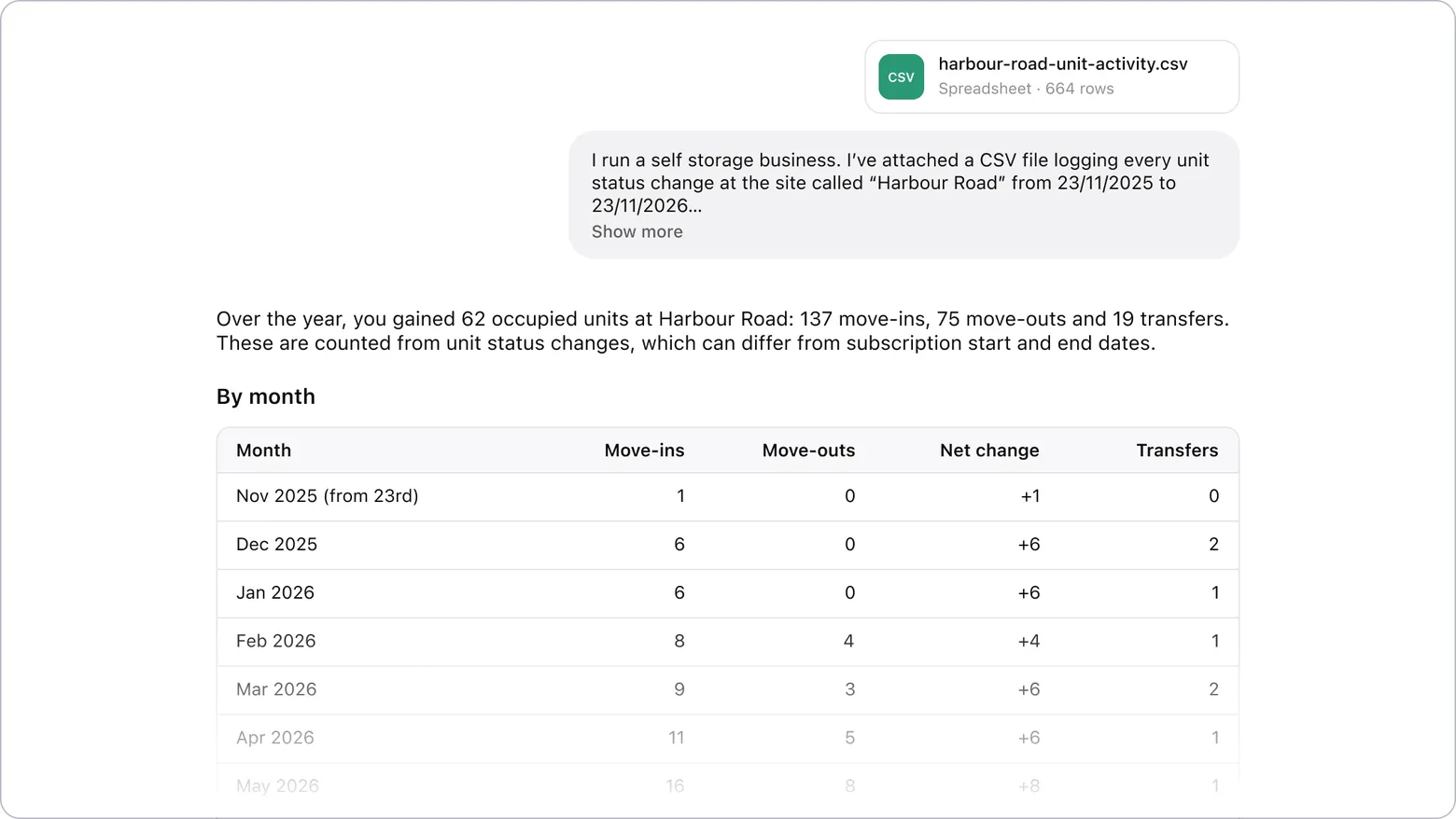
Counts are based on when units became occupied or vacant, which can differ from subscription start and end dates.