
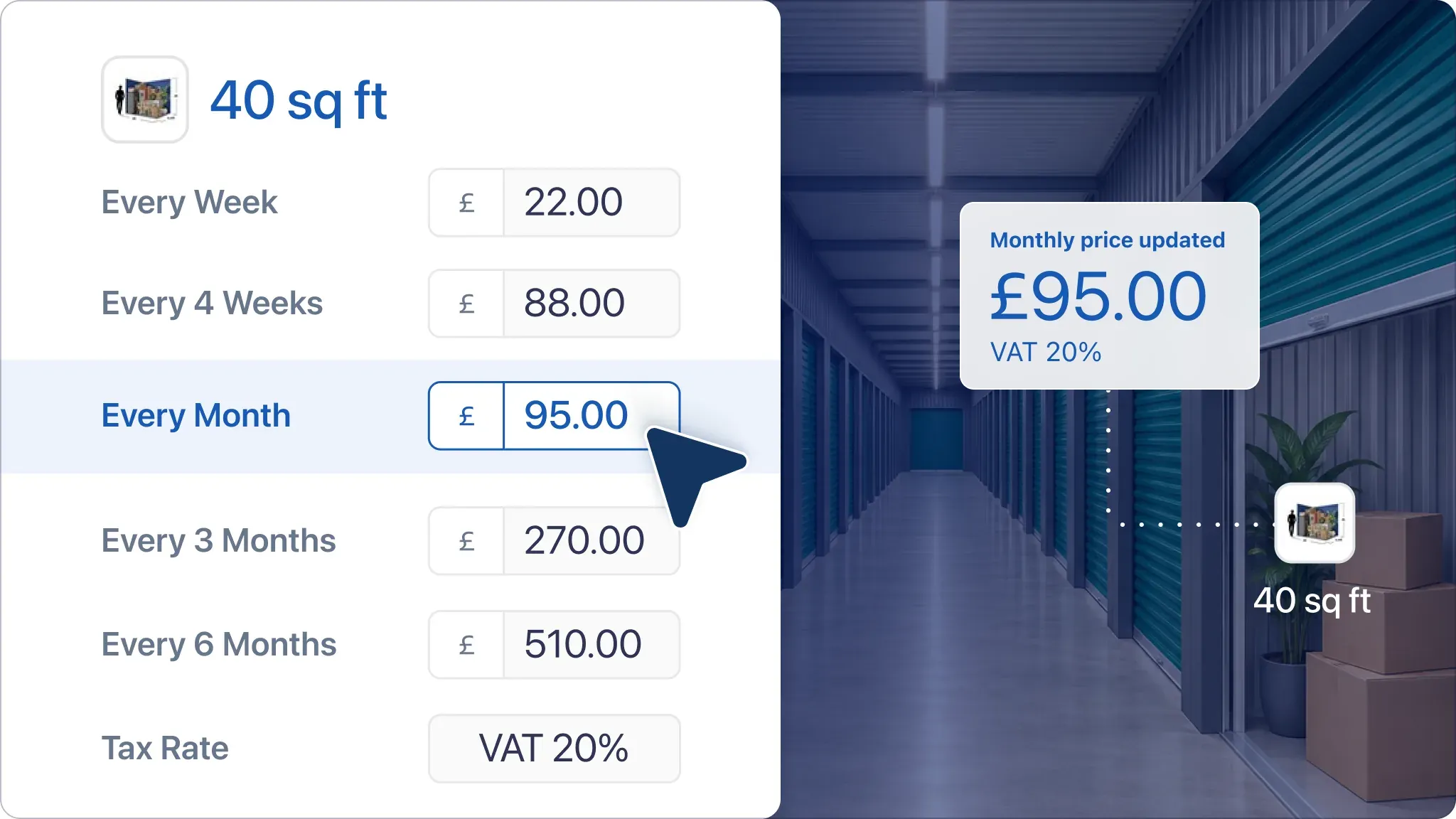
The Pricing page now shows every price for every site in one place: unit types, custom products and insurance, for each billing period. Change any of them from the table, without opening each product one at a time.
Every price for a site, side by side
Each site has its own section, with a tab each for Unit types, Custom products and Insurance. Every row is one product, with a column for each billing period, so you can check a whole site’s prices at a glance and spot one that’s out of line.
Your Storefront billing period is highlighted, so you can see which price customers see when they book online.
Change a price where you see it
Click the pencil beside a row, type the new prices and click Save changes. The row updates straight away and the new prices are ready for bookings within a few seconds. For unit types, you can change the tax rate from the same row.
Changing prices used to mean opening each unit type, finding the price, saving and closing it, then moving on to the next. Across 100 unit types, one round of price changes ran to hundreds of clicks. Now it’s one table per site, so adjusting prices every week to keep up with occupancy and demand is quick.
Good to know
- Prices you set here are for new bookings. To change what existing customers pay, use Price increases.
- Your Storefront billing period always needs a price, so Stora won’t save a row with that price cleared.
- To edit a price here, you need the same permission as on that product’s own page.