
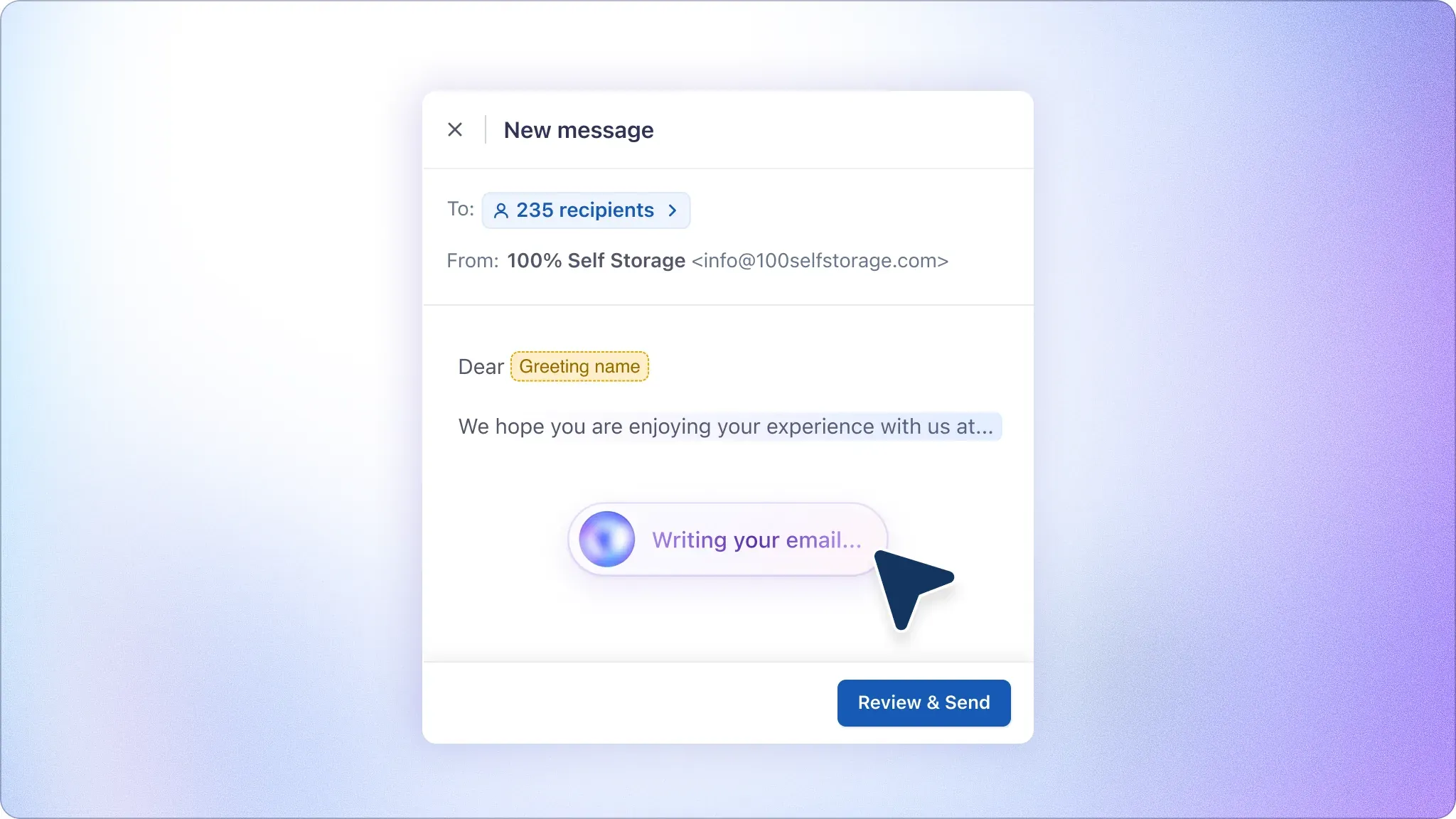
Writing the same kinds of email over and over, like payment reminders, access updates and replies to questions, takes time your team could spend elsewhere. Now you can say what an email needs to cover, and the AI writing assistant drafts it for you. You check it and send it.
The writing assistant is now in public beta for every operator, alongside Inbox and Broadcasts, and free while it’s in beta.
Describe the email, get a draft
The assistant sits at the bottom of the editor when you write a new message, a broadcast, an email template or an Inbox reply.
- Click Help me write this.
- Say what the email is for, for example “remind him his invoice is overdue, with a link to pay”.
- Stora AI writes the subject and the body in a few seconds.
Real details, not placeholders
Drafts use the customer’s real details from Stora. Ask for an overdue reminder and you get the actual amount, the due date and a working payment link, without anyone going to look them up. It can also use the customer’s units, their site and their overdue balance. If the customer has more than one invoice, it asks which one you mean.
It never makes up prices, dates or links.
Improve what you’ve written
Click Improve my email for three one-click changes picked for that draft, like Firmer for an overdue reminder, or More polite when the customer sounds upset.
Good to know
- It never sends anything itself. You read the draft, change what you like, then send.
- In the Inbox it can’t read the customer’s message yet, so tell it what your reply needs to say. Replies use the customer’s first name and your business name, without links or customer details.
- The writing assistant is free during the beta. It’ll become a paid feature once fully released.
Tell us what’s useful and what’s missing at product@stora.co.