
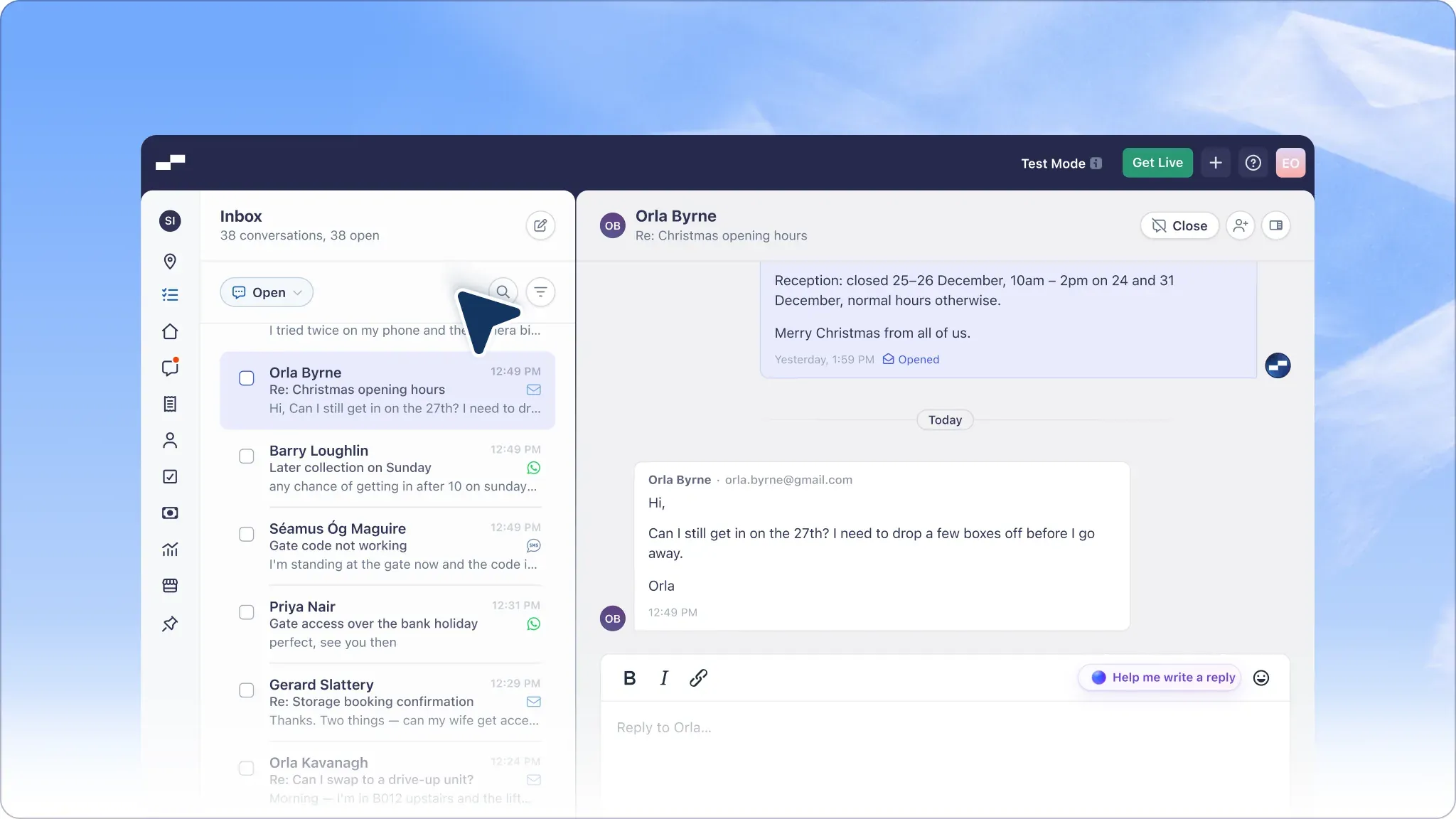
Reply to customers as a team, from one Inbox
When a customer replies to an email from Stora, it now lands in a shared Inbox, where your team can assign it, leave notes and reply, with AI to help write the reply. Free while in public beta.
Learn more
New updates and improvements to Stora.
When a customer replies to an email from Stora, it now lands in a shared Inbox, where your team can assign it, leave notes and reply, with AI to help write the reply. Free while in public beta.
Learn more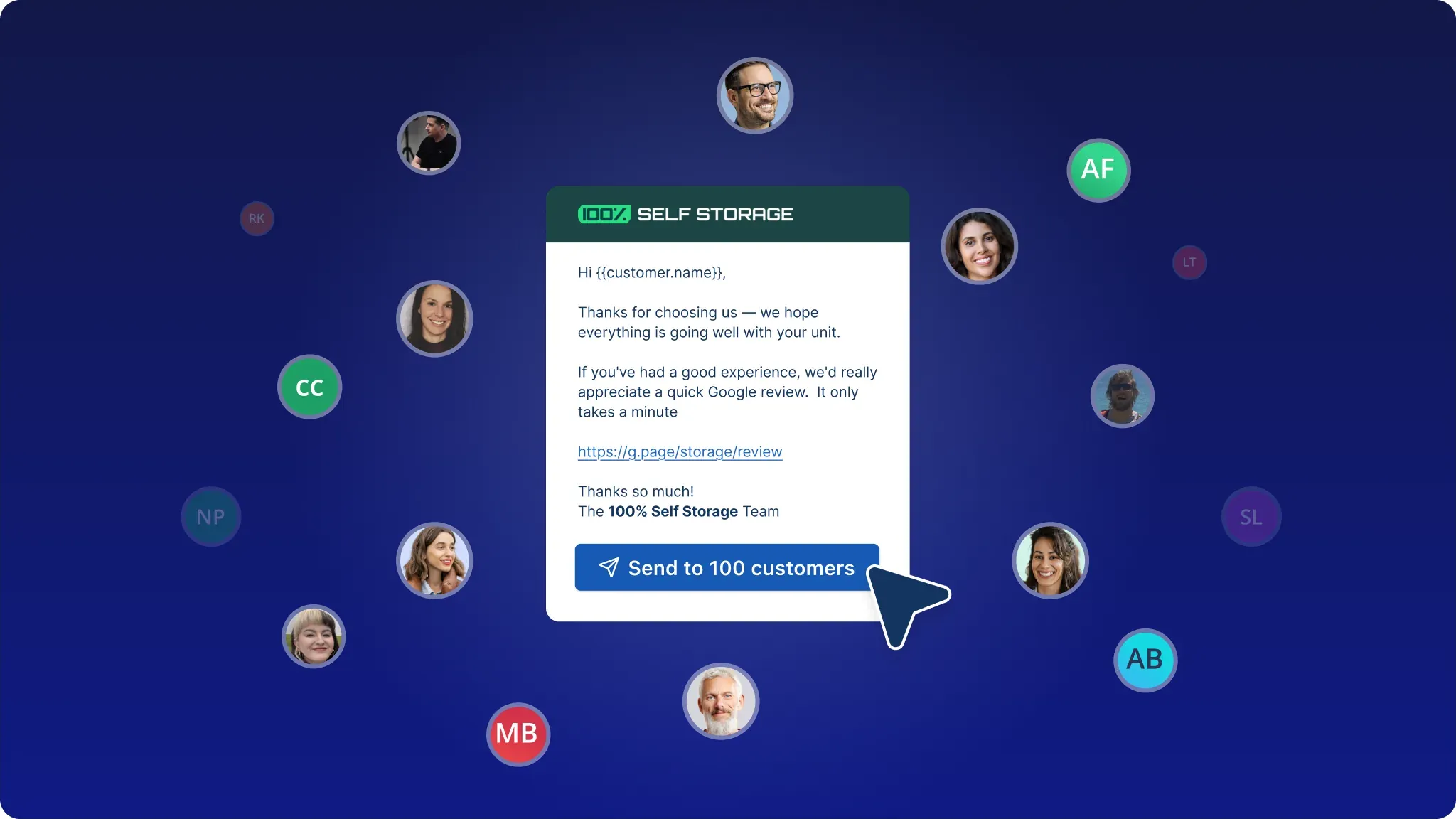
Filter your contacts, write one email and send it to all of them, then see who got it and who opened it. Free while in public beta.
Learn more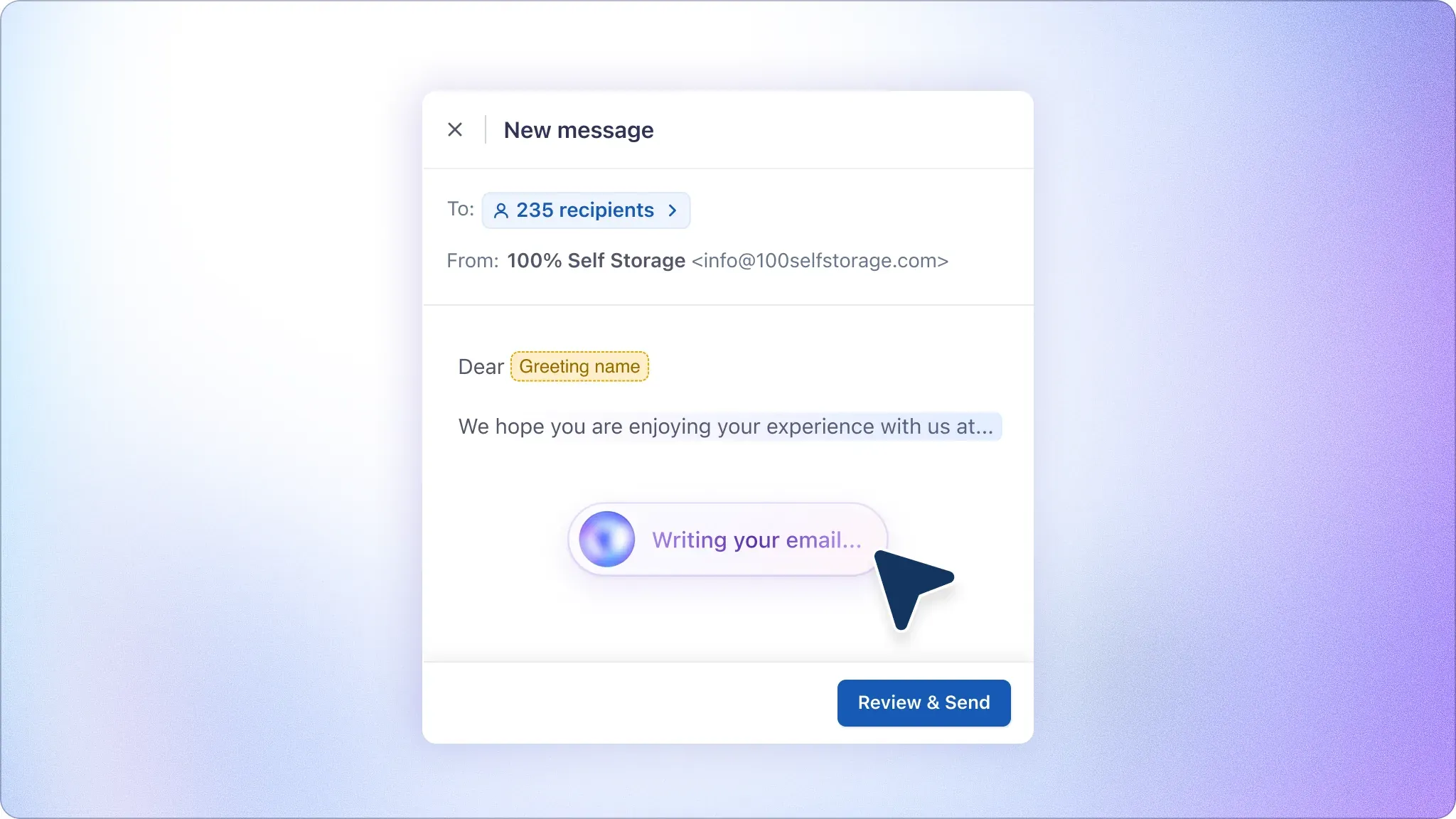
Say what the email needs to cover and the AI writing assistant drafts it, with the real invoice amount, due date and payment link filled in from Stora. Free while in public beta.
Learn more When a customer replies to an email from Stora, it now lands in a shared Inbox, where your team can assign it, leave notes and reply, with AI to help write the reply. Free while in public beta.
Learn more Filter your contacts, write one email and send it to all of them, then see who got it and who opened it. Free while in public beta.
Learn more Say what the email needs to cover and the AI writing assistant drafts it, with the real invoice amount, due date and payment link filled in from Stora. Free while in public beta.
Learn more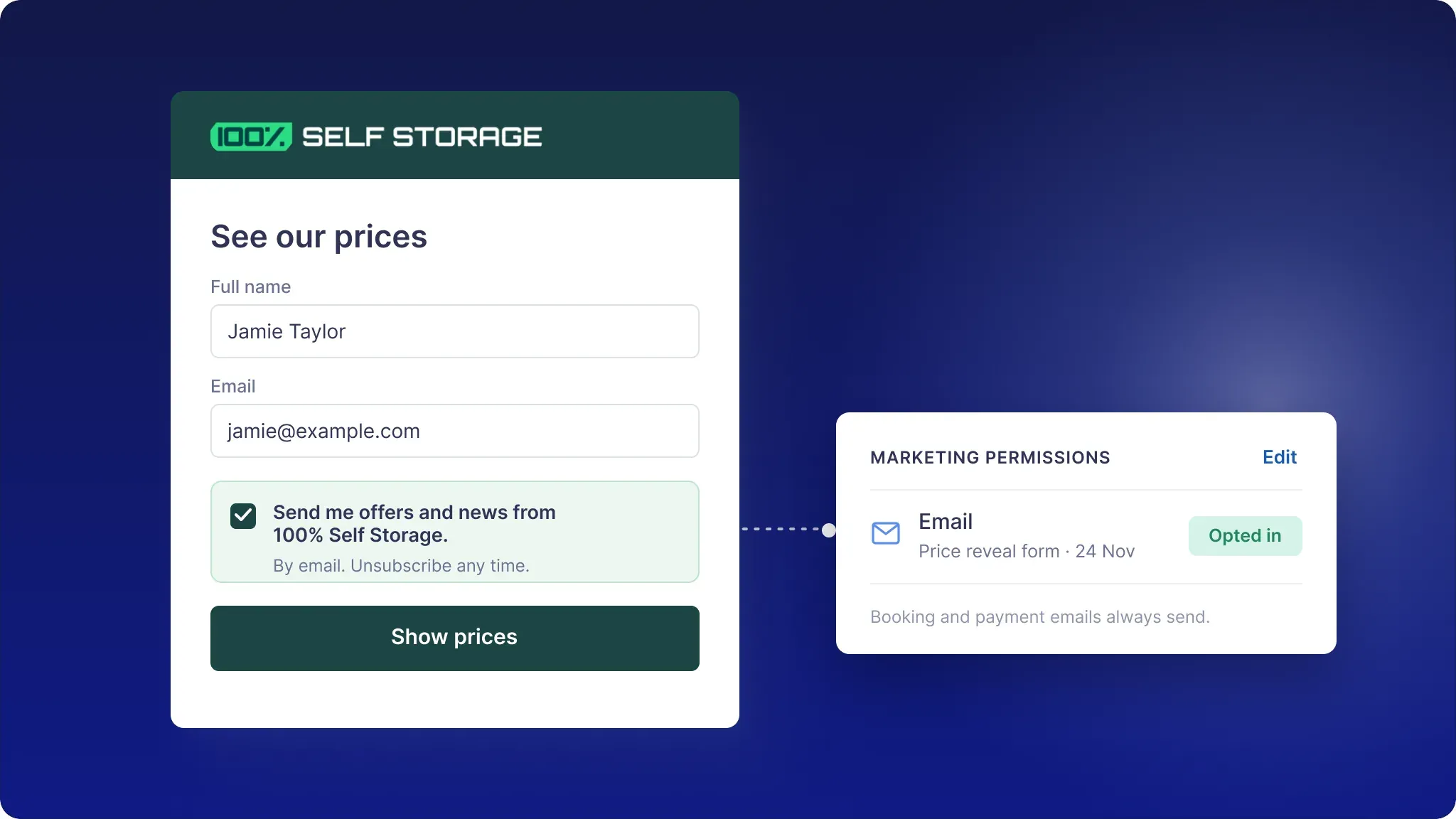
Add a marketing consent checkbox to your forms, see who agreed on each contact, and send promotional emails only to people who opted in. UK operators only for now.
Learn more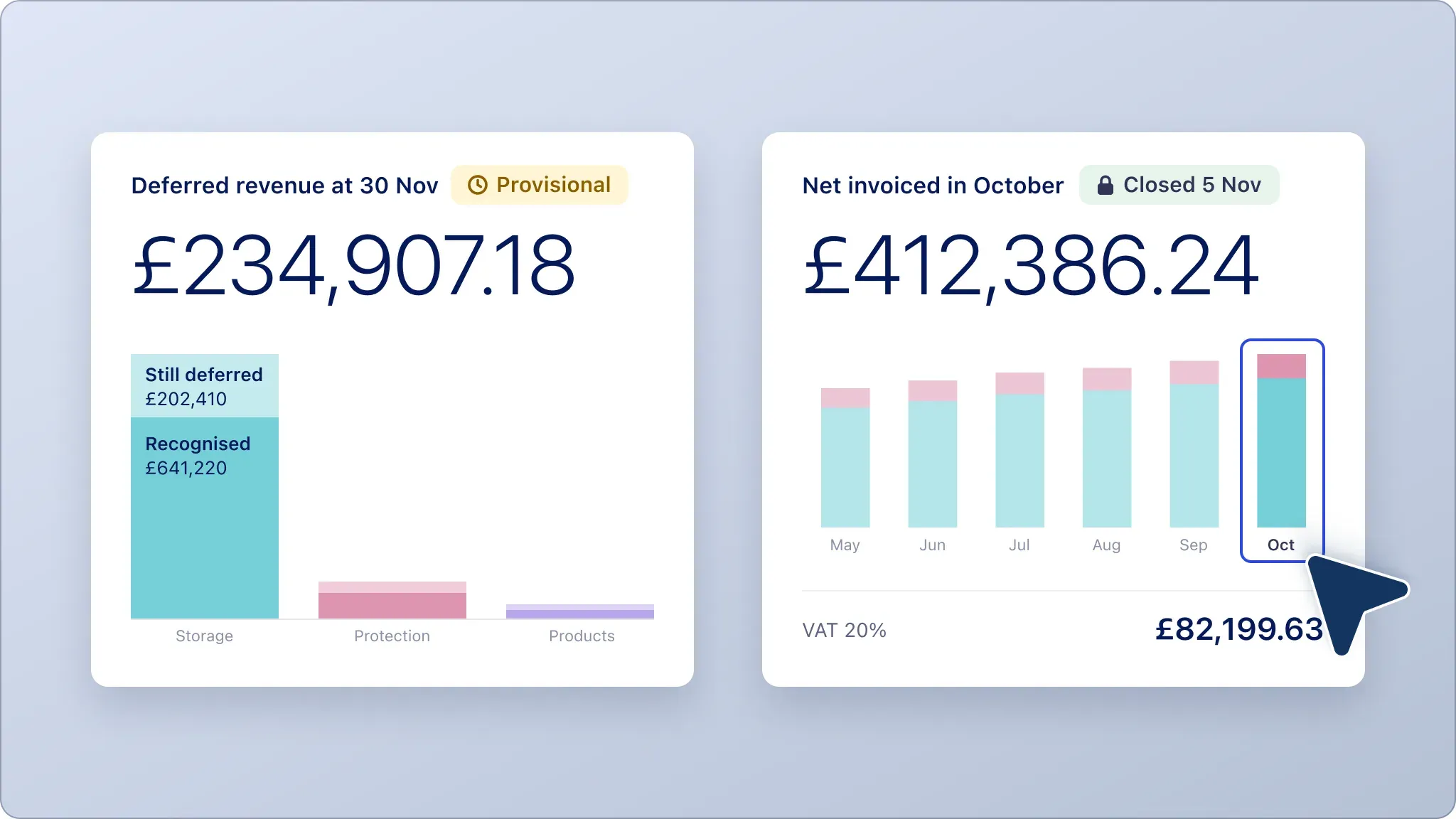
Two new reports, invoiced sales and deferred revenue, give your accountant the figures they ask for each month, locked on the 5th so they never change after you file.
Learn more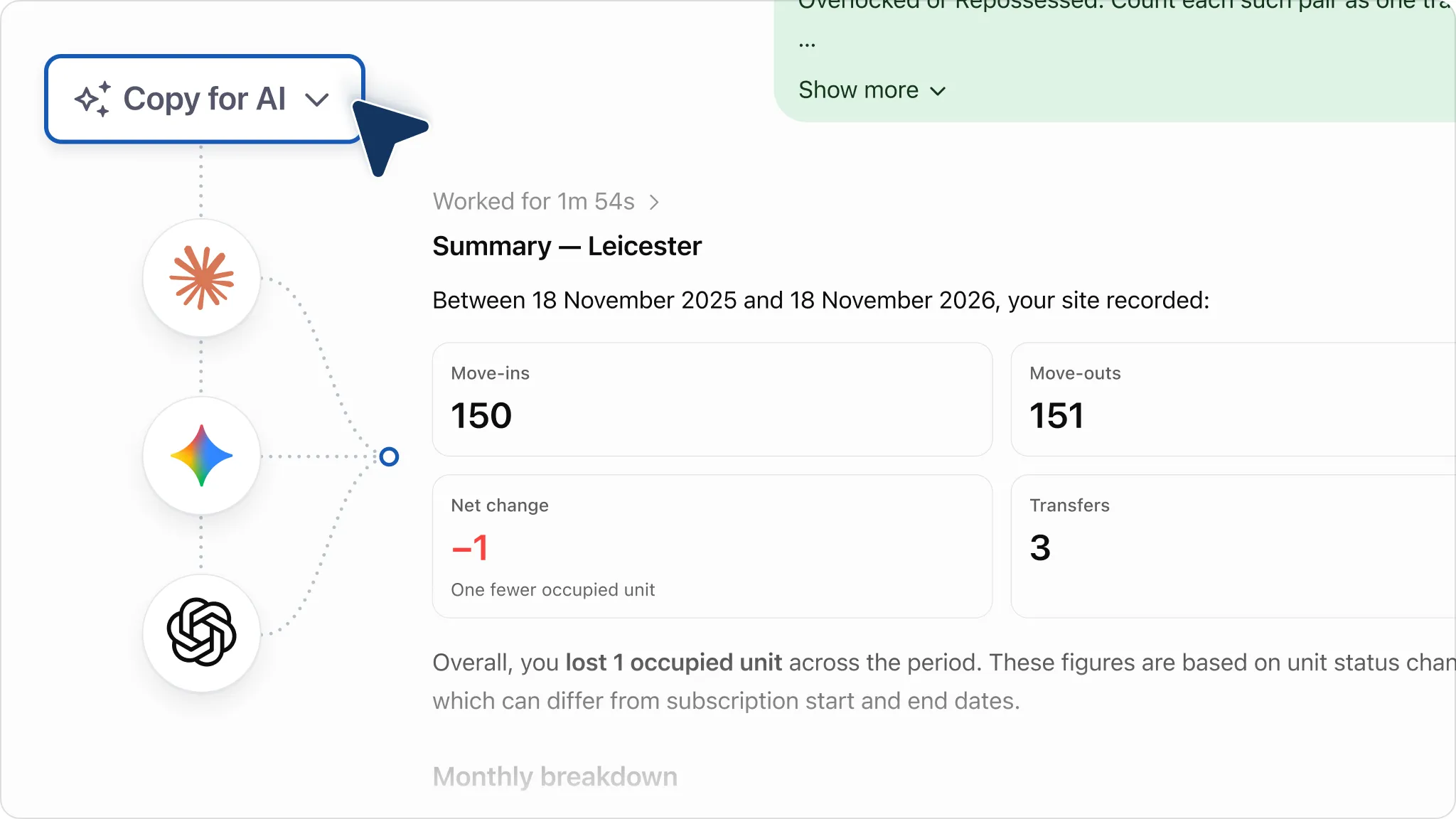
Every move-in, move-out and transfer in one list, filtered by site and date, with CSV export and a ready-made prompt for monthly totals in Claude or ChatGPT.
Learn more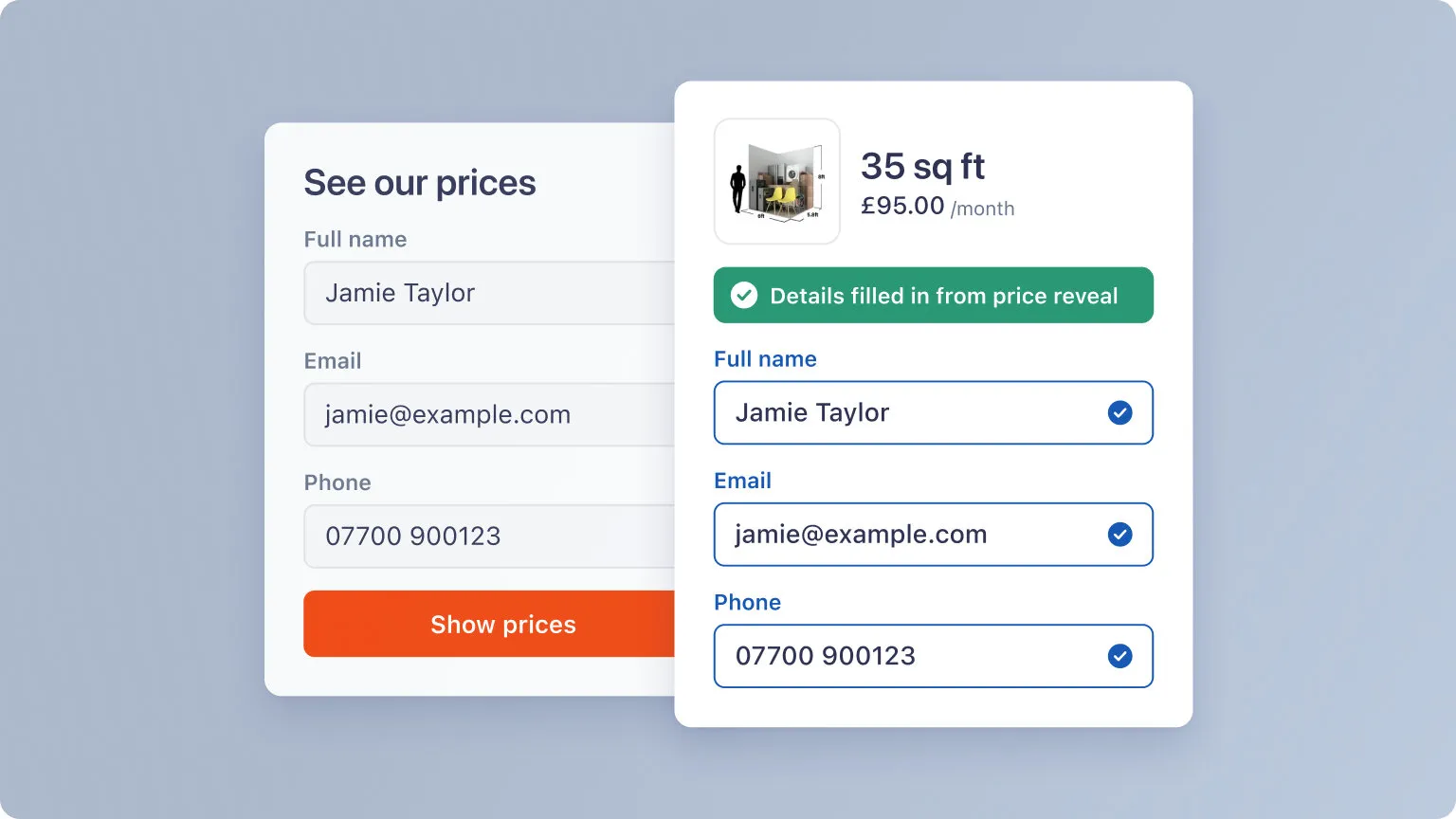
Visitors who unlock your prices no longer retype their details to book, and you choose where they go next.
Learn more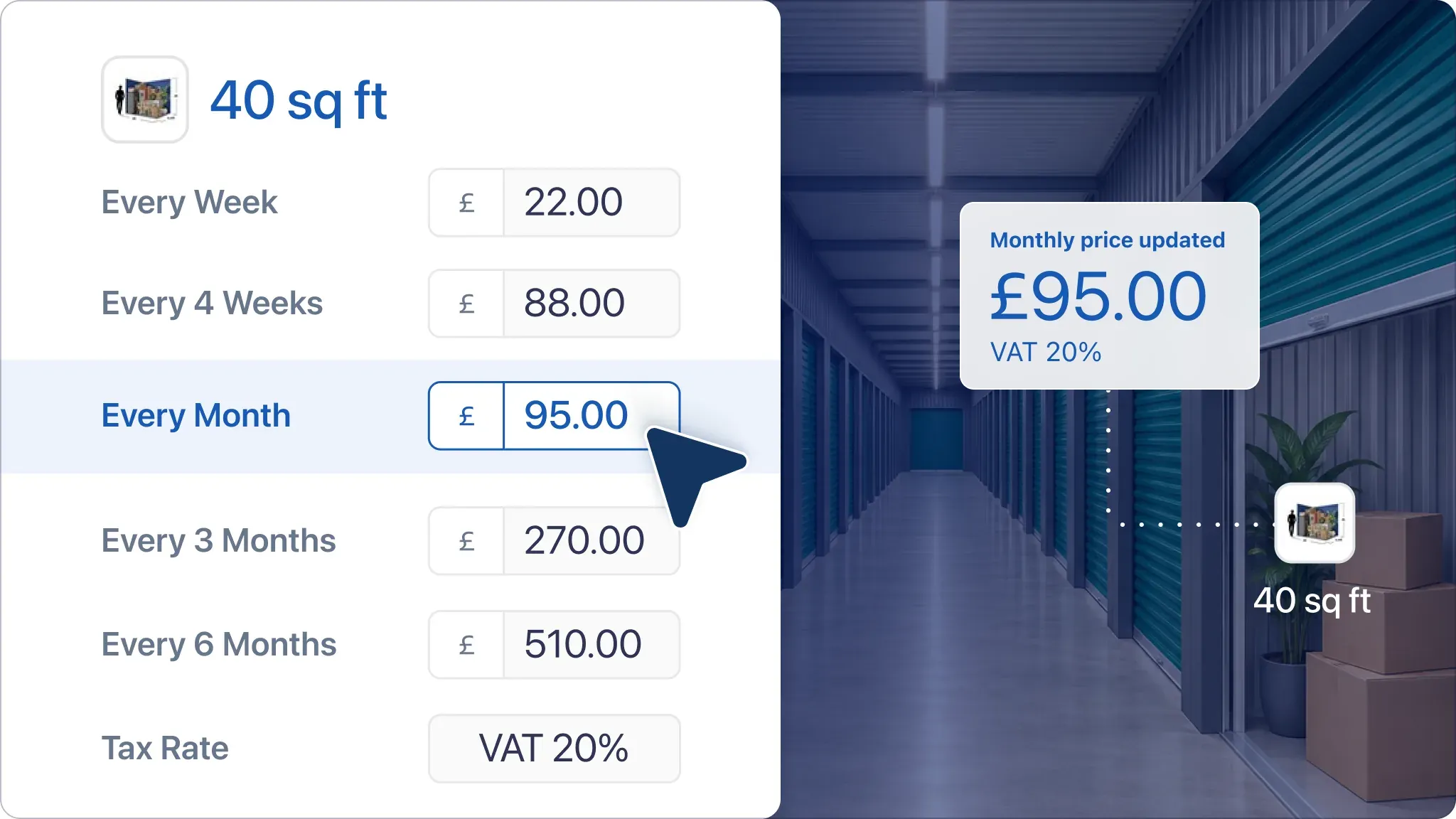
Every unit type, custom product and insurance price at a site now sits in one table, and you can change any of them right there.
Learn more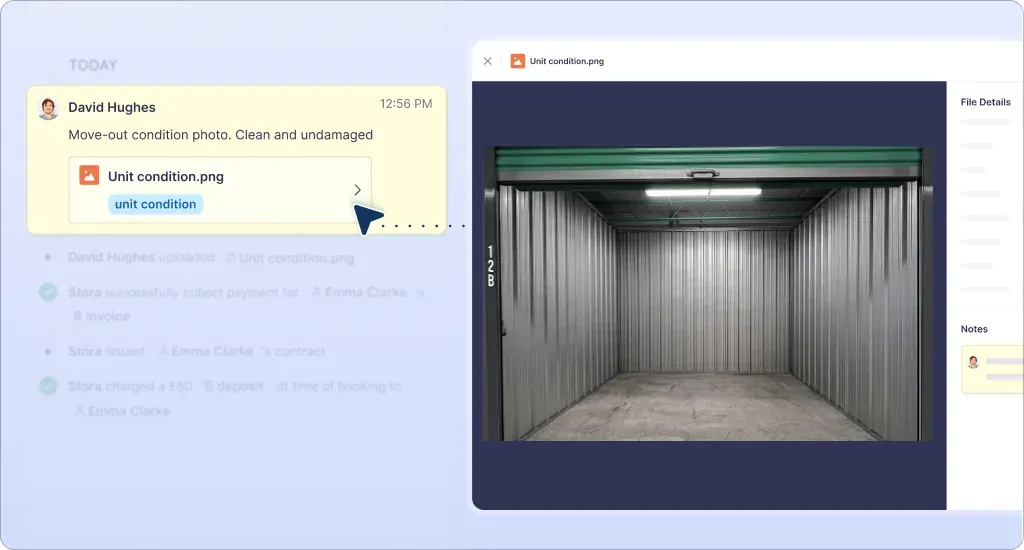
Insurance certificates, unit condition photos, paperwork brought over from an old system — store it against the record it relates to, and find it again with search and filters.
Learn more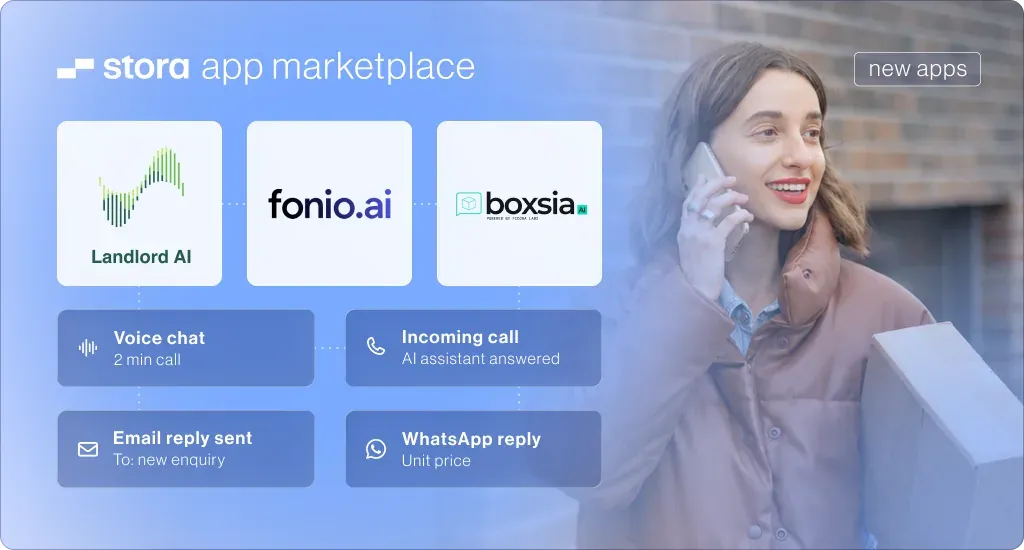
Three AI agents are now on the Stora App Marketplace, answering calls, WhatsApp, email and web chat with real availability and prices, and logging every conversation to the record.
Learn more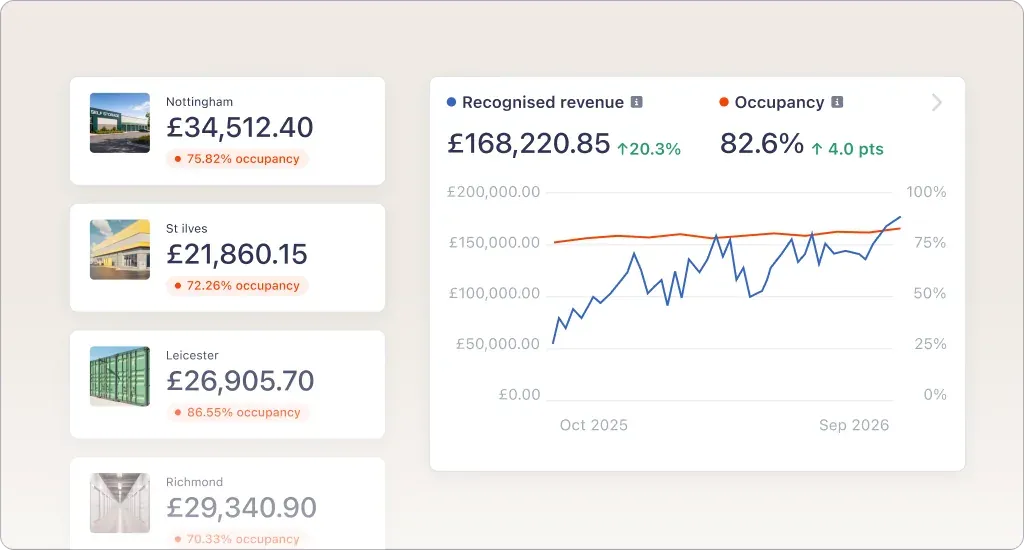
Recognised revenue vs occupancy plots both on one timeline, across a single site or your whole portfolio, so you can tell whether revenue is keeping pace with occupancy.
Learn more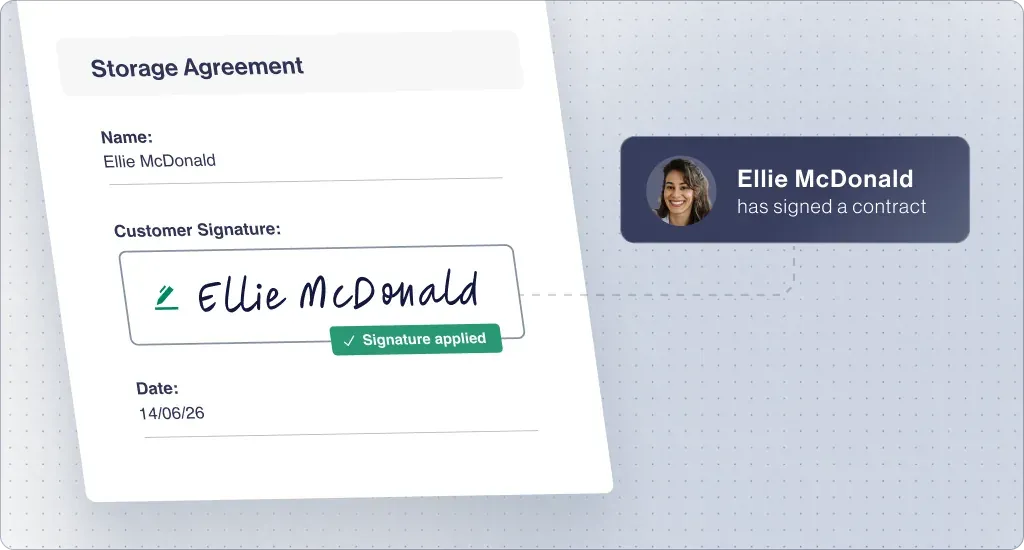
Create, edit and assign your own rental agreements in Stora, with a different one per unit type if you need it. Customer details fill themselves in from the booking.
Learn more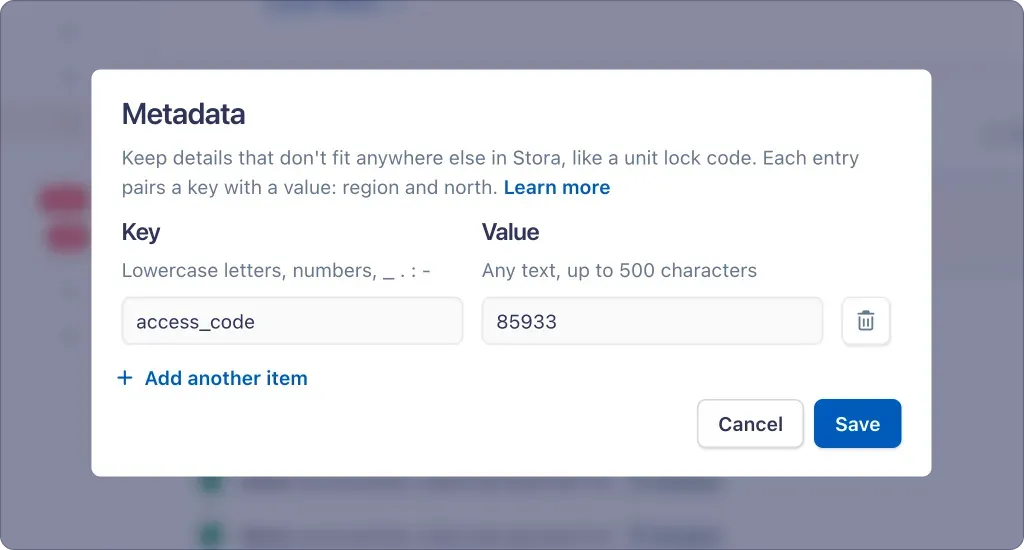
Metadata keeps a padlock code, a ledger reference or a local authority as a key and a value on a contact, unit, site or task — searchable, sortable and exportable.
Learn more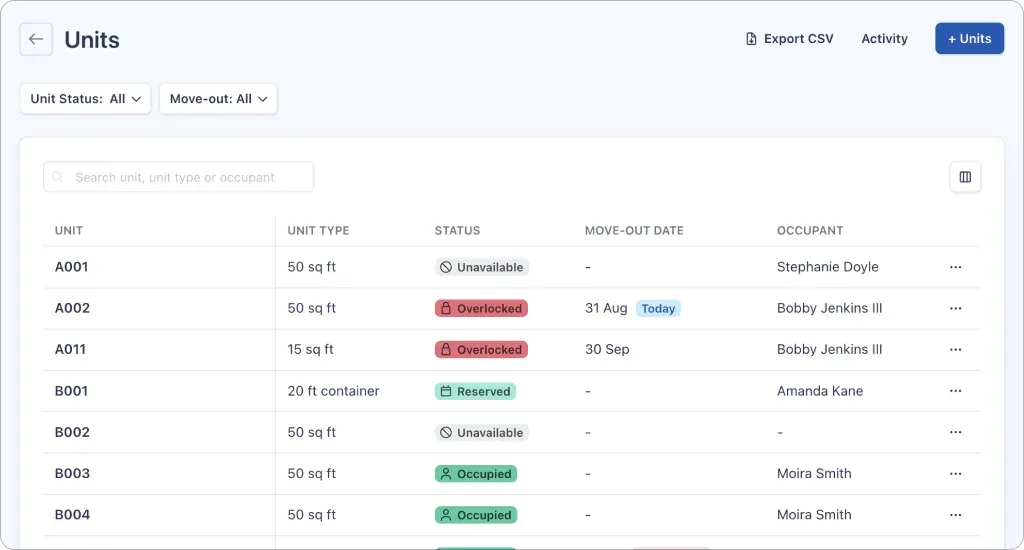
The units page gets a search box, a move-out date column and column choices, so you can look up any unit and see which ones are coming free and when.
Learn more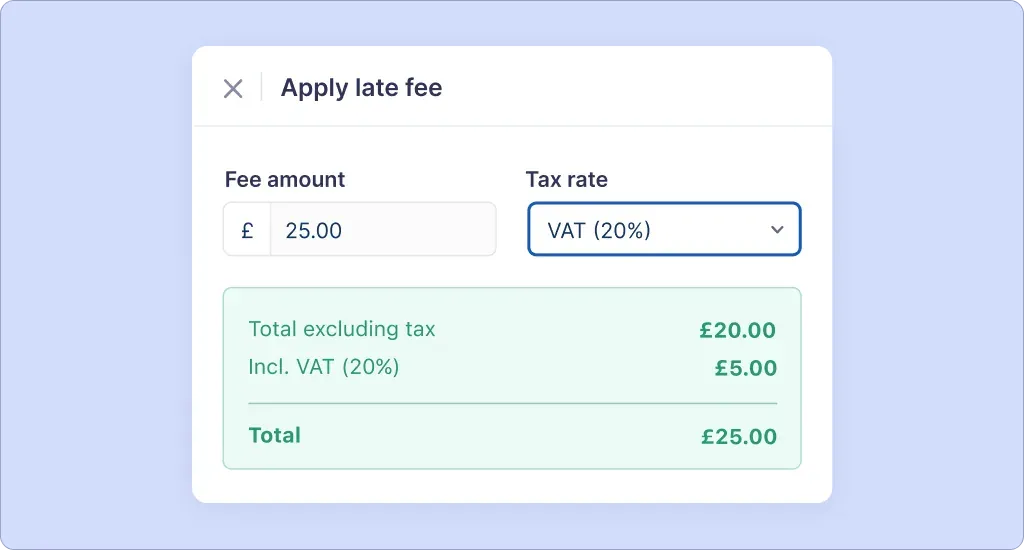
Apply a tax rate when you raise a late fee and Stora breaks the tax out beneath the amount, with the nominal code carrying through to your Xero or Sage export.
Learn moreSchedule a price increase or decrease on any subscription through the API — the percentage, what it applies to, and which renewal it fires on.
Learn moreTwo new webhooks push arrears to your systems the moment they happen, and invoices now carry a collection status and due date you can filter and sort by.
Learn morePoint Claude Code, Codex or your AI tool of choice at the Stora documentation MCP server and your assistant searches the real docs while it writes your integration.
Learn moreContract signing, identity checks, overdue invoices, late fee requests and the auto-lock warning are all editable. Reword or translate them to suit your business.
Learn moreA price increase now defaults to the first billing date that satisfies your notice period, so there is no date to work out by hand.
Learn moreDynamic prices now show how far they have moved, green for an increase and red for a decrease, on the unit types list, the unit type page and Home.
Learn moreBuild automations visually on Make, an automation platform like Zapier. This first release covers contacts, with orders, invoices, subscriptions and units to follow.
Learn moreWe have rebuilt our Sensorberg integration from the ground up on their new platform. All new sites go straight onto V2.
Learn moreSage 50 exports now set each line's tax code from its actual tax — T0 zero-rated, T1 standard, T2 exempt — instead of coding everything as T1.
Learn moreDownload any contract awaiting signature as a PDF, complete with your customer's details. They just sign.
Learn more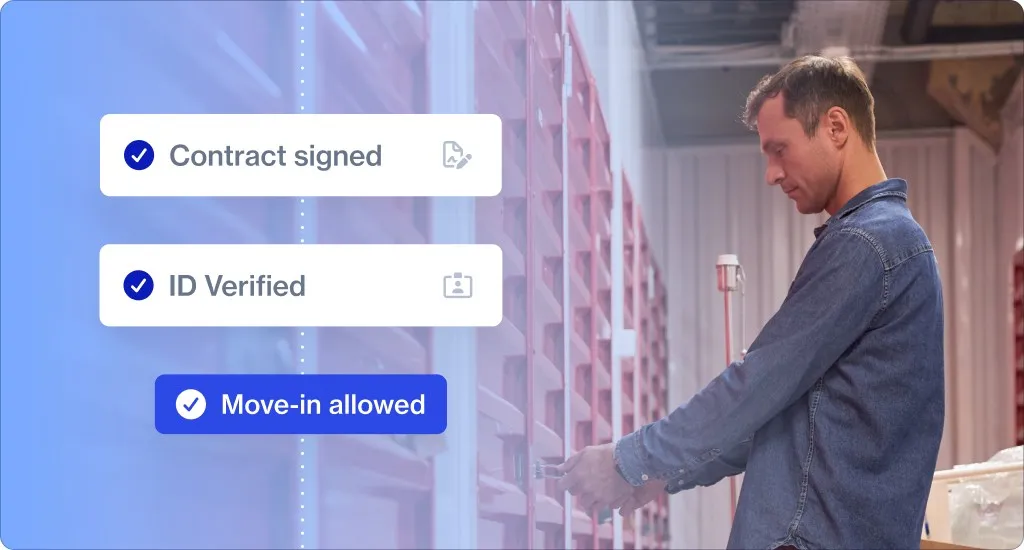
Require a signed contract, a verified ID, or both before a customer gets access to their unit — with the chasing handled for you and access that unlocks automatically.
Learn more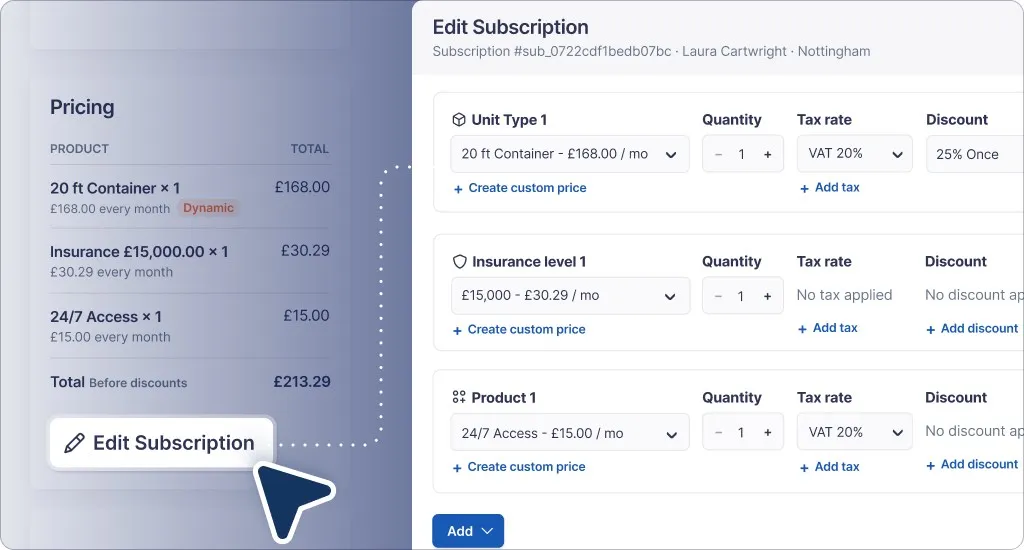
A new pricing editor lets you change everything about an active subscription — unit types, insurance, products, tax and discounts — all in one place.
Learn more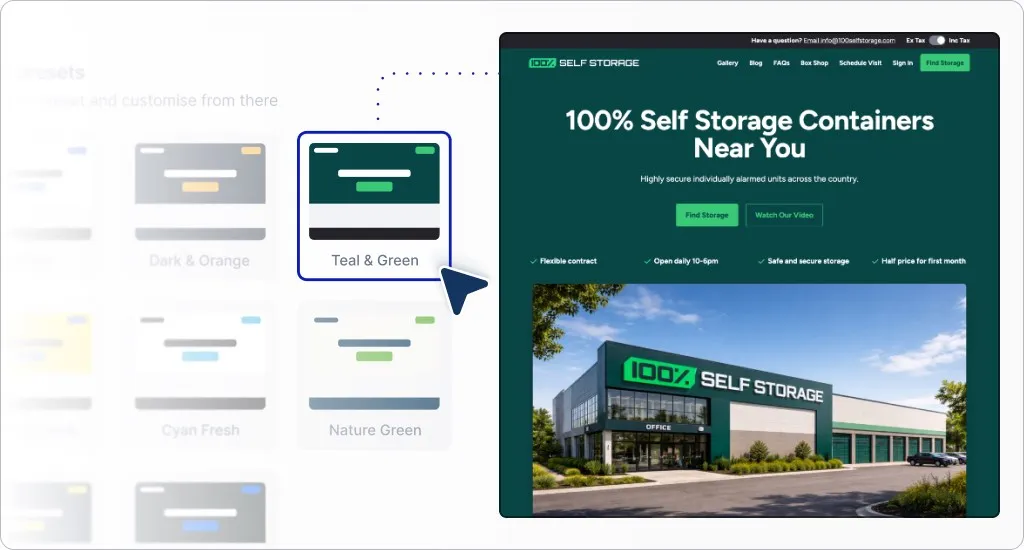
Edit your Storefront's colours and styles yourself — start from 16 ready-made themes or fine-tune 60+ colours, with changes you can see live.
Learn more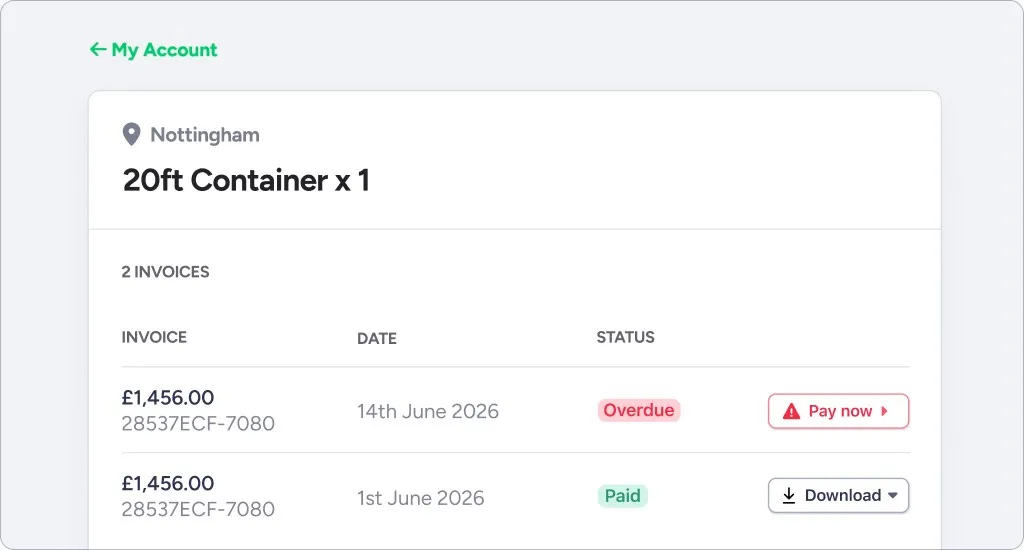
Customers can view and download their invoices in the customer portal, with overdue ones flagged.
Learn more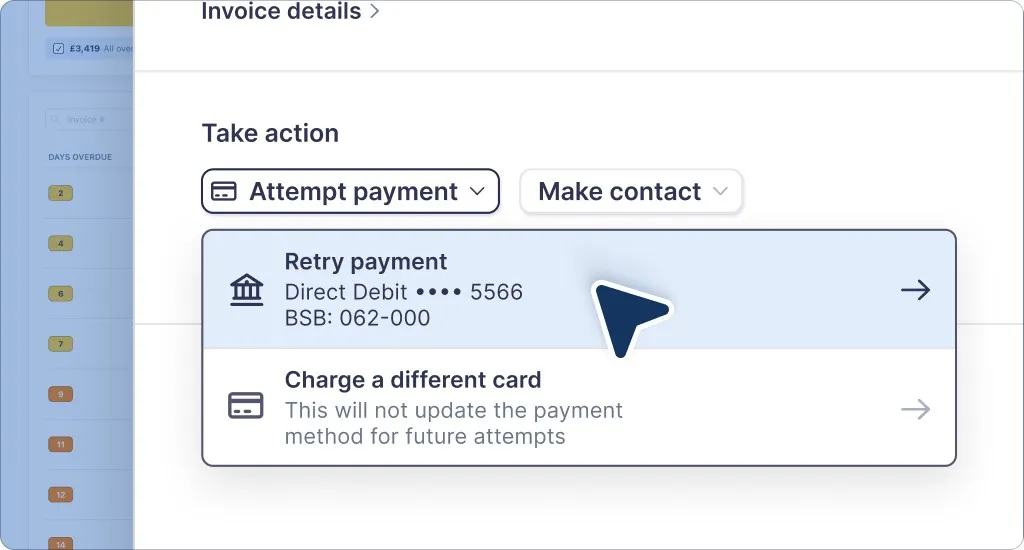
Retry a failed direct debit payment from the Take action sidebar.
Learn more
BECS direct debit in Australia and ACH in the US are live, and appear automatically if you operate there.
Learn more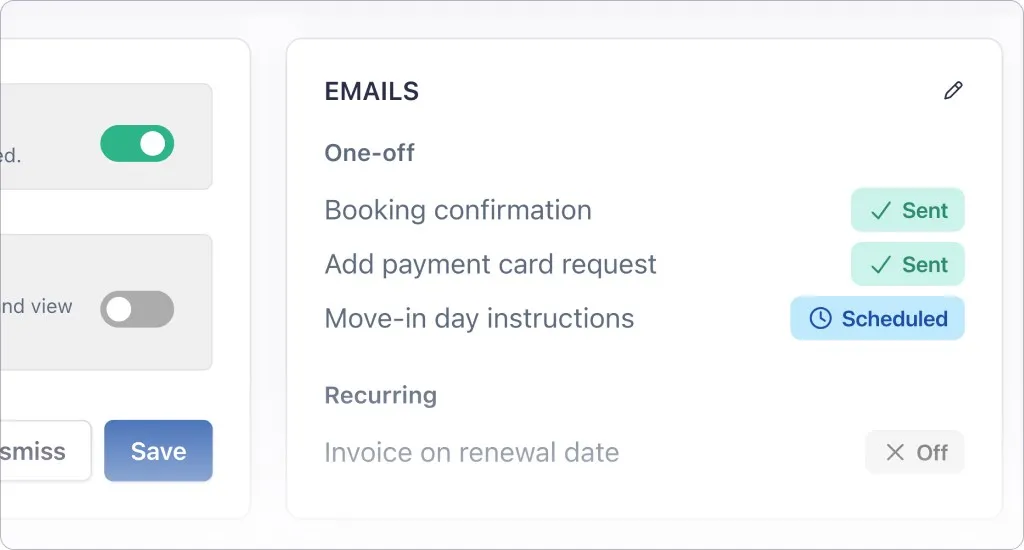
See whether each subscription email is sent, scheduled or off, and turn each one on or off.
Learn moreMore Public API improvements: non-expiring payment links, automatic payment emails, an order abandoned webhook, live dynamic prices on unit types, and auto-allocation when creating orders.
Learn more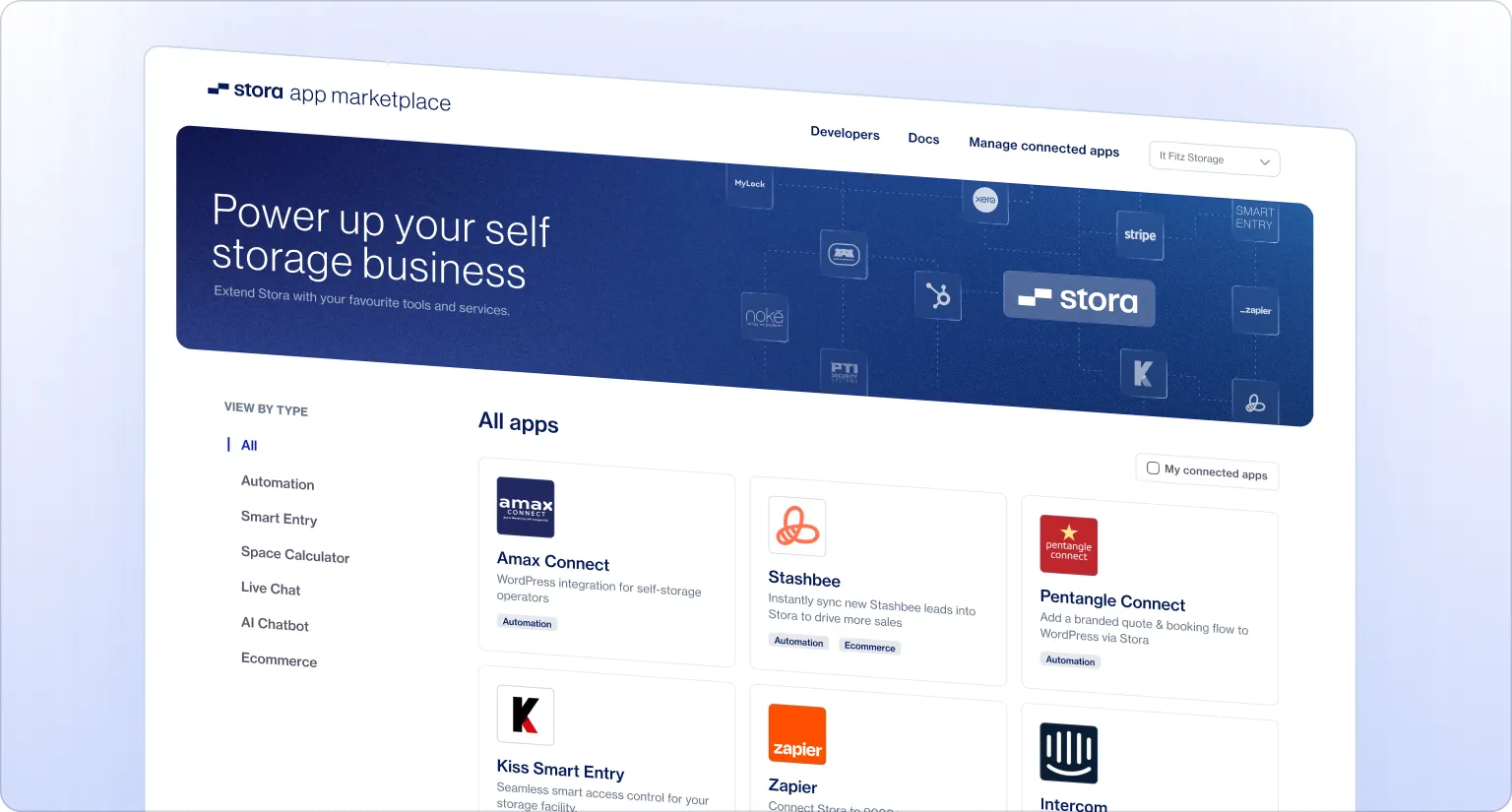
Self storage's first true app marketplace is here. Discover apps built for self storage, connect them securely in a couple of clicks, and build your own.
Learn more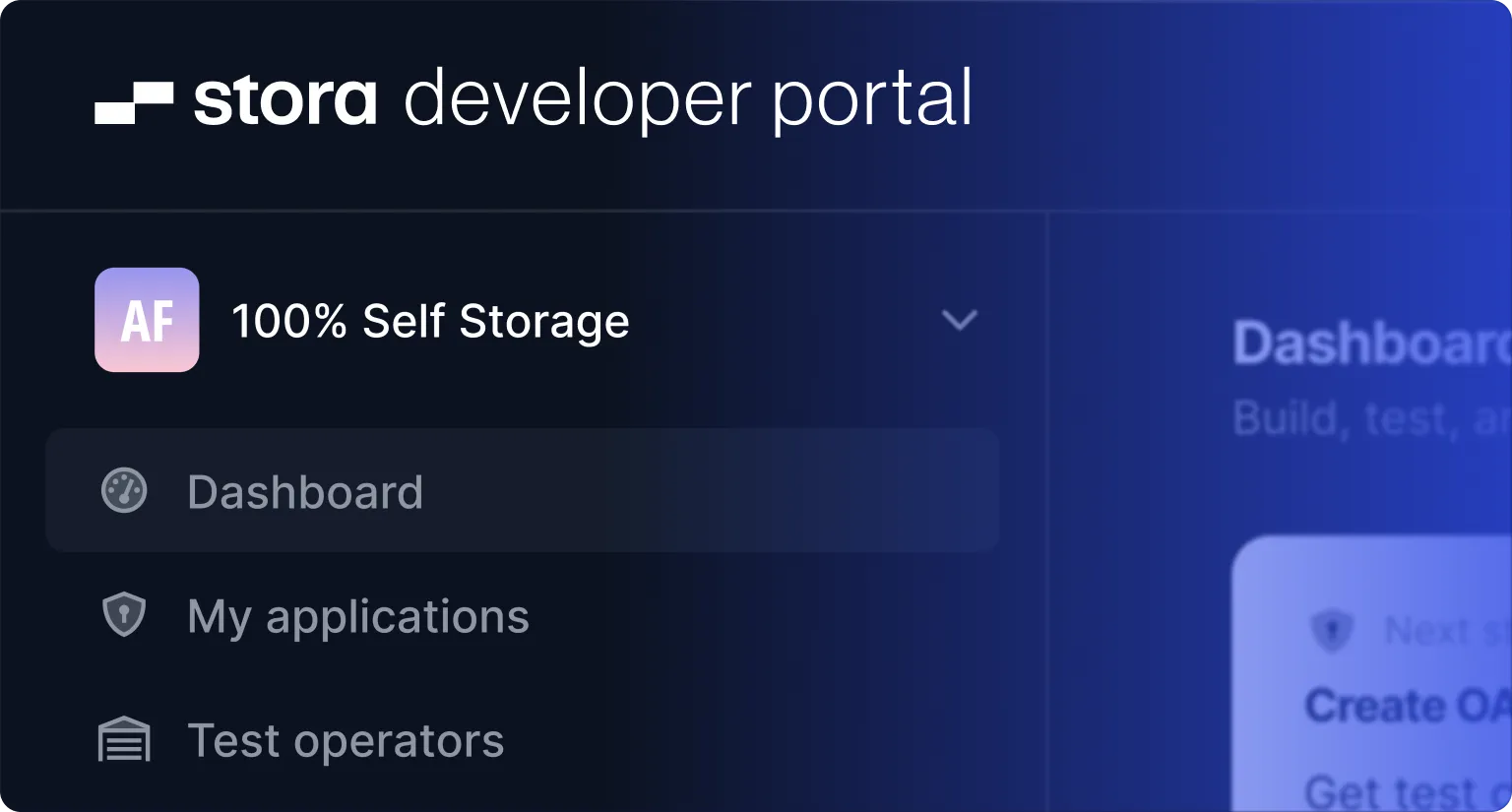
A new developer portal lets anyone build on Stora. Start with a fully functional test account and try the Public API before you commit.
Learn moreMore Public API improvements: full write access for Deals, a new Contacts status field, richer Order filtering and developer-managed credentials, plus webhook and error-handling fixes.
Learn more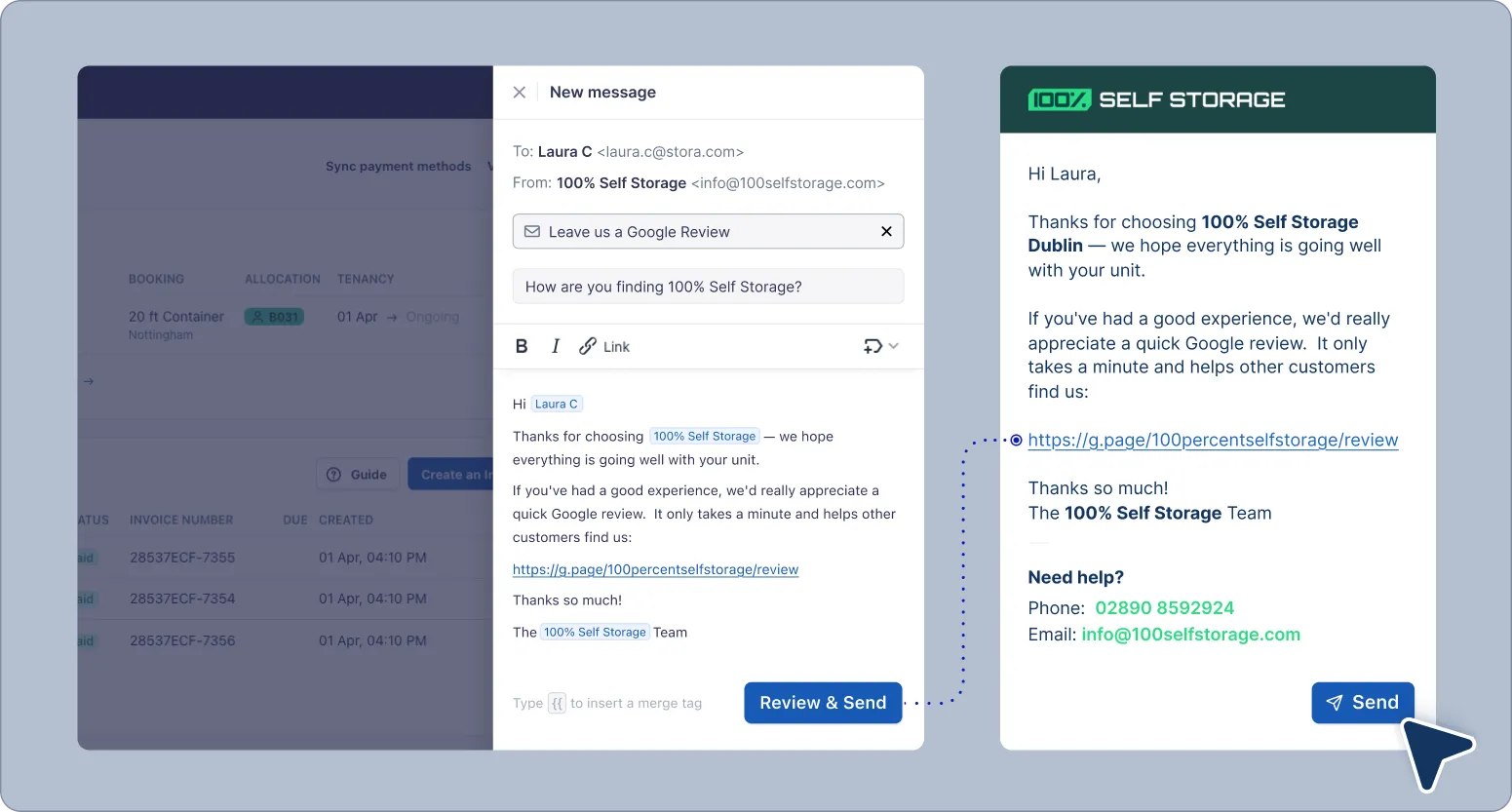
Send a customer a message in a few clicks, straight from Stora. Build reusable templates, drop in merge tags, and see who opened it with built-in open tracking.
Learn more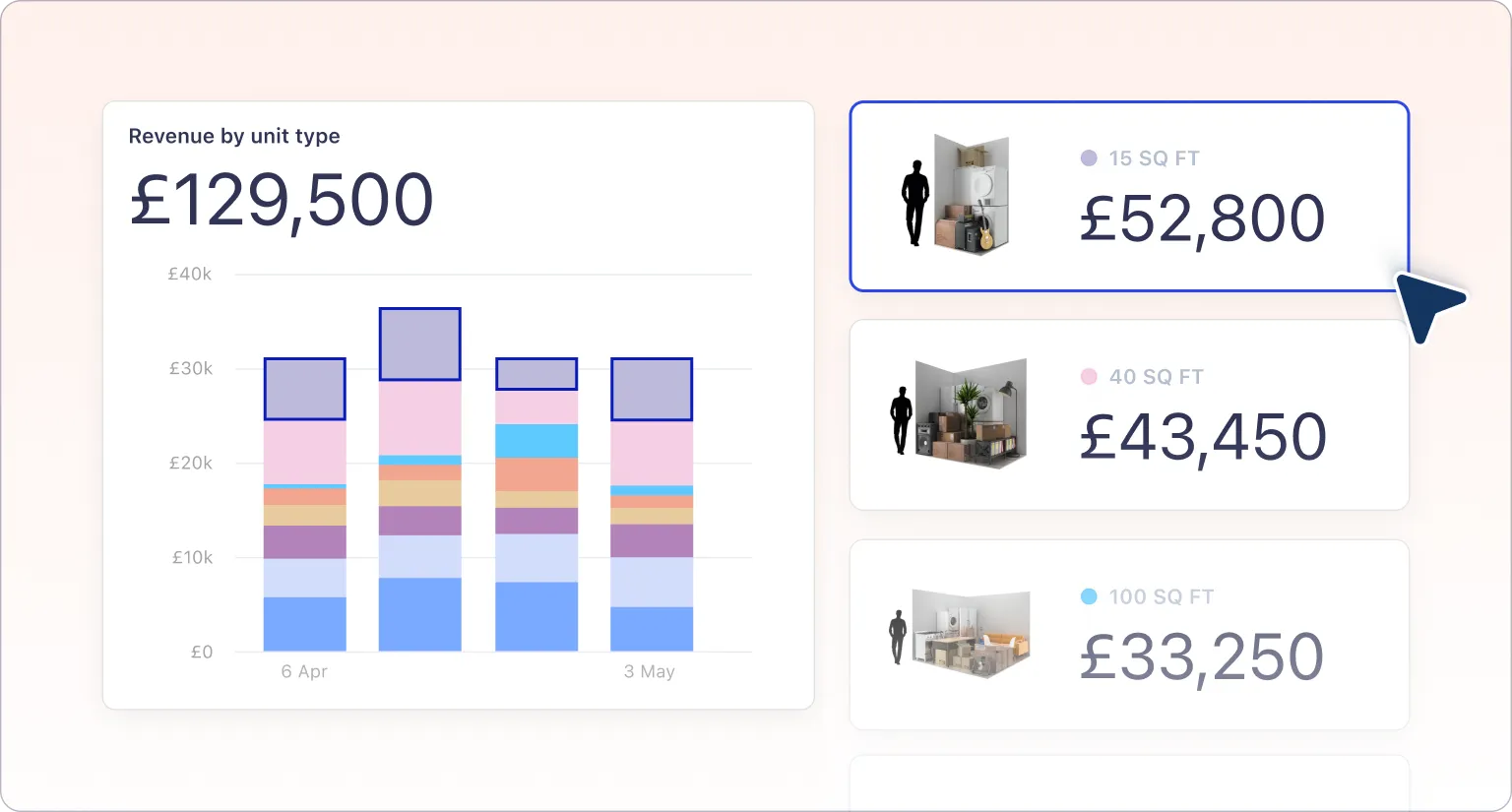
A new revenue report in Analytics shows total revenue by unit type, per site, and how it changes over time — so you can spot your best and worst performers at a glance.
Learn more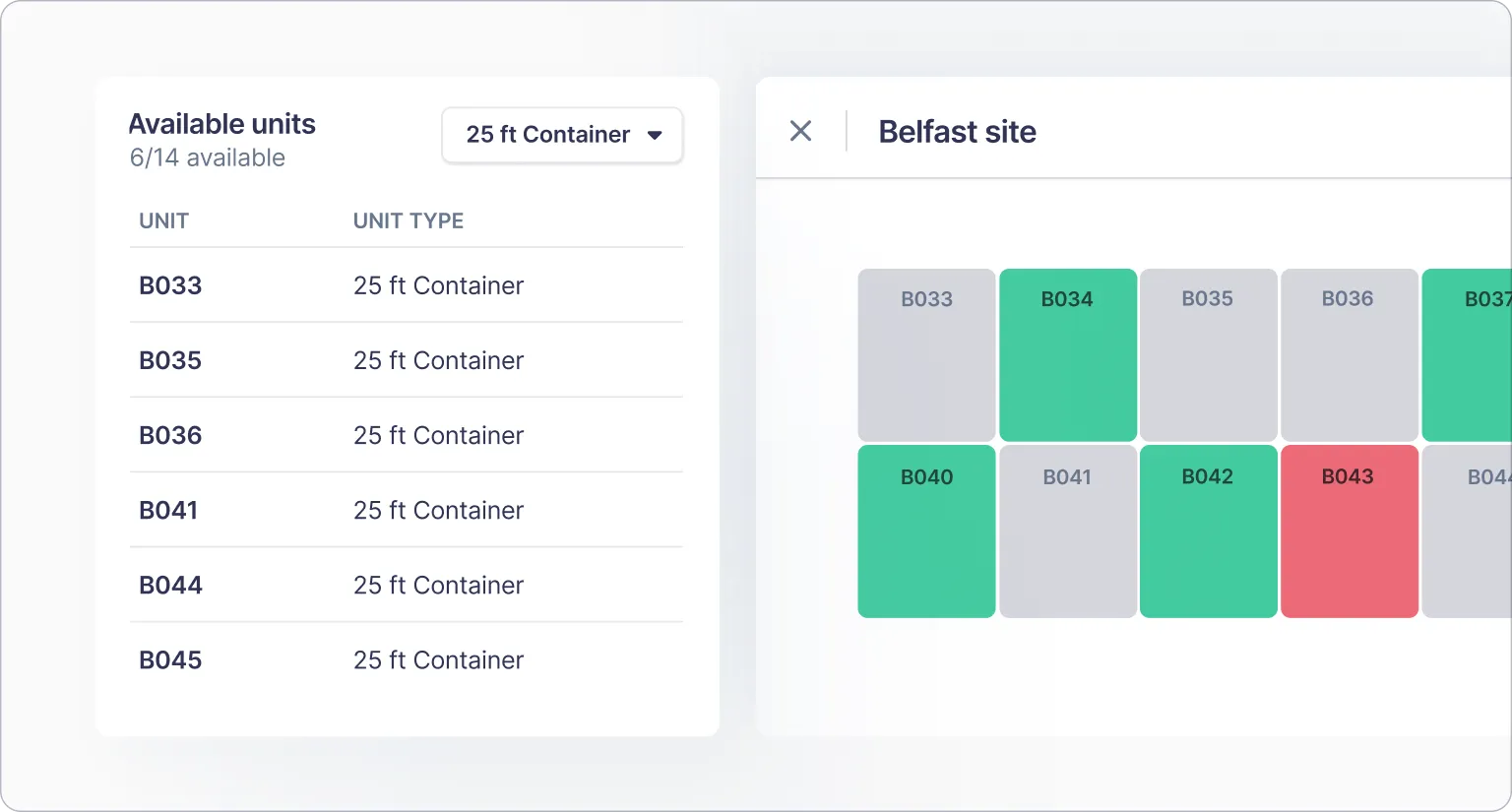
Your Home dashboard now shows exactly which units are free at each site, and you can filter by unit type in seconds.
Learn moreSet a one-off price for a customer while creating their subscription, with nothing to set up in advance.
Learn moreOrder the unit types on a site page by price or by size.
Learn moreChange a deal's stage from its page, using the progress bar or the dropdown.
Learn more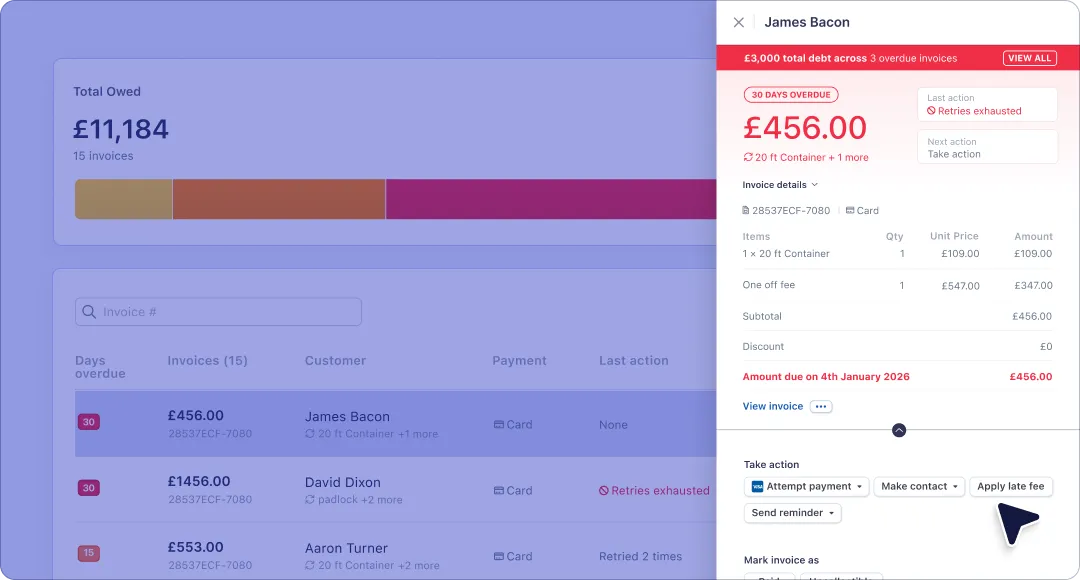
Collections shows how much is owed across every site, grouped by how overdue it is, with the tools to recover it faster.
Learn more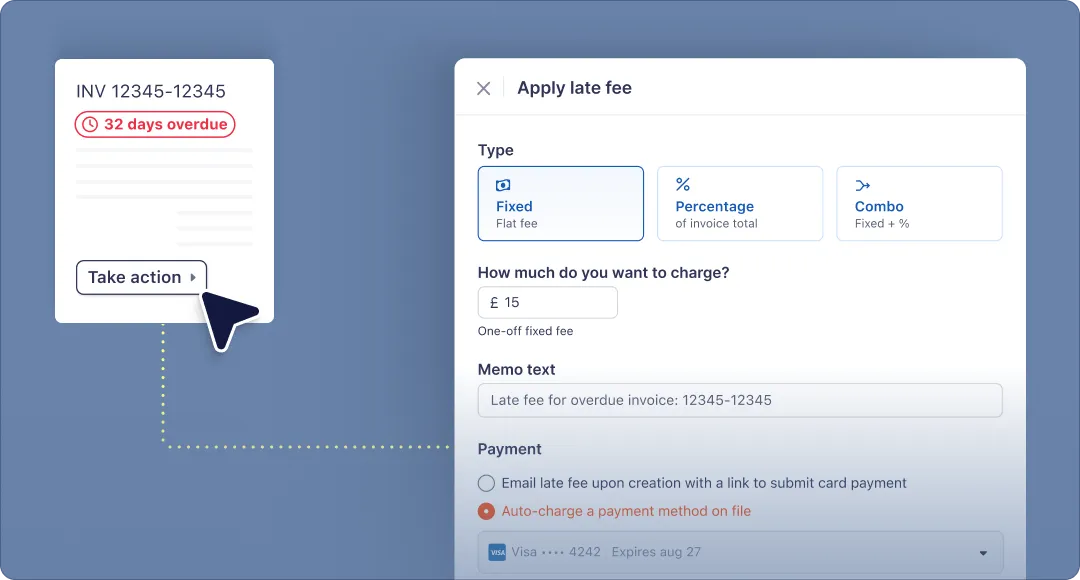
Apply a late fee from any overdue invoice as a flat amount, a percentage or both, and charge the card on file or send a payment link.
Learn more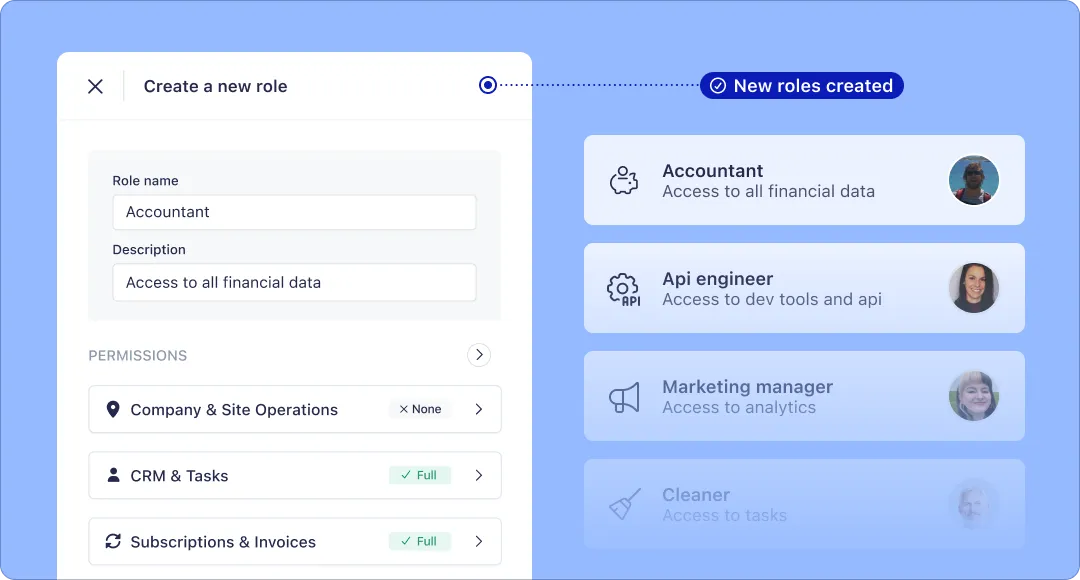
The new Staff Member role keeps team members out of sensitive areas, and top plans can build custom roles from 80+ permissions.
Learn more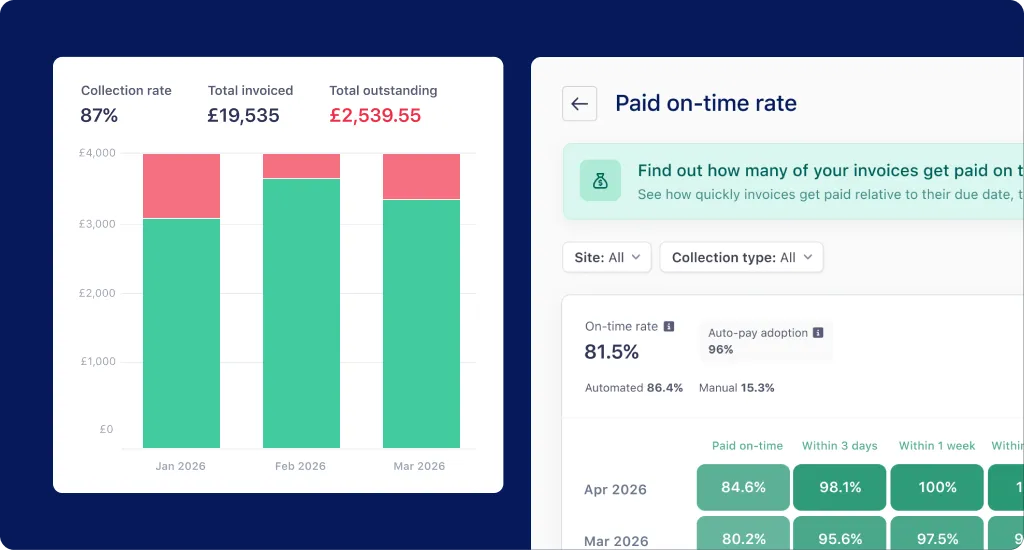
Invoice collection rate and paid on-time rate show how much of your invoiced revenue you're getting paid, and when.
Learn more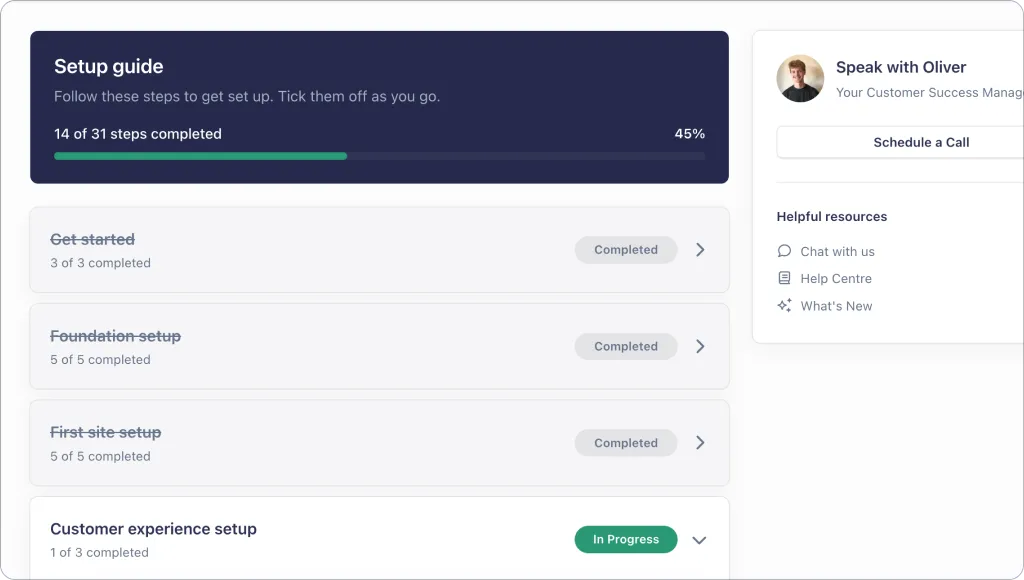
New customers get a guided tour of Stora and a setup checklist every time they log in.
Learn more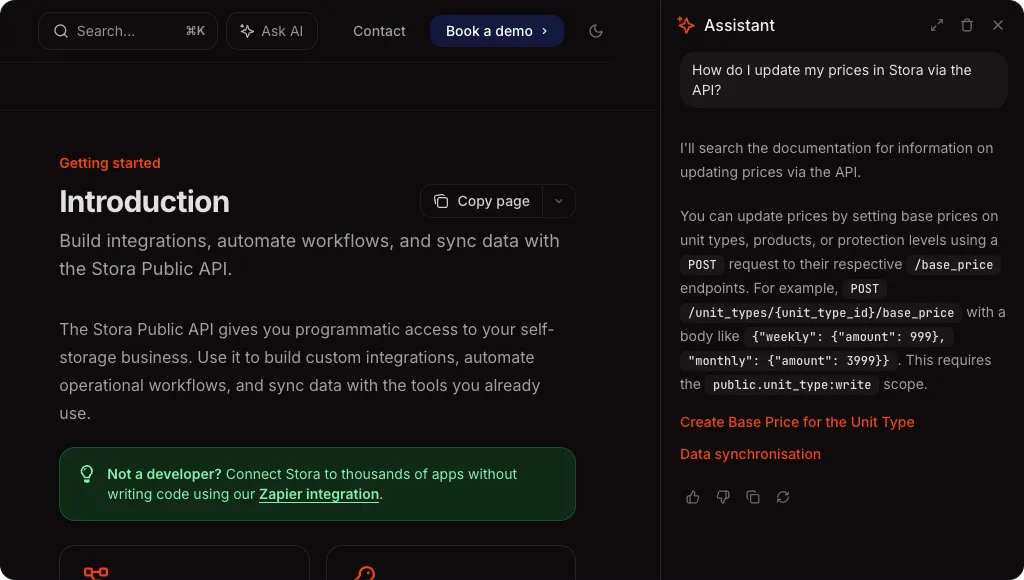
New API docs that are easier to navigate, with guides for building integrations and understanding how Stora works.
Learn more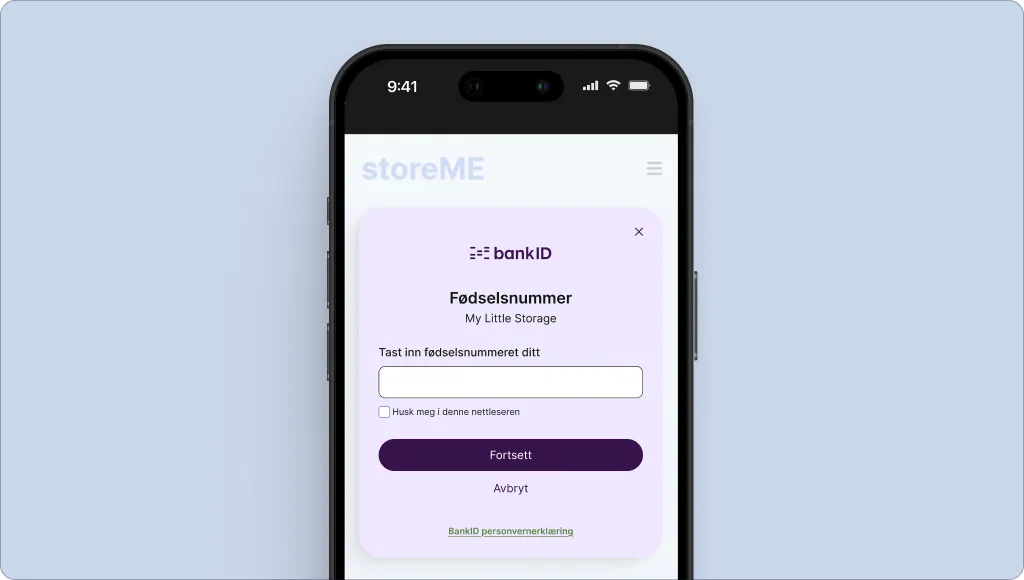
Customers in the Nordics can verify their identity and pass a credit check with BankID when they book through Stora.
Learn moreNew API endpoints, filters and webhooks for identity verifications, contracts, deals and unit types.
Learn more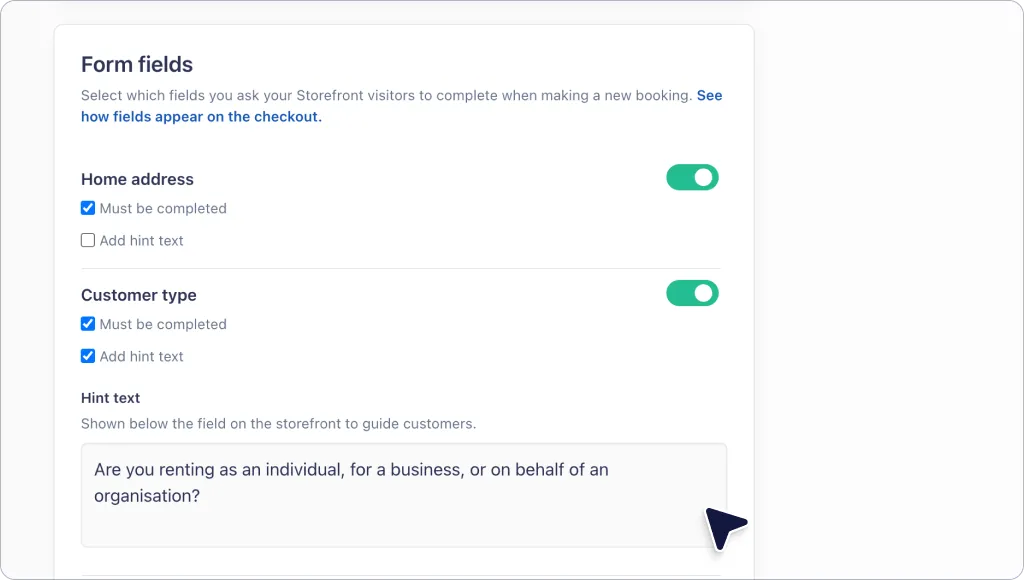
Add help text to any checkout form field to guide customers as they fill it in.
Learn more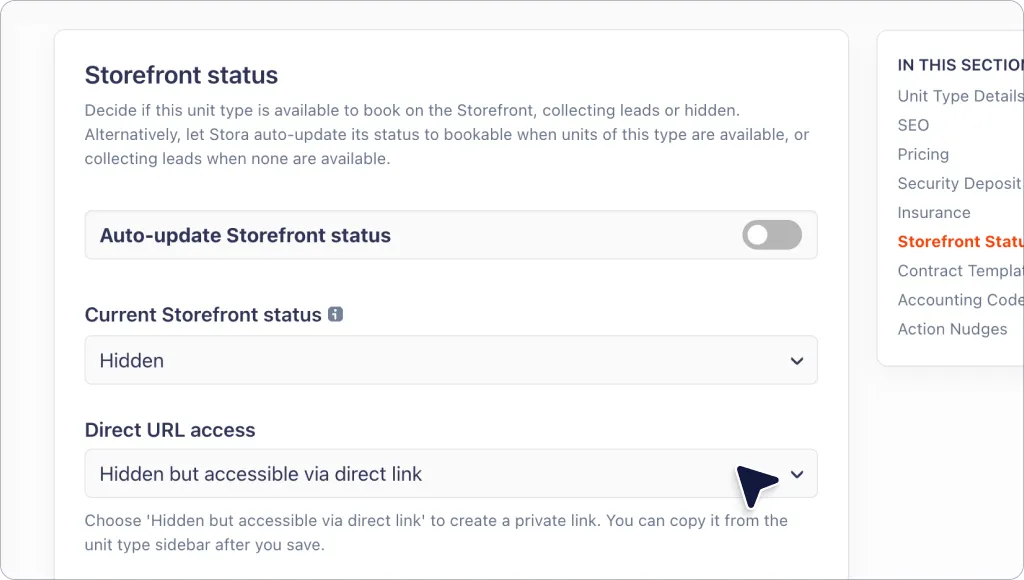
Hide a unit type from your Storefront but keep its booking link working, so you can share it directly.
Learn more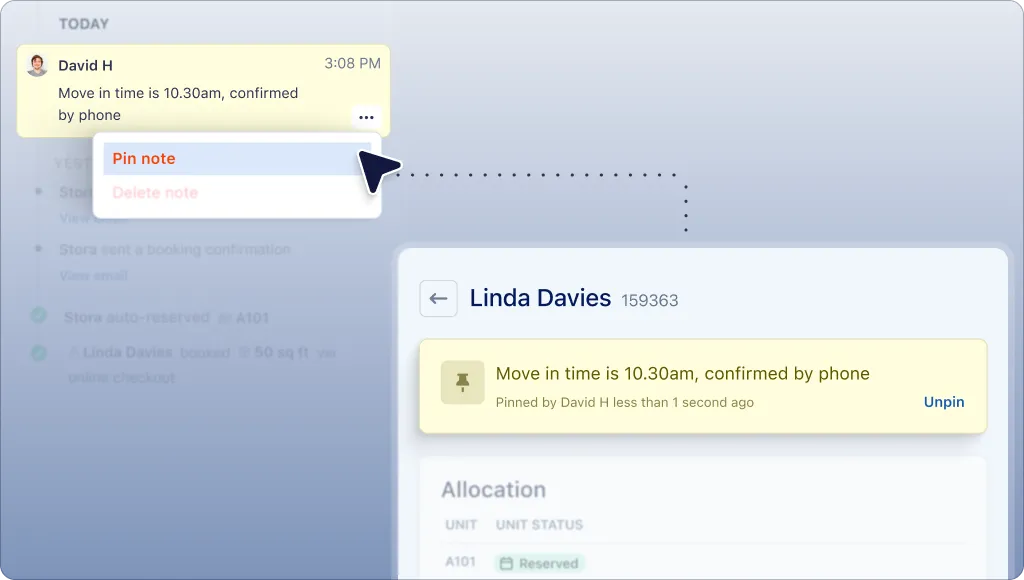
Pin a note to the top of a subscription or contact so your whole team sees it every time they open the record.
Learn more
Connect Stora to 8,000+ apps, such as Mailchimp, HubSpot and Xero, with the new Zapier app.
Learn more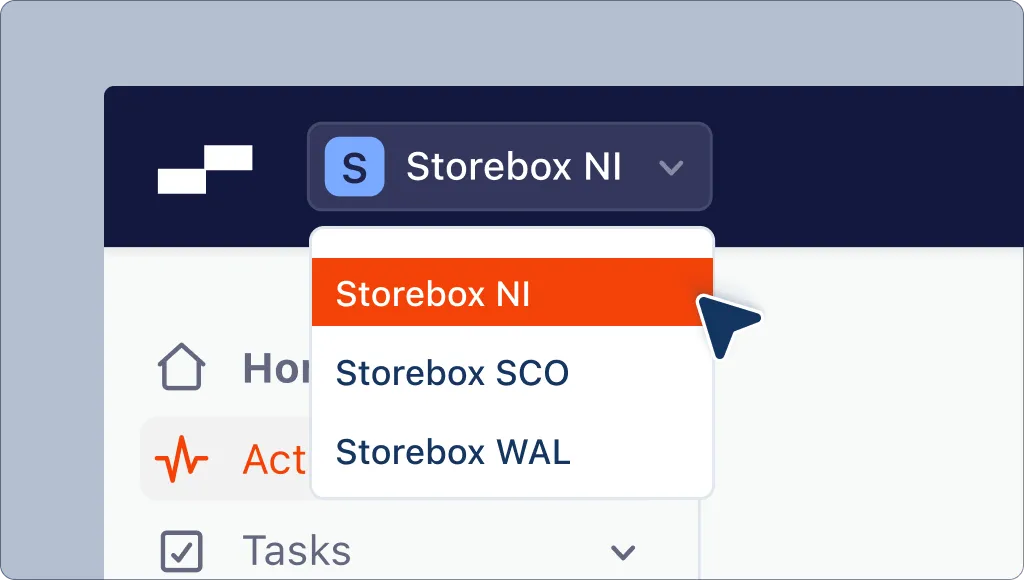
Be invited to more than one Stora account with the same email address.
Learn moreThis release unlocks fully programmable workflows across contracts, deals, notes and units. Most significantly, it introduces Custom Timeline Events, allowing you to push structured events from any external system directly into the customer timeline — turning it into a single, unified view of every customer interaction, no matter where it originated.
Learn more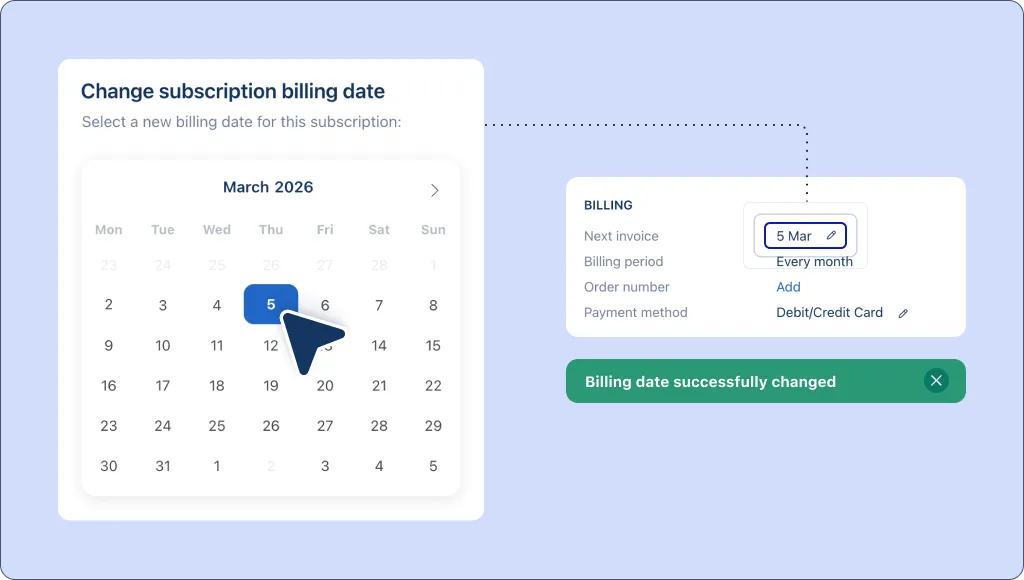
Move a customer's billing date to one that suits them, such as when they get paid.
Learn more
Use your facility map on a phone or tablet: pinch to zoom, pan around and tap on units.
Learn more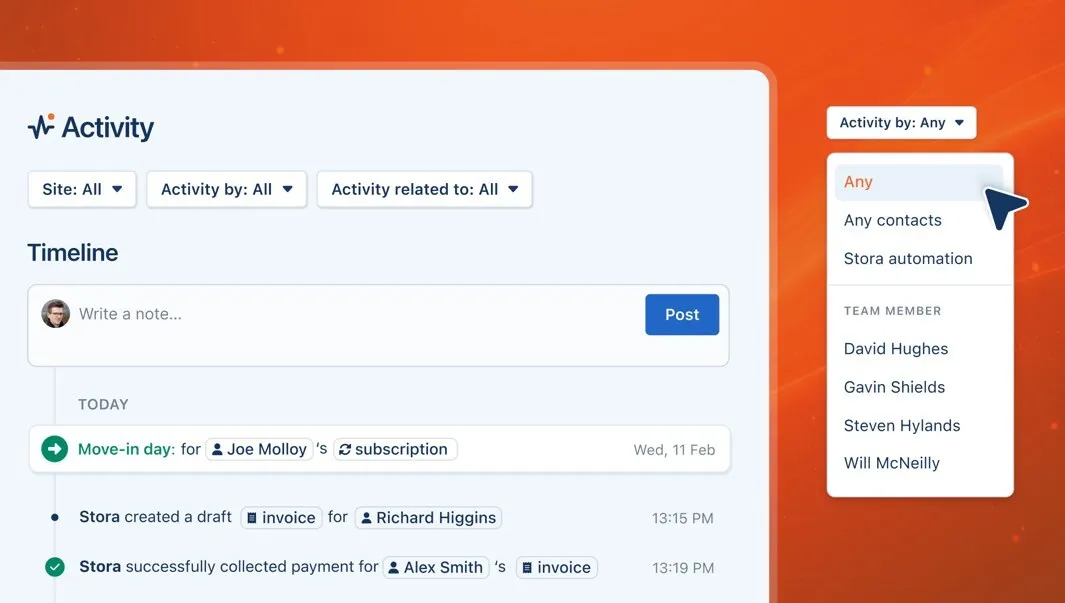
See activity from every subscription, contact and unit in one stream across all your sites, and filter it to find exactly what happened.
Learn more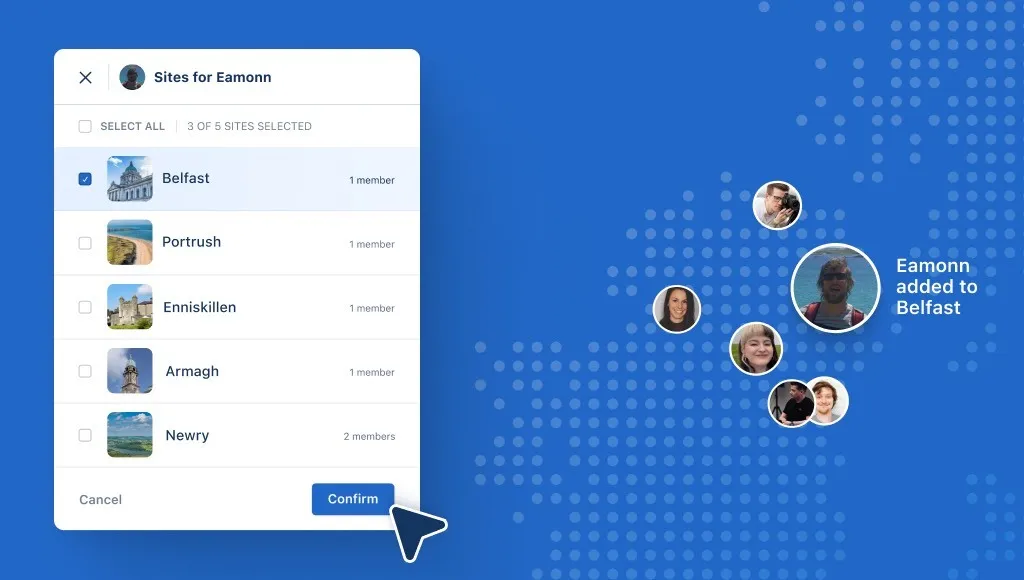
Restrict team members to specific sites, so they only see and get notified about the sites you choose.
Learn more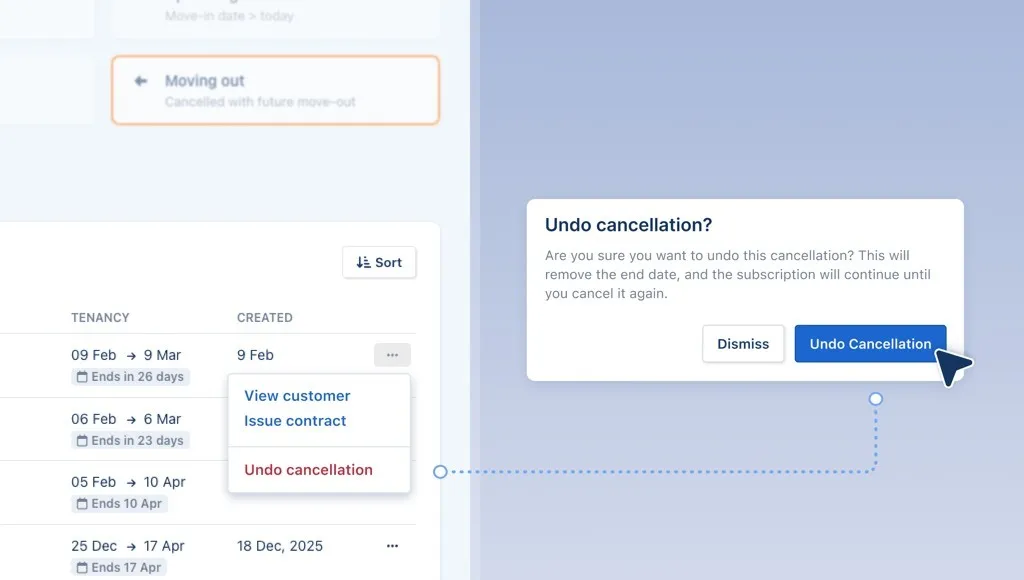
Undo a subscription cancellation before its end date, keeping its billing, access and history.
Learn more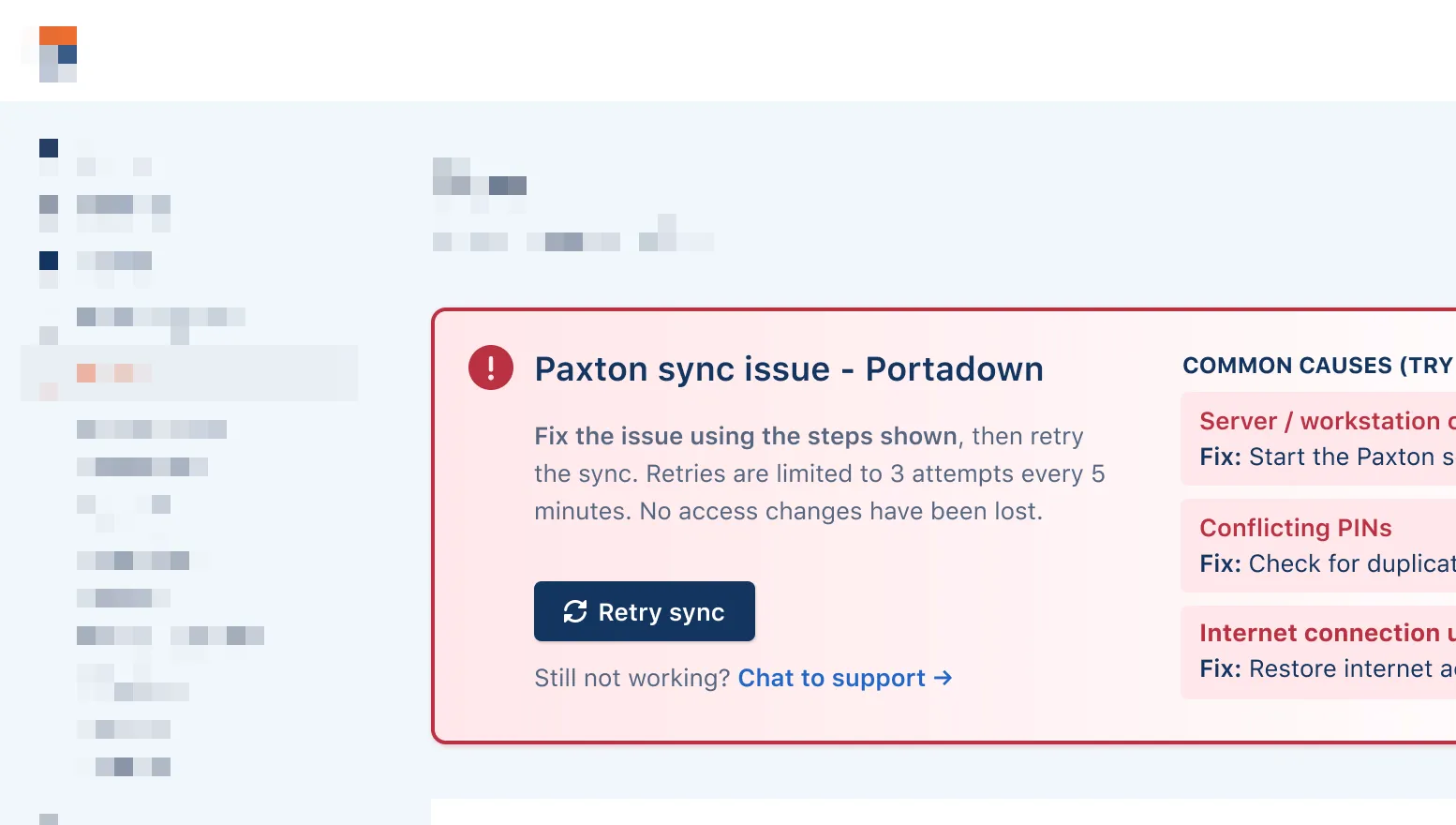
If smart entry stops syncing, a banner explains the likely cause and lets you retry, with faster support if that doesn't fix it.
Learn more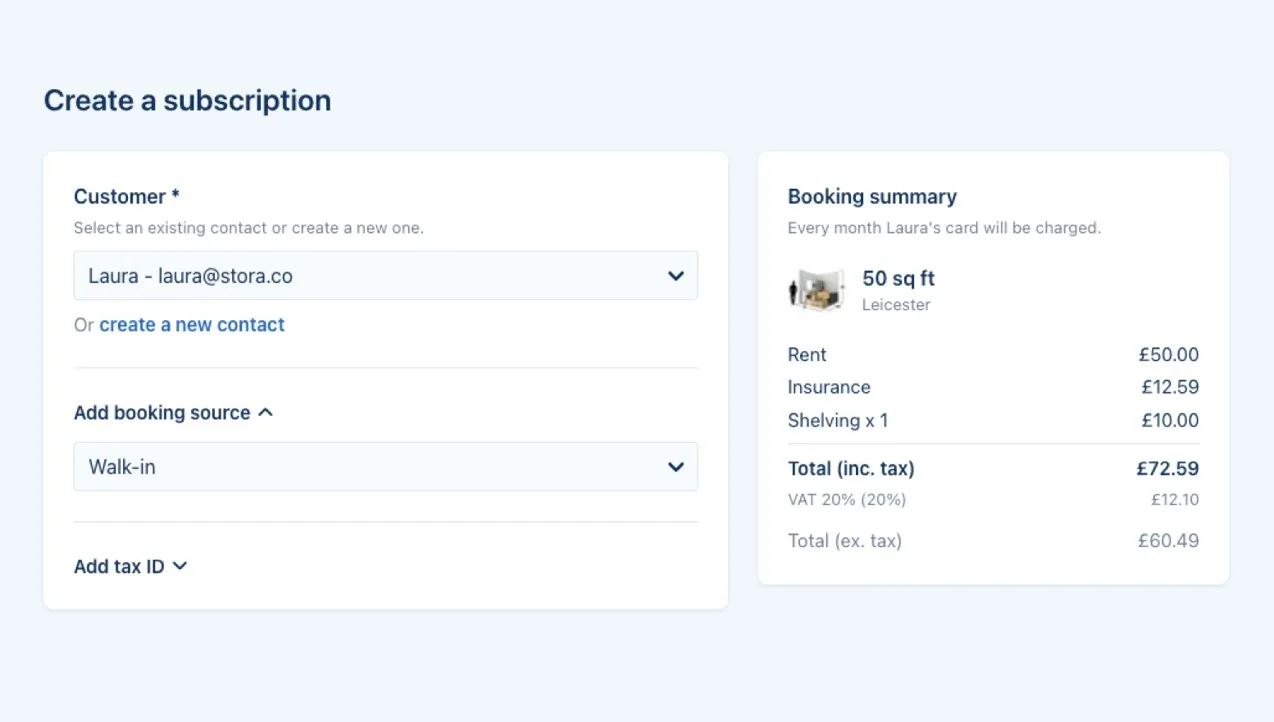
Creating a subscription is faster, with contact search by name, clearer sections and a booking summary that stays in view.
Learn more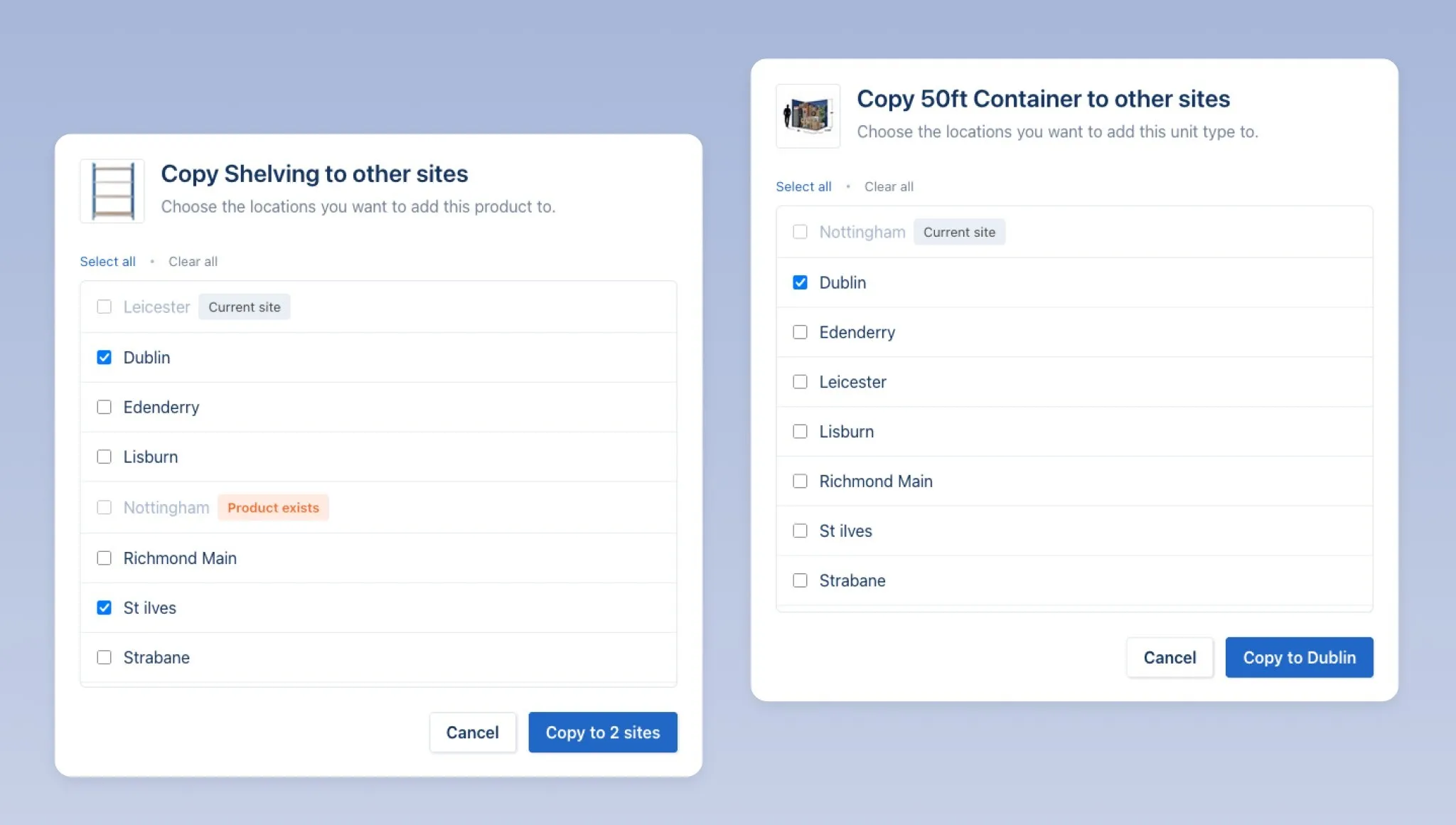
Copy any product or unit type from one site to another instead of setting it up from scratch.
Learn more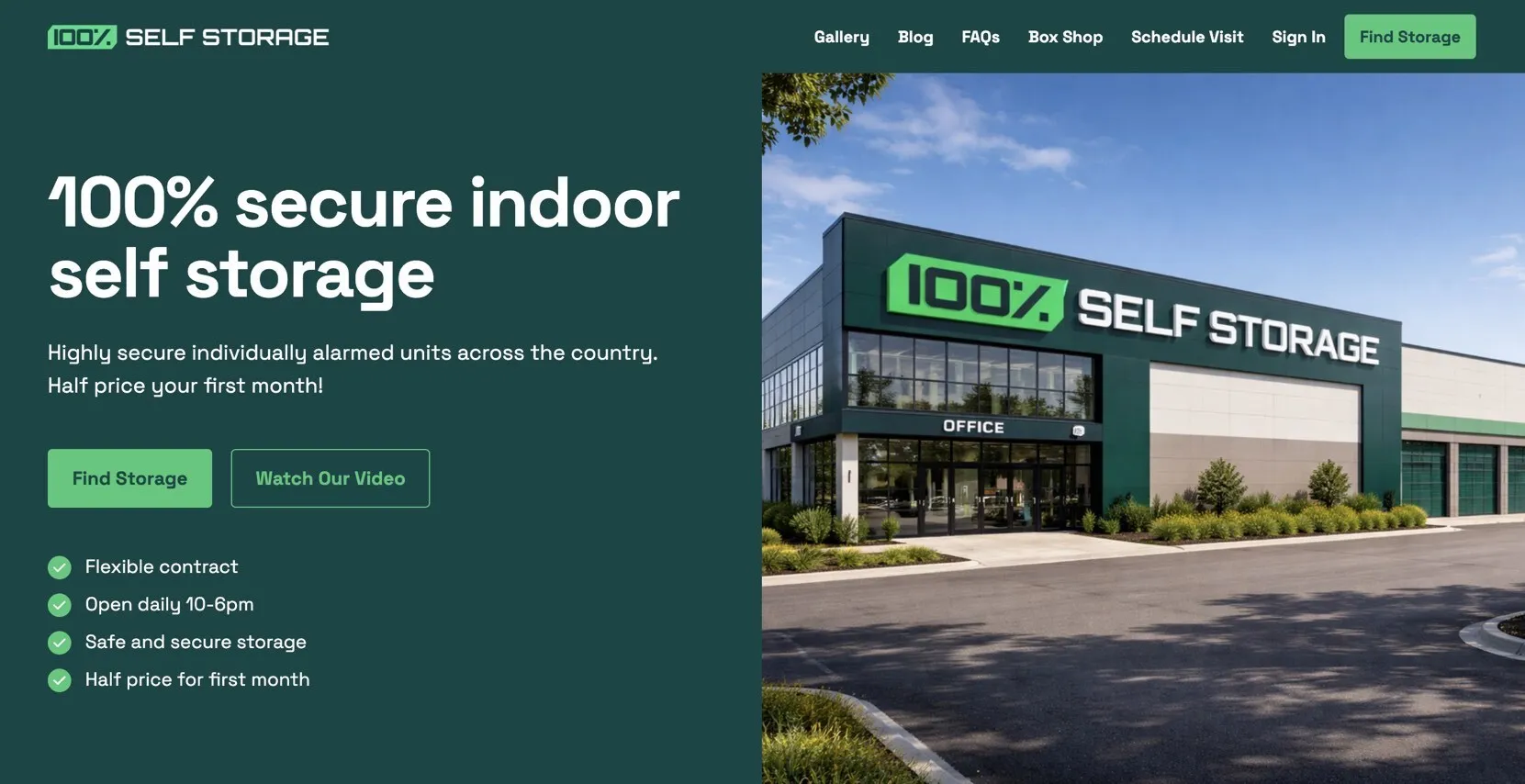
Split Left and Split Right homepage layouts fill half the page with your image, with your text and call to action beside it.
Learn more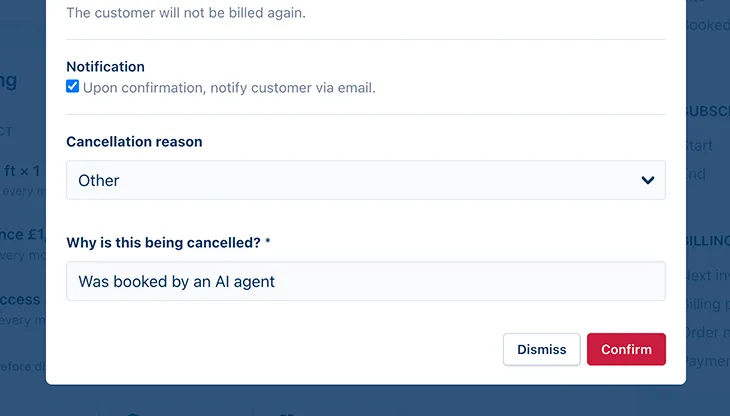
When Other is chosen as a cancellation reason, a text field lets you record the exact reason.
Learn more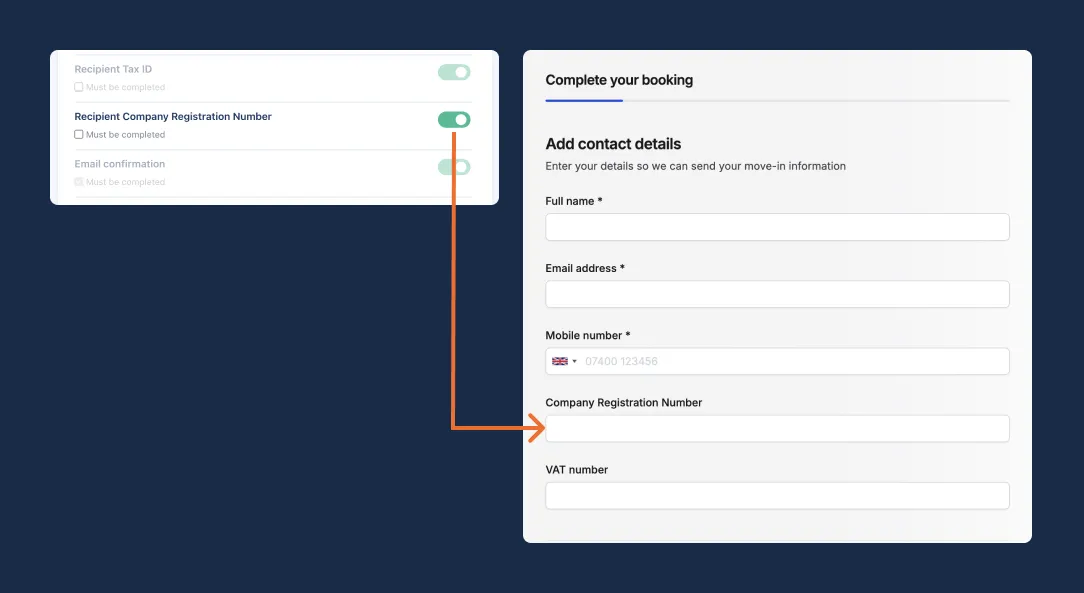
Collect company registration numbers at booking and show them alongside VAT IDs on customer invoices.
Learn more
14 new REST endpoints and 10 new webhook events covering units, reservations, allocations, tasks, staff and configuration.
Learn more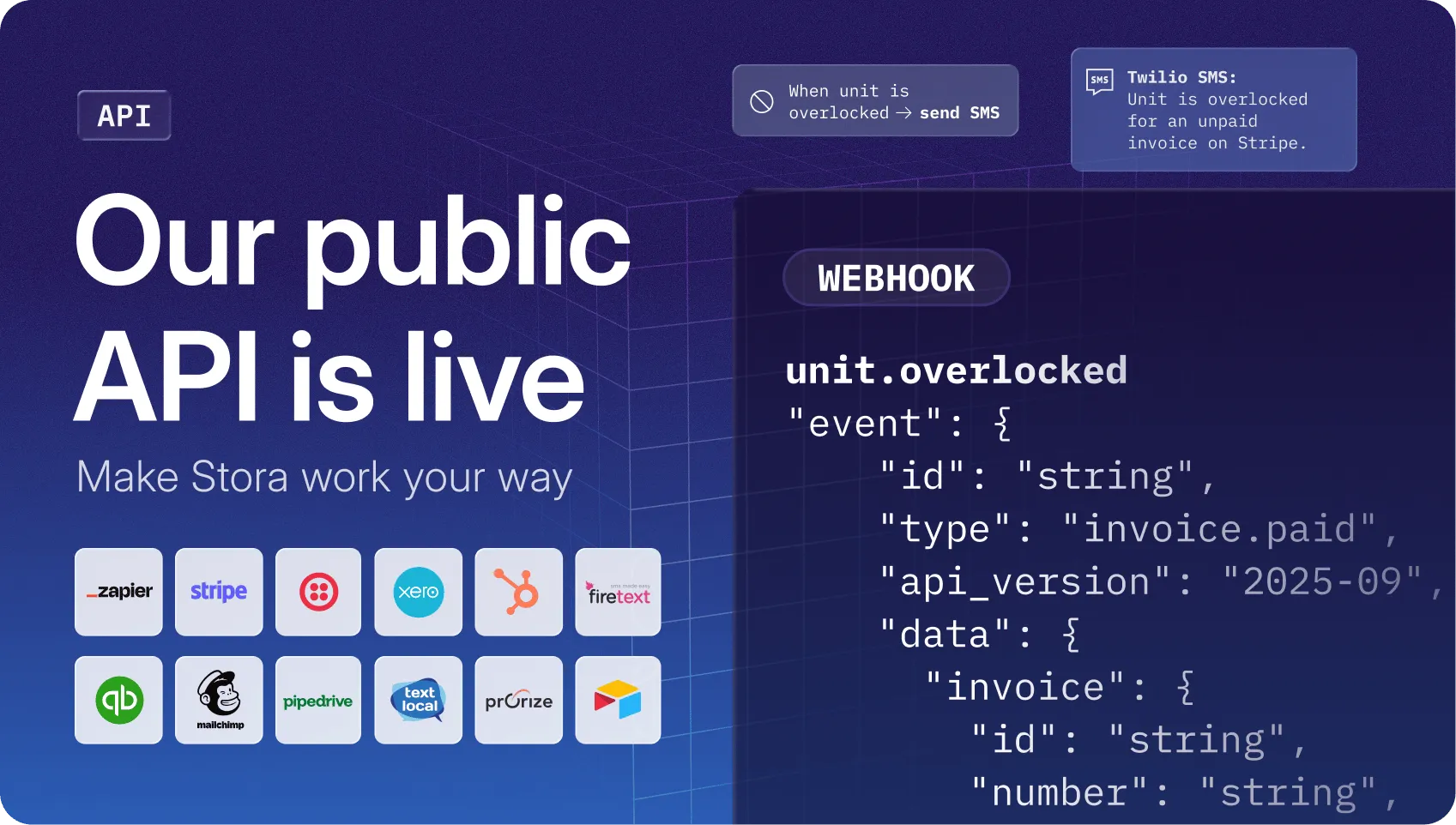
Connect Stora to external systems and build your own integrations by reading and writing Stora data through the Public API.
Learn more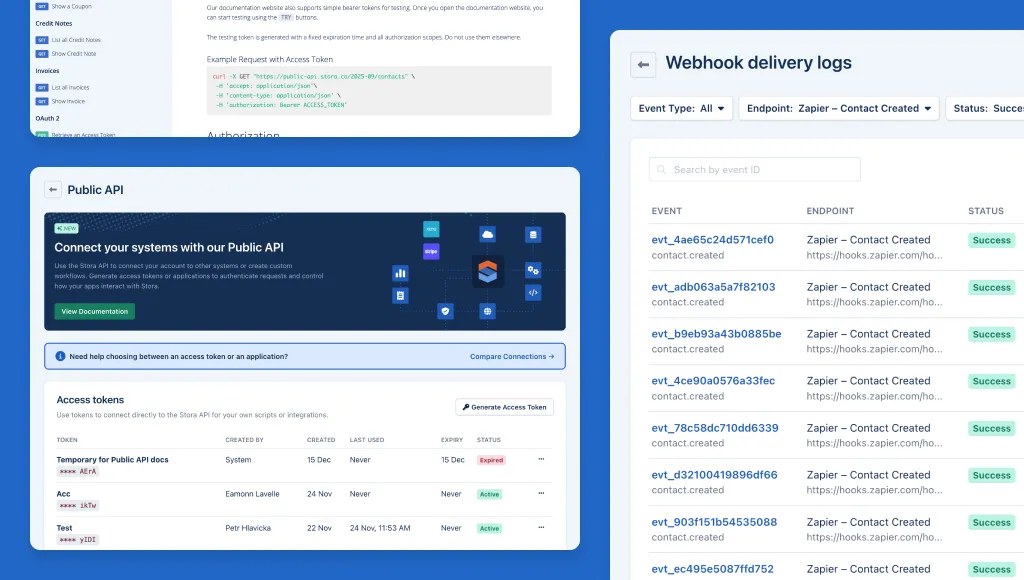
Receive instant updates in your own systems when things happen in Stora, like orders created, invoices issued or subscriptions ending.
Learn more
Email-based two-factor authentication adds an extra layer of security to every Stora login.
Learn more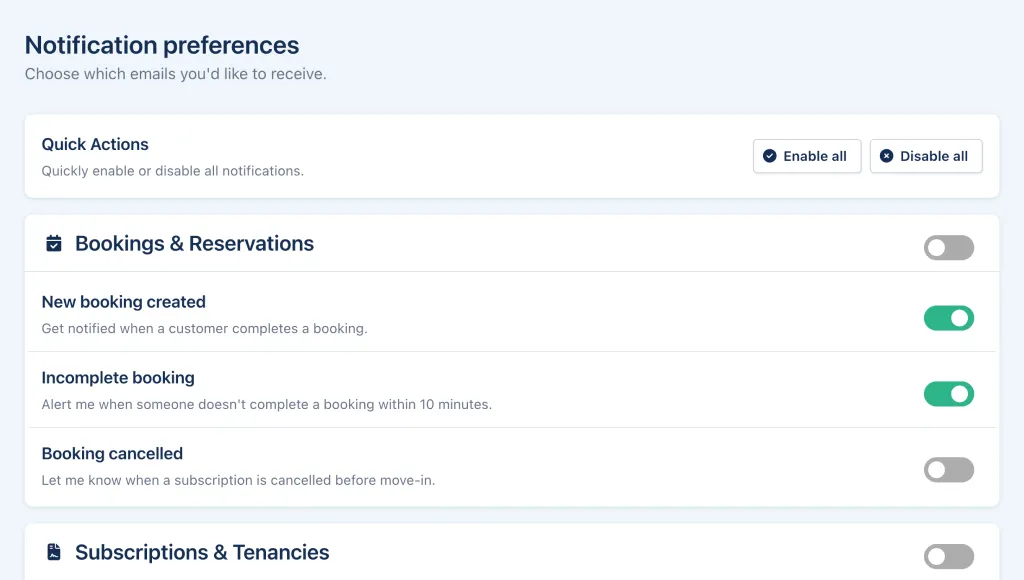
Each team member can choose which internal Stora emails they receive.
Learn more
Connect Vauban Smart Access for unstaffed move-ins with smartphone or PIN code entry and auto-overlocking.
Learn more
Connect mSpaceLock to automate facility access and run unstaffed move-ins with PIN codes.
Learn more
Connect MyLock for unstaffed move-ins with PIN code access, auto-overlocking and automatic unit allocation.
Learn more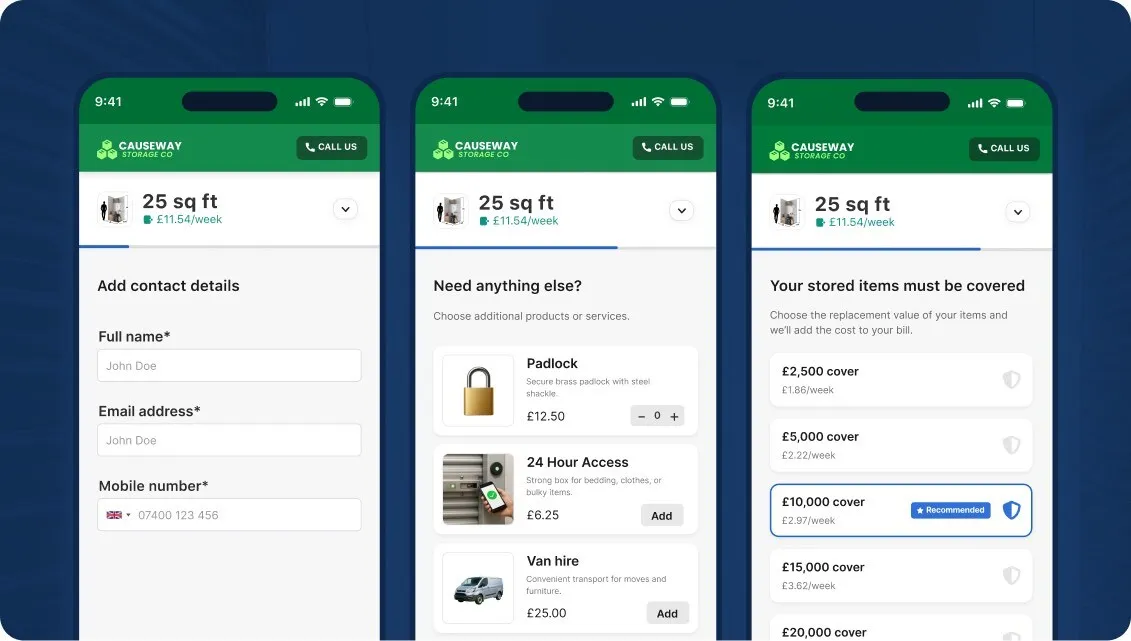
A complete redesign of the Stora booking flow, built to convert better, sell more and work well on every device.
Learn more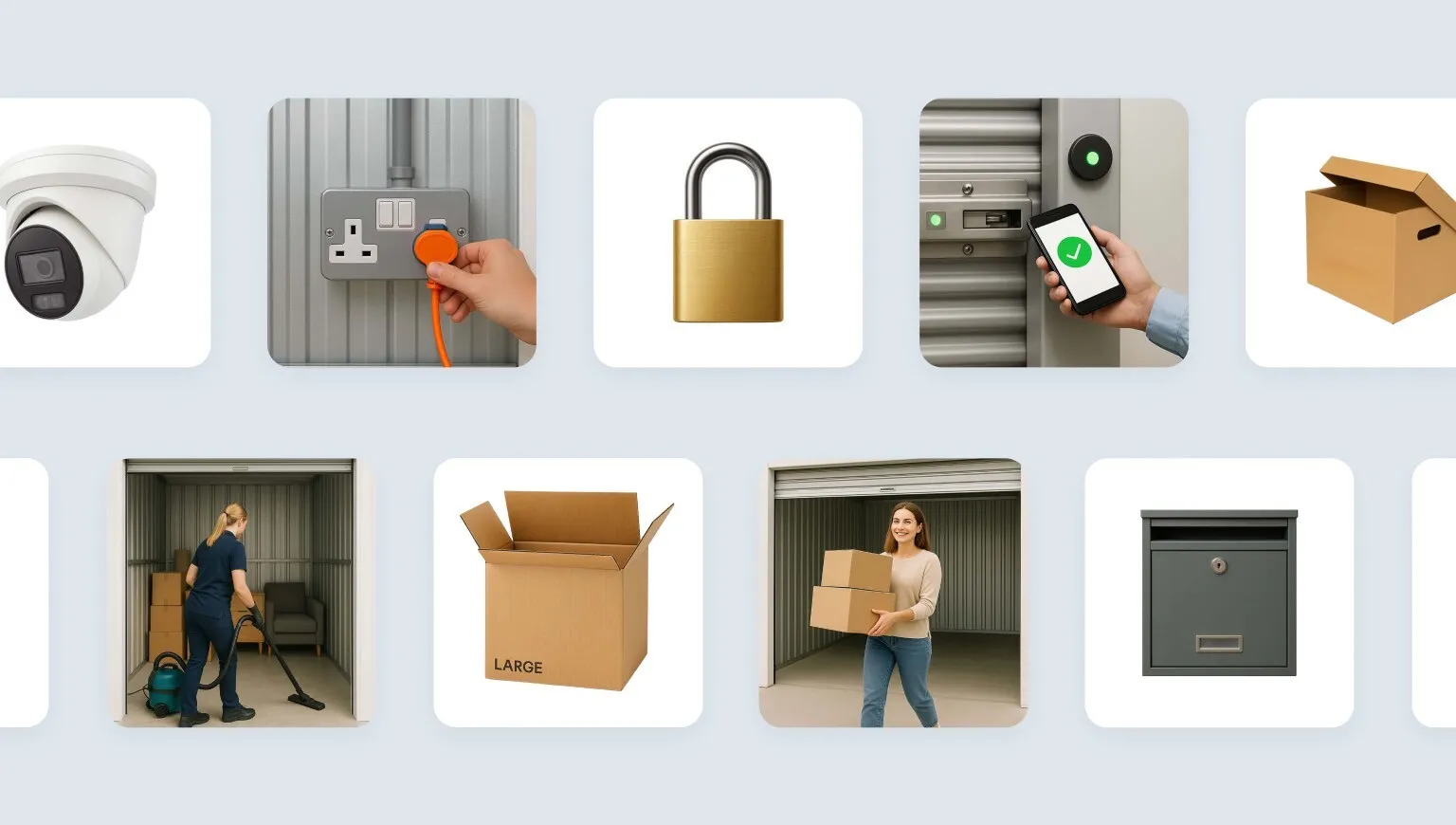
Sell products beyond unit rentals, like padlocks, boxes or 24/7 access, charged once or every month.
Learn more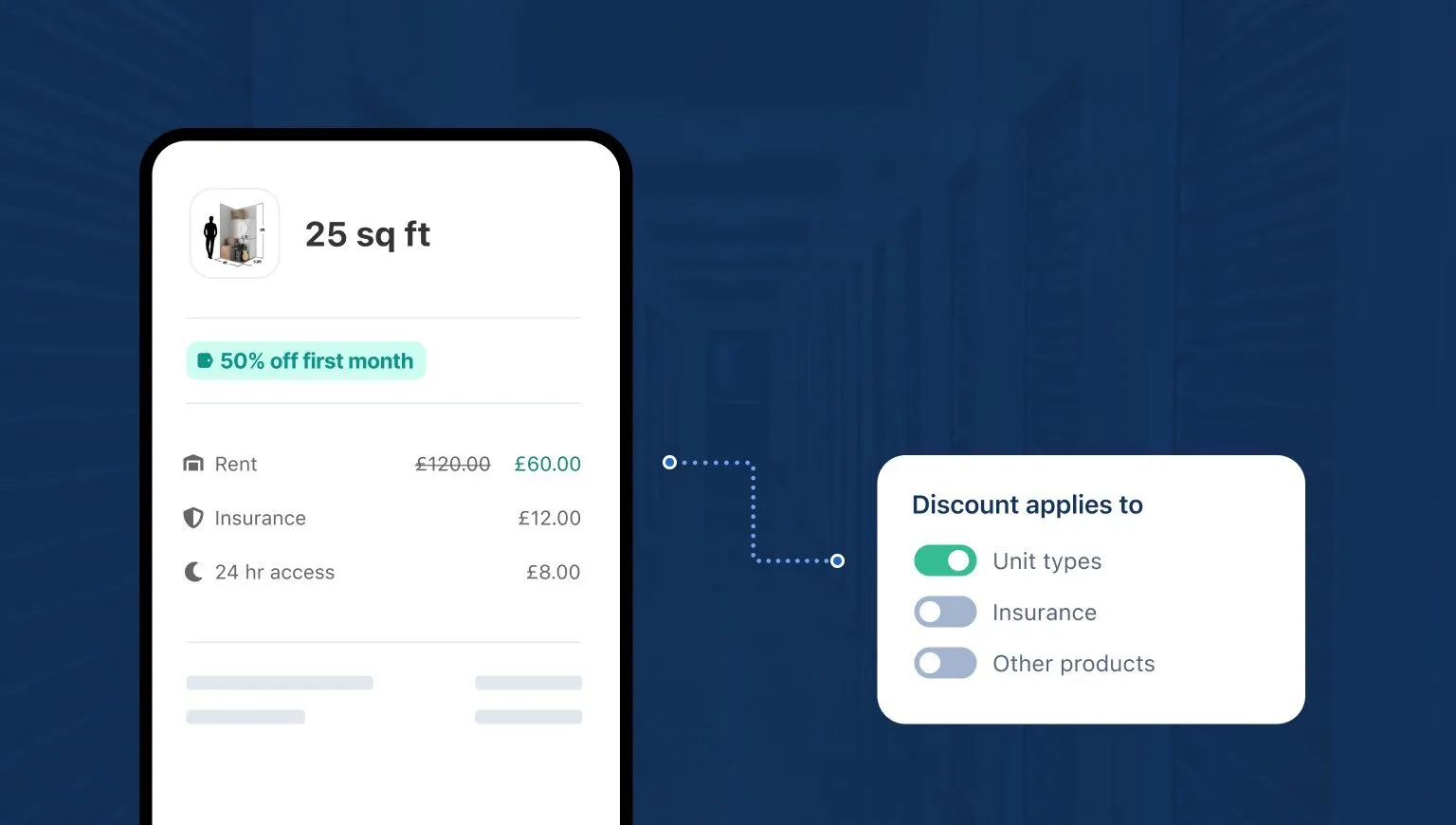
Discounts are rebuilt so you choose exactly what they apply to, instead of reducing units, insurance and products together.
Learn more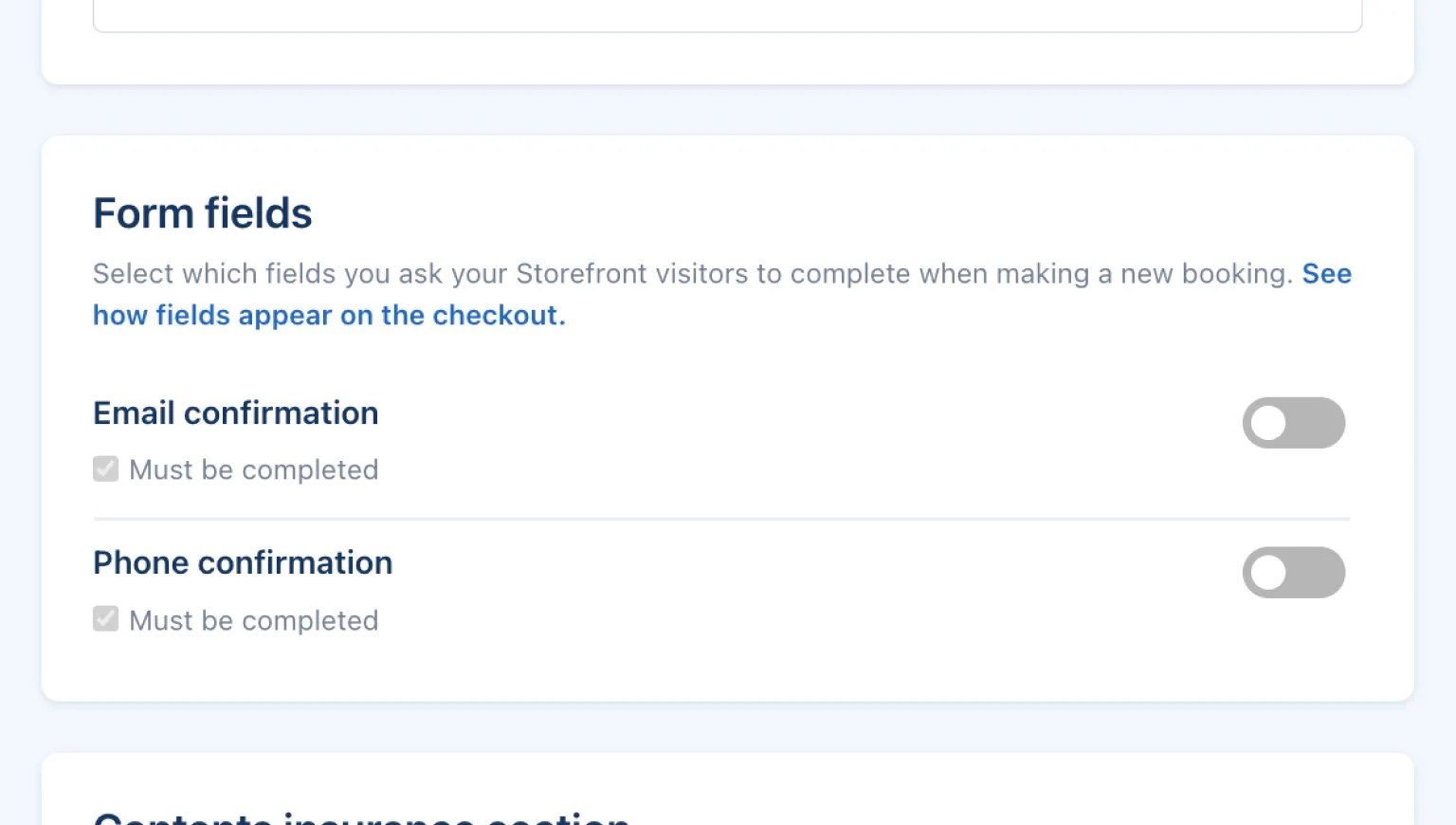
Turn off the email and phone confirmation fields on your Storefront checkout and lead forms.
Learn more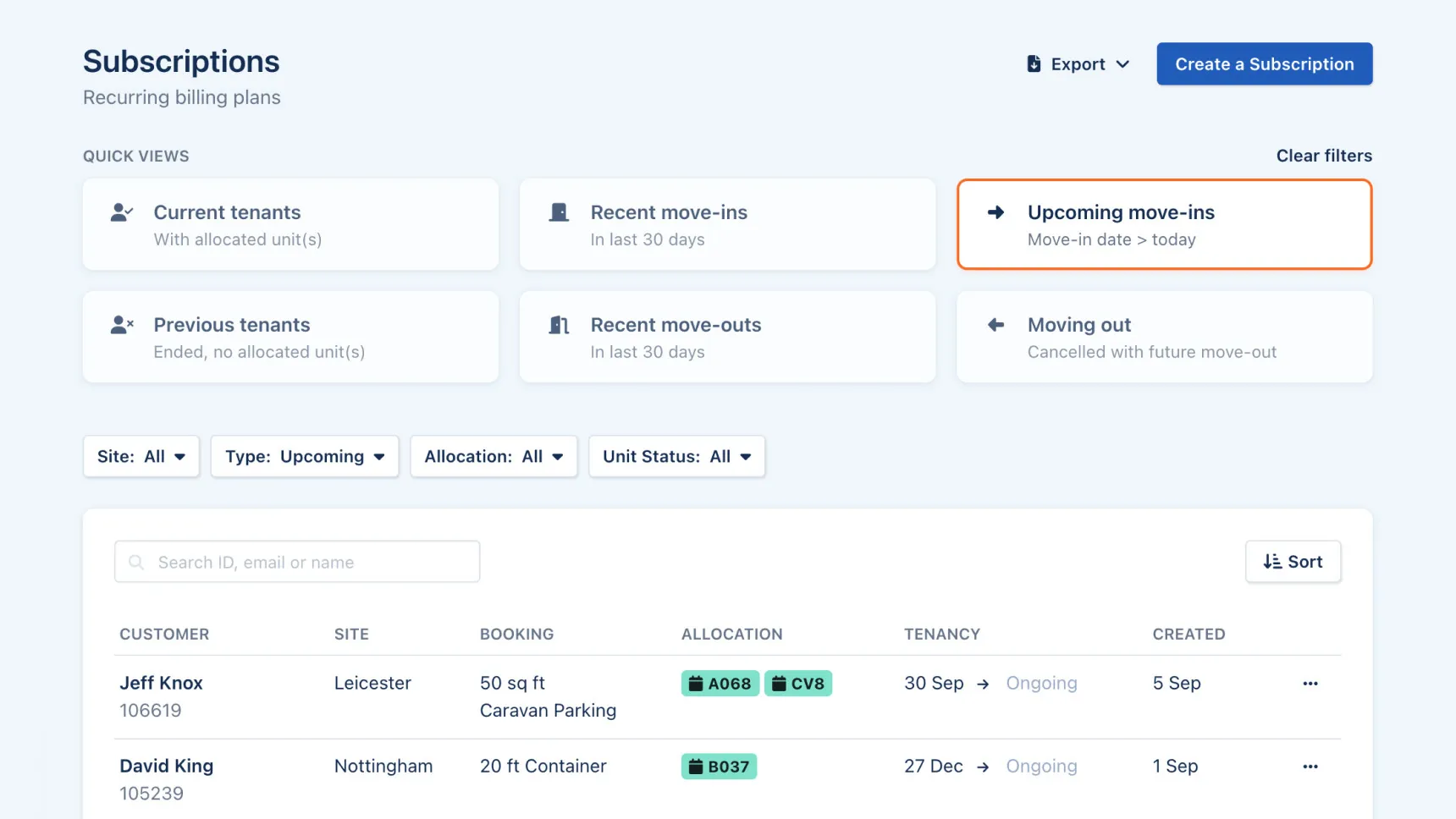
One-click views show who's active, who just moved in, who's leaving and who's left, ready to export.
Learn more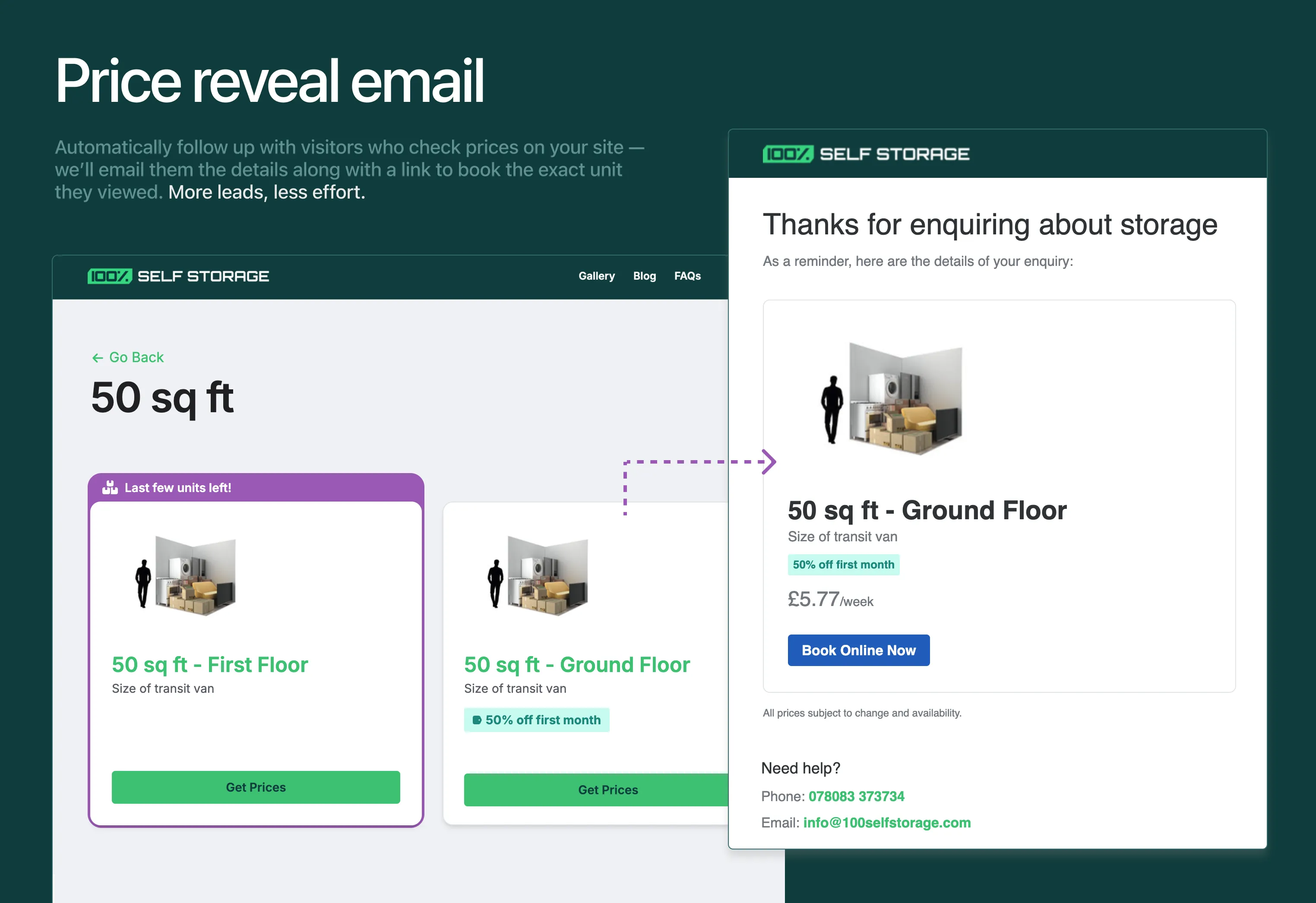
Leads who submit their details to see prices get an automatic follow-up email 10 minutes later, with a booking link for the unit they viewed.
Learn more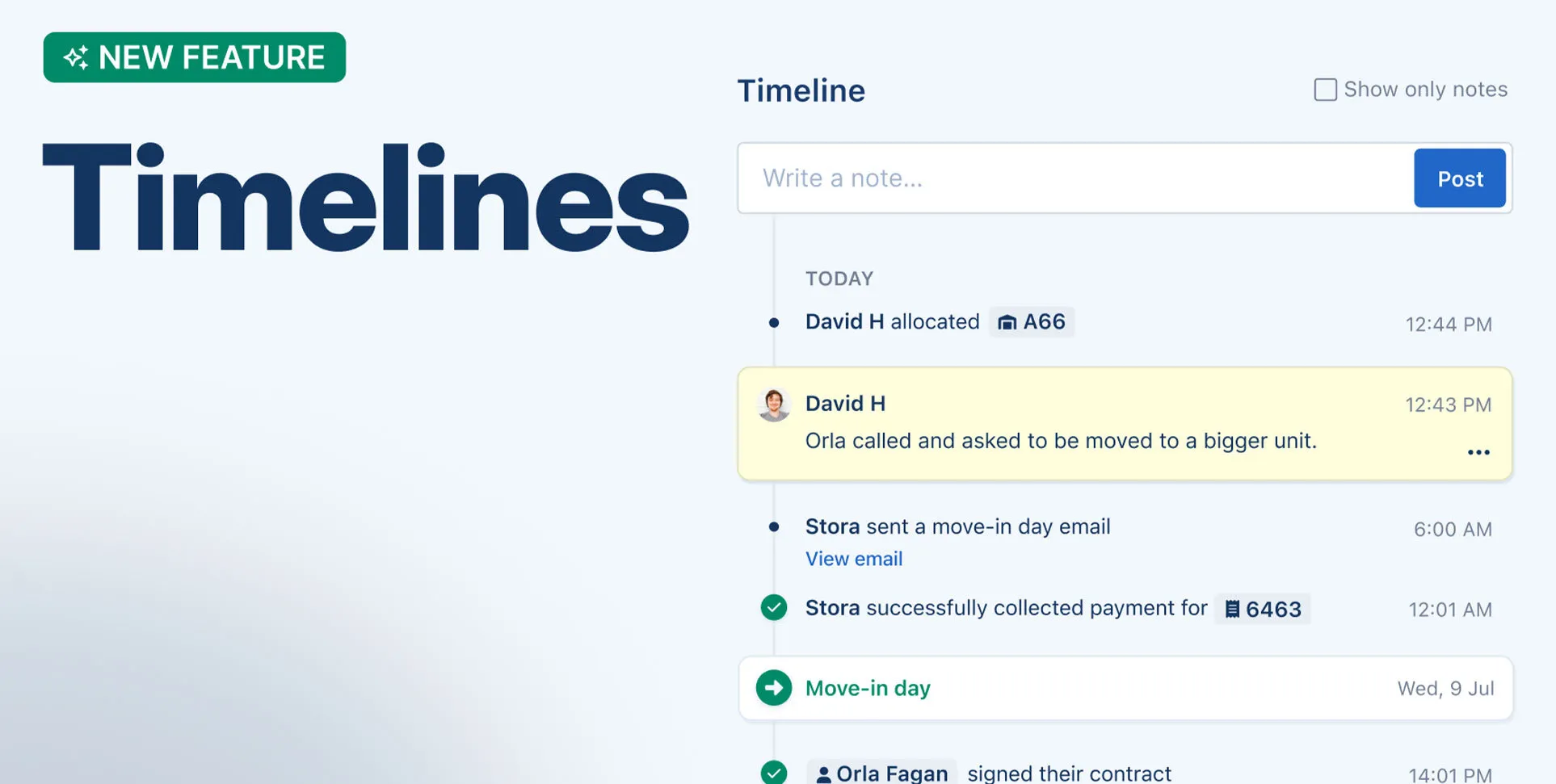
See what happened and when across customers, subscriptions and units, from automated actions to customer and team activity, in one place.
Learn more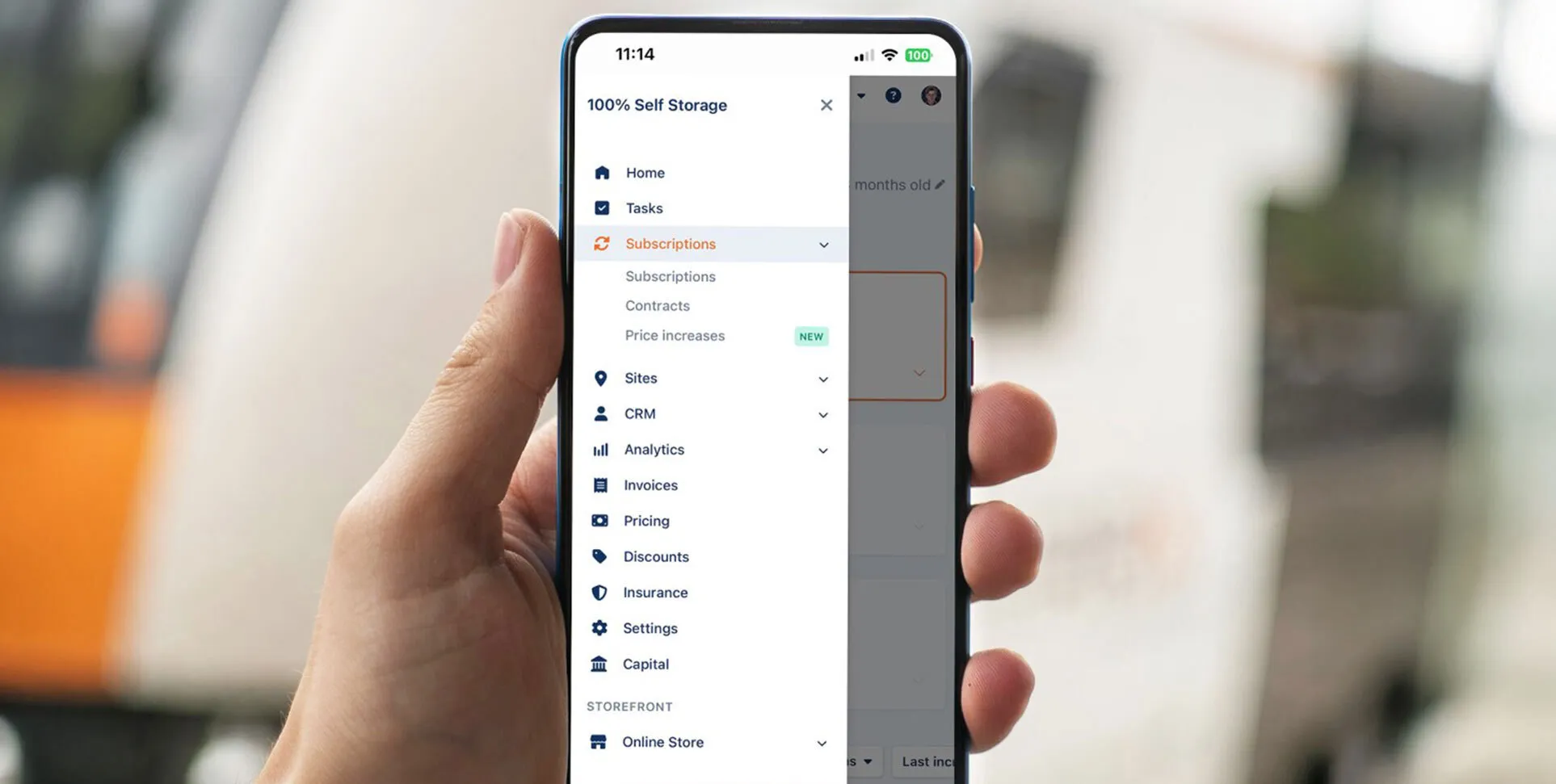
A redesigned mobile menu with nested submenus, so you reach pages in fewer taps.
Learn more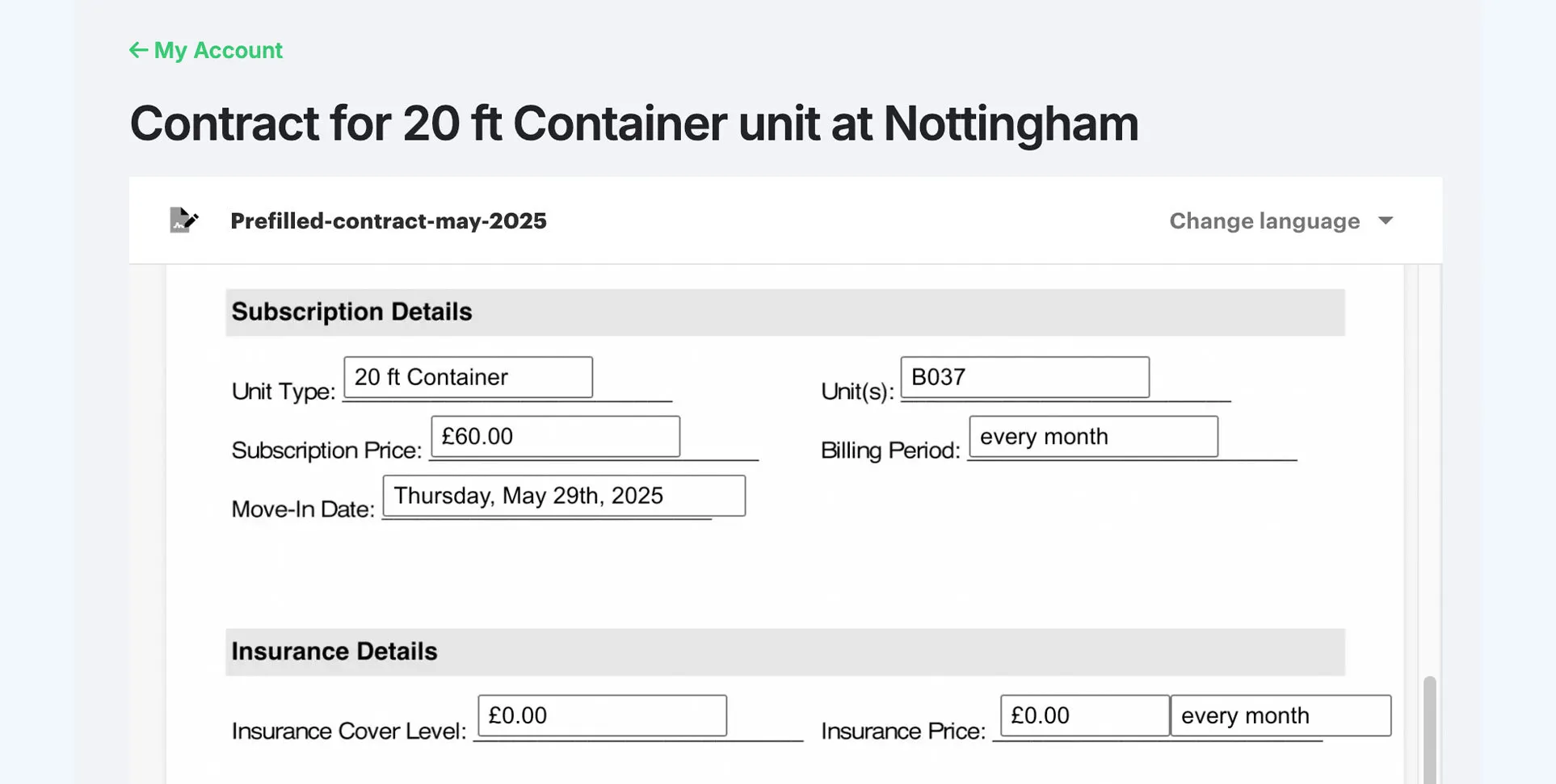
Contracts can now be pre-filled with unit type, unit ID, move-in date, pricing, billing period and insurance cover level.
Learn more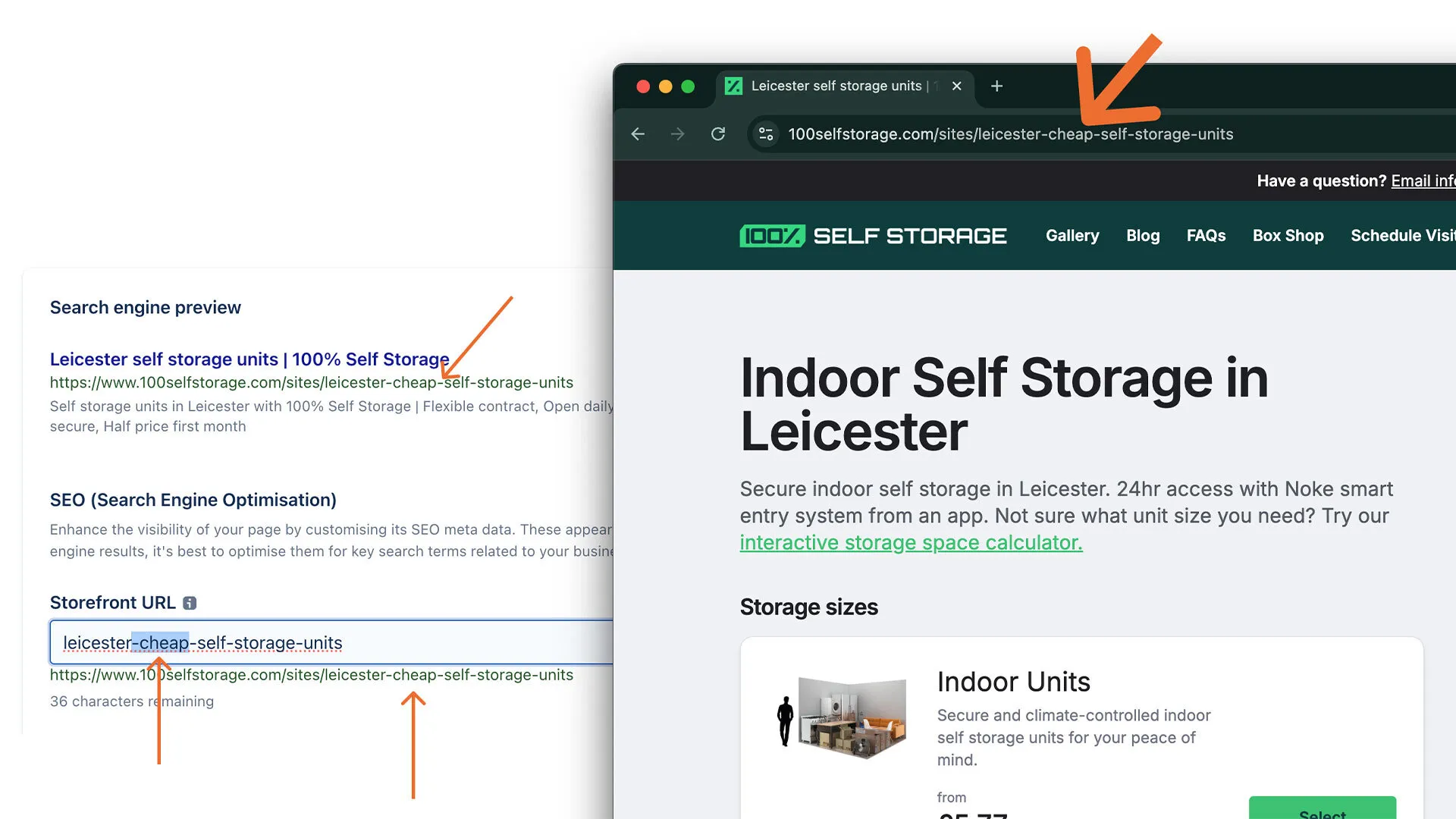
Edit the URL of any Storefront site page for SEO, branding or local languages, with a preview of how it appears in search.
Learn more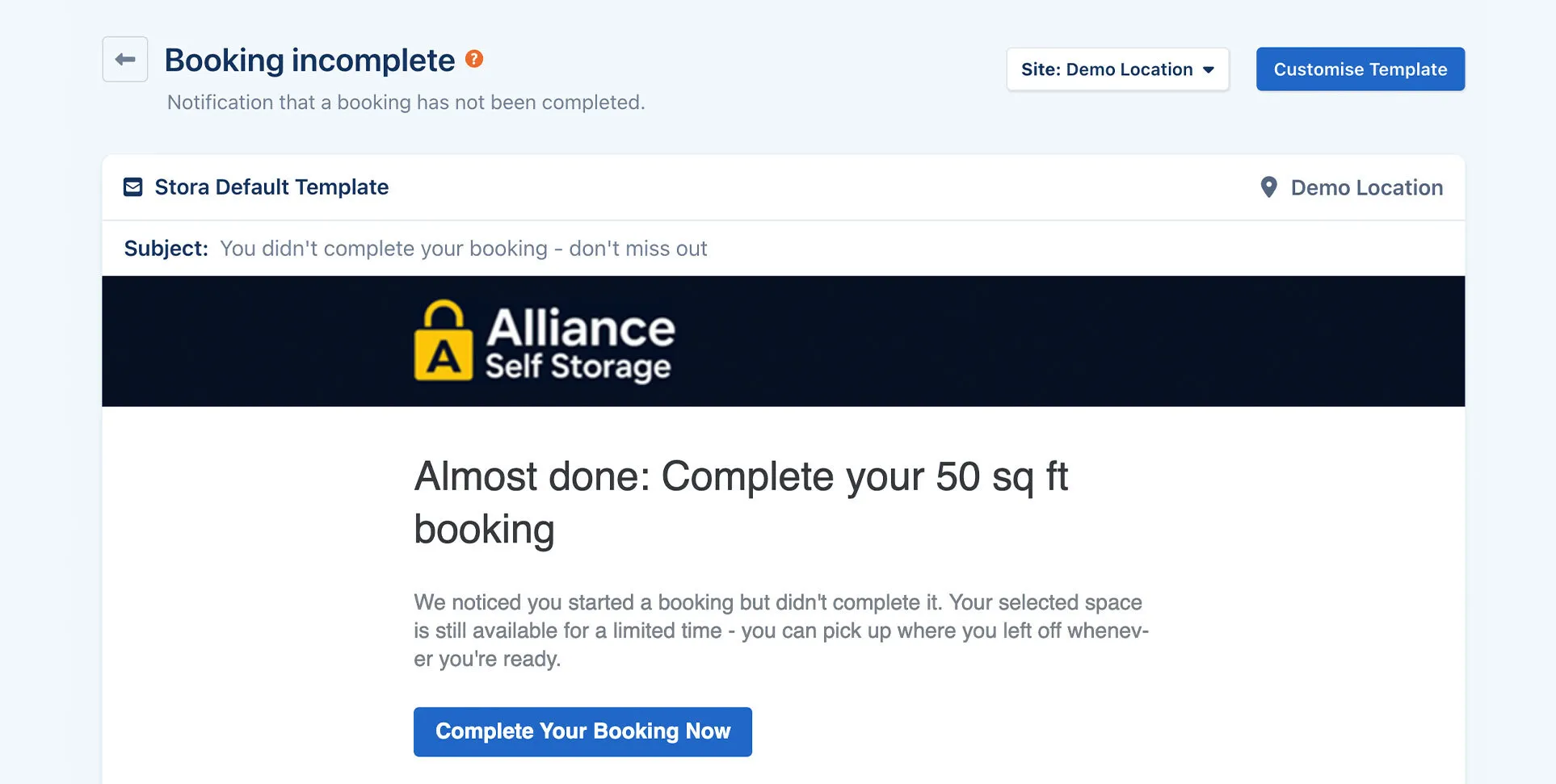
If a lead doesn't finish paying within 10 minutes, Stora sends them a branded email to complete their booking and tells you too.
Learn more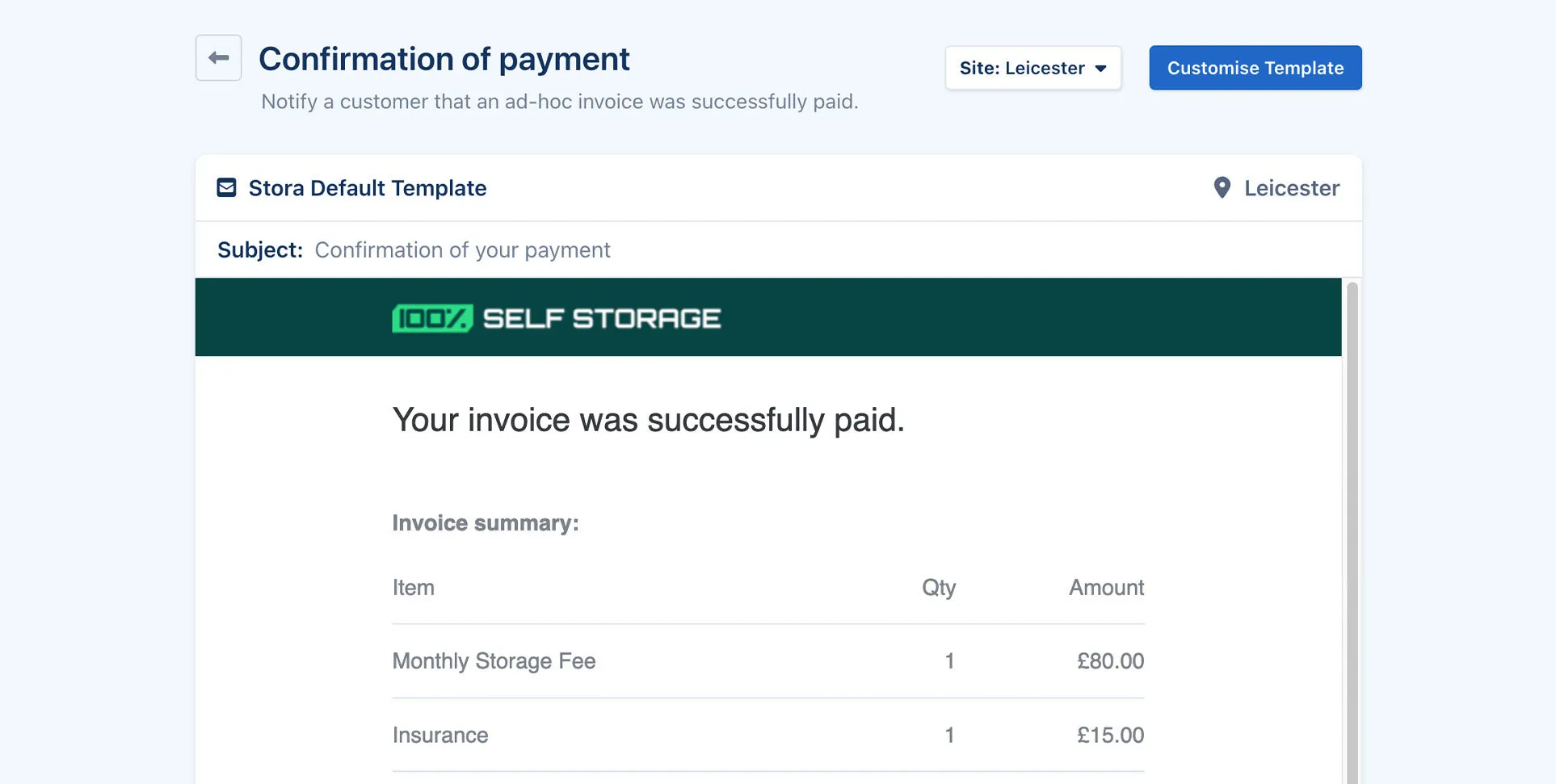
Two new editable templates: one asking customers to pay a one-off invoice, and one confirming the payment.
Learn more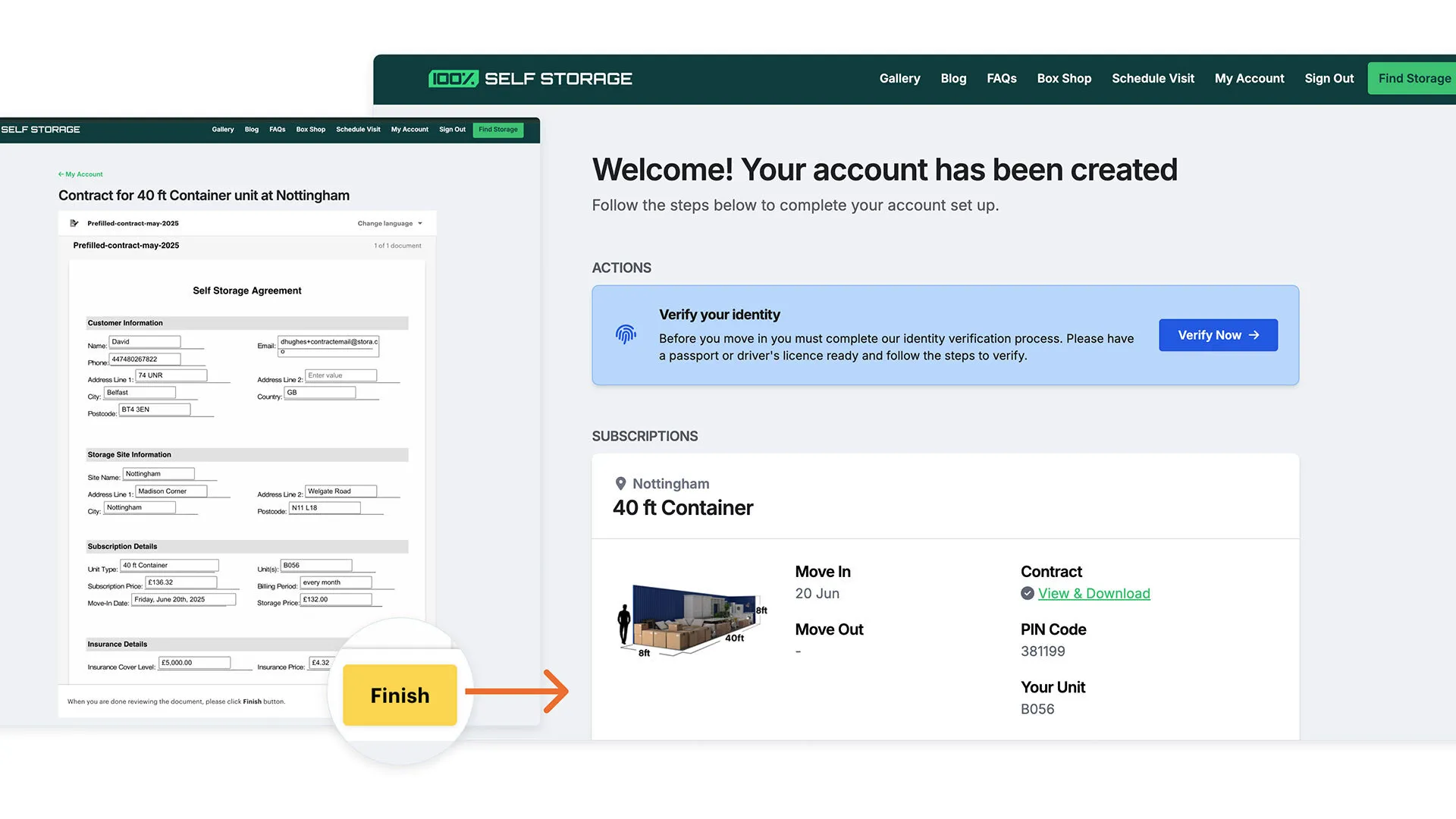
After signing their contract, customers are taken straight back to their account dashboard.
Learn more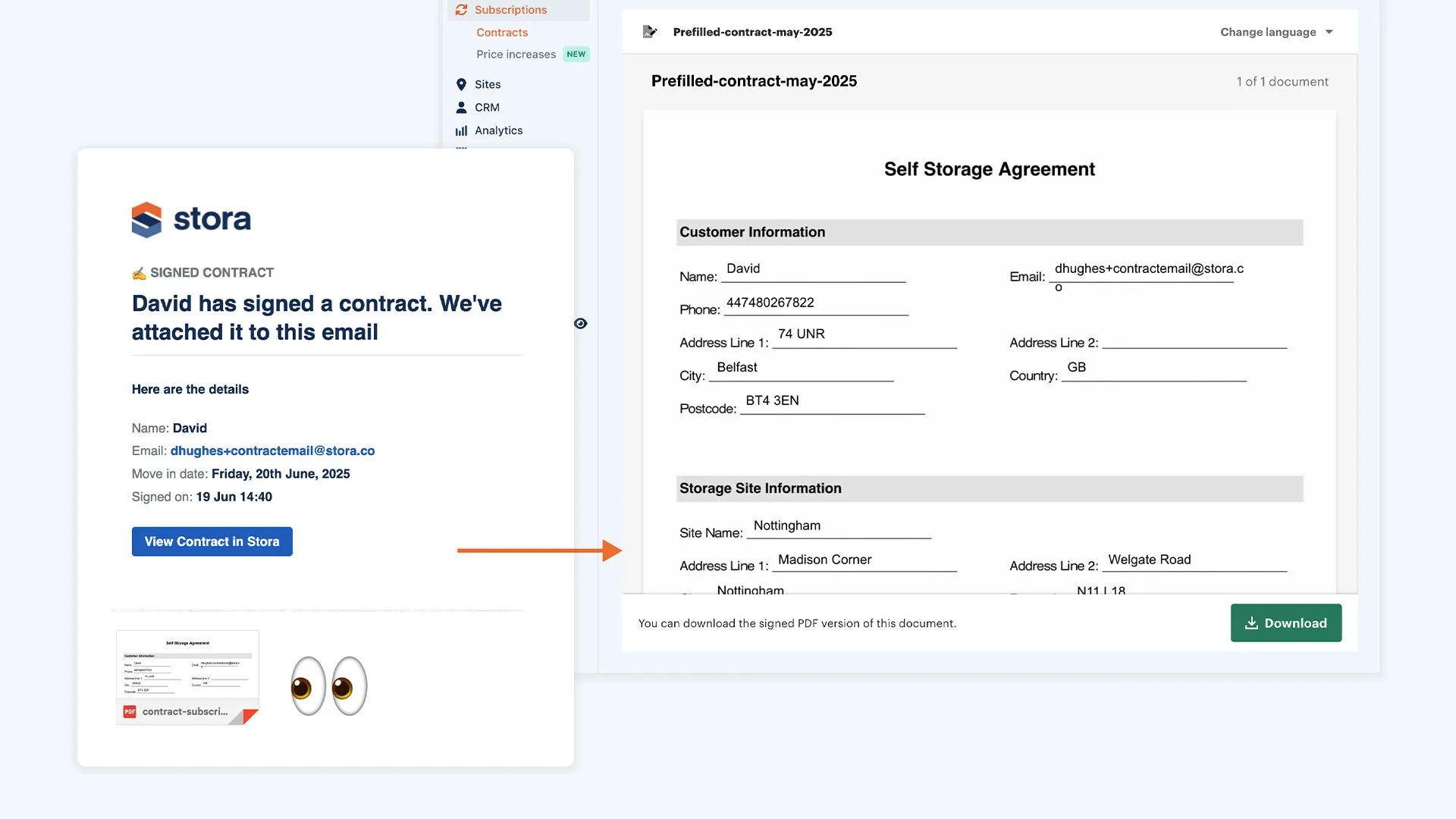
Get an email the moment a customer signs their contract, with their details and a PDF of the signed contract.
Learn more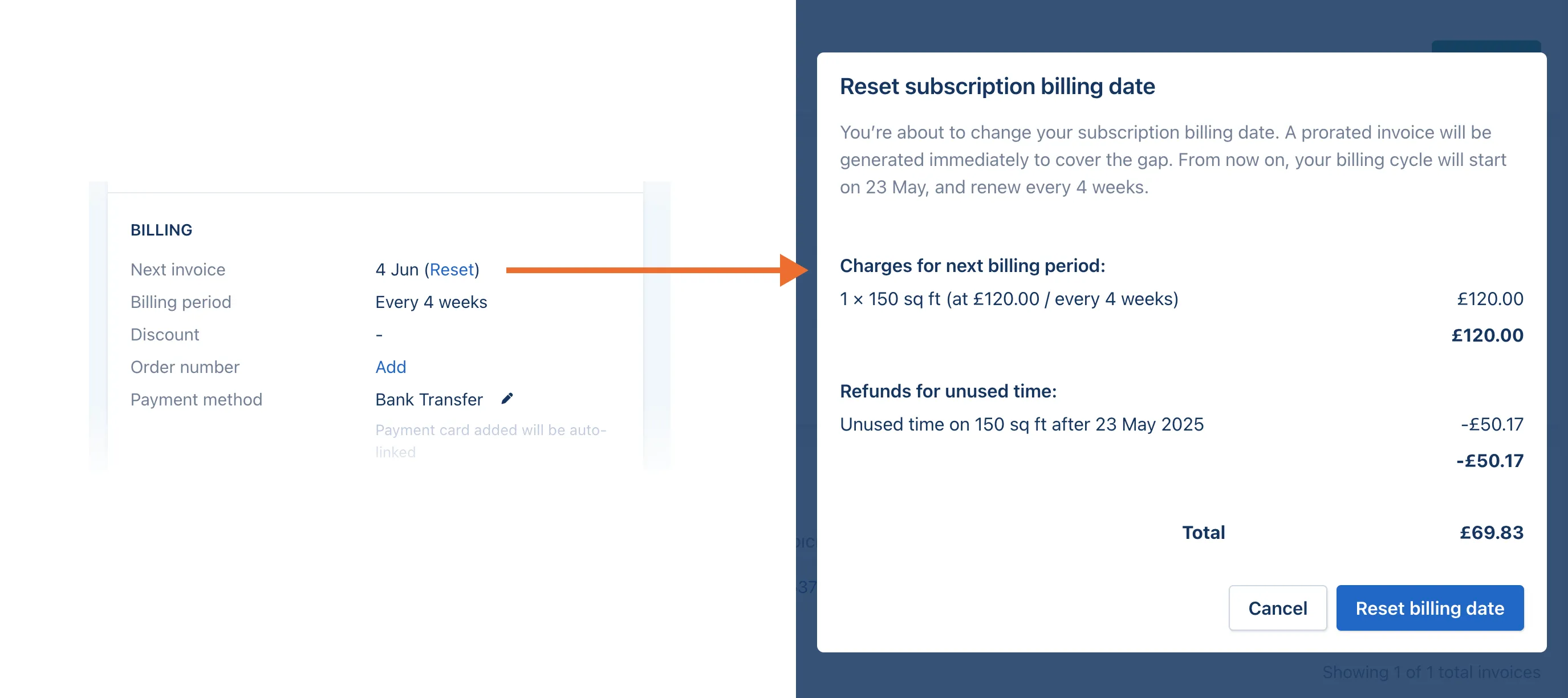
Reset a subscription's billing date to today from within Stora.
Learn more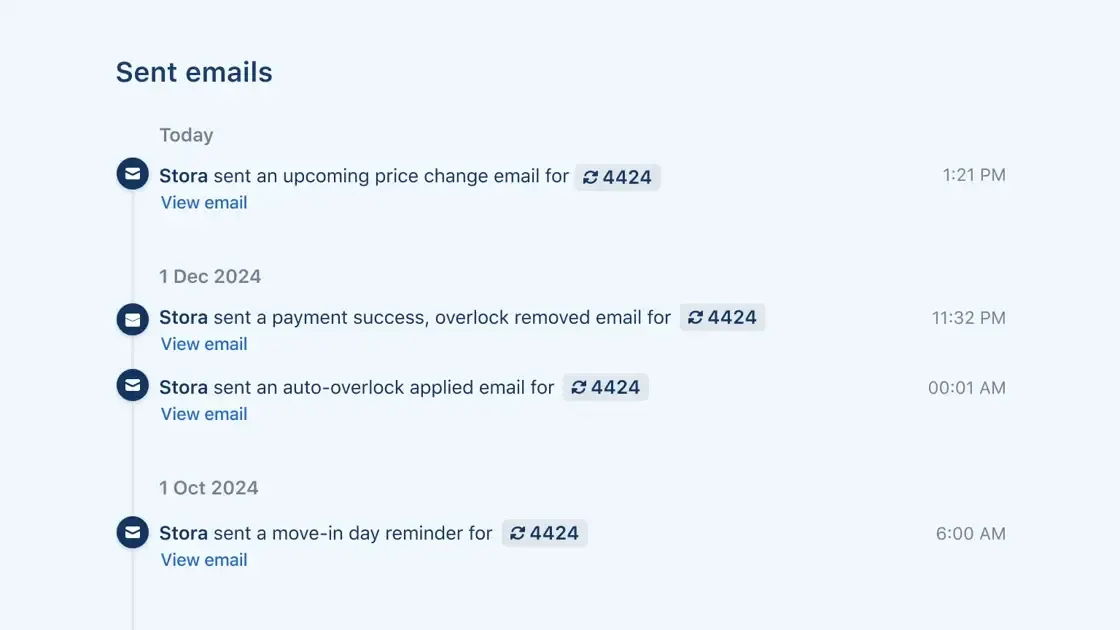
Every contact shows a timeline of the emails Stora has sent them, with the full content and delivery status.
Learn more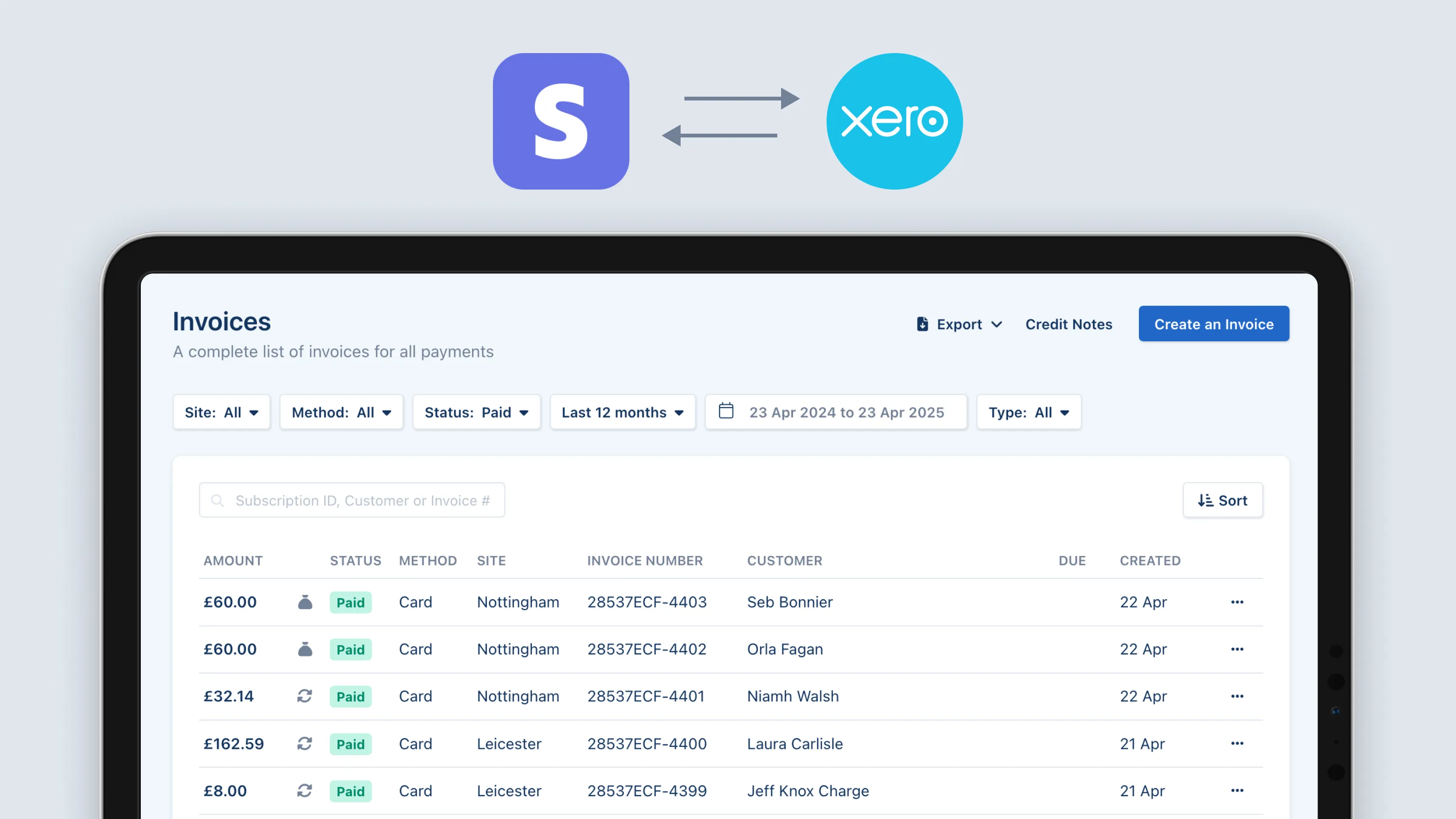
Pass invoices from Stora into Xero automatically with SubSync, with no manual data entry between Stripe and Xero.
Learn more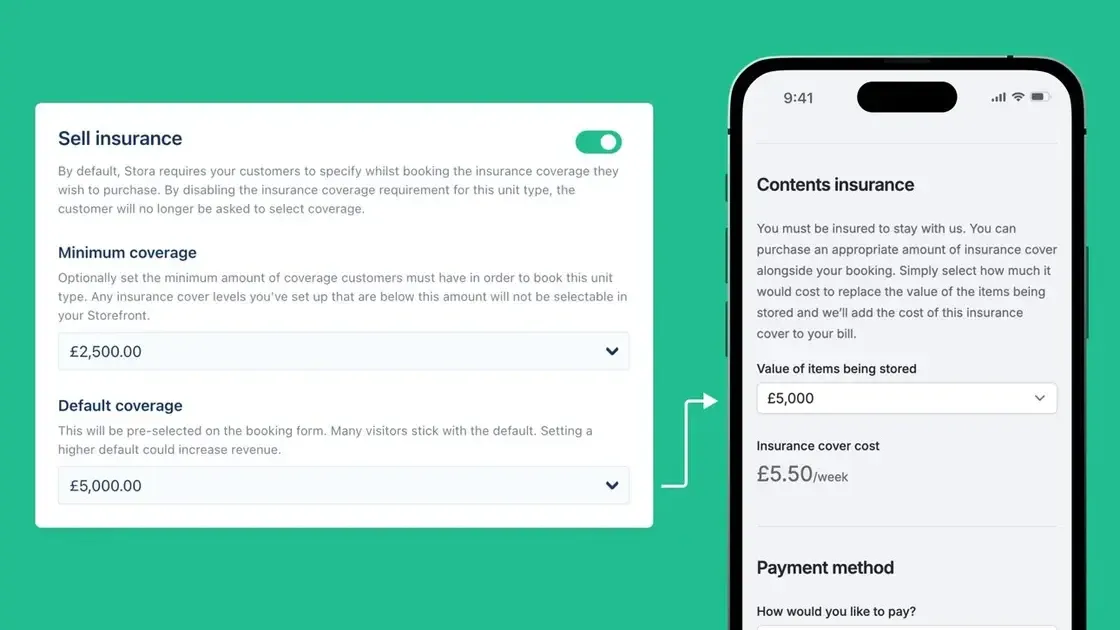
Set default and minimum insurance cover levels per unit type to guide customers to the right cover.
Learn more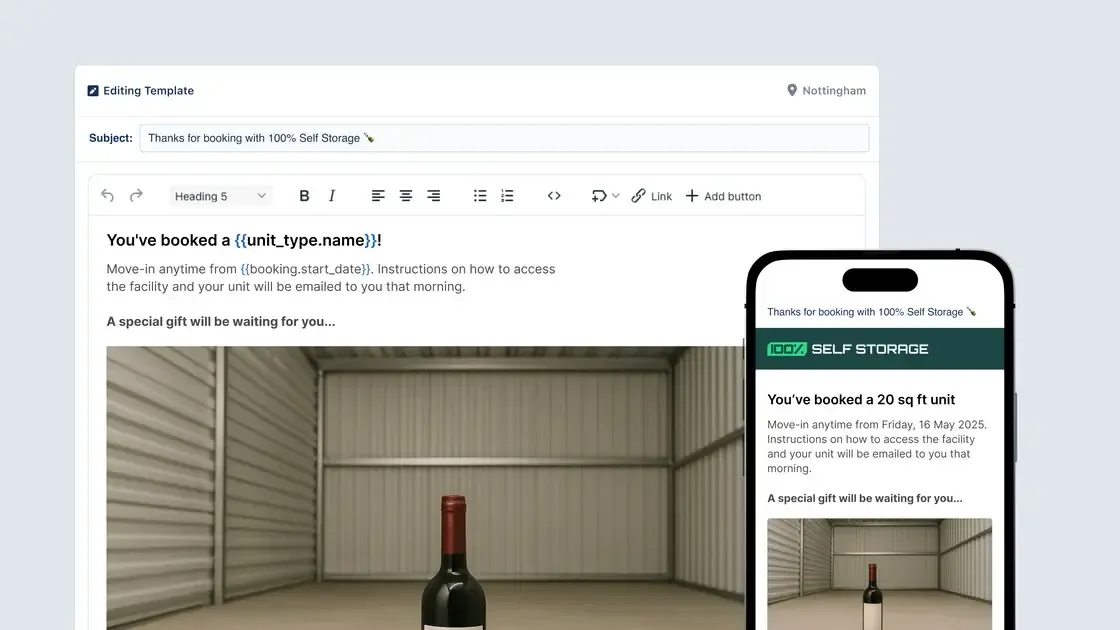
Customise the emails Stora sends your customers, such as booking confirmations and move-in instructions, with your own wording, merge tags and links, per site.
Learn more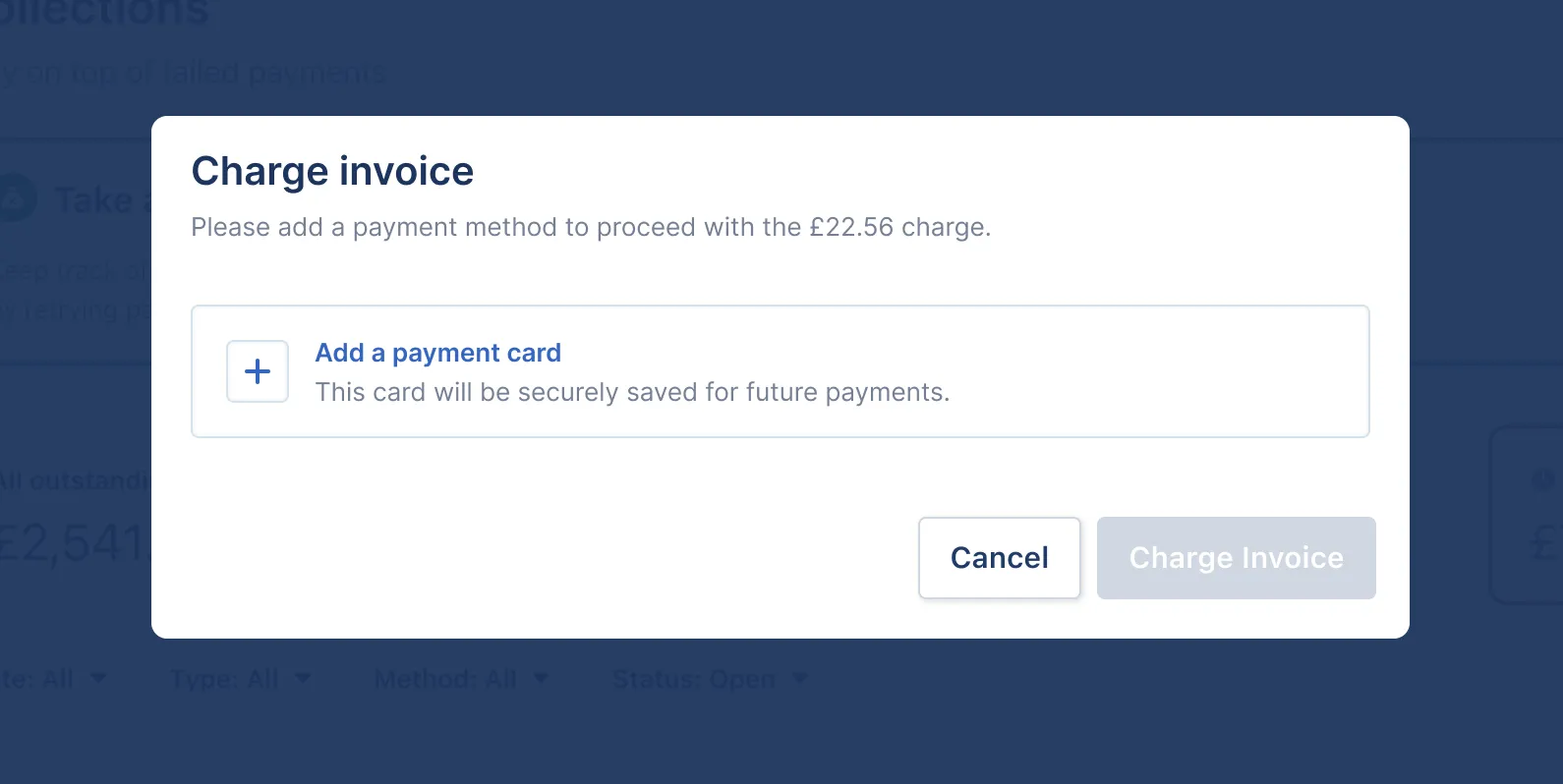
Mark invoices as void, uncollectible or paid outside Stora without going to Stripe, and attach cards to manual invoices.
Learn more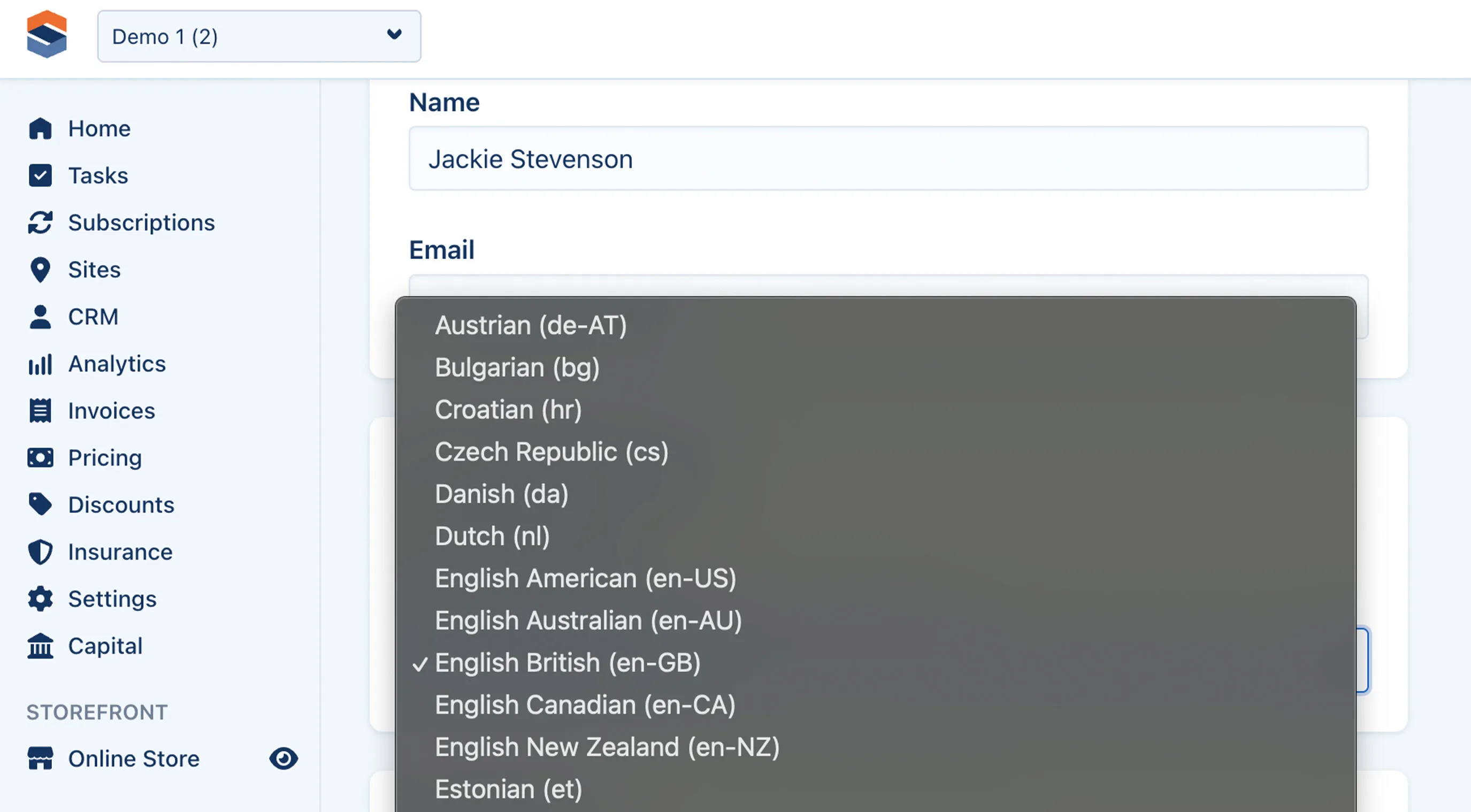
Use the Stora Backoffice in 21 languages, including French, German and Spanish, from your profile settings.
Learn more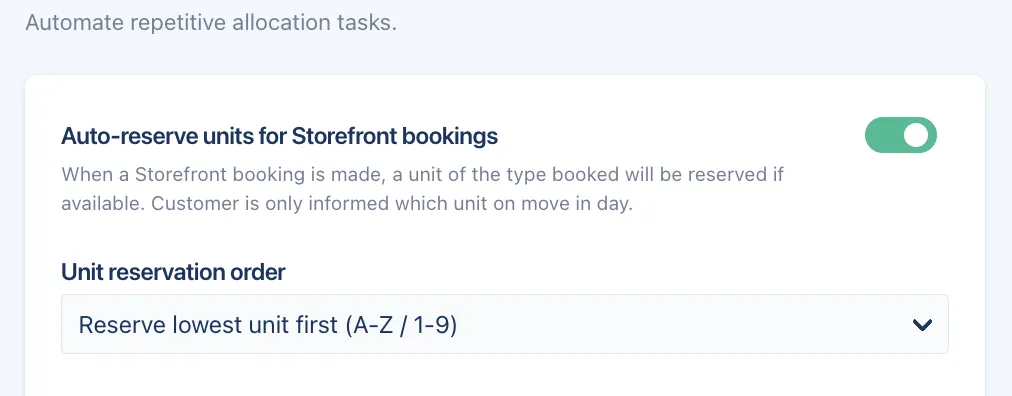
Choose whether Stora reserves the lowest or highest available unit first for online bookings.
Learn more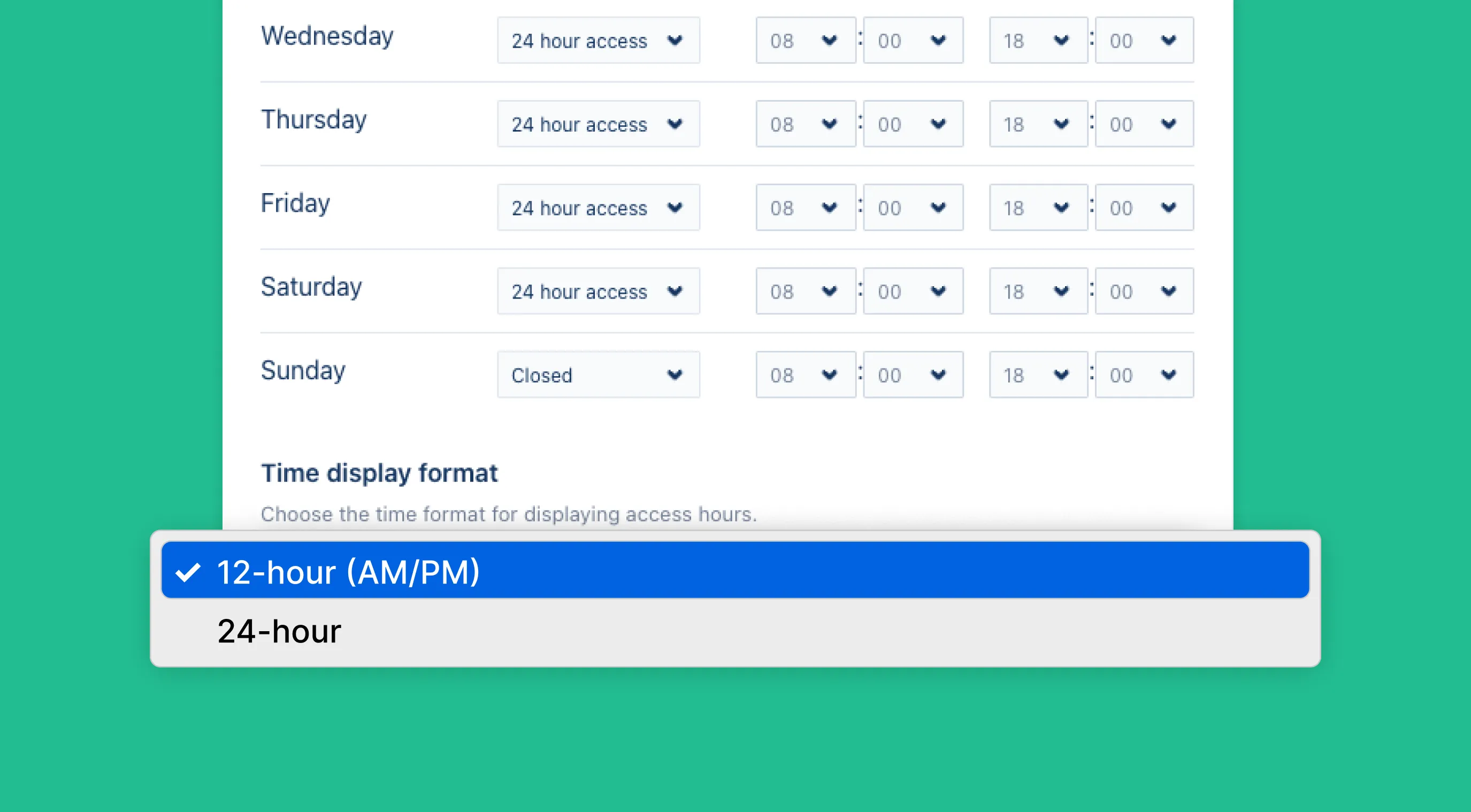
Show site access hours on your website in 12-hour or 24-hour format.
Learn more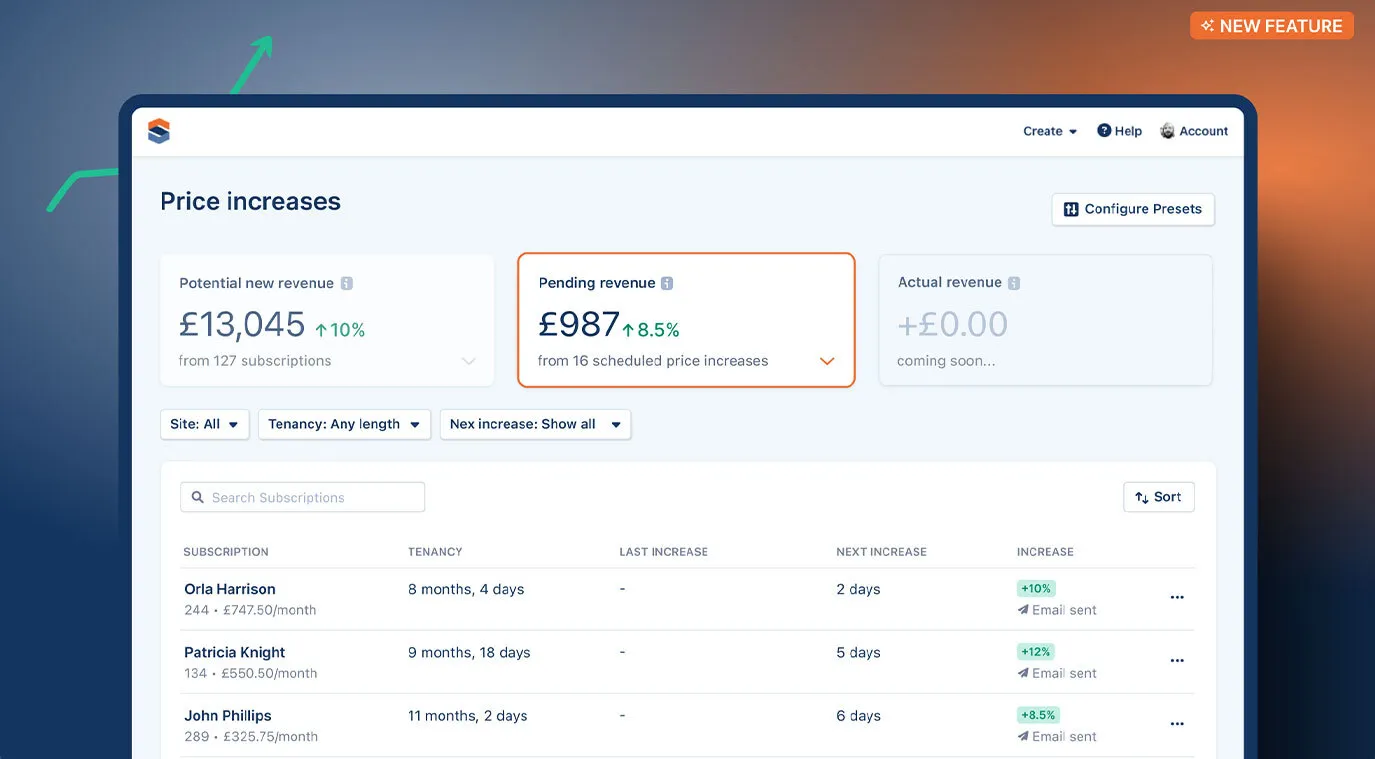
Schedule price increases and Stora handles the calculations, tracking and customer notifications, and shows the revenue you could gain.
Learn more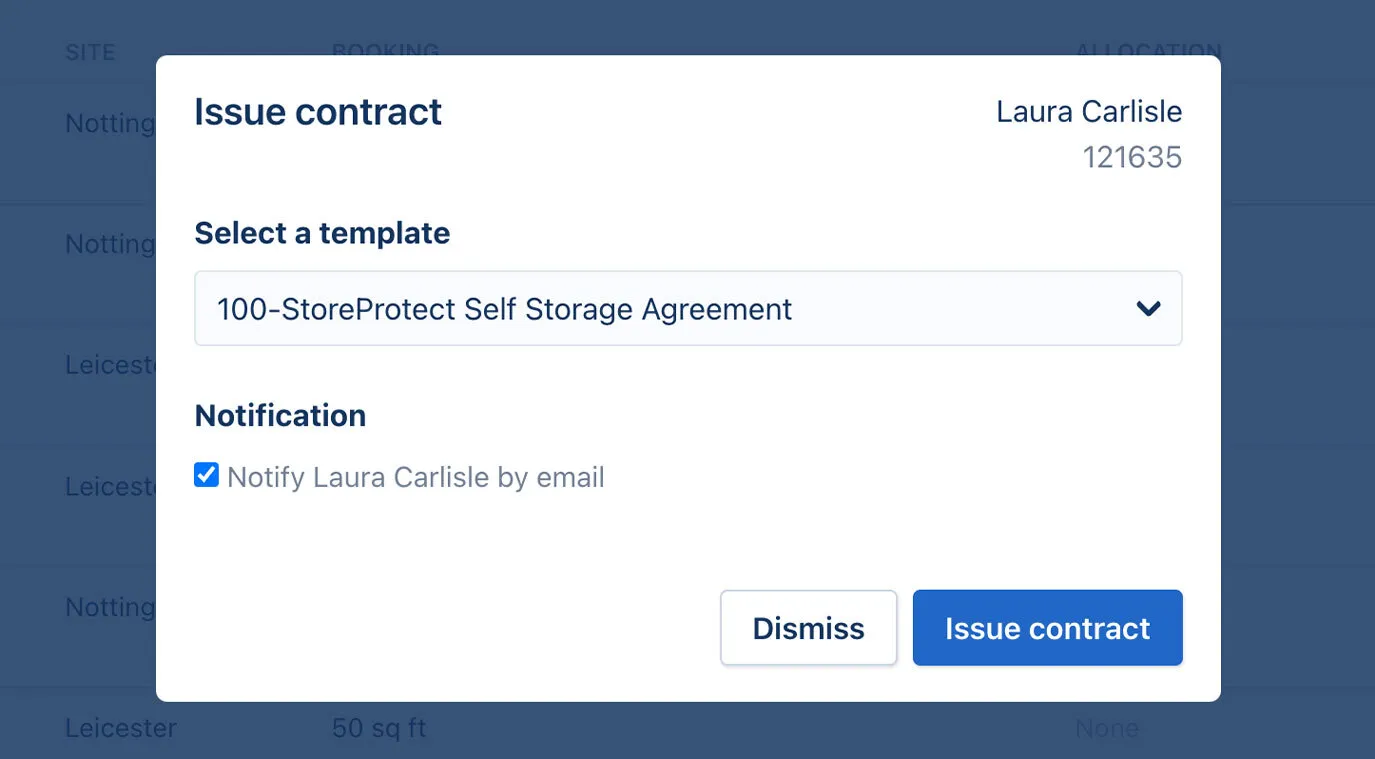
Send contract reminders, void and re-issue contracts, and choose whether to issue one for Backoffice bookings.
Learn more
Connect sedisto Smart Entry so customers get automated access through the sedisto app.
Learn more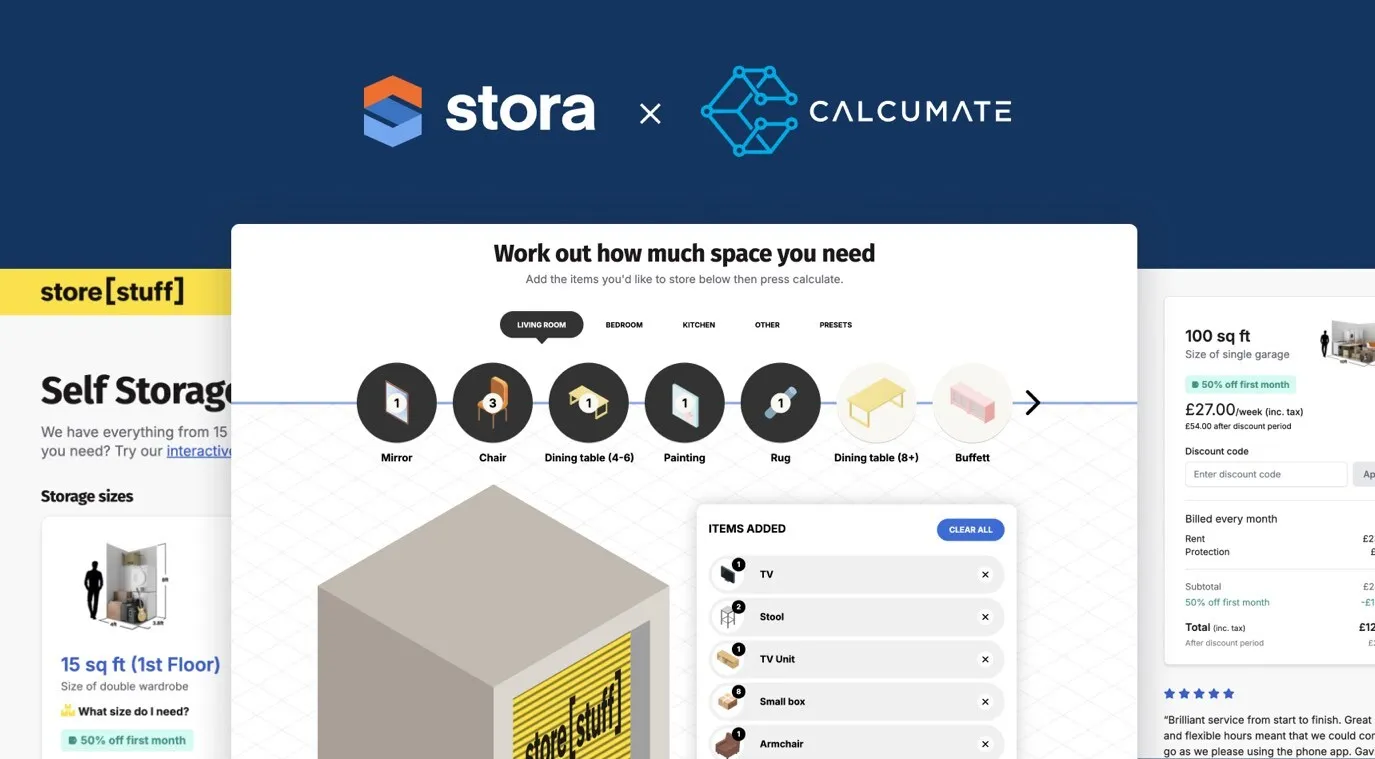
Offer Calcumate's 3D storage calculator inside your booking flow, so customers can work out what size unit they need.
Learn more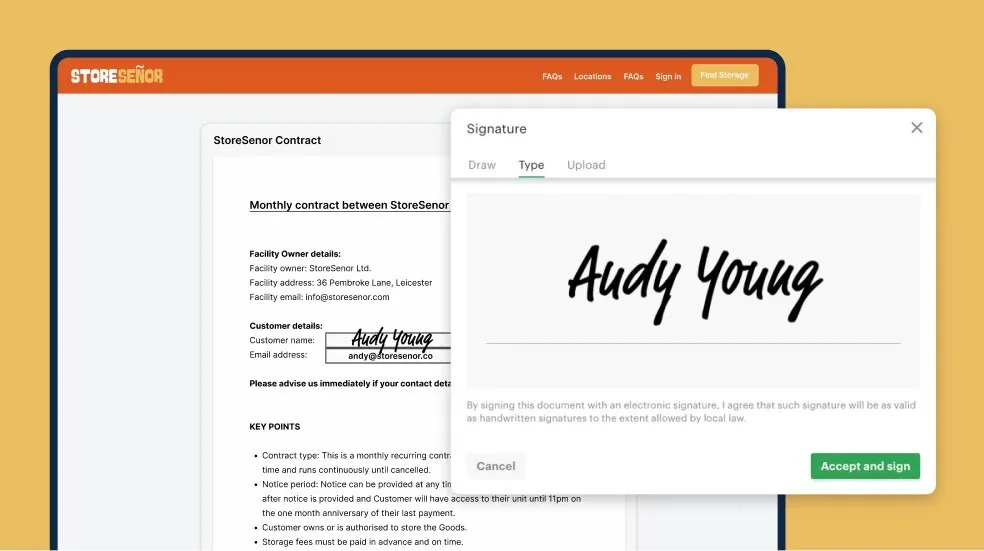
A fully compliant e-signature solution built into Stora, with no external account needed and free with every Stora account.
Learn more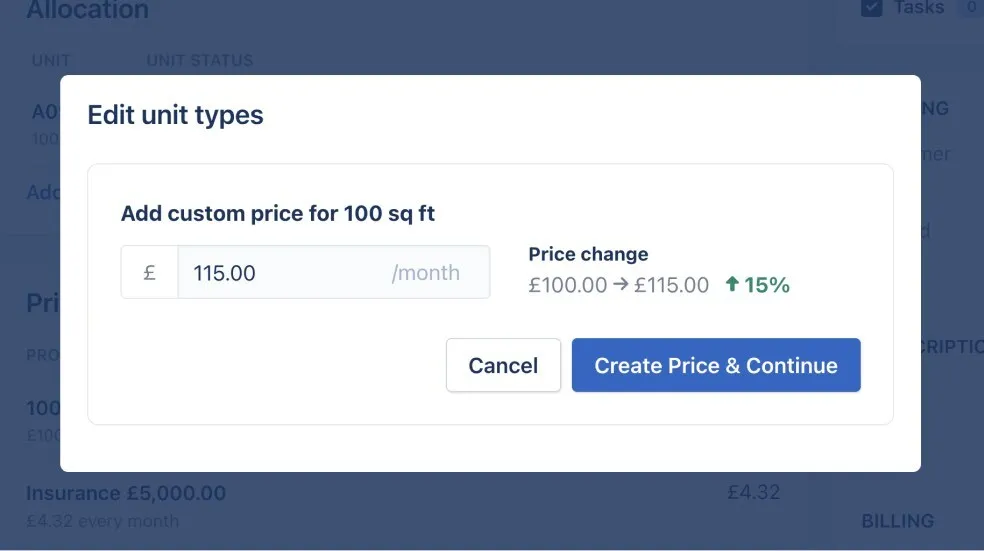
Set custom unit and insurance prices on existing subscriptions, and see the percentage change as you go.
Learn more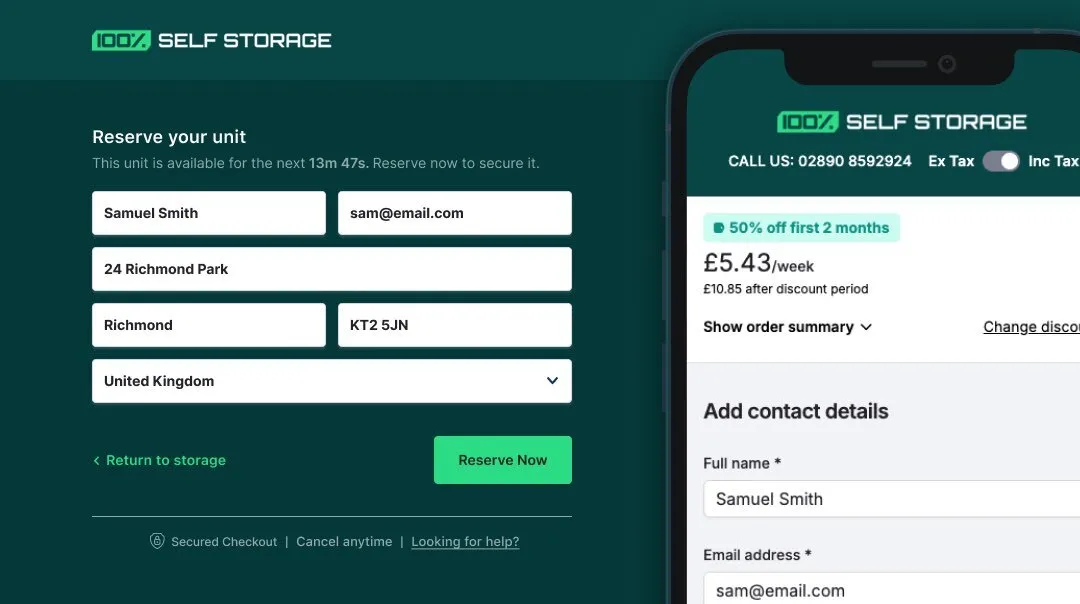
Pre-fill booking form links with details you've already collected, so customers don't have to enter them twice.
Learn more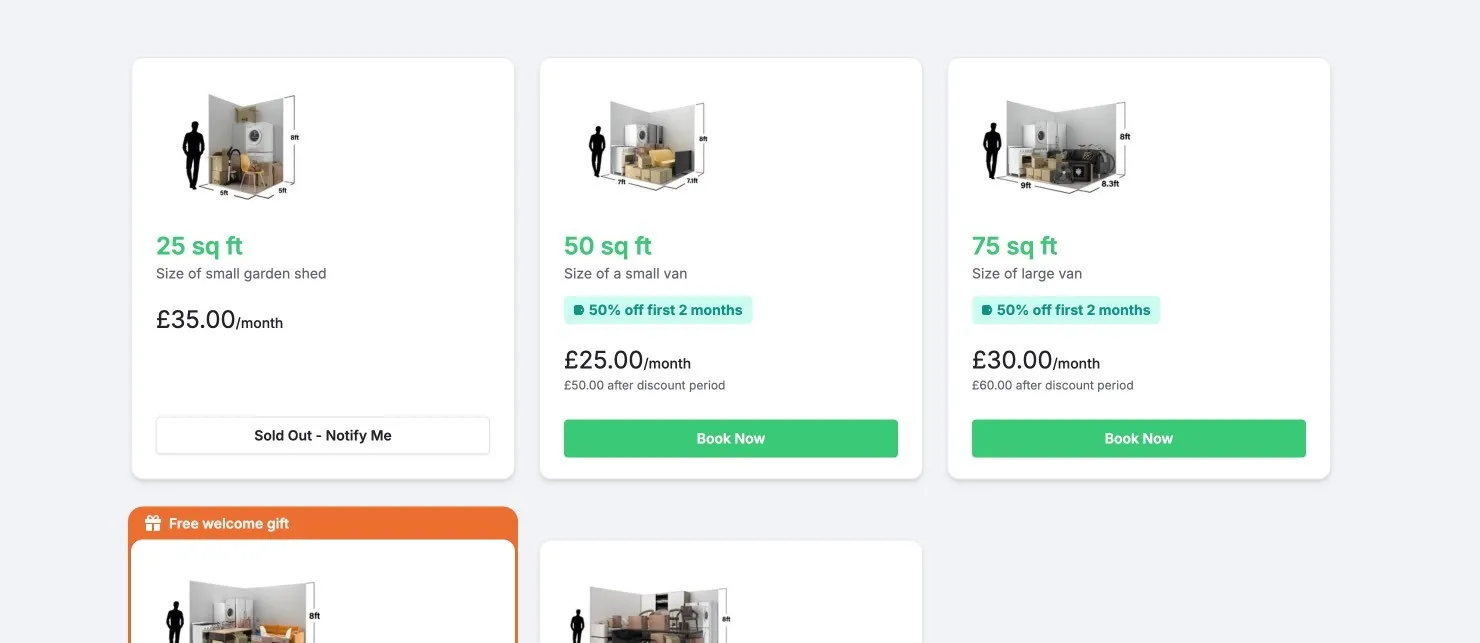
Show unit types on your Storefront in a grid, which works better when you have a lot of them.
Learn more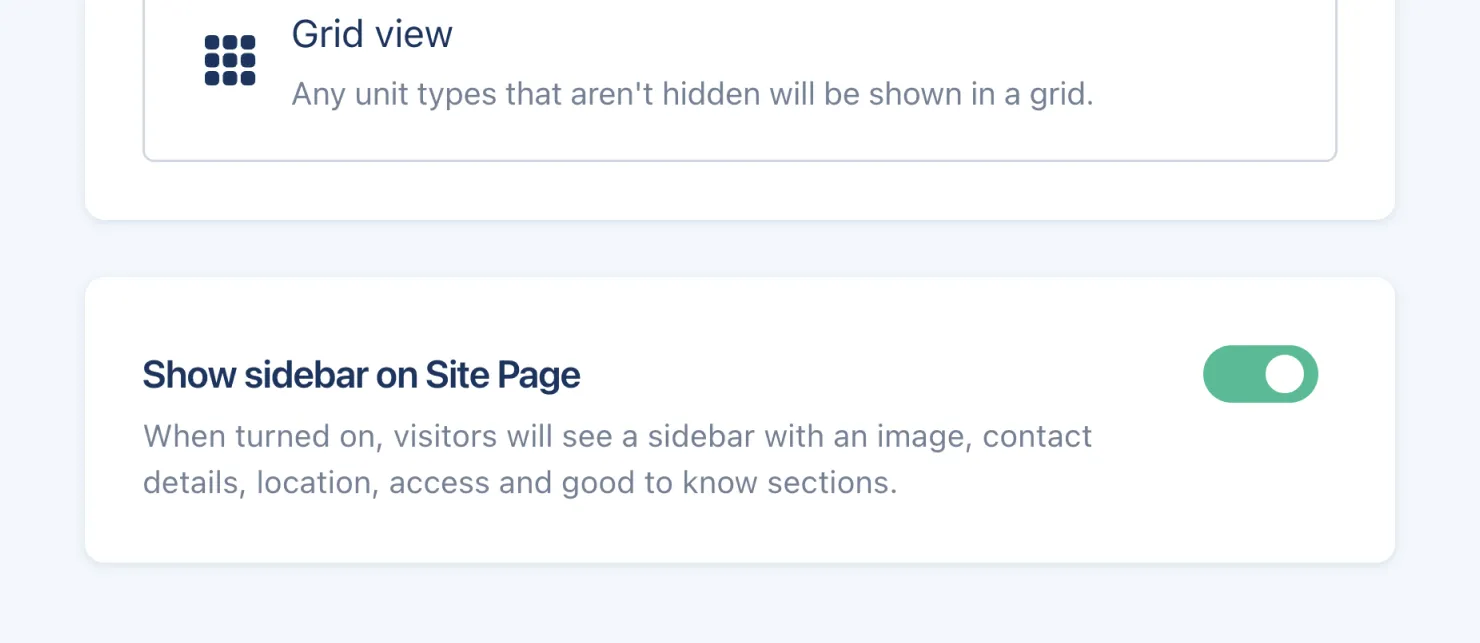
Turn off the sidebar on your site pages for a more focused booking experience.
Learn more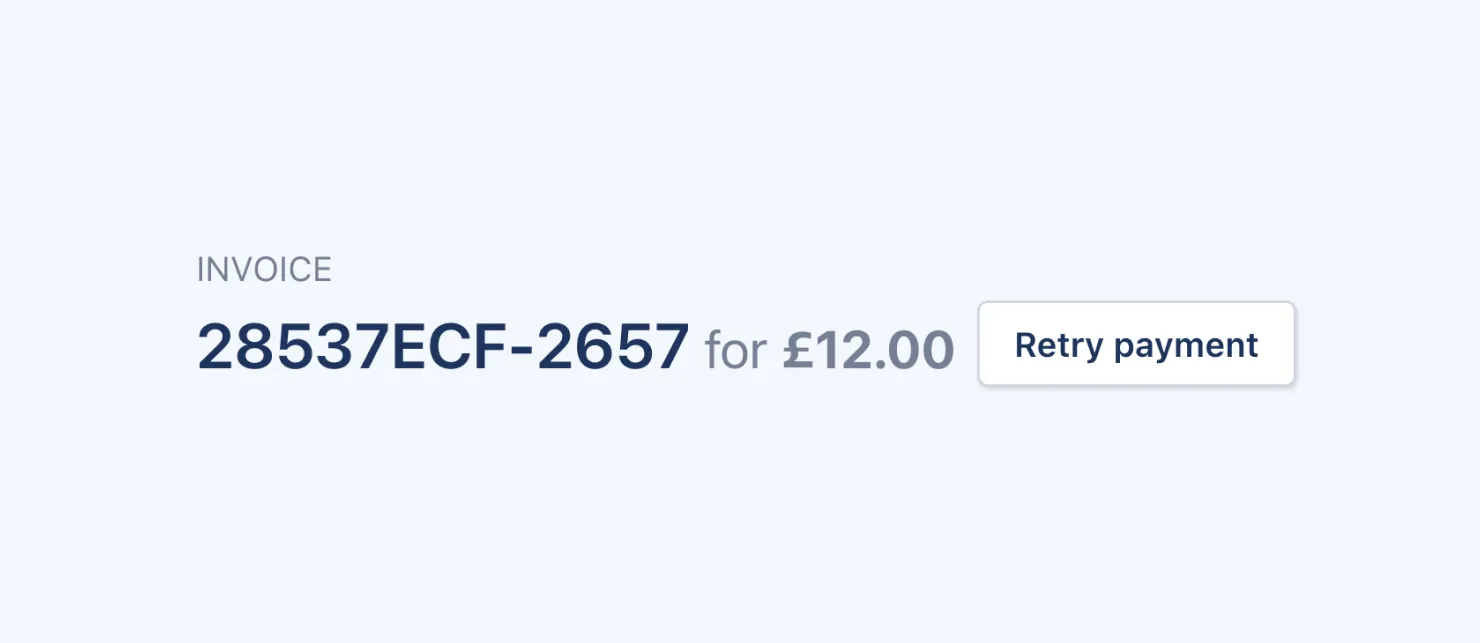
Retry a failed card payment in one click, without going to Stripe.
Learn more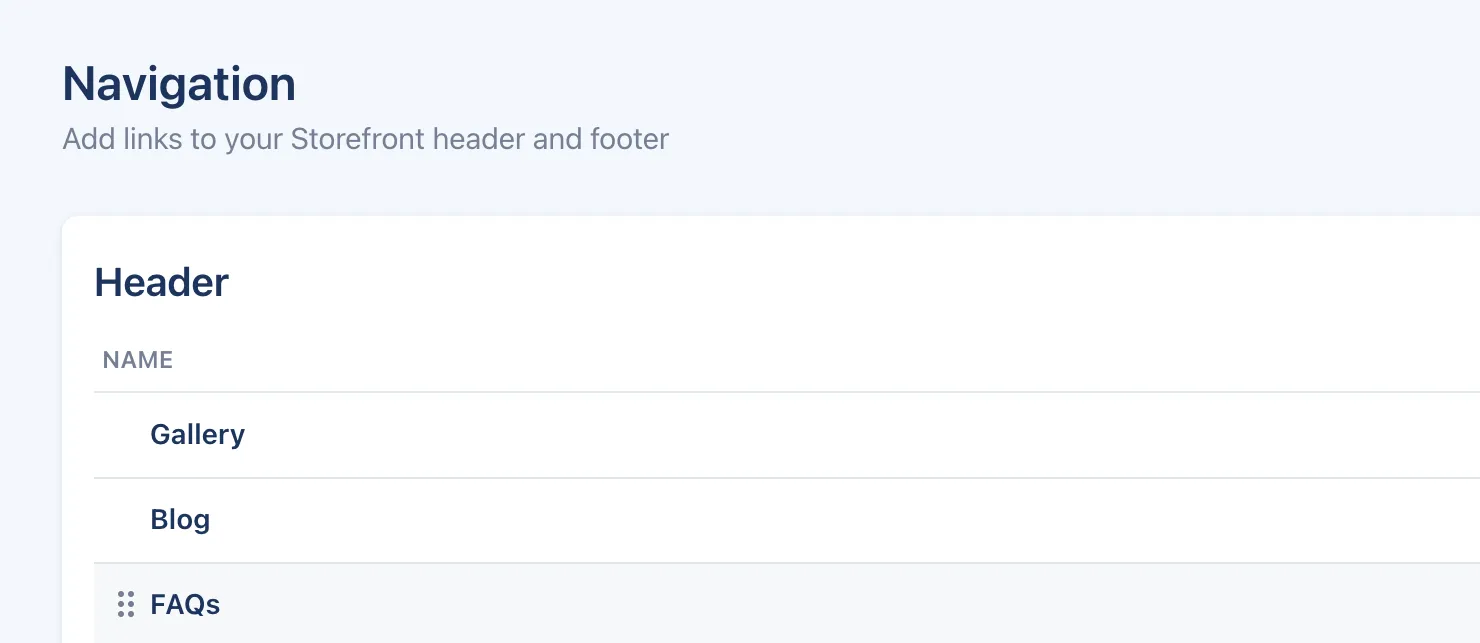
Drag and drop your header and footer navigation links into the order you want.
Learn more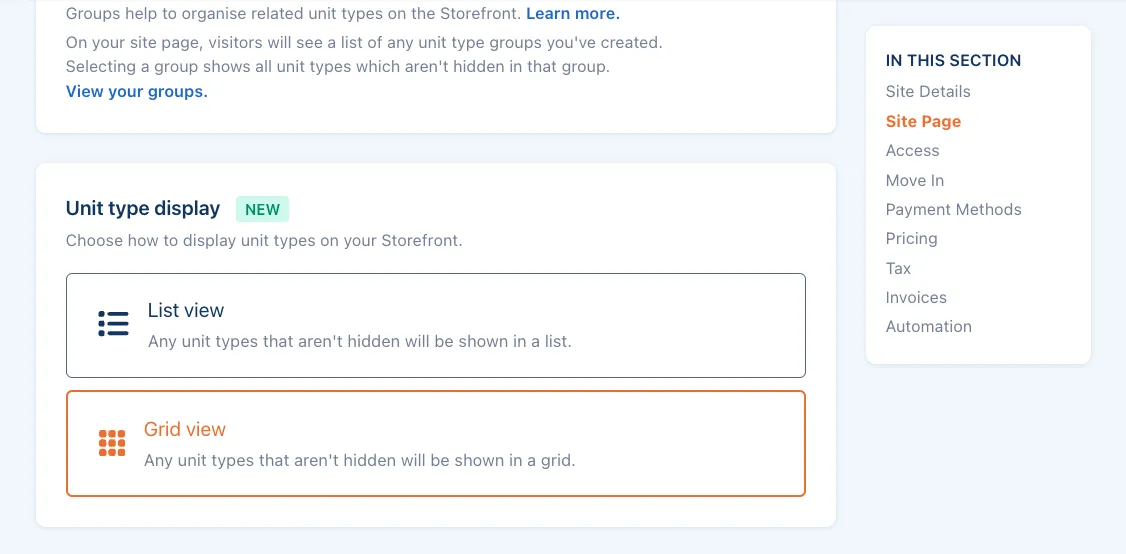
New In this section menus make the site and unit type edit pages quicker to move around.
Learn more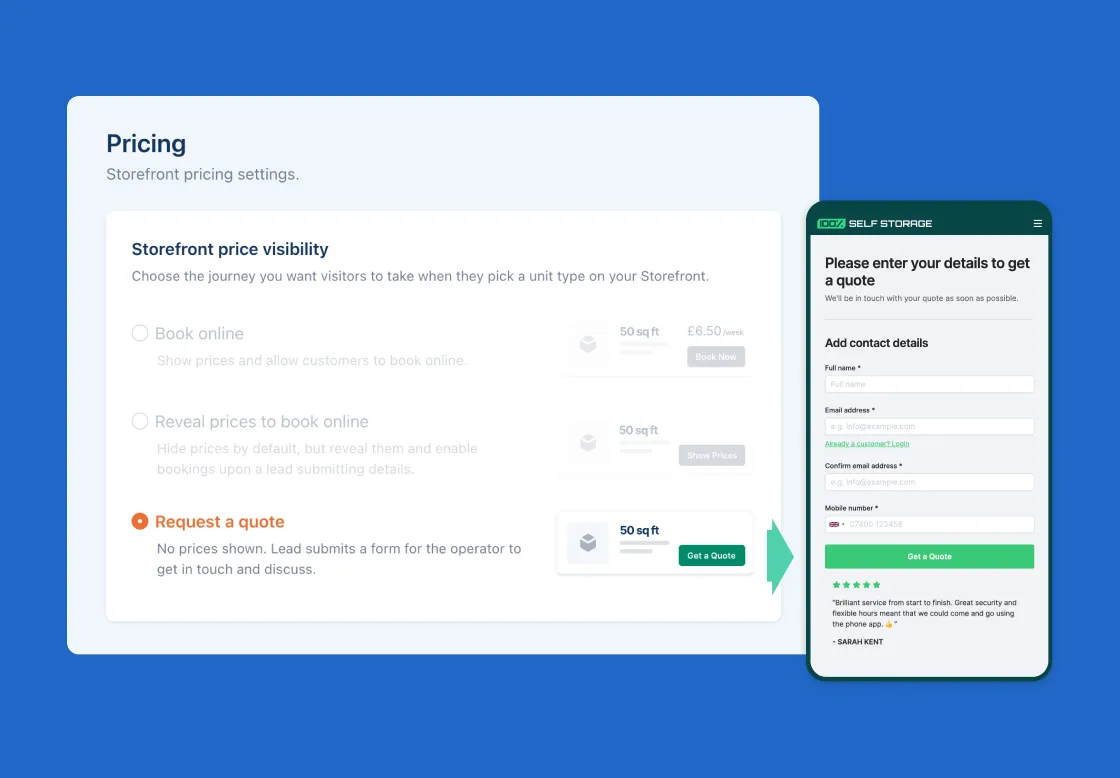
Request a quote is a Storefront mode that hides prices, so you can follow up with a personalised quote.
Learn more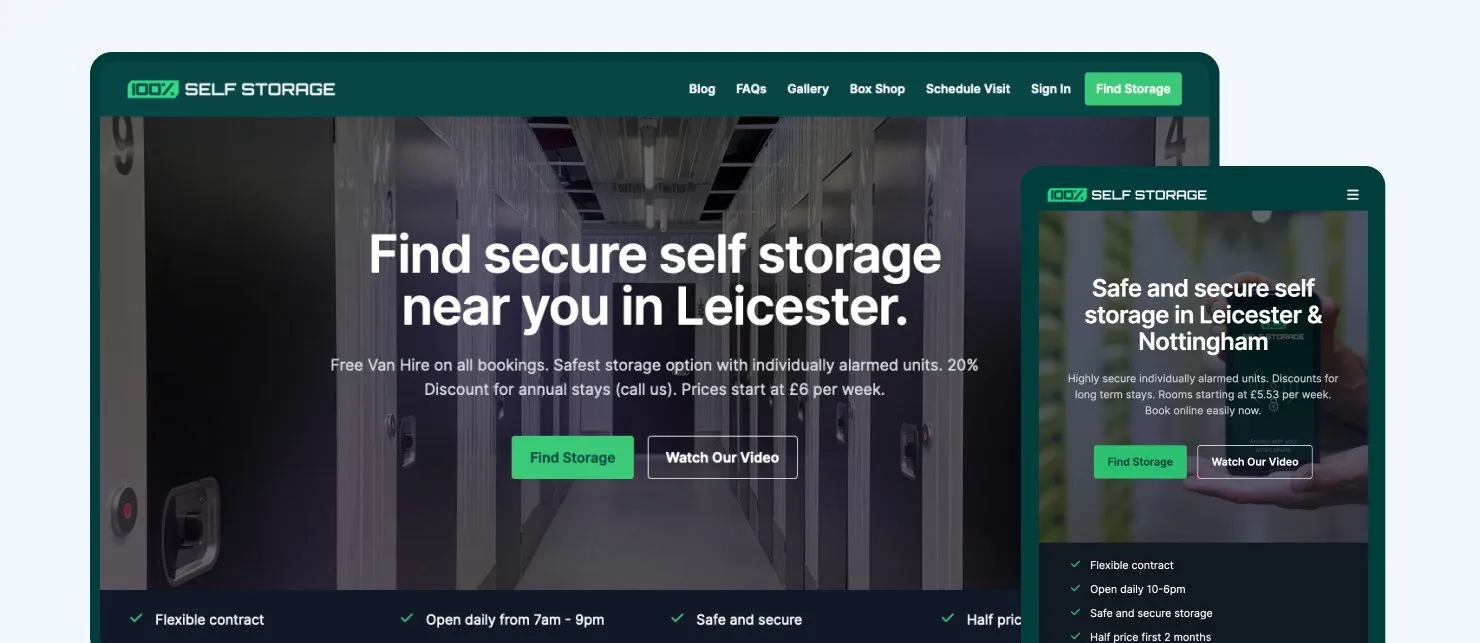
A homepage layout that puts your site photography front and centre.
Learn more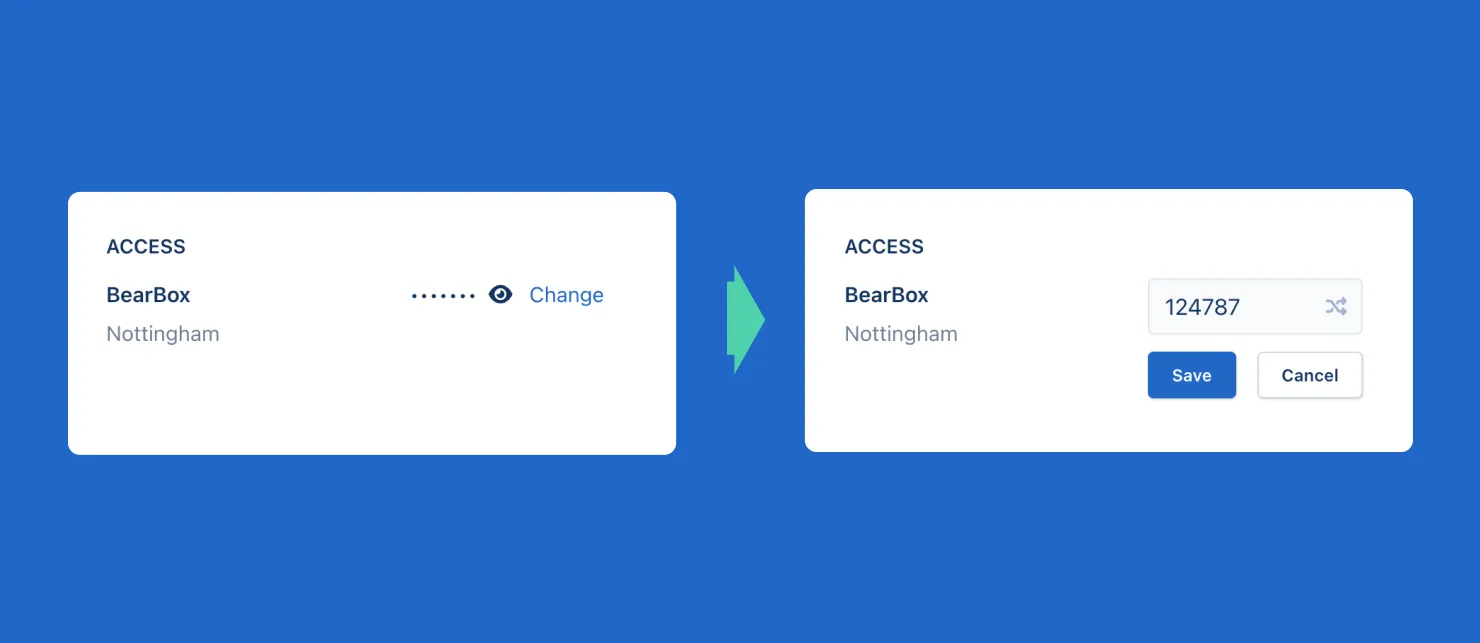
Change a customer's smart entry PIN from the Backoffice, either generating a new one or setting one yourself.
Learn more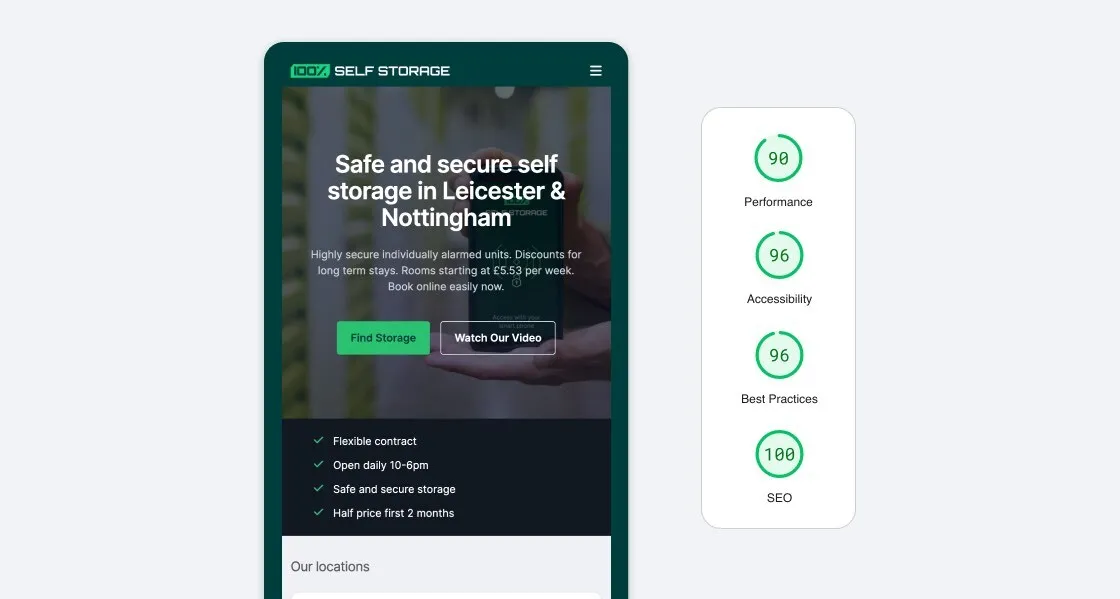
Images, fonts and icons load more efficiently, making some Storefronts up to 25% faster on mobile.
Learn more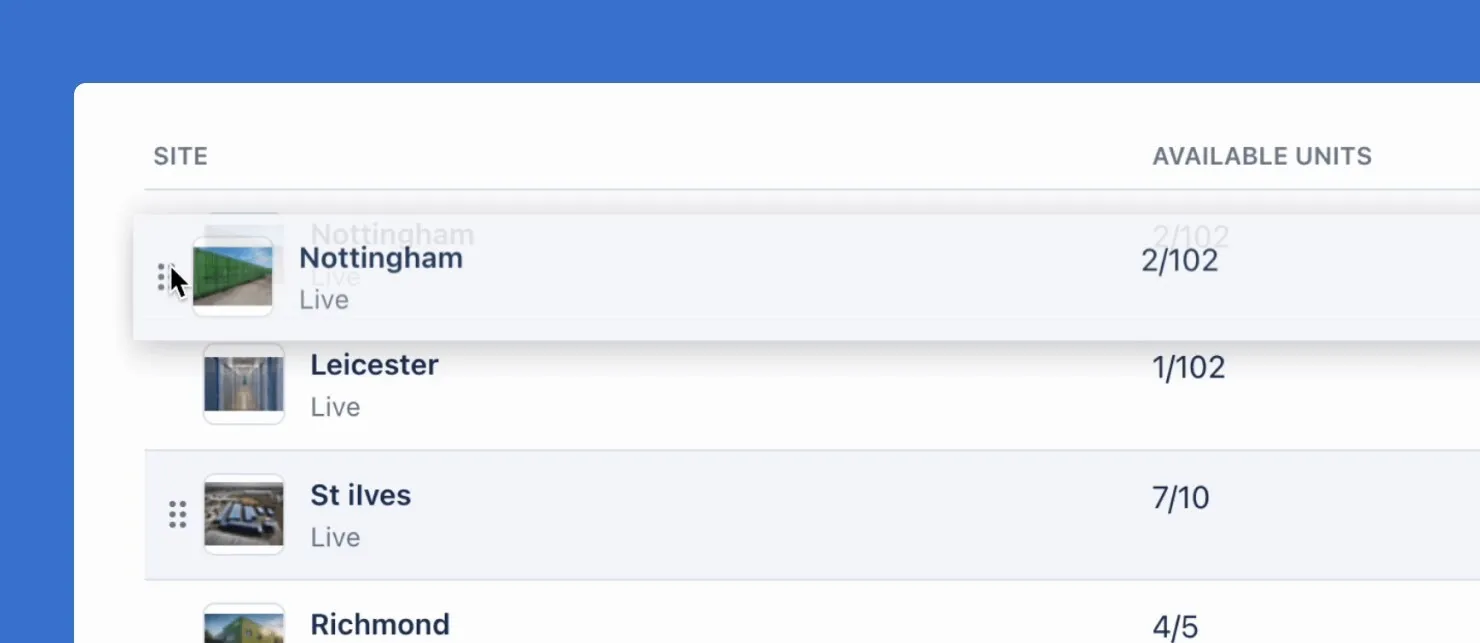
Drag and drop your sites to change the order they appear in on your Storefront.
Learn more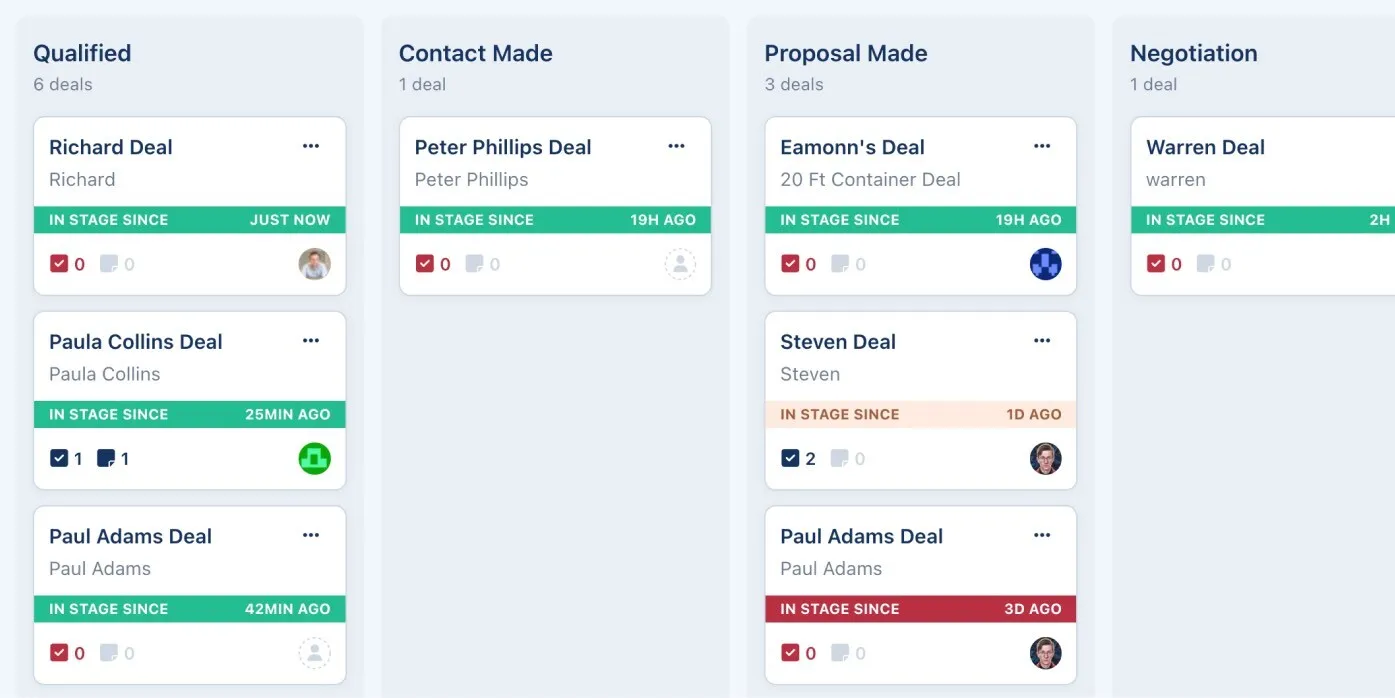
Deals shows your sales pipeline, customised to your sales process, so you can turn prospects into customers.
Learn more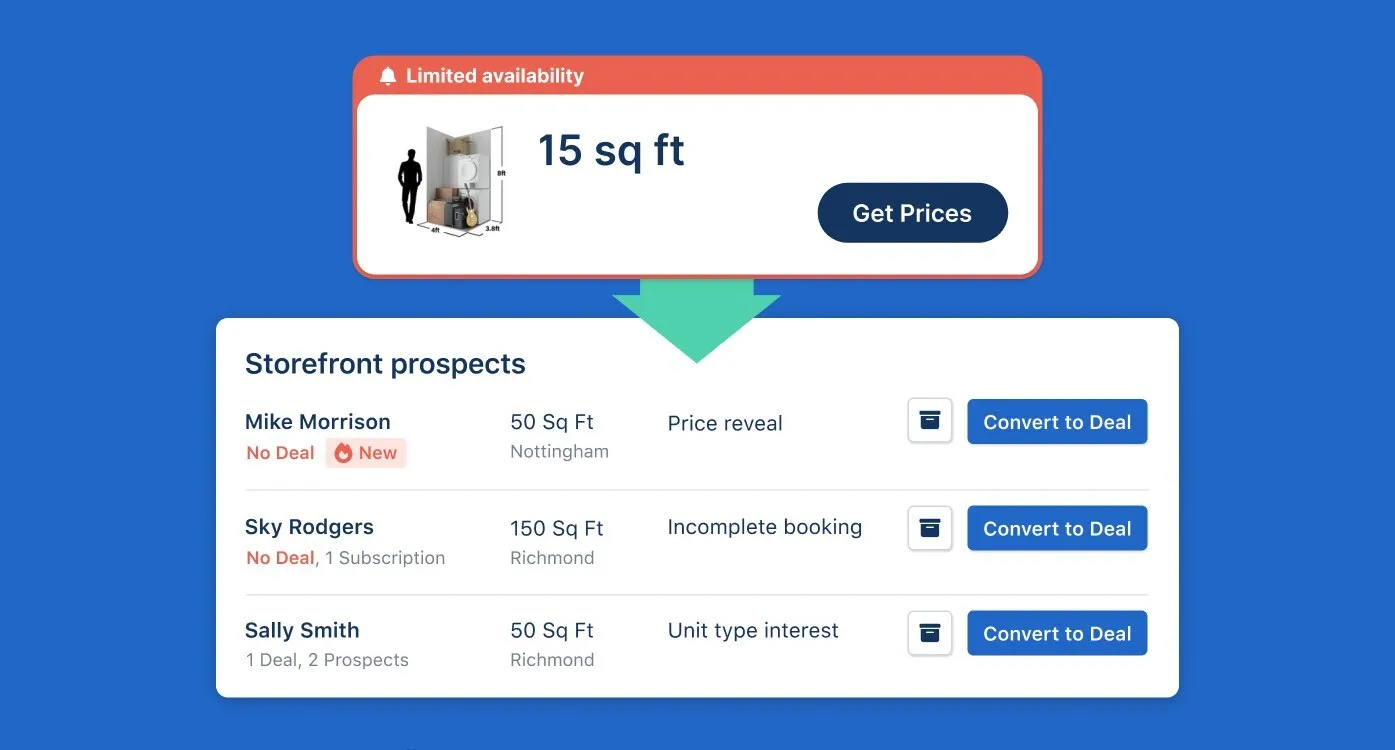
Every form submission on your Stora website is now logged as a prospect, with the context you need to decide what to do next.
Learn more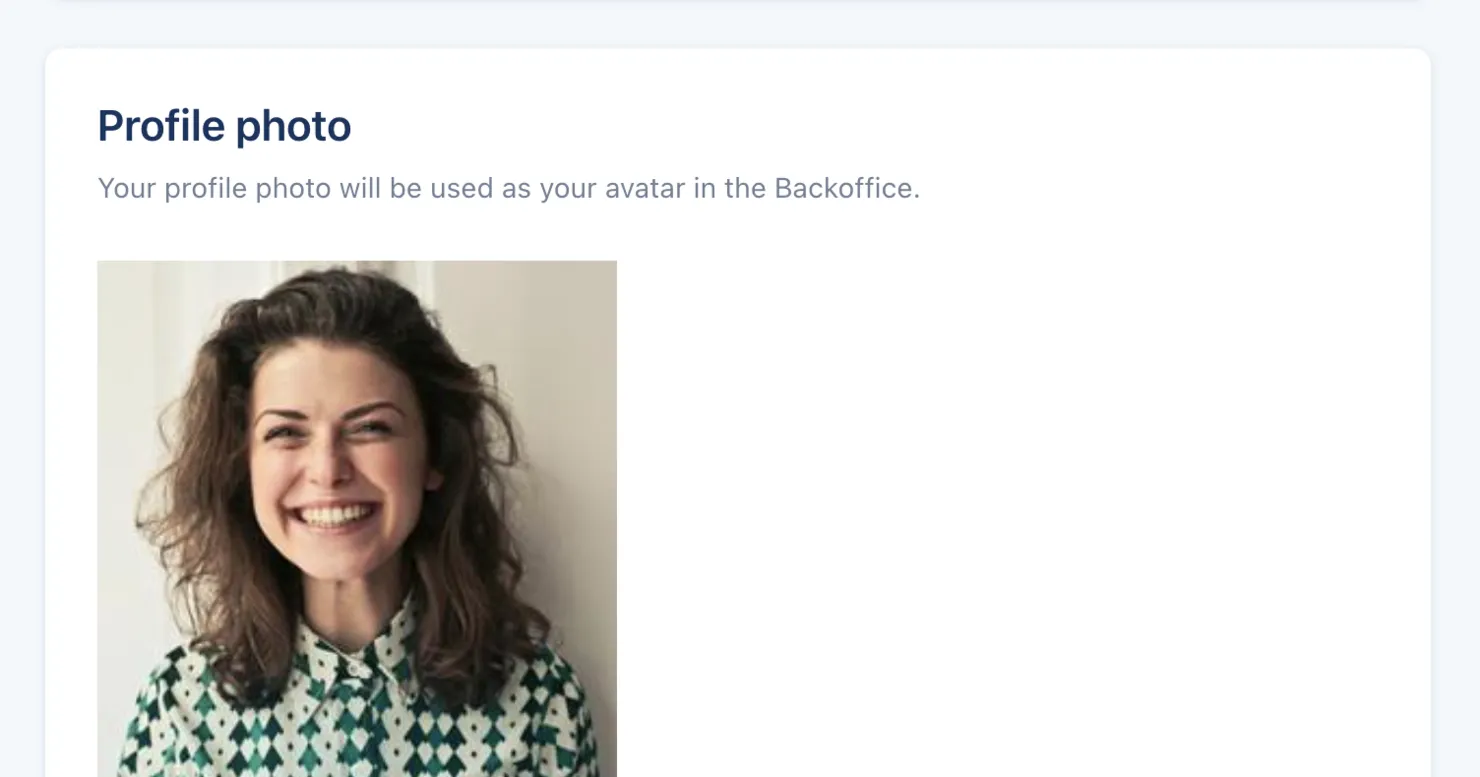
Upload your own photo to your Stora profile.
Learn more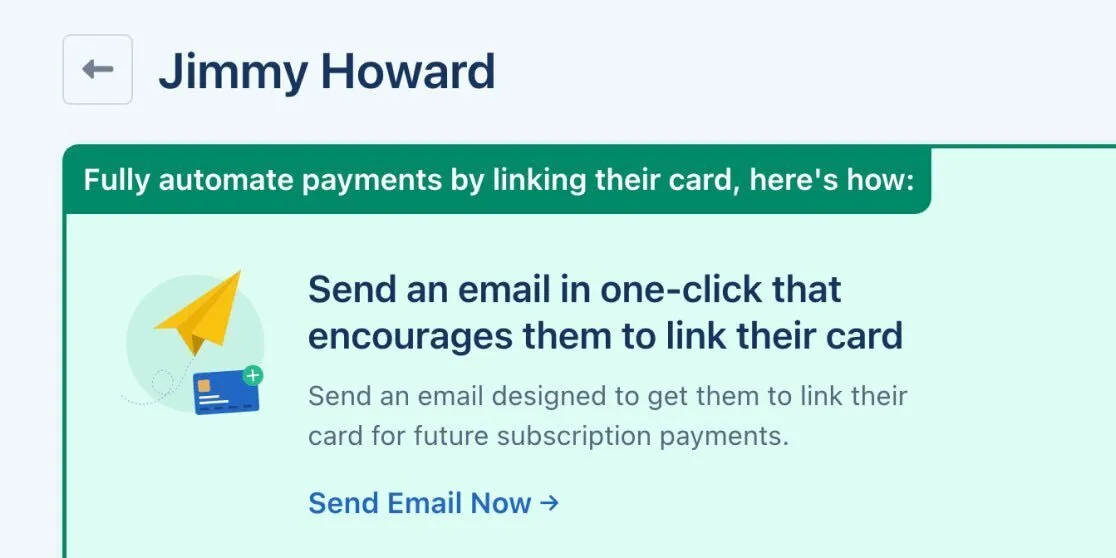
Mark subscriptions as awaiting a payment card and email customers in one click to add theirs, so moving them to card payments is easier.
Learn more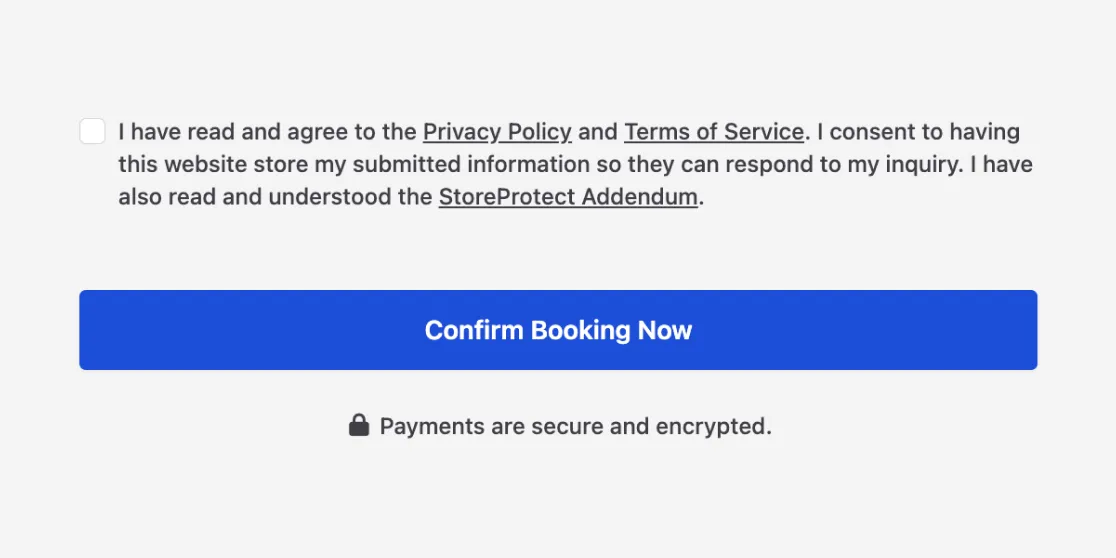
Write your own text beside the checkbox visitors tick to submit your booking form.
Learn more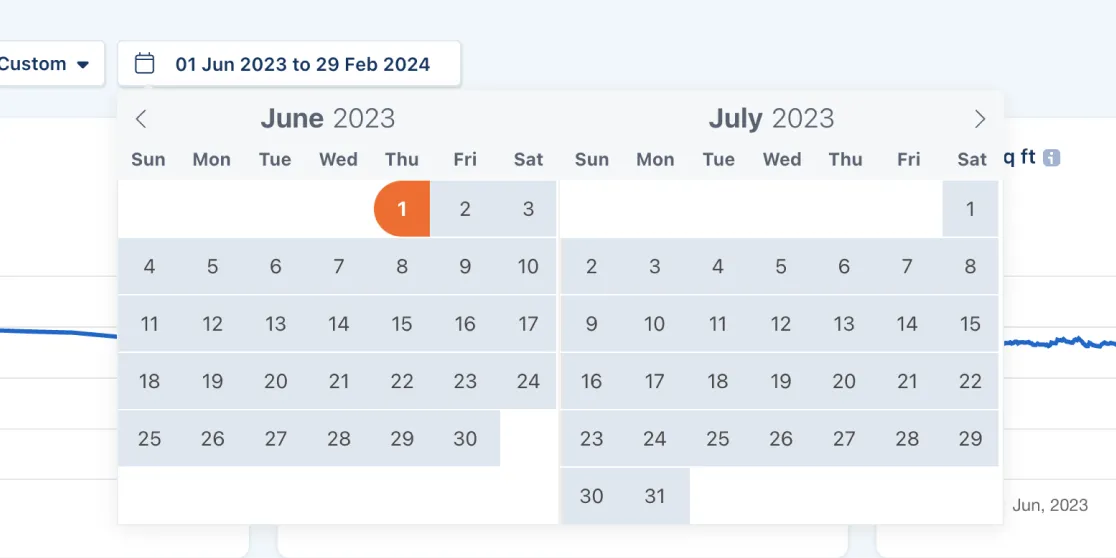
Filter your Analytics dashboard and reports by any date range within 12 months, or a single day.
Learn more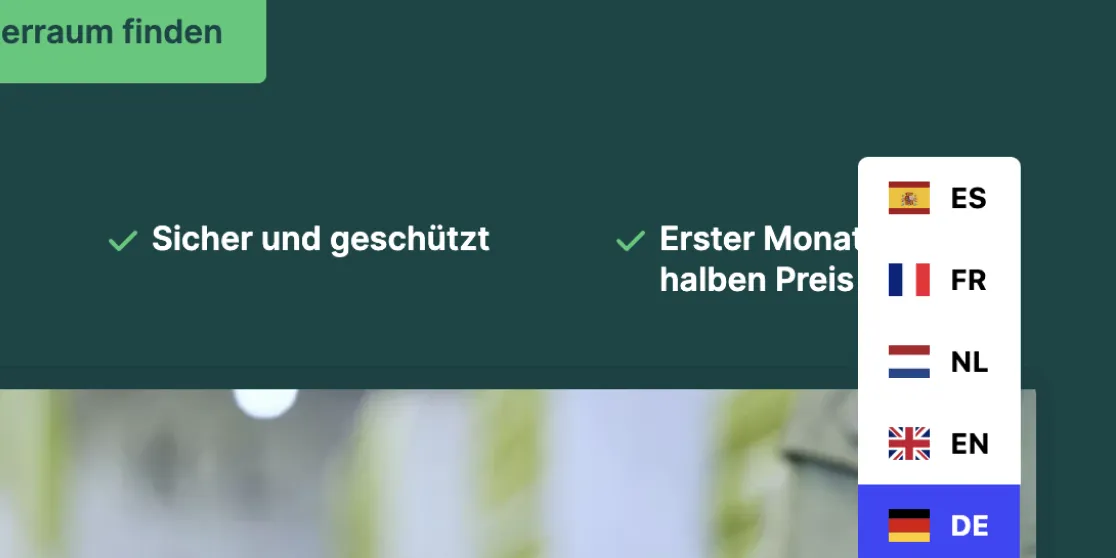
Let website visitors choose which language your Storefront appears in, from the languages you offer.
Learn more
New free 3D images for lockers, safe deposit boxes and vehicles in the Stora image library.
Learn more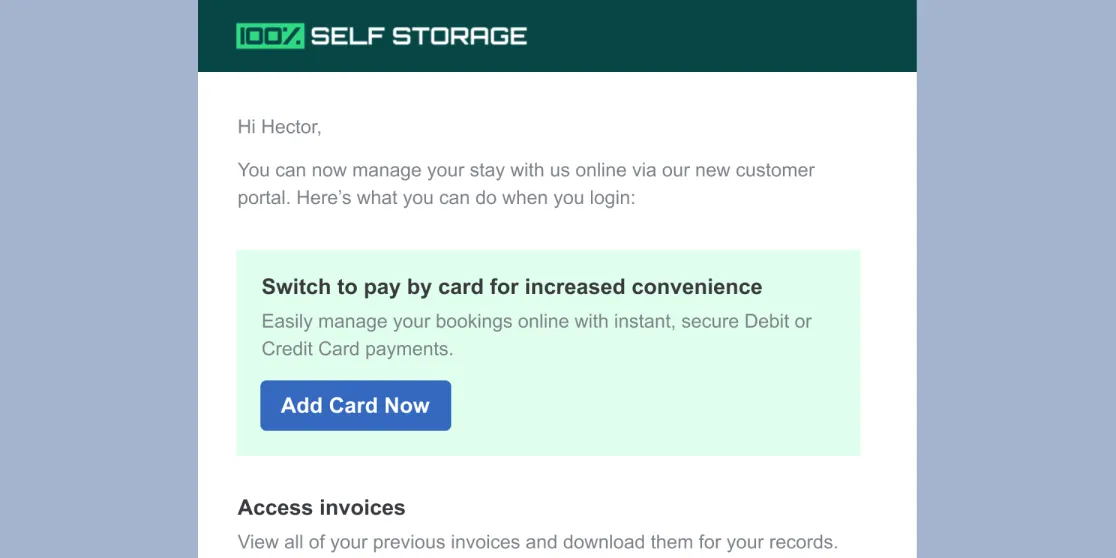
Email customers a request to link their card for future subscription payments, with steps to do it.
Learn more
Automate access at your facilities with the new Paxton Net2 integration.
Learn more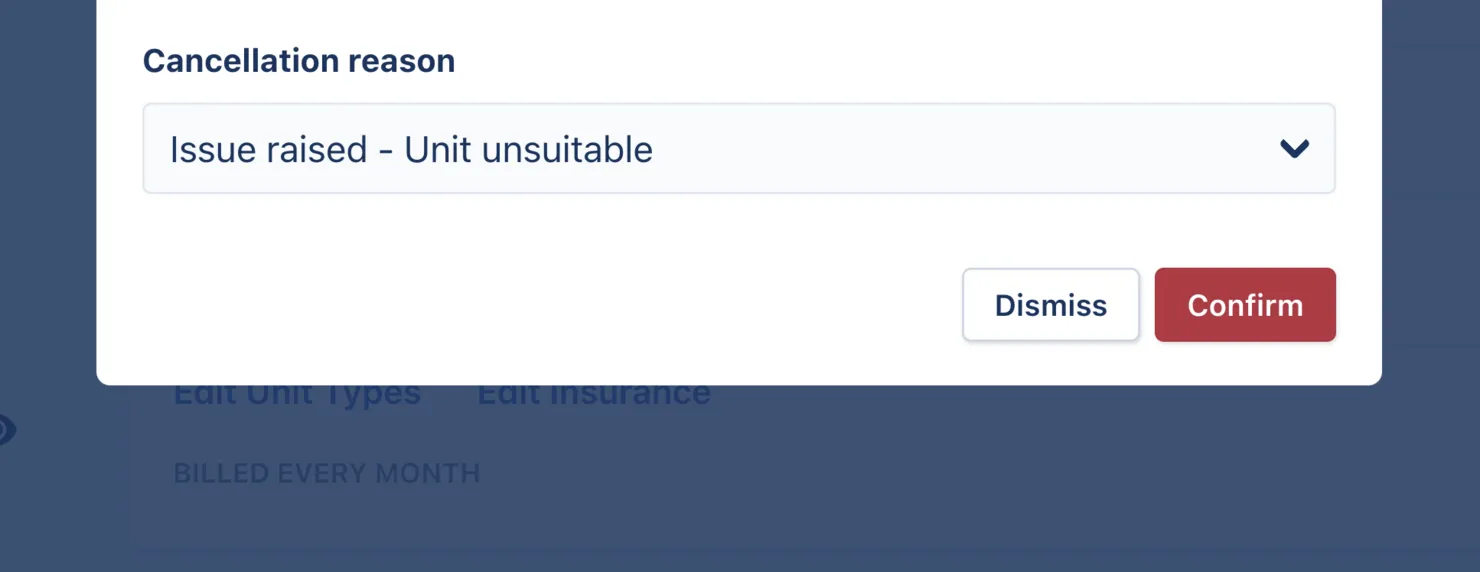
Record why a subscription was cancelled, whether you cancel it or the customer does.
Learn more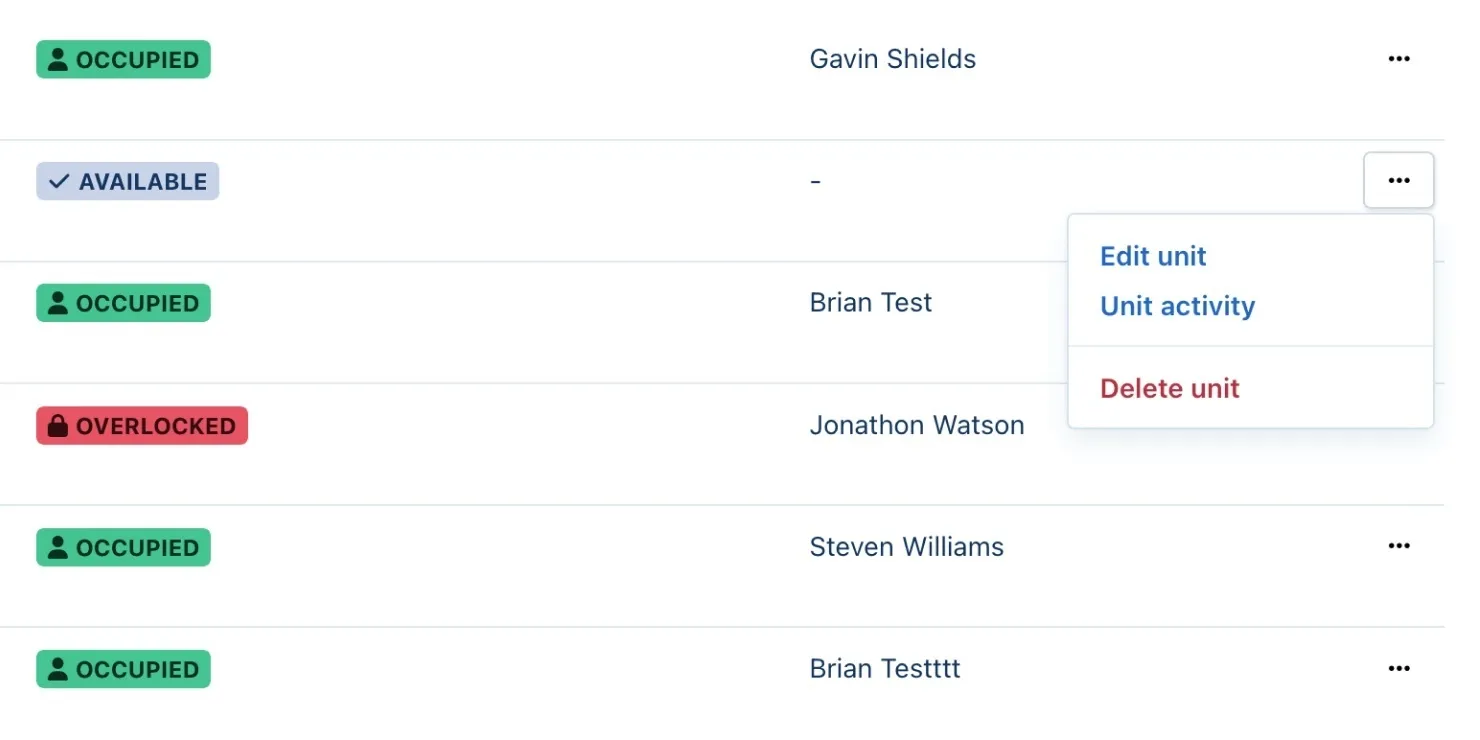
Delete any unit that isn't allocated, so your unit list always reflects your facility.
Learn more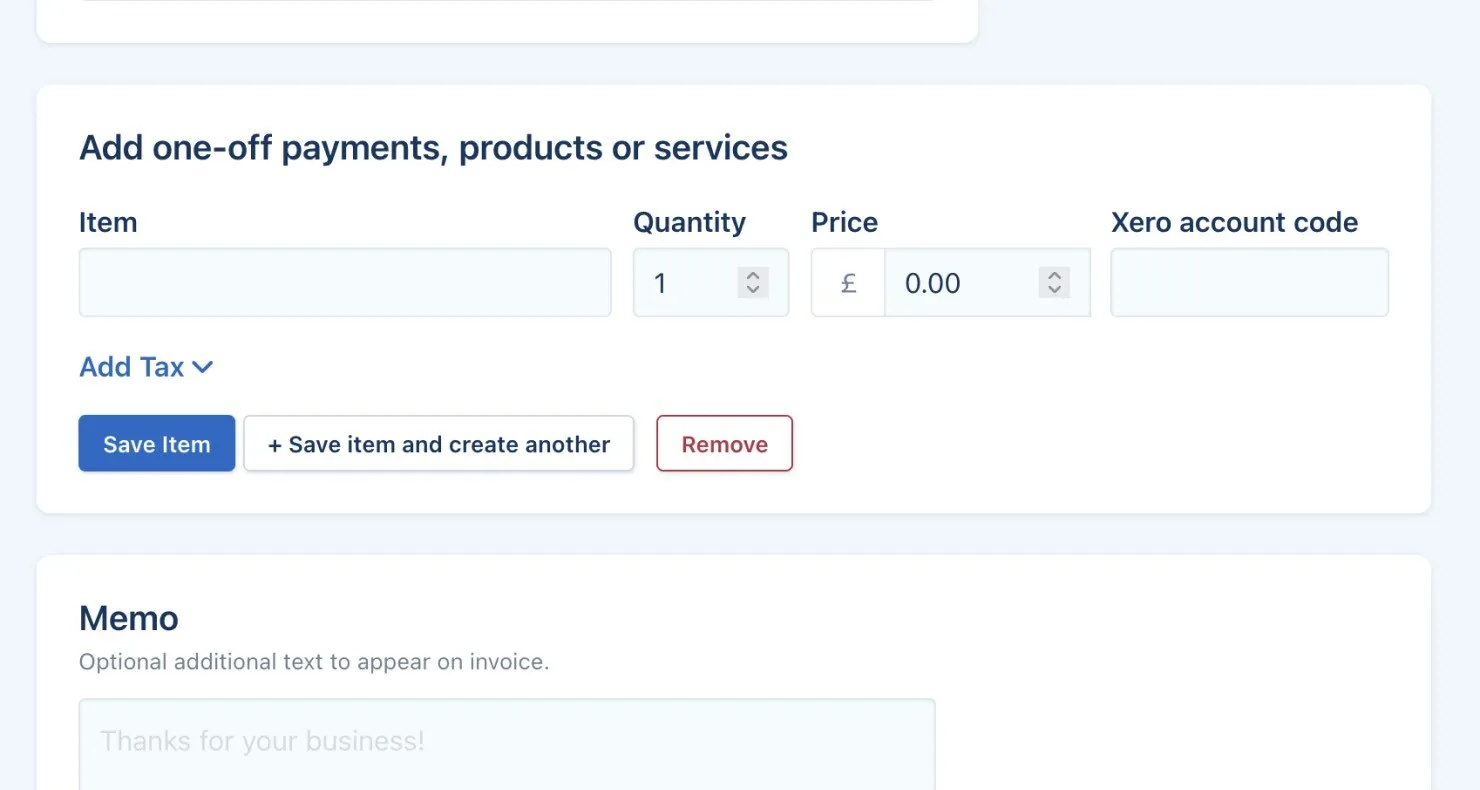
Add Xero accounting codes to one-off invoice line items, and they show in Xero-formatted invoice exports.
Learn more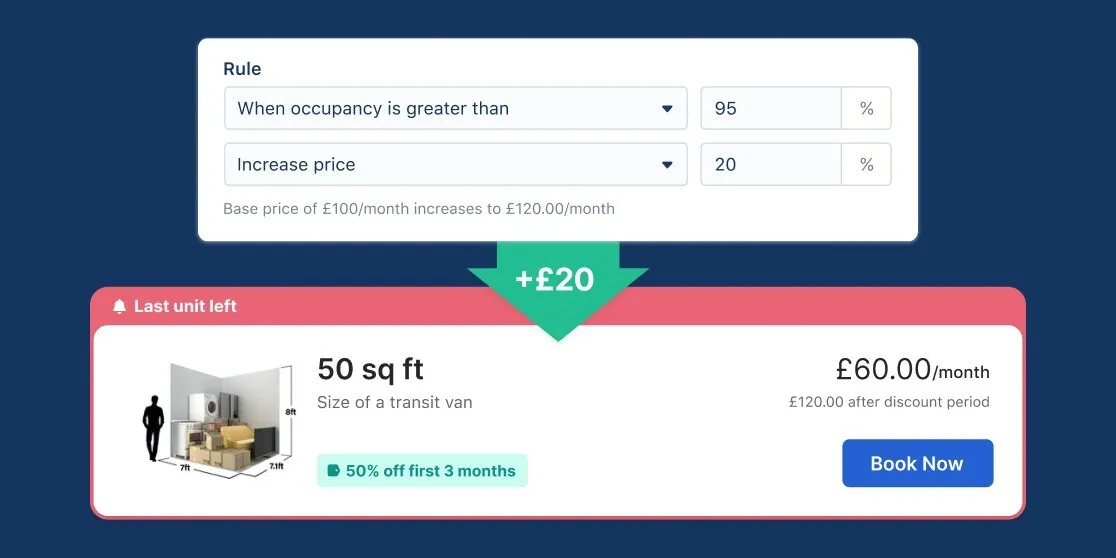
Set rules that move each unit type's Storefront price up or down automatically based on its occupancy.
Learn more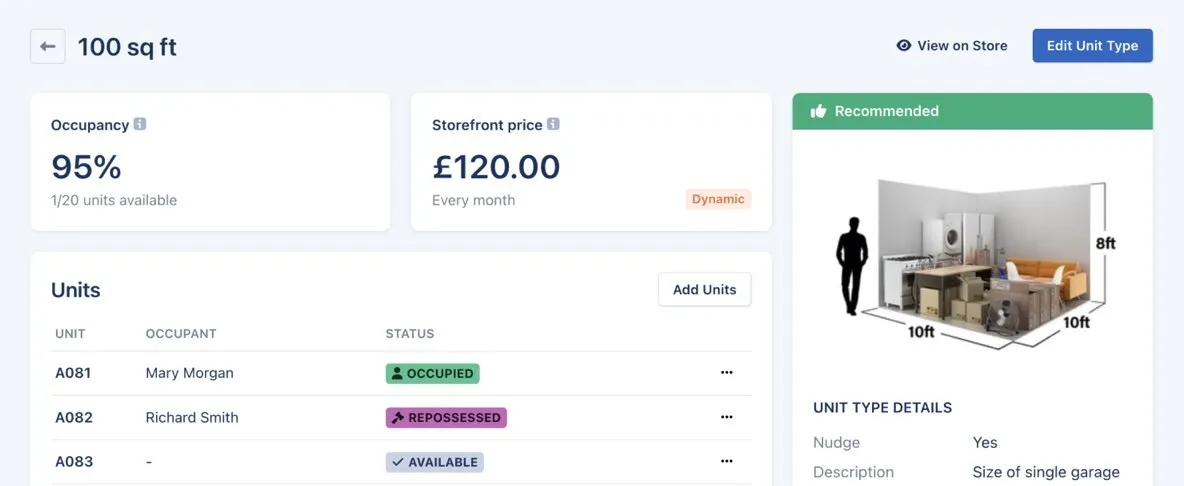
Unit type pages now show occupancy, the current Storefront price with a Dynamic label when it applies, and which pricing rules are active.
Learn more
Highlight a unit type on your website as nearly sold out, or point out a welcome gift or recommendation, with Action Nudges.
Learn more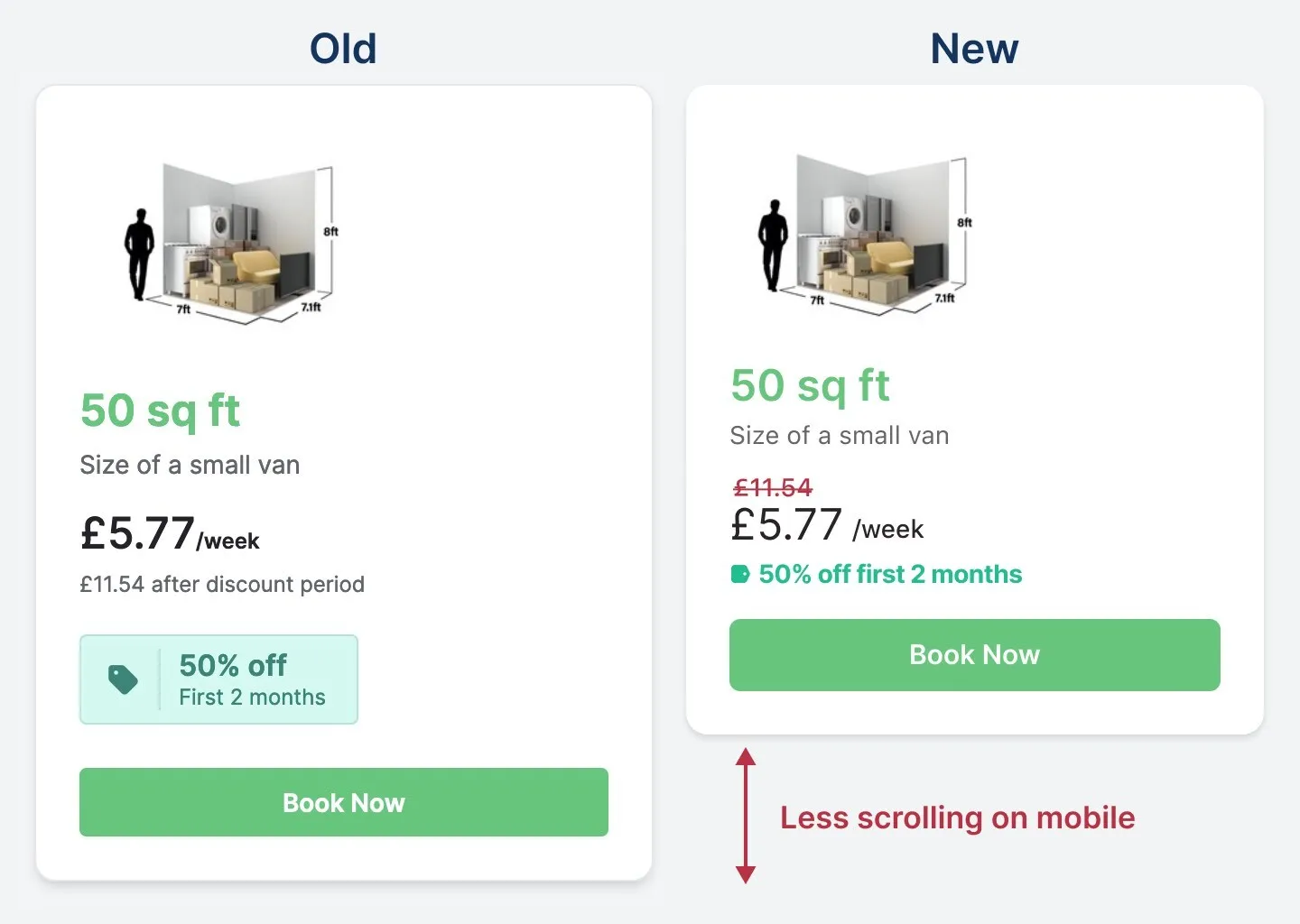
Simpler Storefront unit type cards designed to convert more visitors, including a strike-through price for discounts.
Learn more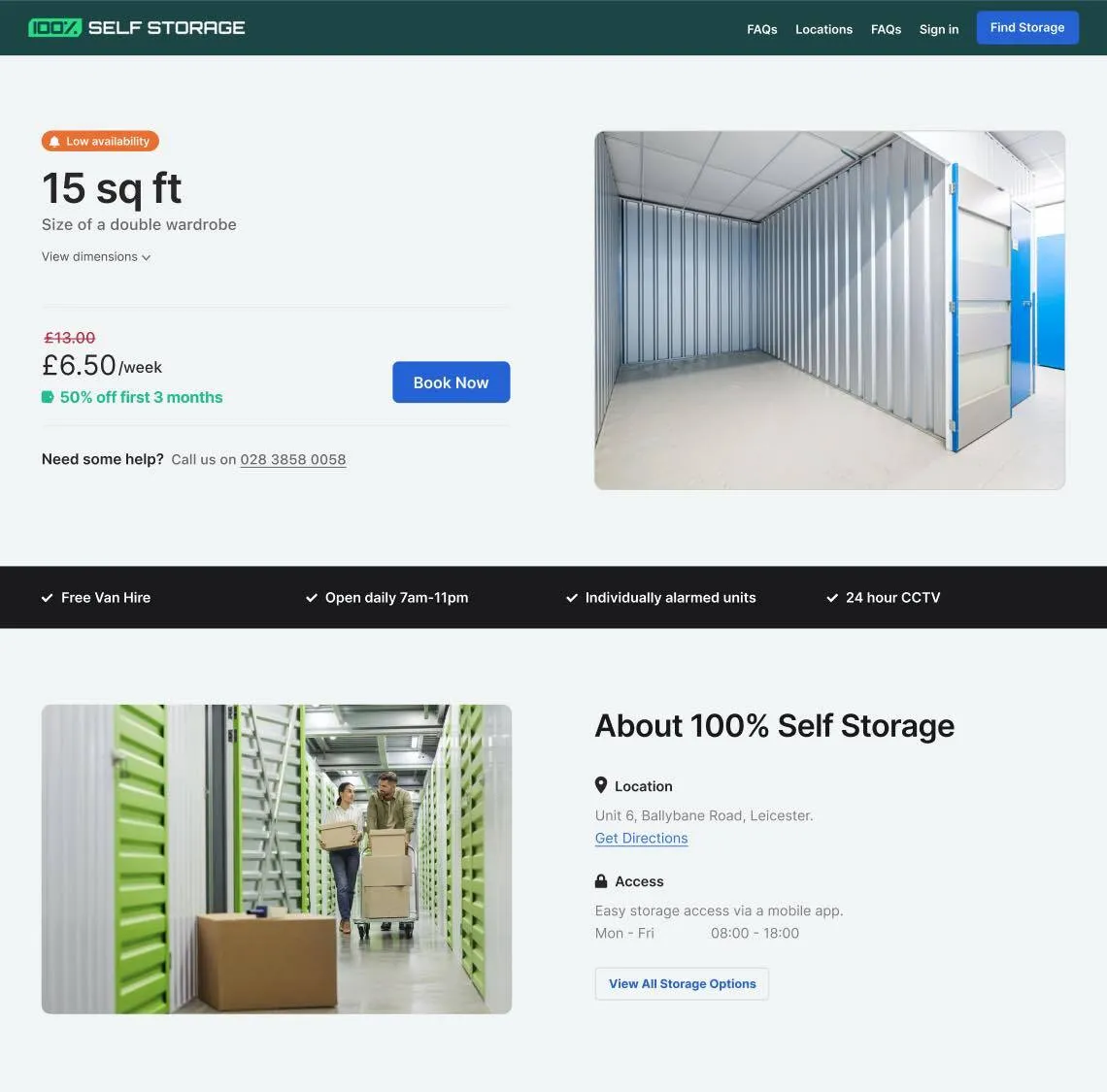
A redesigned Storefront unit type page that puts pricing, the call to action and Action Nudges first.
Learn more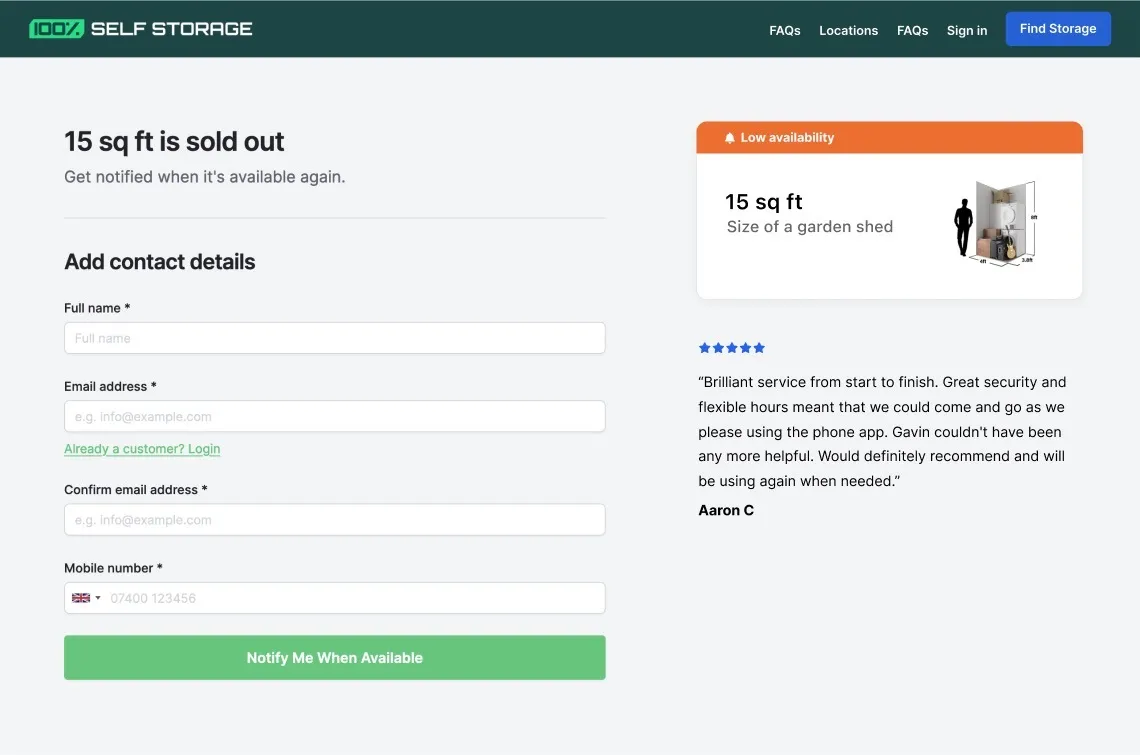
Lead forms now show the unit type's image, description, Action Nudge and customer reviews.
Learn more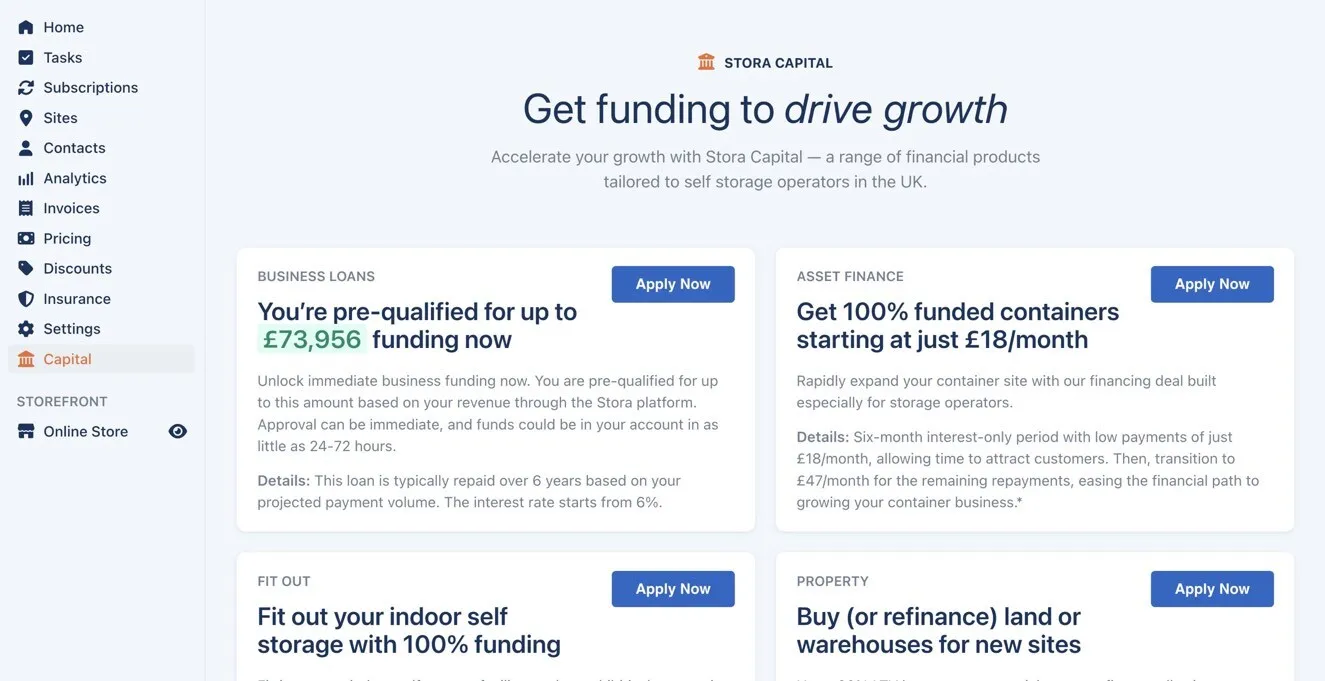
Stora Capital is a range of financial products built to help self storage operators grow, available in the UK.
Learn more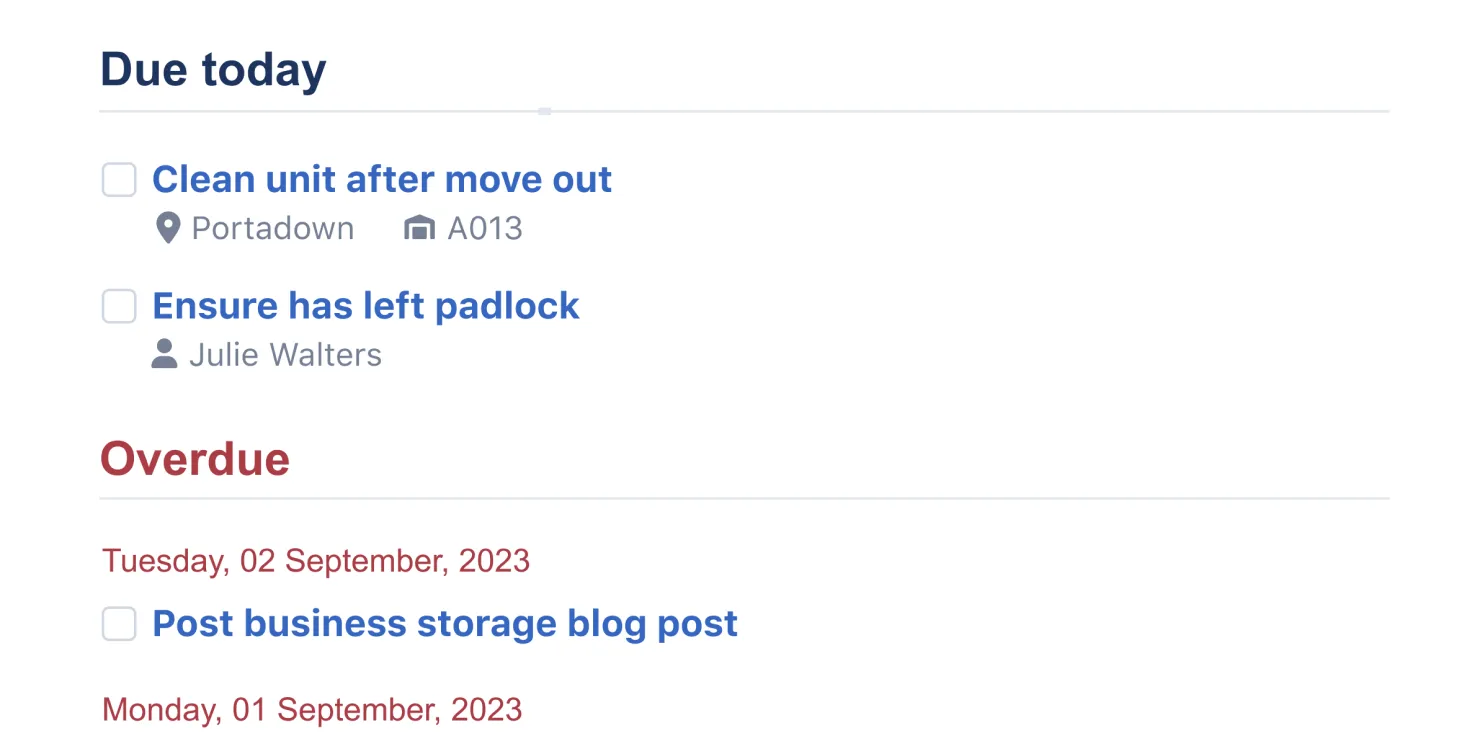
A morning email reminds each team member about tasks due today and any that are overdue.
Learn more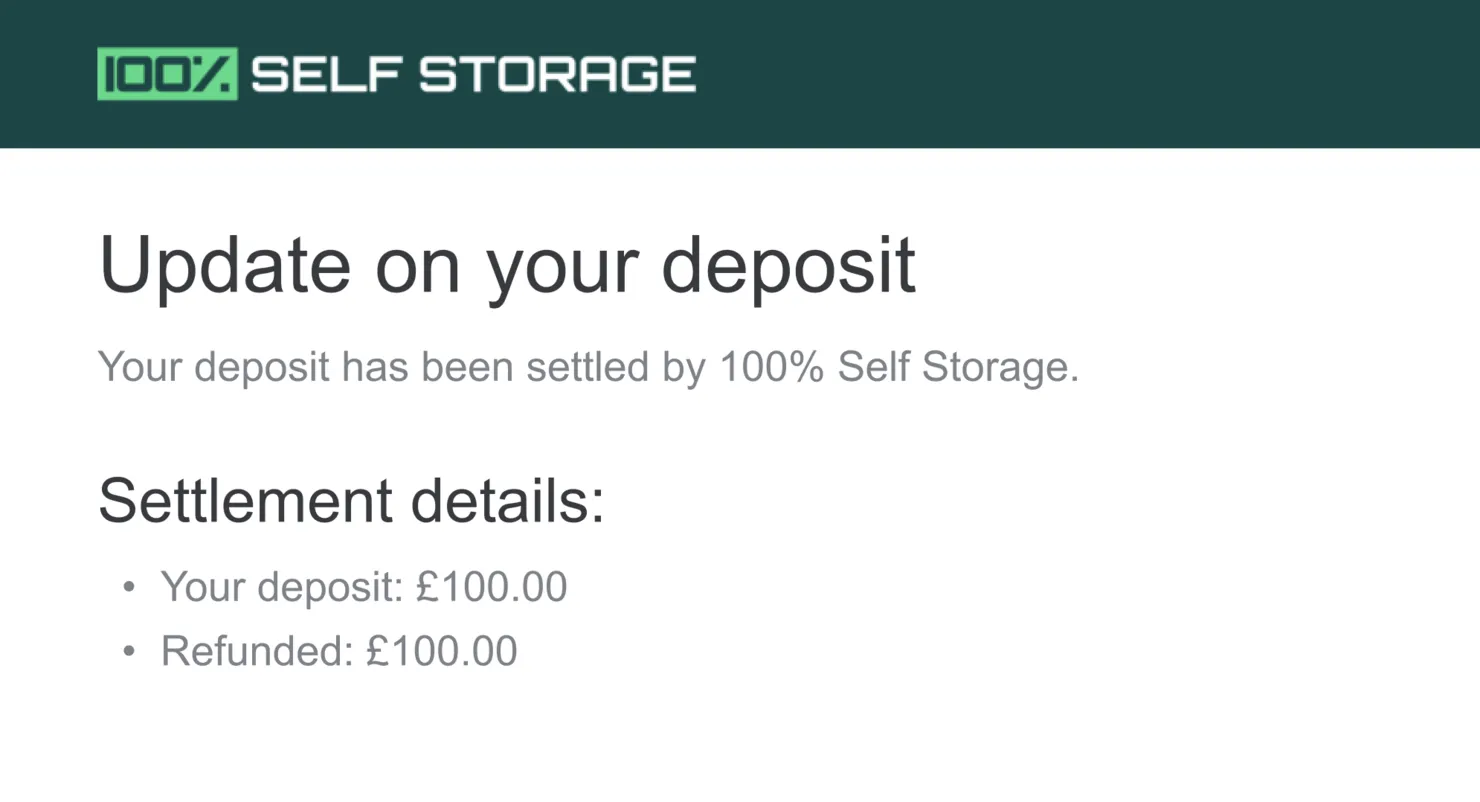
Optionally email customers when a deposit is withheld or refunded, and both of you get an email when a deposit payment fails.
Learn more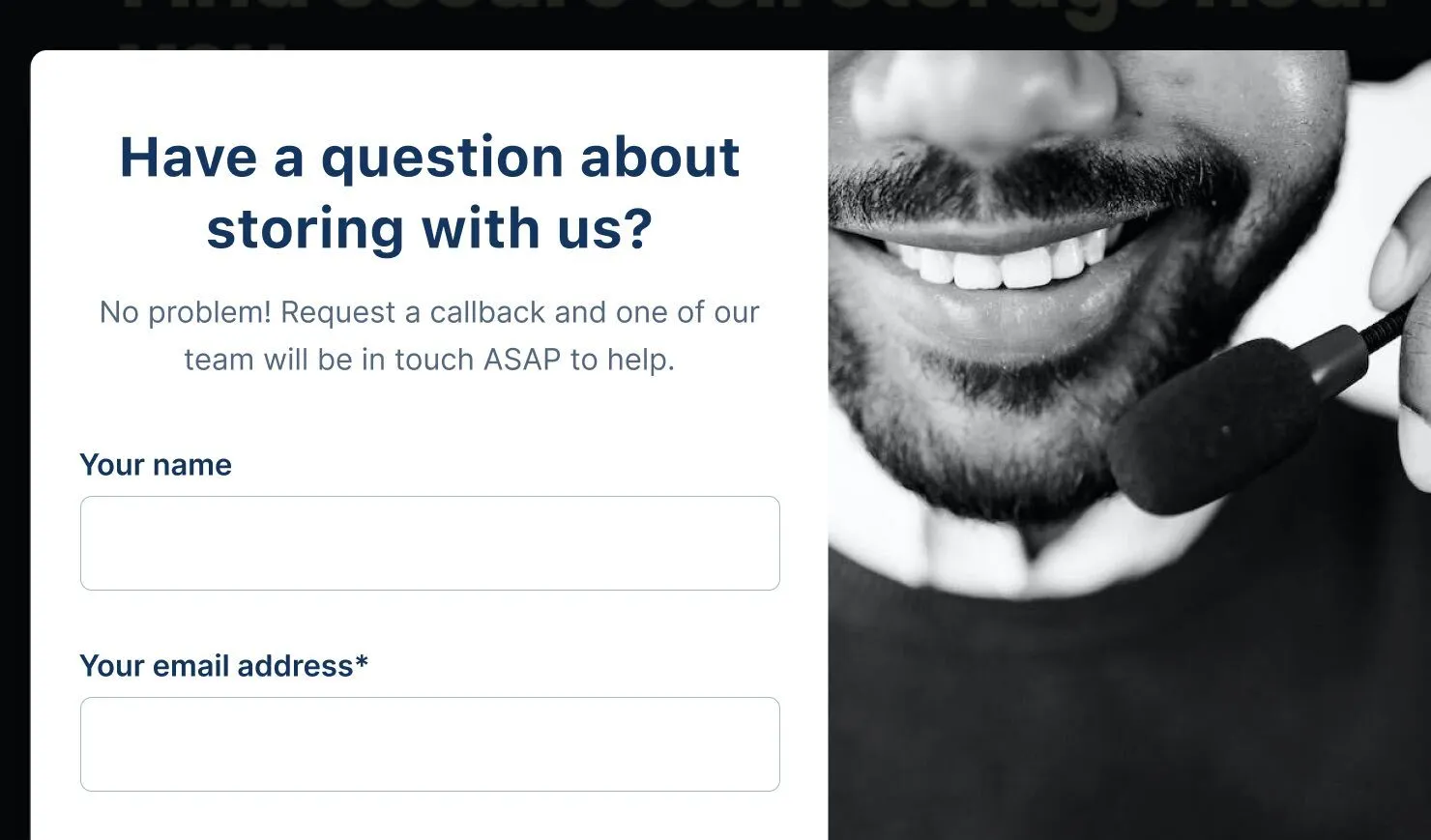
Add a full name field to your pop-up form to see who submitted it.
Learn more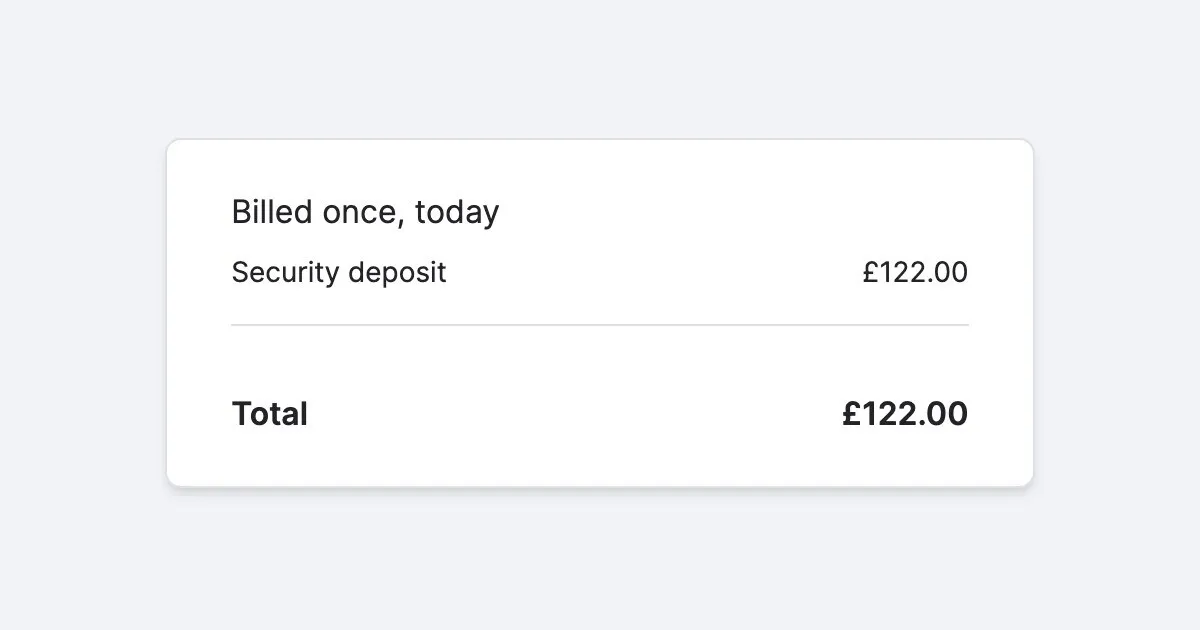
Take a deposit upfront on Storefront bookings or charge one from the Backoffice, then refund or withhold all or part of it.
Learn more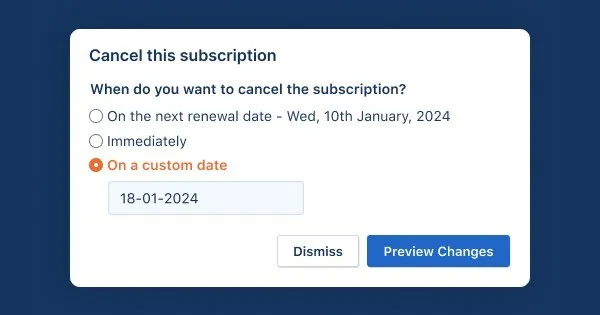
Pick a custom move-out date when cancelling a subscription, and Stora charges the pro rata amount automatically.
Learn more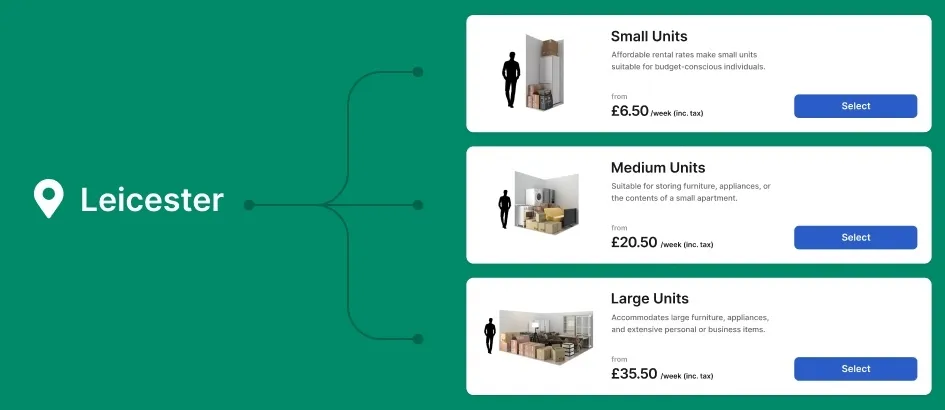
Show your Storefront unit types as groups, each with its own name, image, description and from price.
Learn more
Let website visitors switch prices between including and excluding tax, and show or hide tax labels.
Learn more
Connect Rubik to automate access while still using mechanical padlocks on your units.
Learn more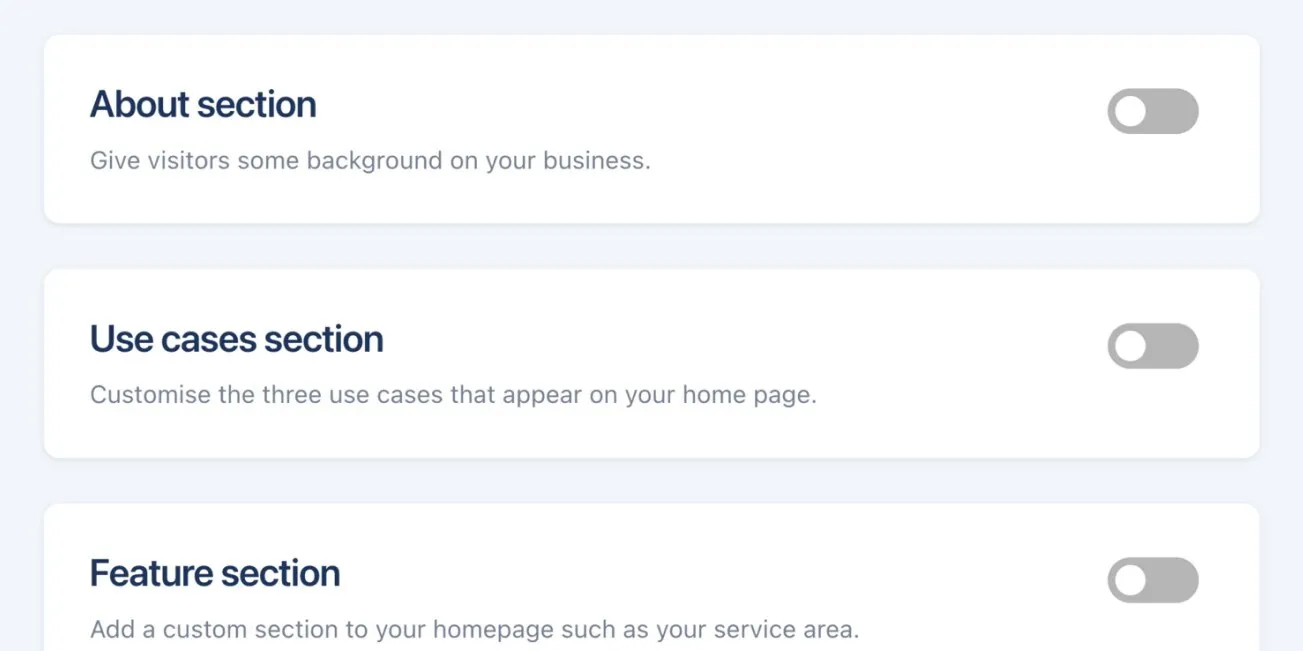
Remove the About section from your homepage.
Learn more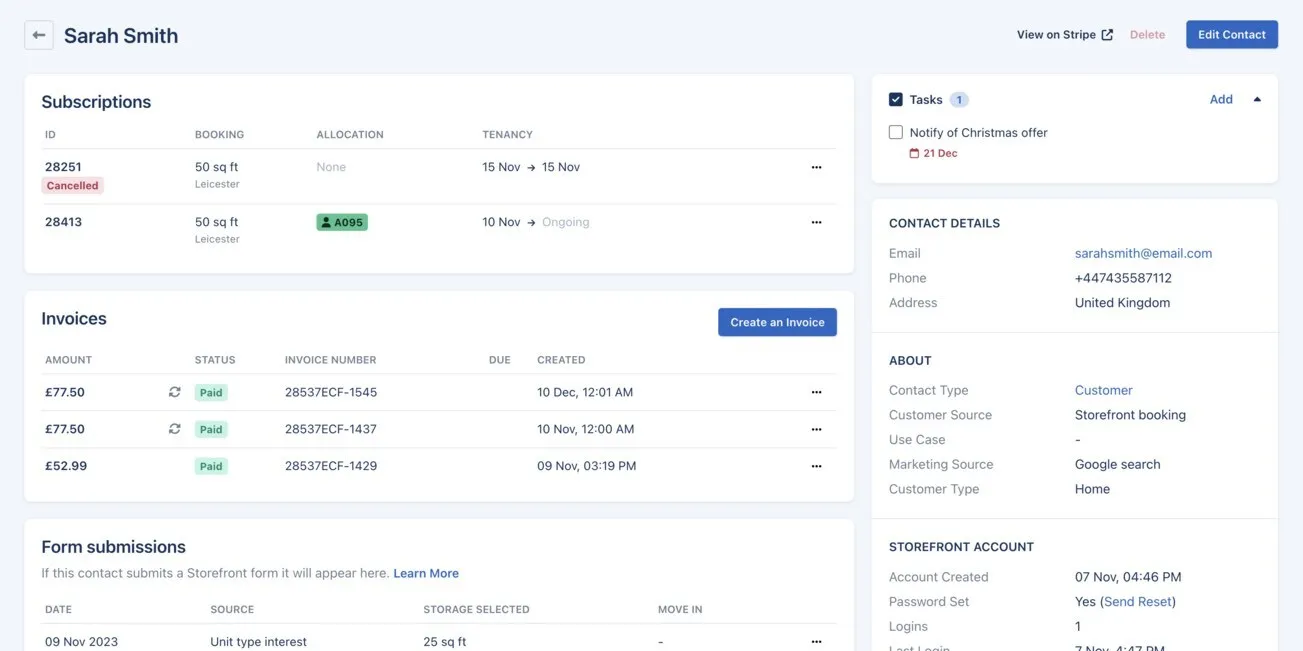
A simpler contact page, with every Storefront form submission from a lead combined into one place.
Learn more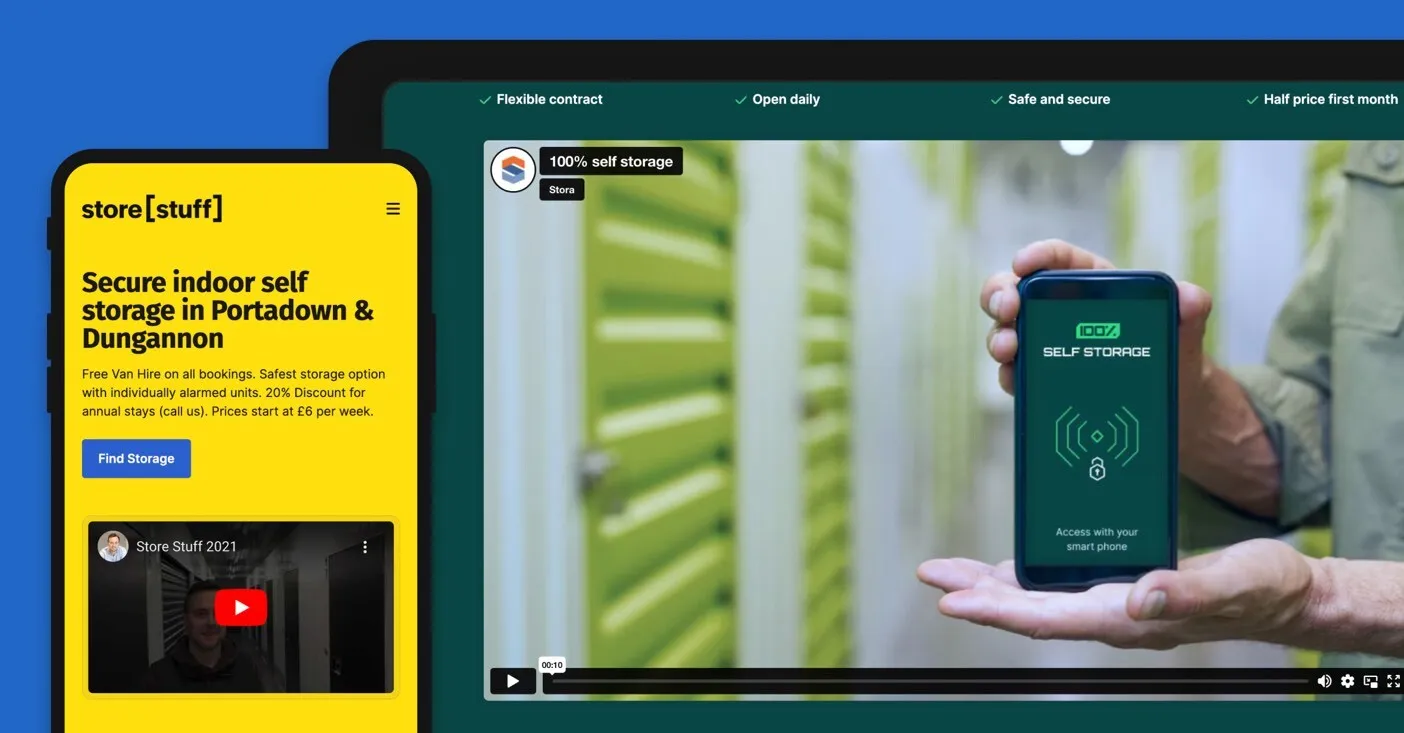
Two new homepage intro layouts put a video at the top: Two-Column with Video or Centred Video.
Learn more
A more polished Storefront on every device, with new features to market your business and keep your website on brand.
Learn more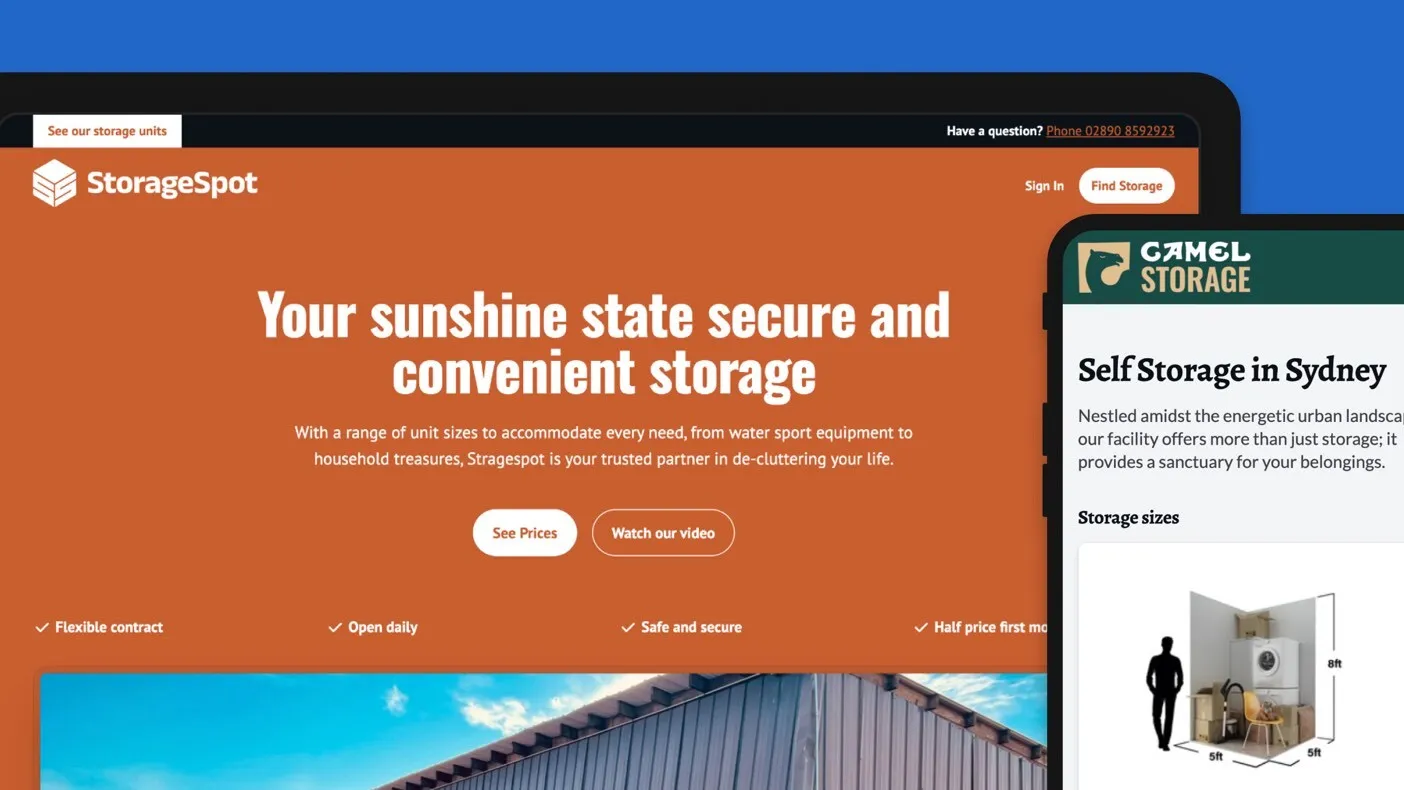
Choose your Storefront font from 22 typefaces picked by our design team.
Learn more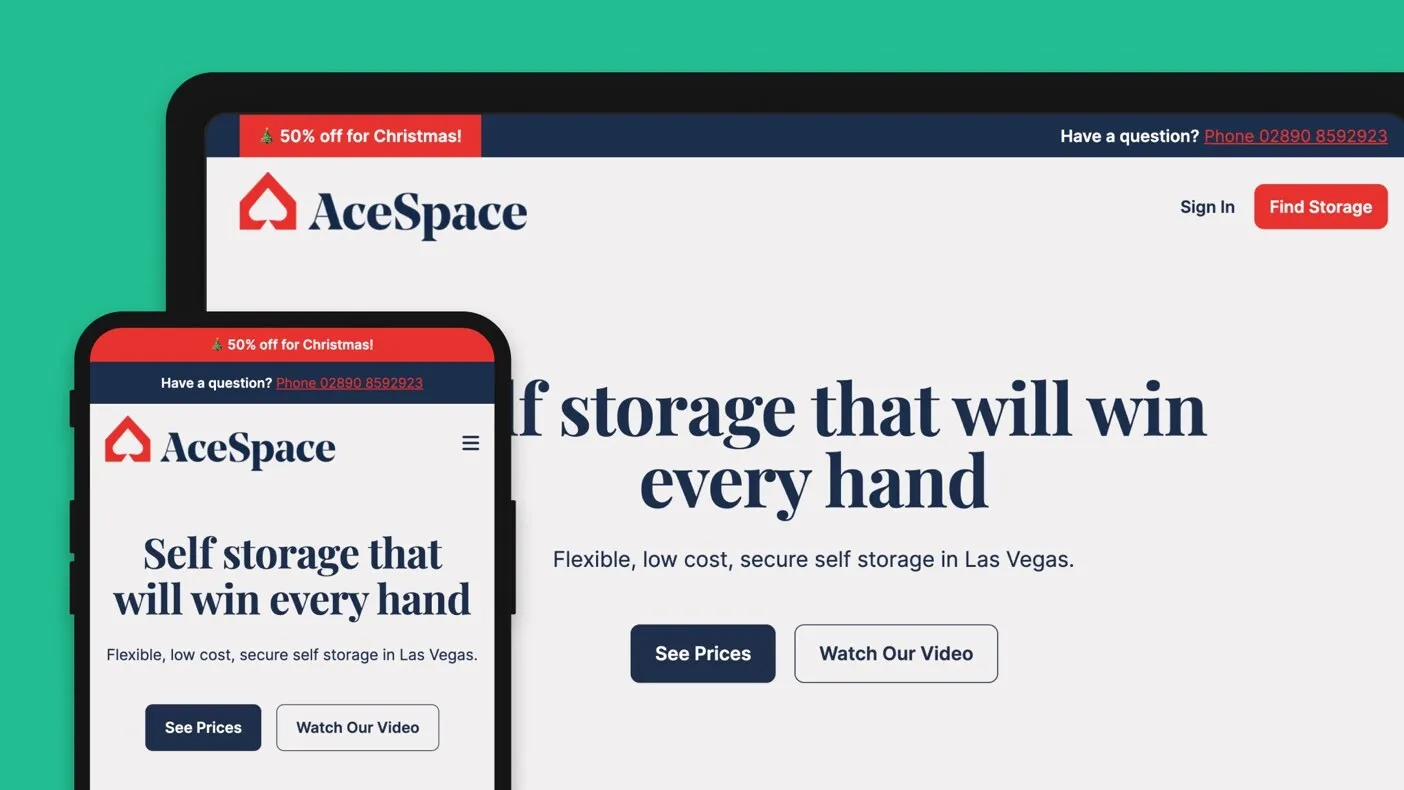
An info bar above your logo highlights a piece of content and your preferred contact method across your Storefront.
Learn more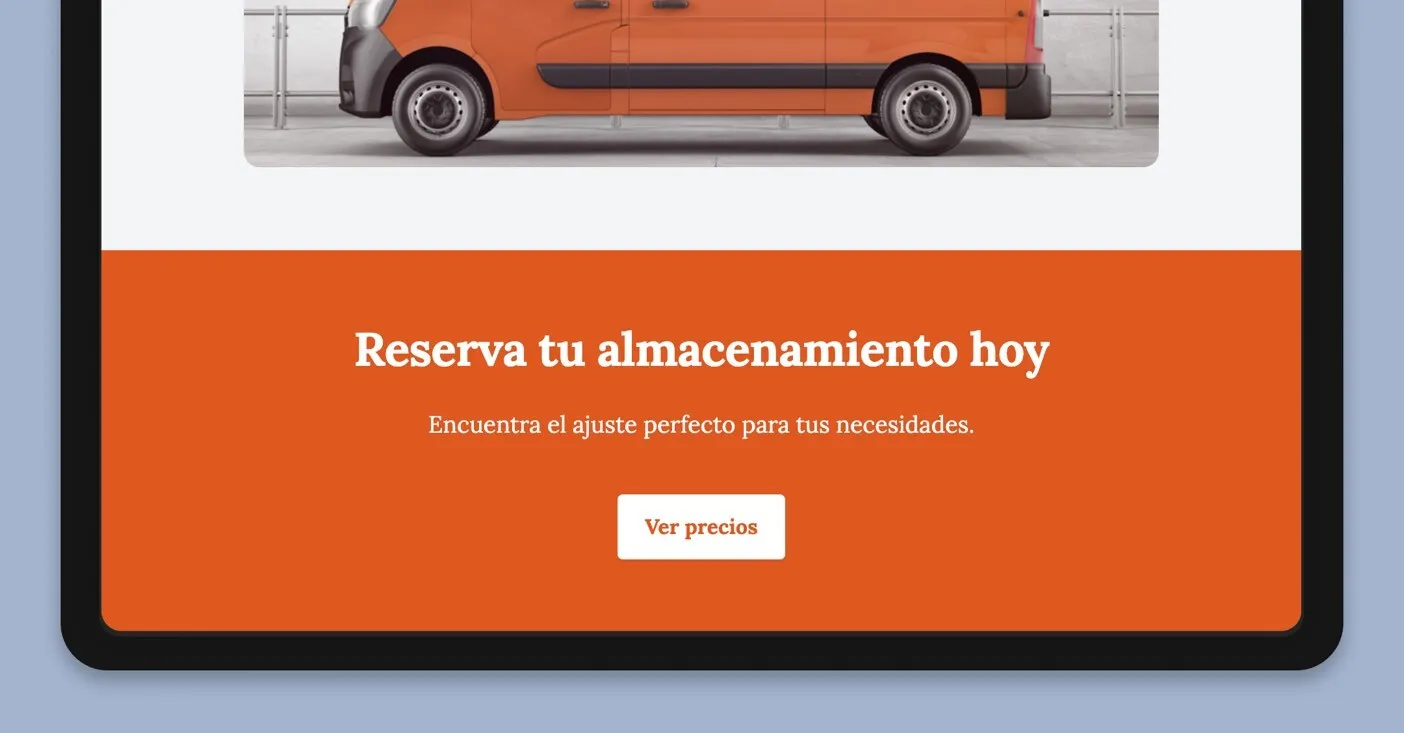
A customisable banner at the bottom of your website keeps the booking call to action in front of visitors.
Learn more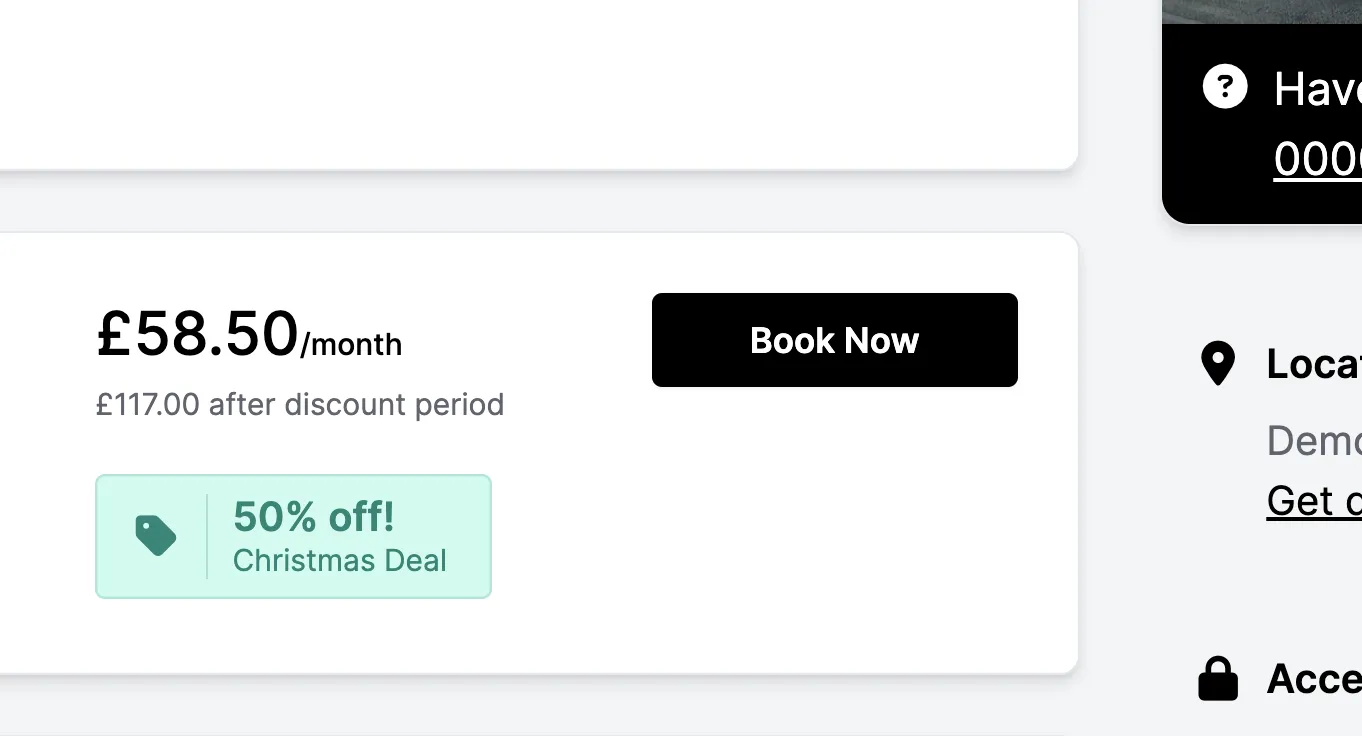
Edit the title and subtitle of any discount promotion, and the change shows everywhere it appears on your Storefront.
Learn more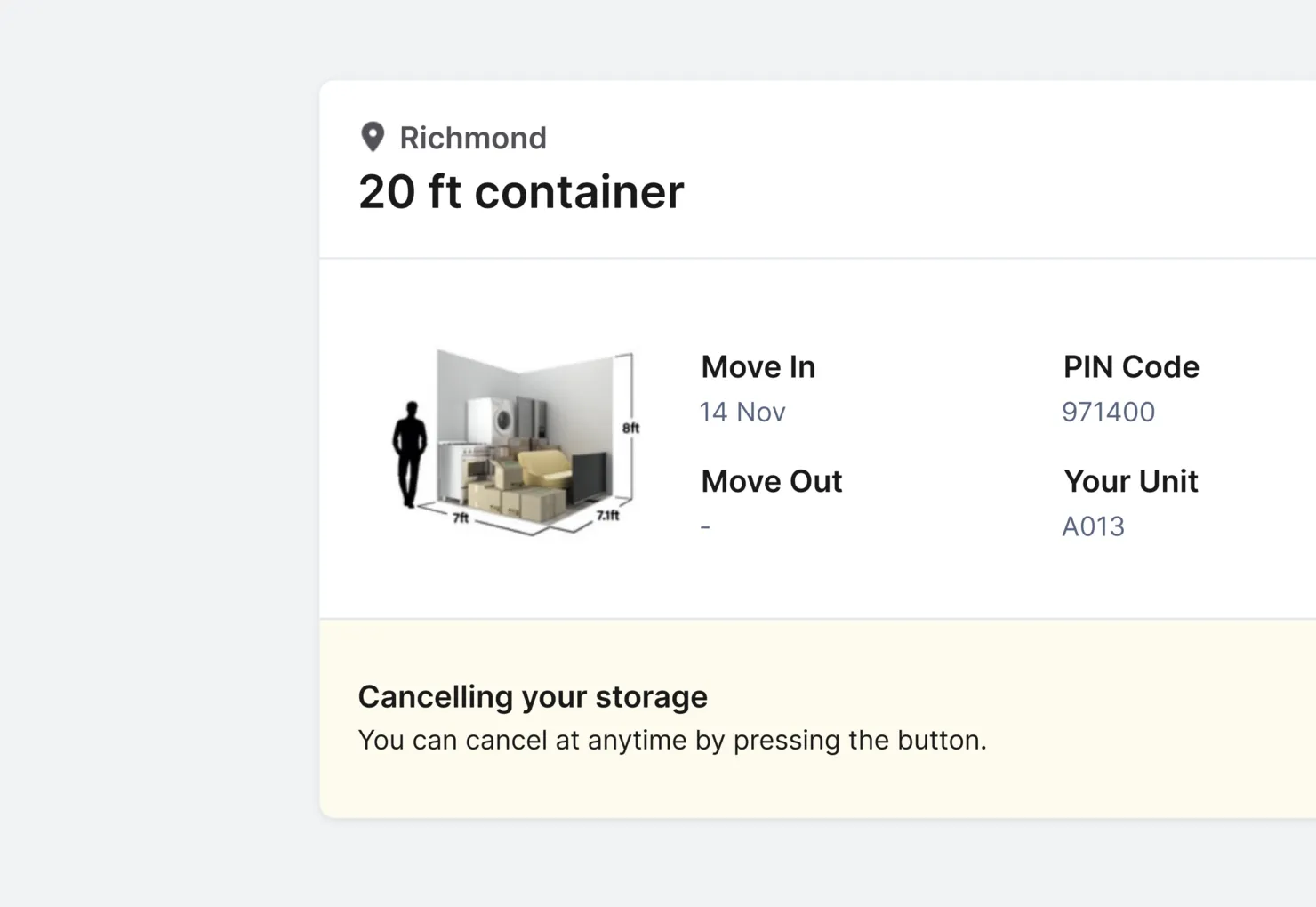
Customers see the IDs of their units in the customer portal.
Learn more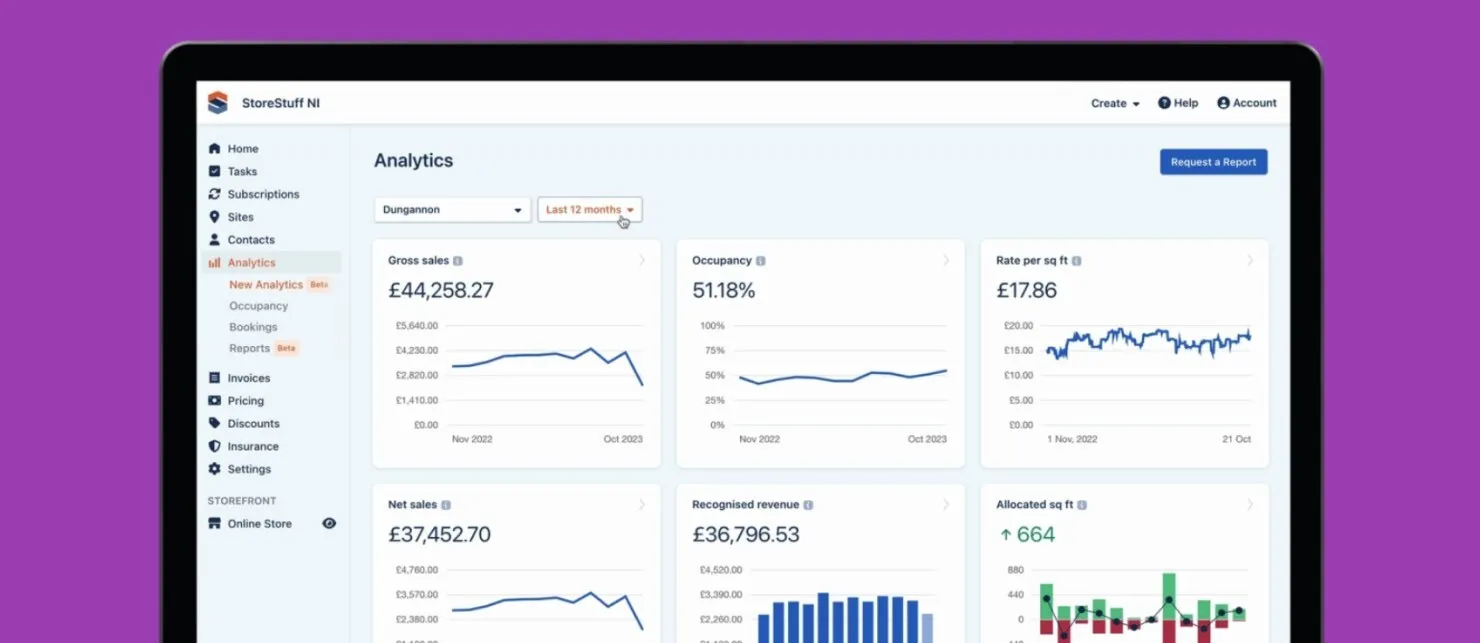
Stora Analytics brings more reports, easier to reach and filter, to help you make decisions from your data.
Learn more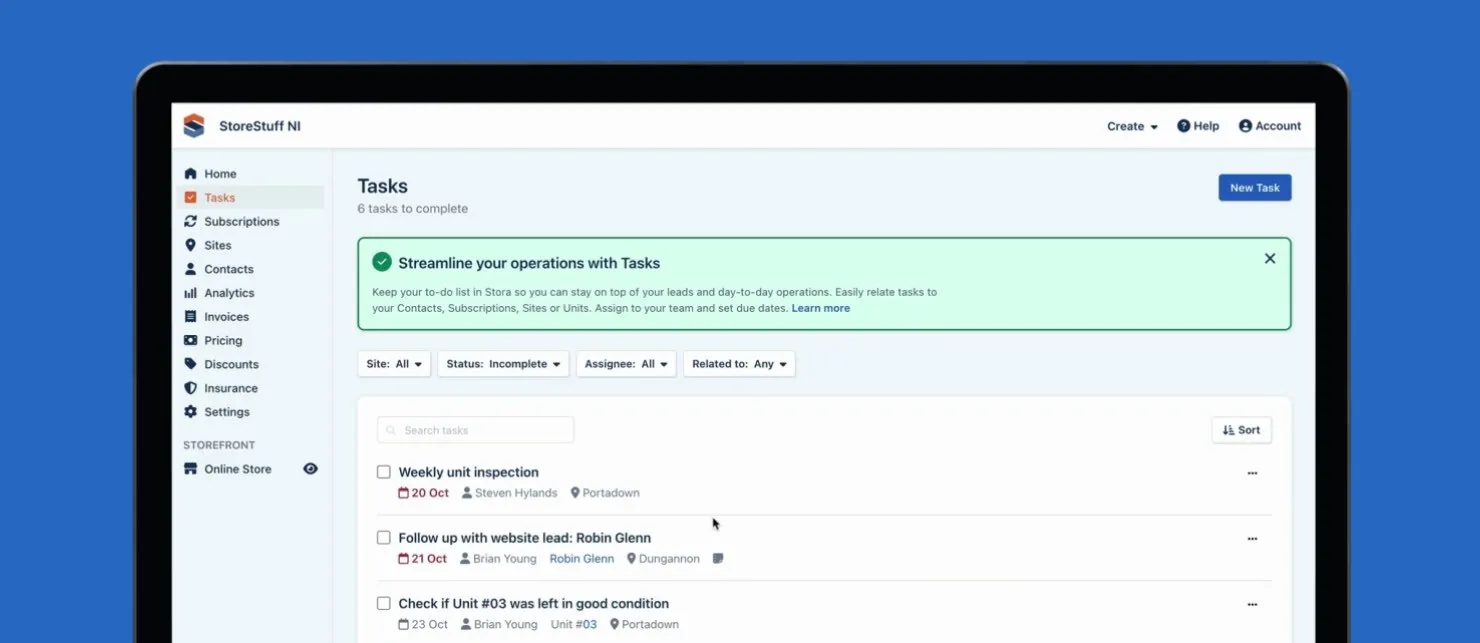
Keep your to-do list in Stora with Tasks, for leads and day-to-day operations.
Learn more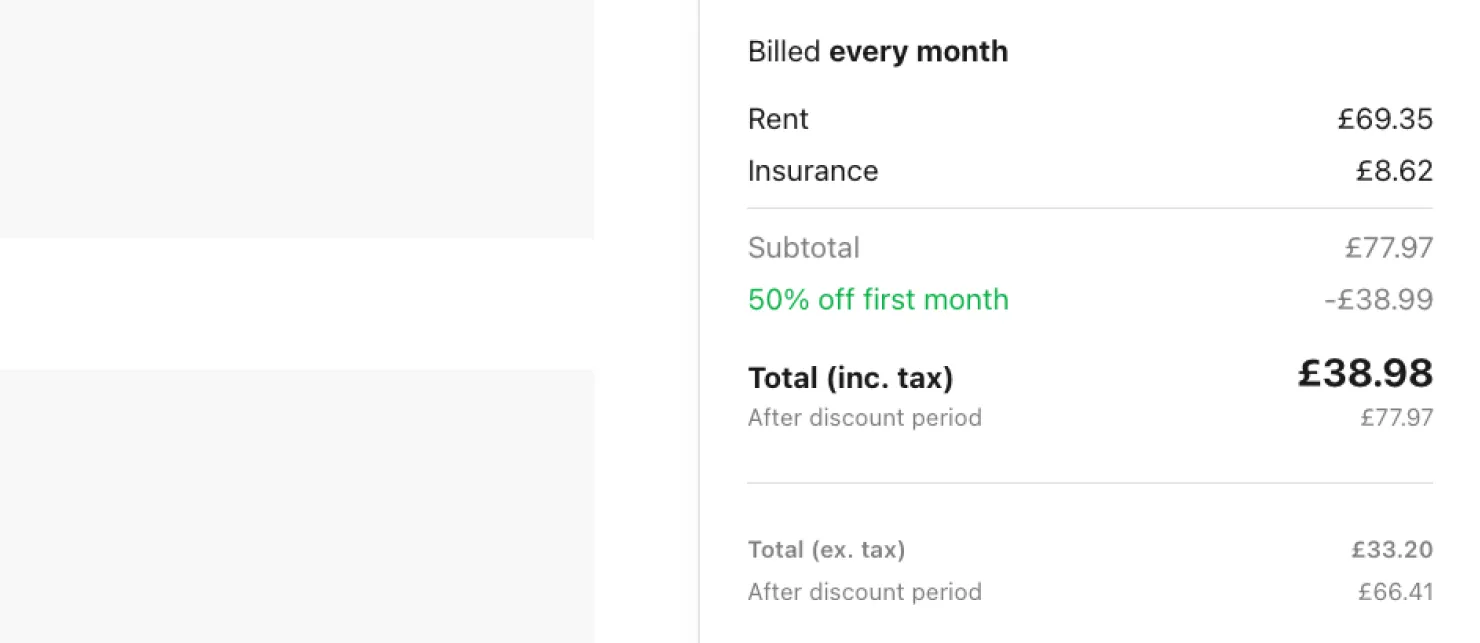
The booking form summary shows the total before and after discount, and with and without tax, more clearly.
Learn more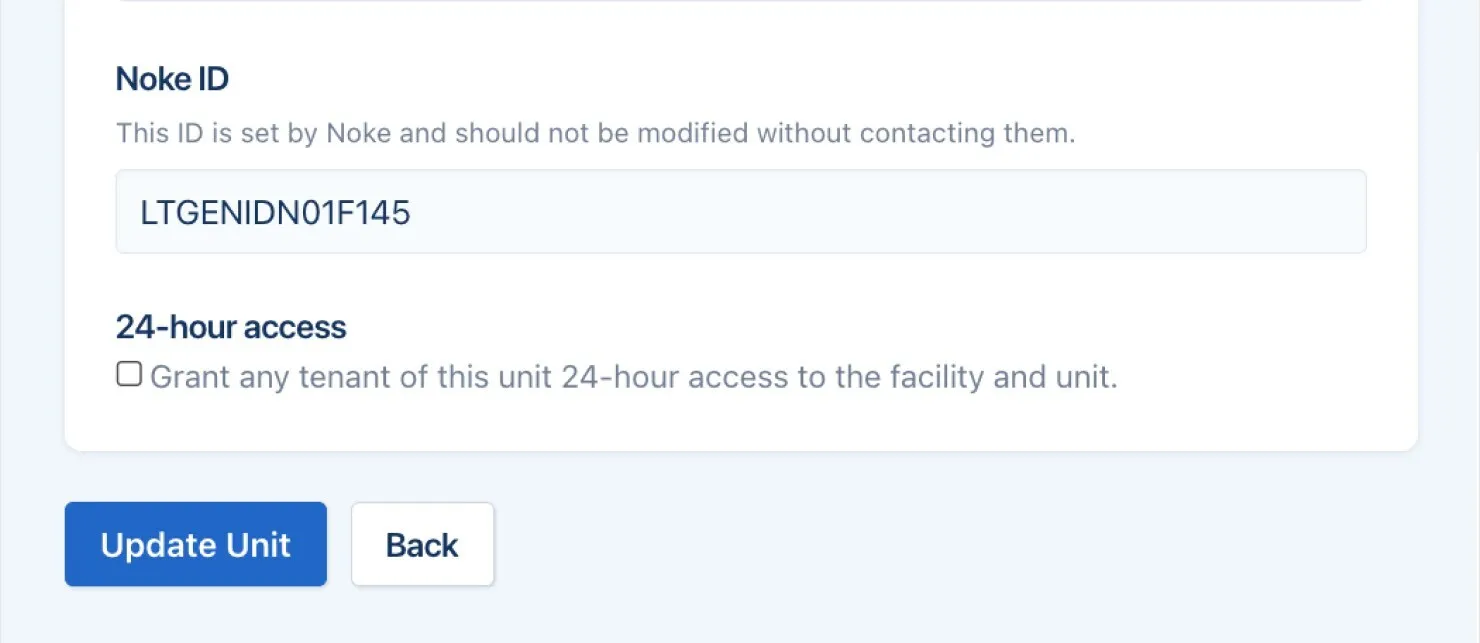
On Nokē sites, give a unit's occupant 24-hour access to the site.
Learn more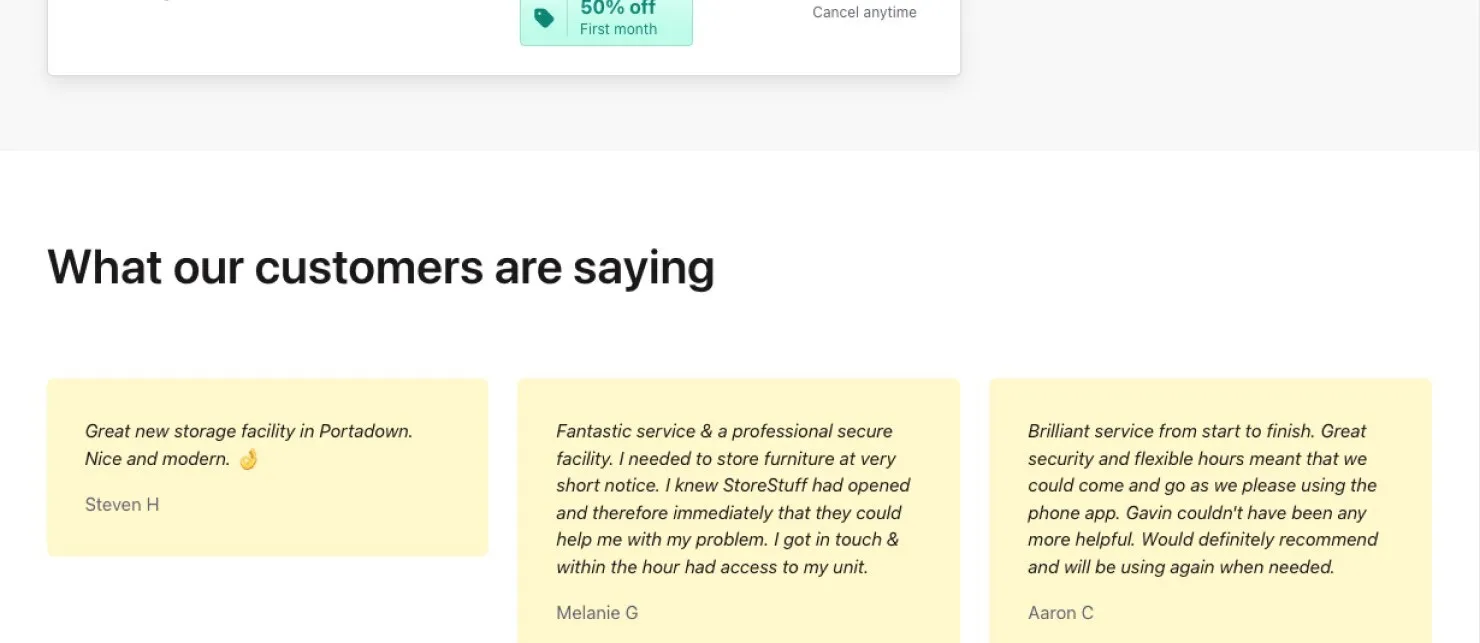
Show the Customer Reviews section from your homepage on any site page too.
Learn more
Connect Sensorberg, the seventh smart entry system Stora automates access with.
Learn more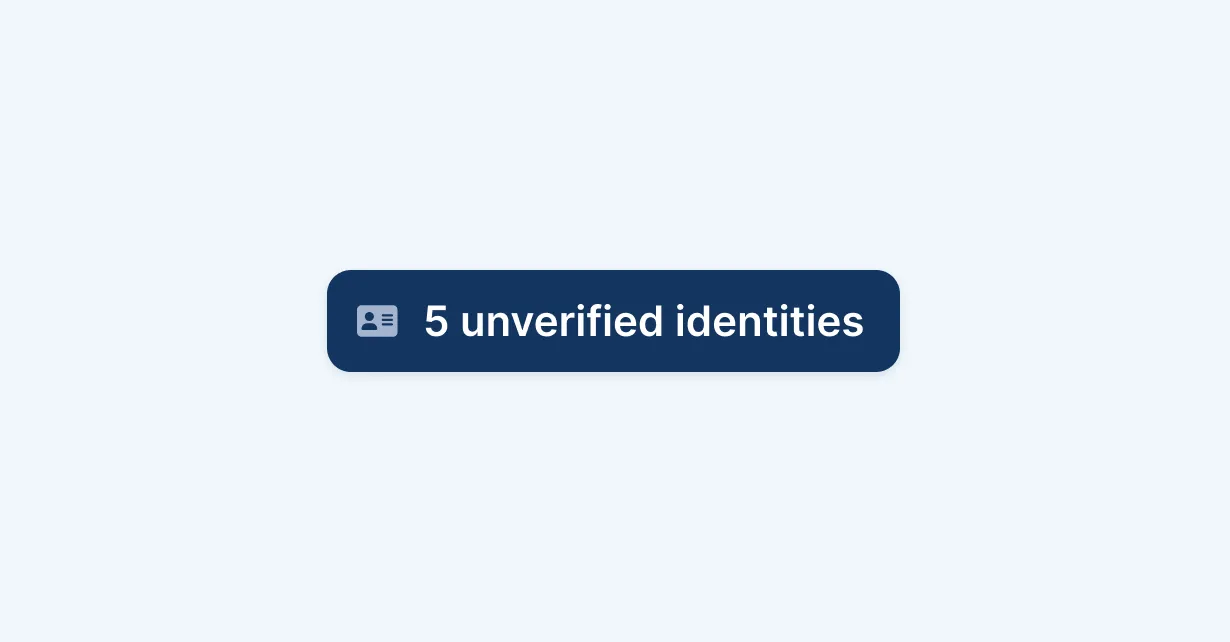
A Home screen action and an updated page show which customers have failed their identity check and who has yet to start it.
Learn more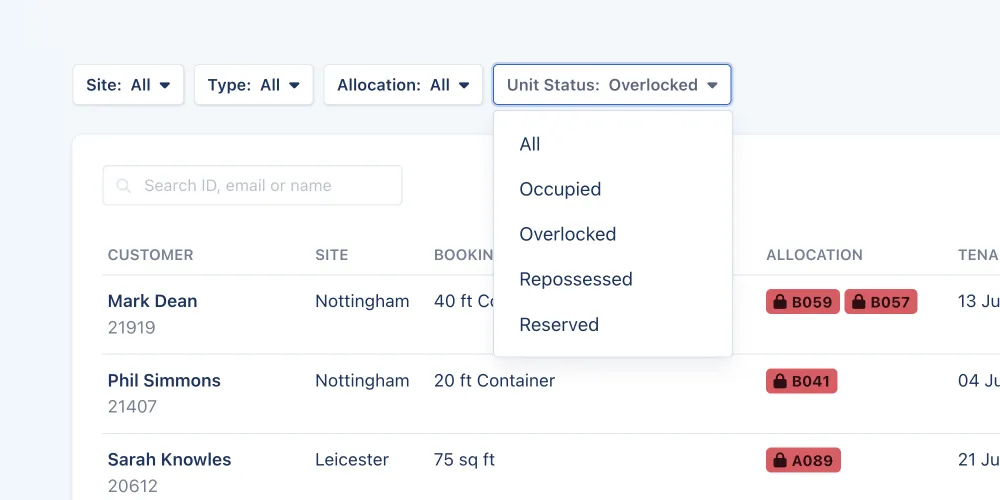
Filter subscriptions by the status of their unit: Occupied, Overlocked, Repossessed or Reserved.
Learn more
Set up a smart entry integration with PTI Storlogix Cloud from your Stora account.
Learn more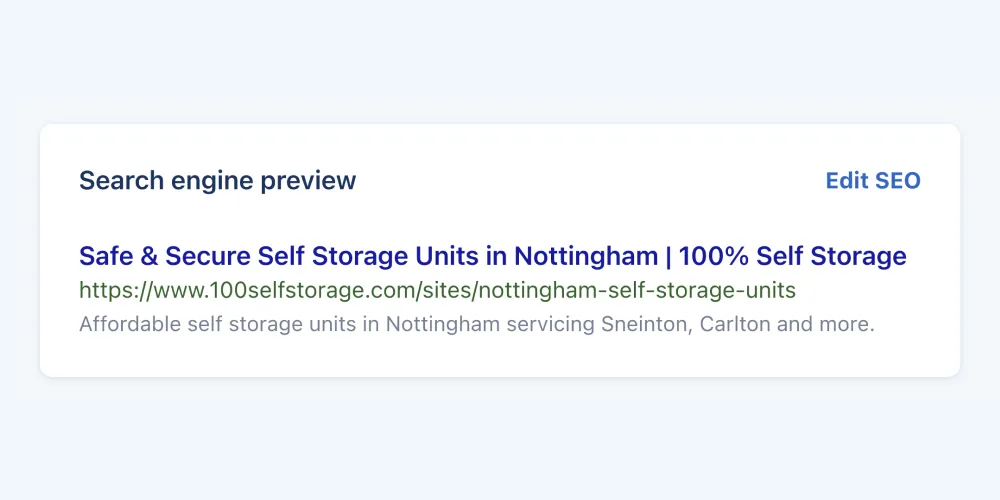
Edit the search engine title and description of your site, unit type and content pages.
Learn more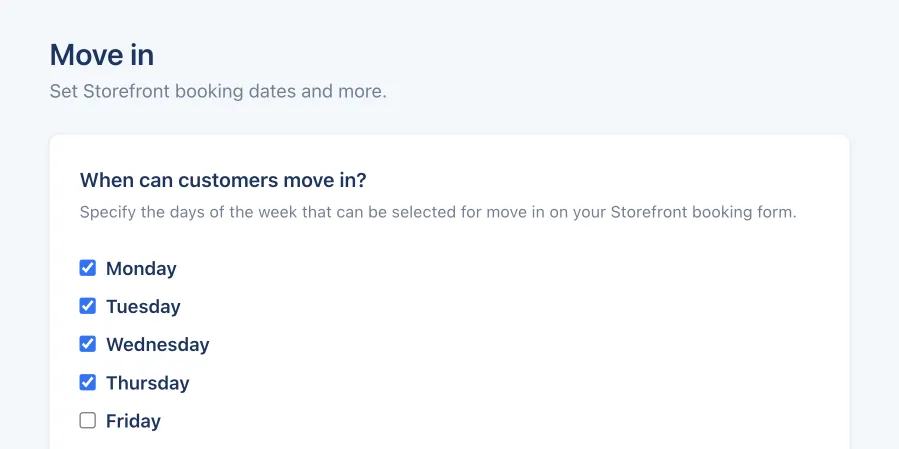
Choose which days of the week customers can pick as their move-in day, per site.
Learn more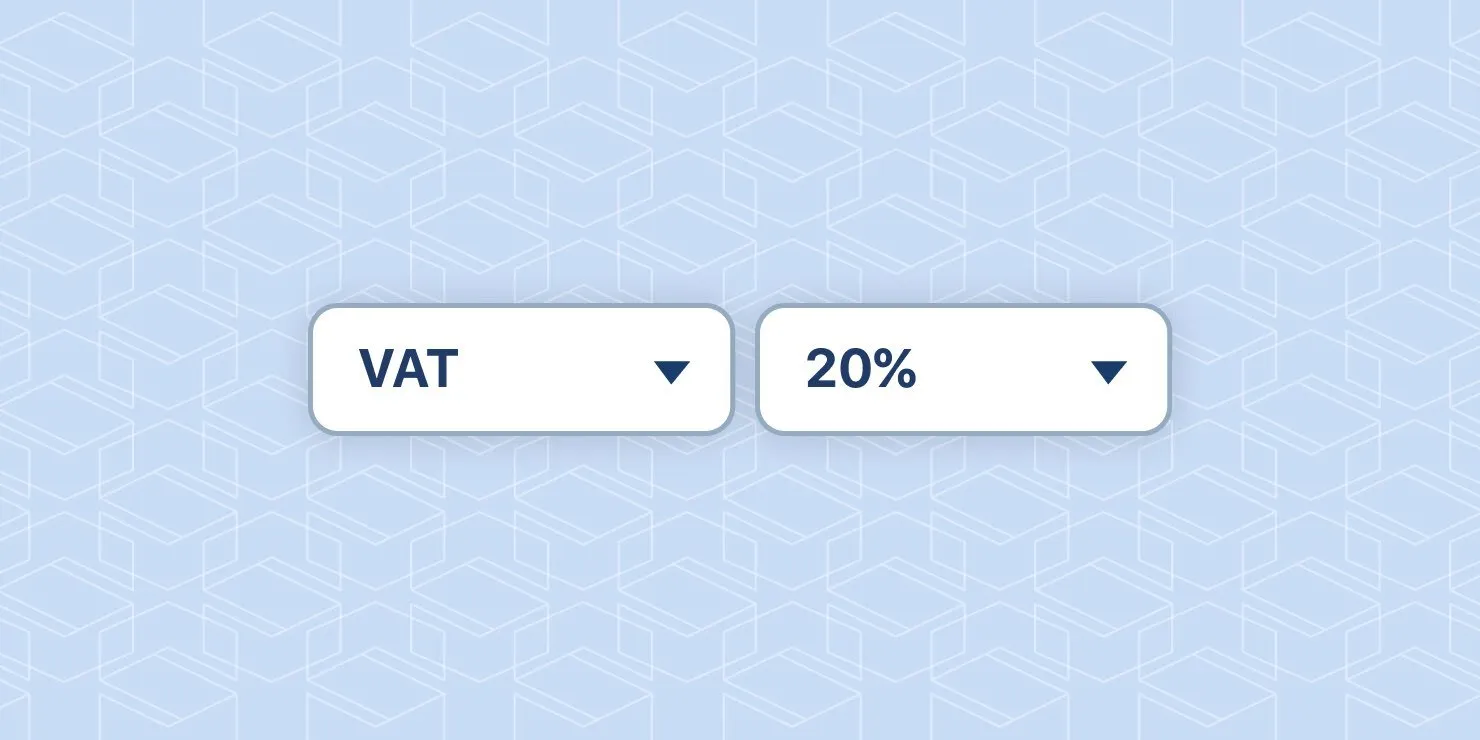
Set different tax rates per site and choose whether each applies to unit types or insurance.
Learn more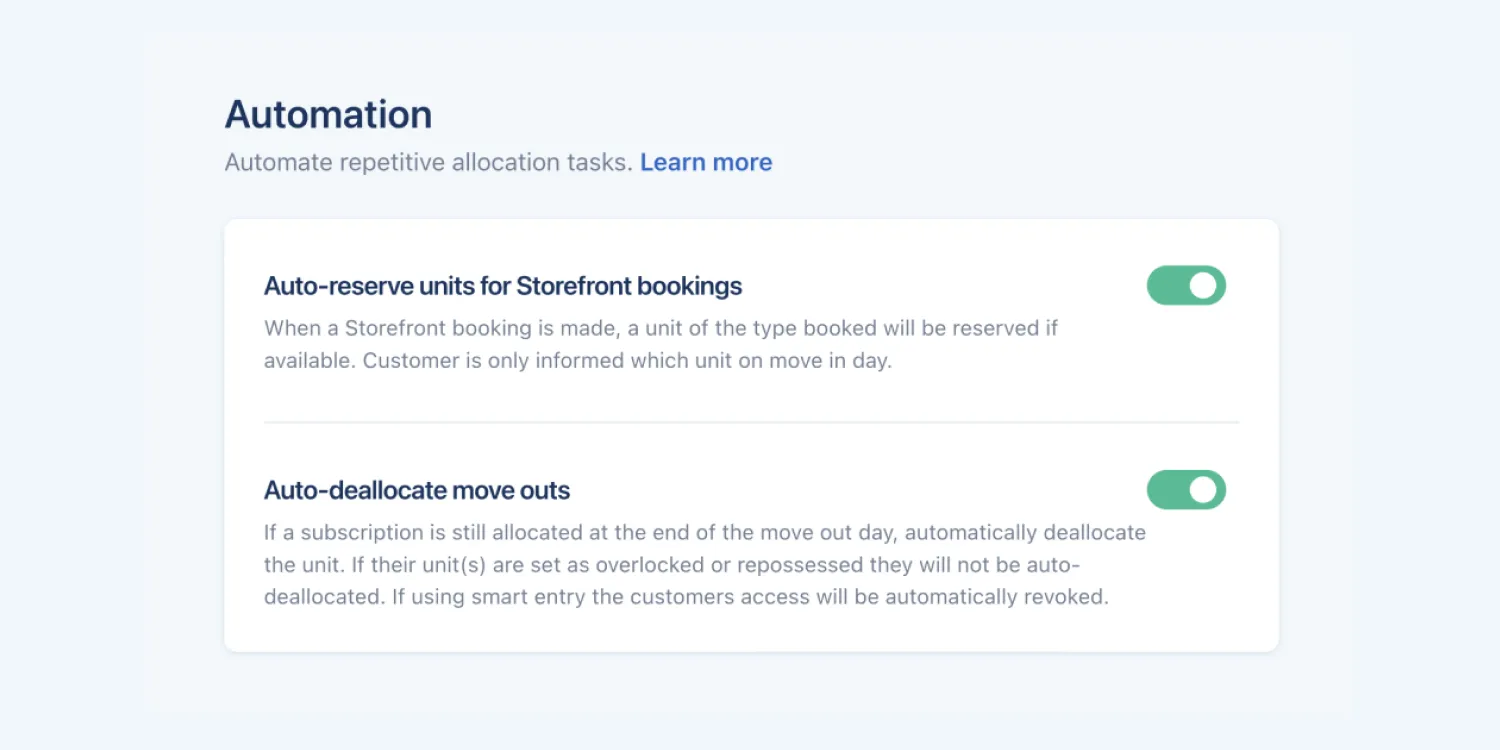
Auto-reservation for one-minute move-ins, auto-deallocation at move-out, and unit types that switch to collecting leads when full.
Learn more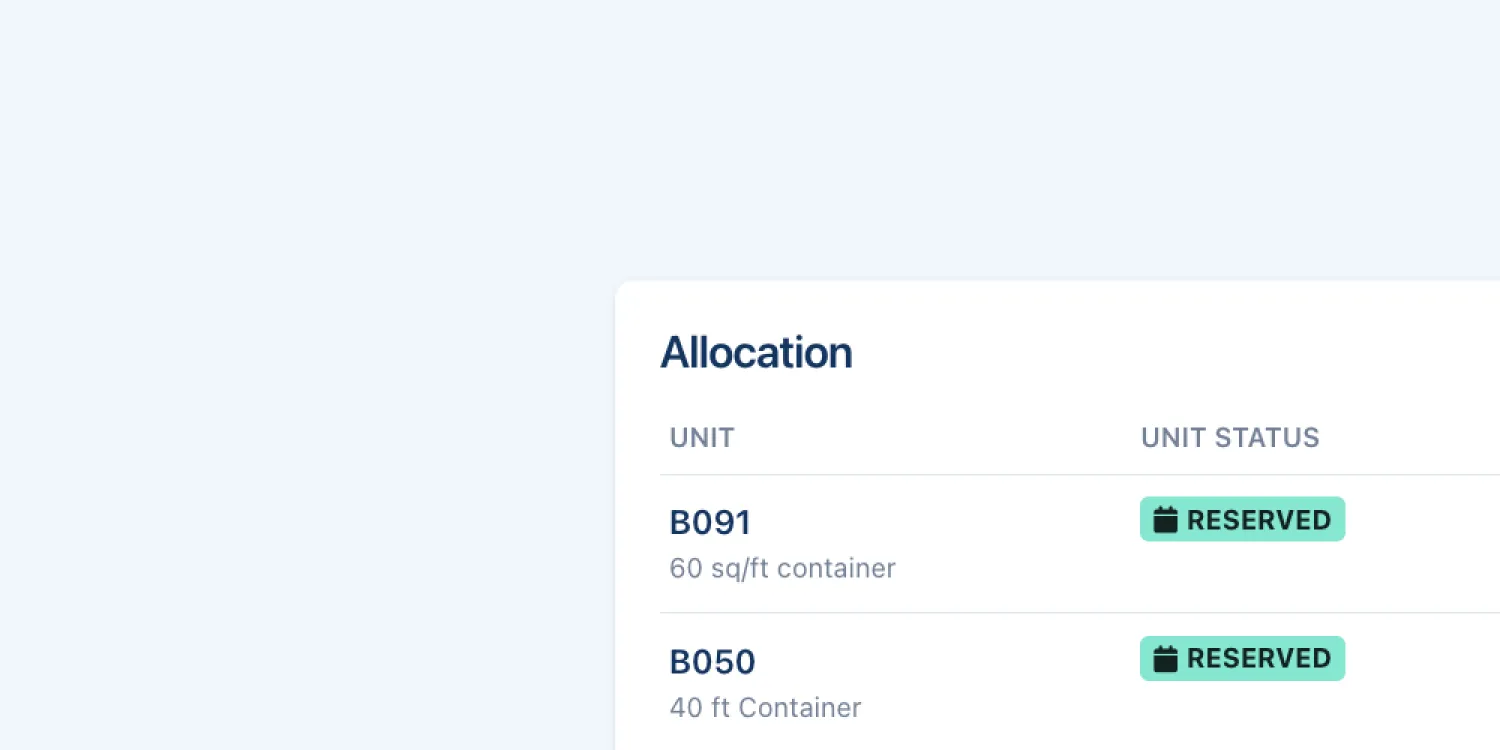
Units allocated before a subscription starts are now Reserved, then switch to Occupied on the start date and the customer is told they can move in.
Learn more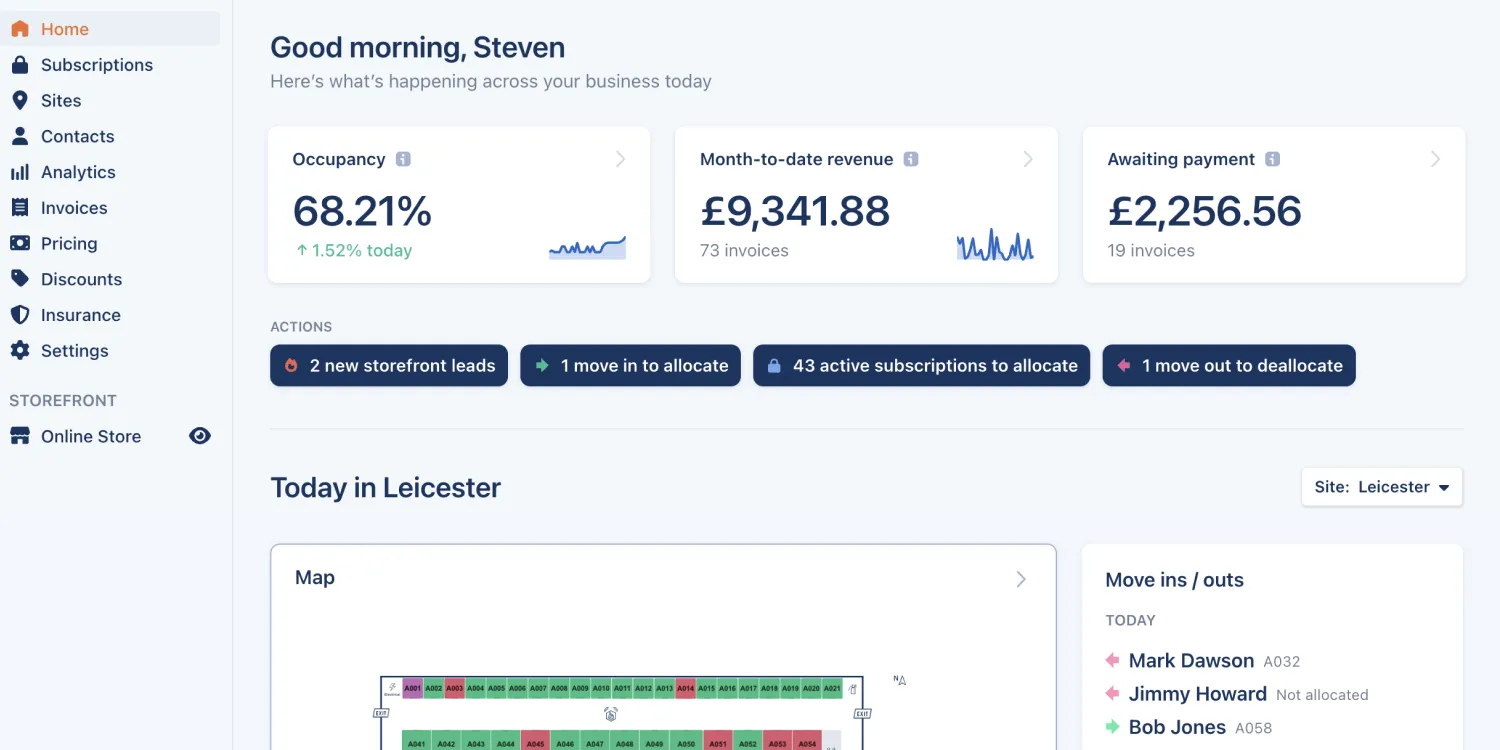
The Home screen shows key business information, your progress and the actions waiting for you as soon as you log in.
Learn more
Automate access with the new SpiderDoor smart entry integration.
Learn more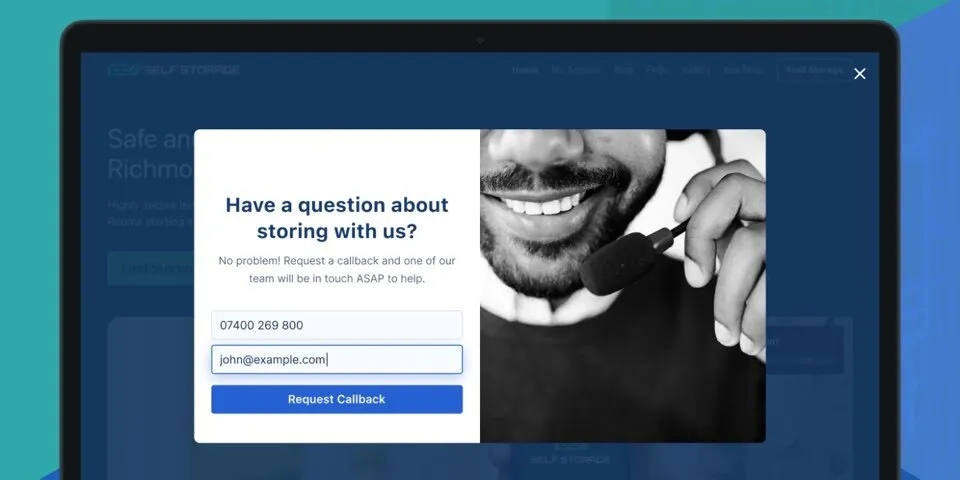
Show a pop-up form on your website at the right moment, with the right message, to capture a visitor's contact details.
Learn more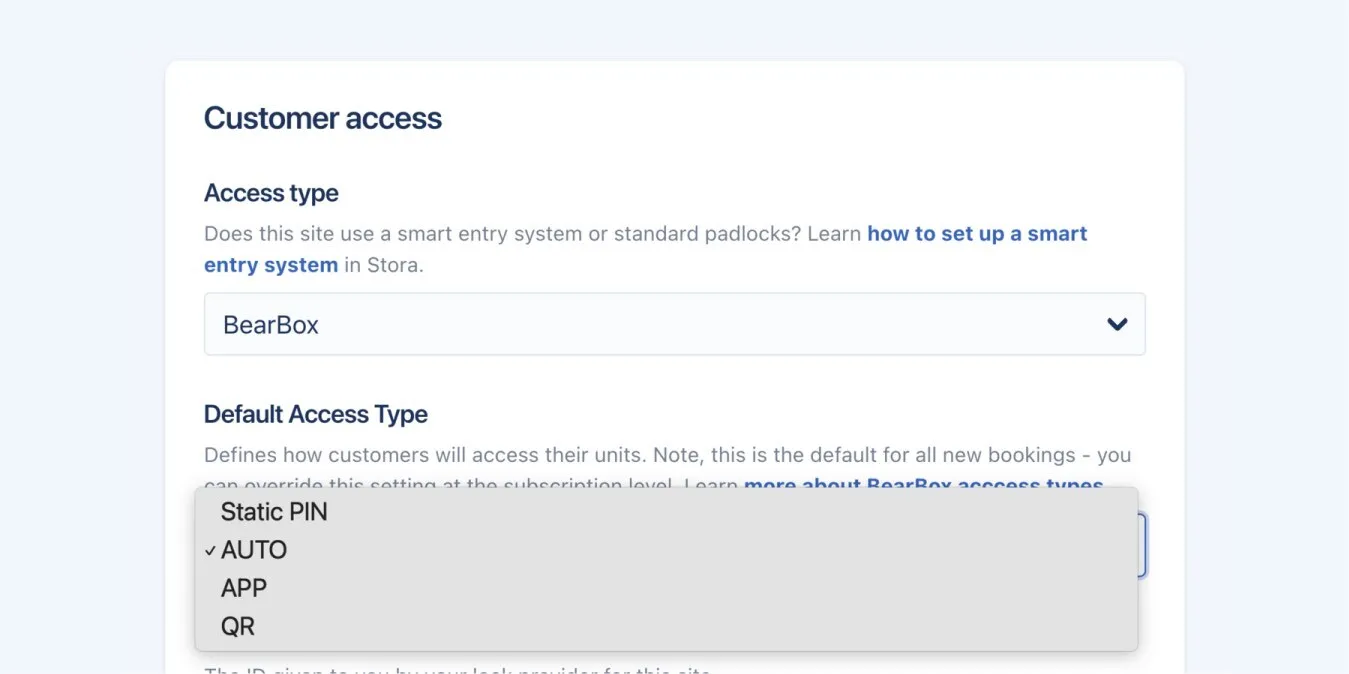
The BearBox integration now supports every access mode: PIN codes, number plates, the BearBox app and QR codes.
Learn more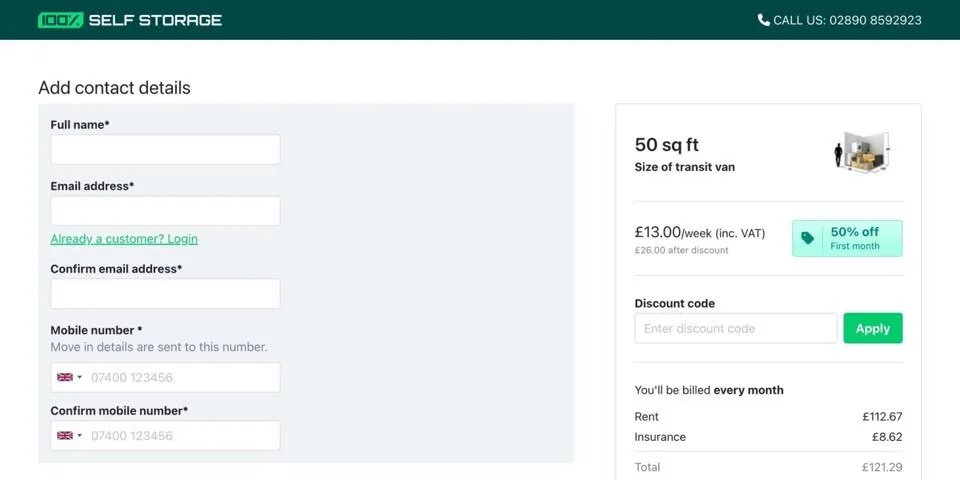
The booking form drops the header and footer to remove distractions and adds a secure checkout badge.
Learn more
Connect OpenTech Alliance, and Stora generates a PIN code for each customer and emails it on their move-in day.
Learn more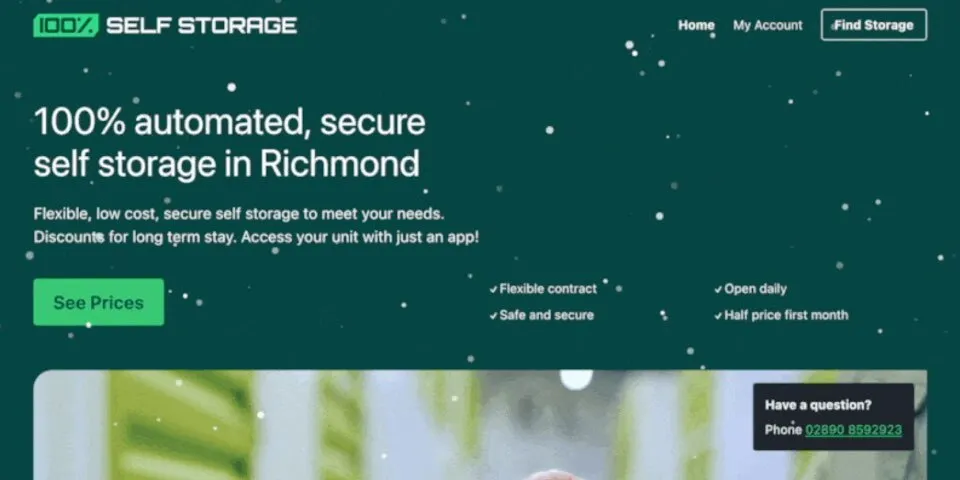
Bring some festive cheer to your website by turning on snow.
Learn more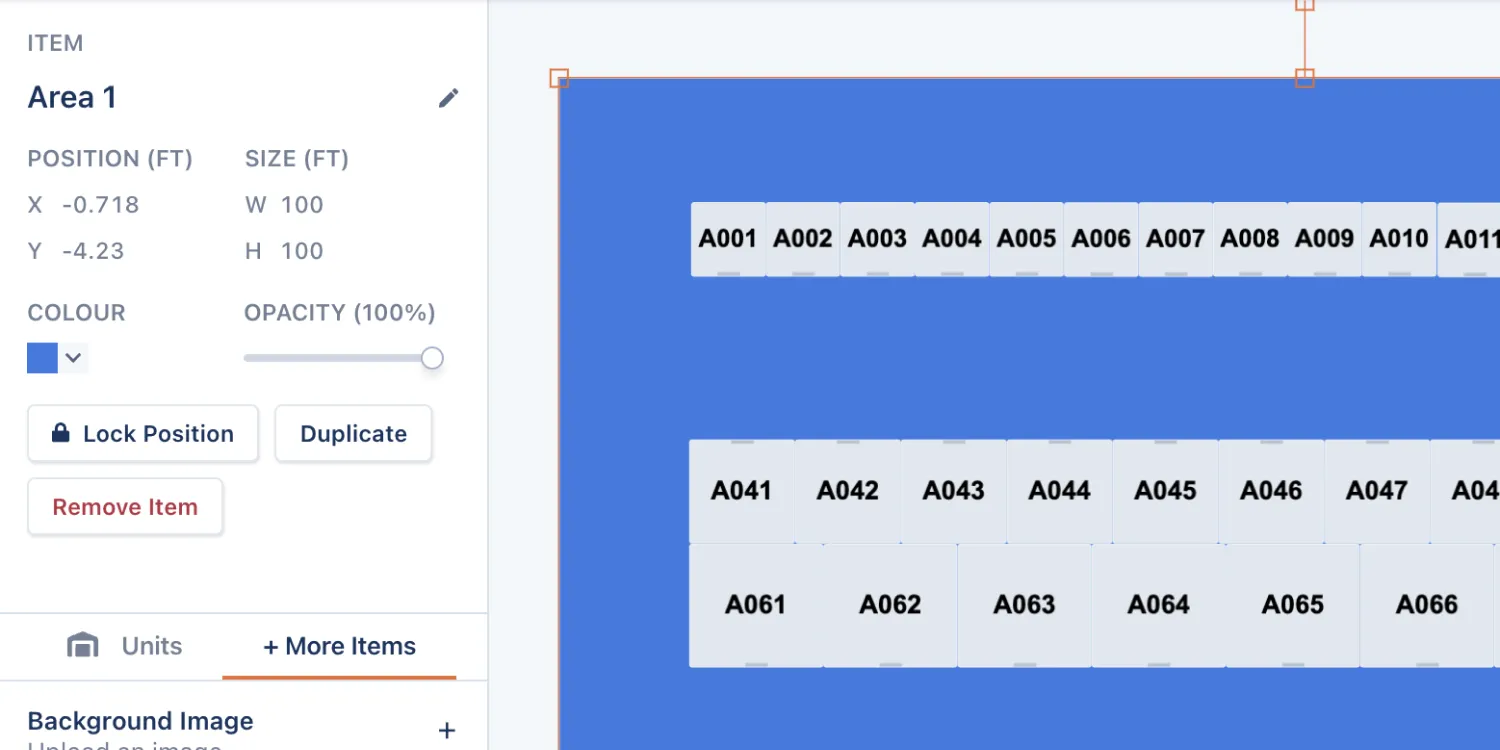
Upload a background image to trace your site map over, and draw walls.
Learn more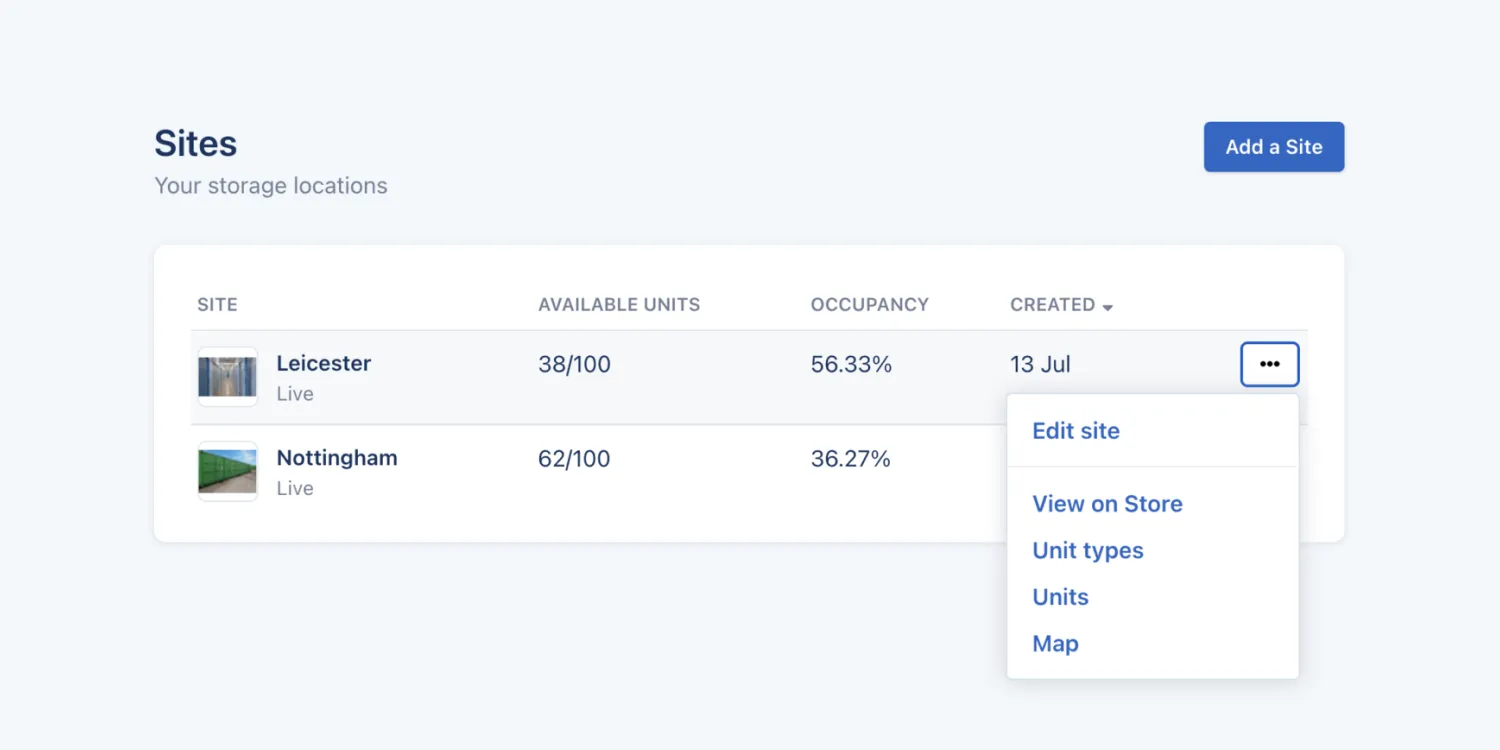
The Sites page shows each site's occupancy and creation date, with a menu to edit or view it on your Storefront.
Learn more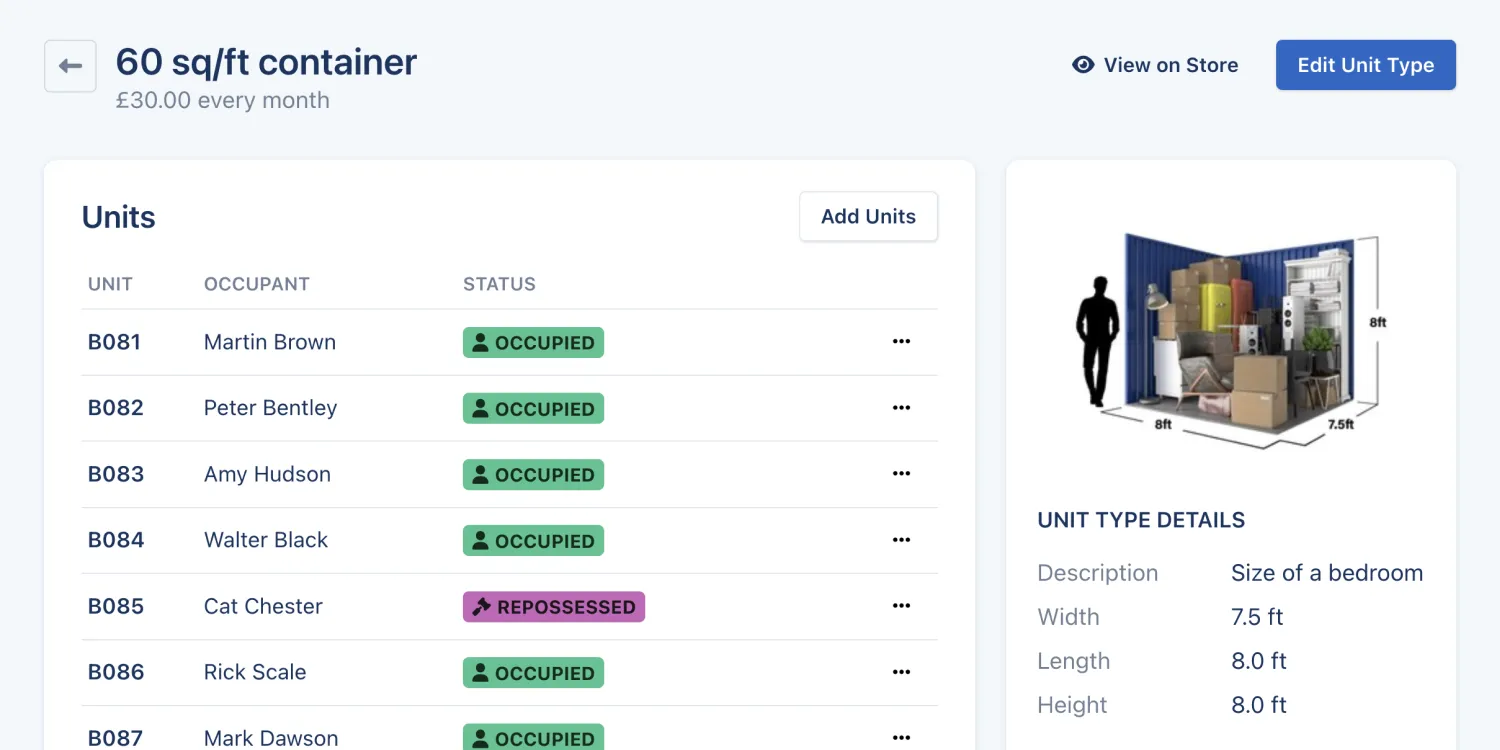
The new unit type page shows which units of that type are available and the status of their occupants.
Learn more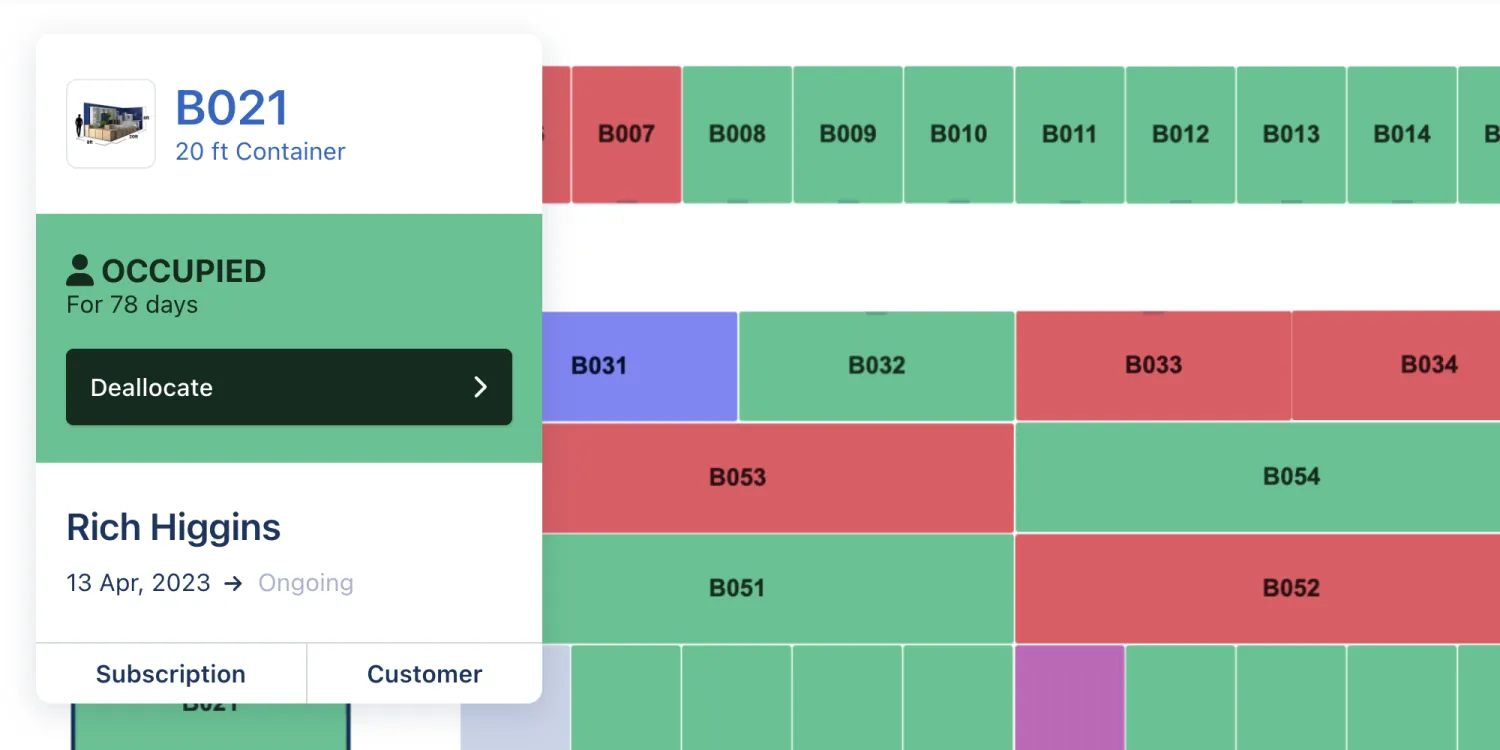
New site, units and unit type pages to help you manage your facilities, plus the start of the Site Maps private beta.
Learn more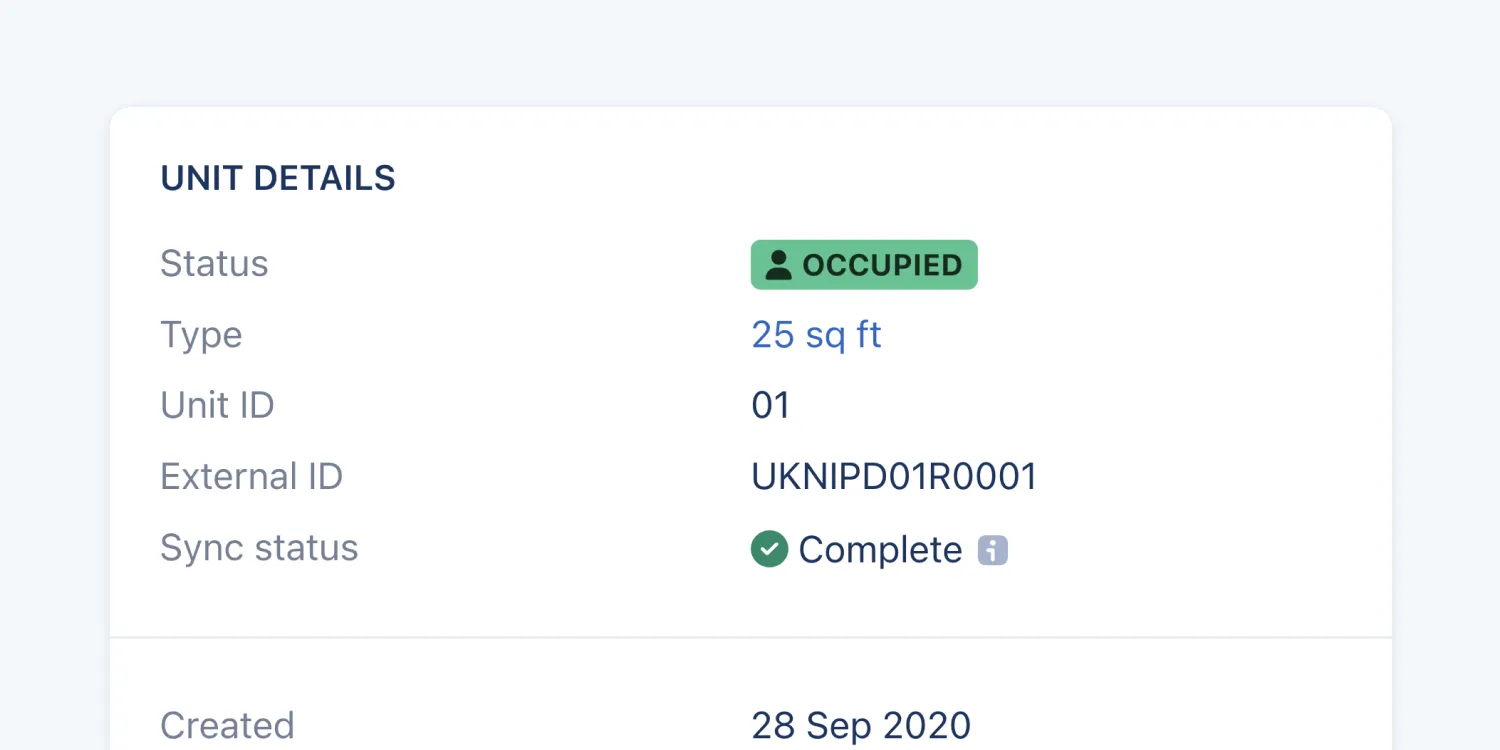
Nokē, BearBox and PTI Security sites now sync with Stora automatically, so there are no more Sync buttons.
Learn more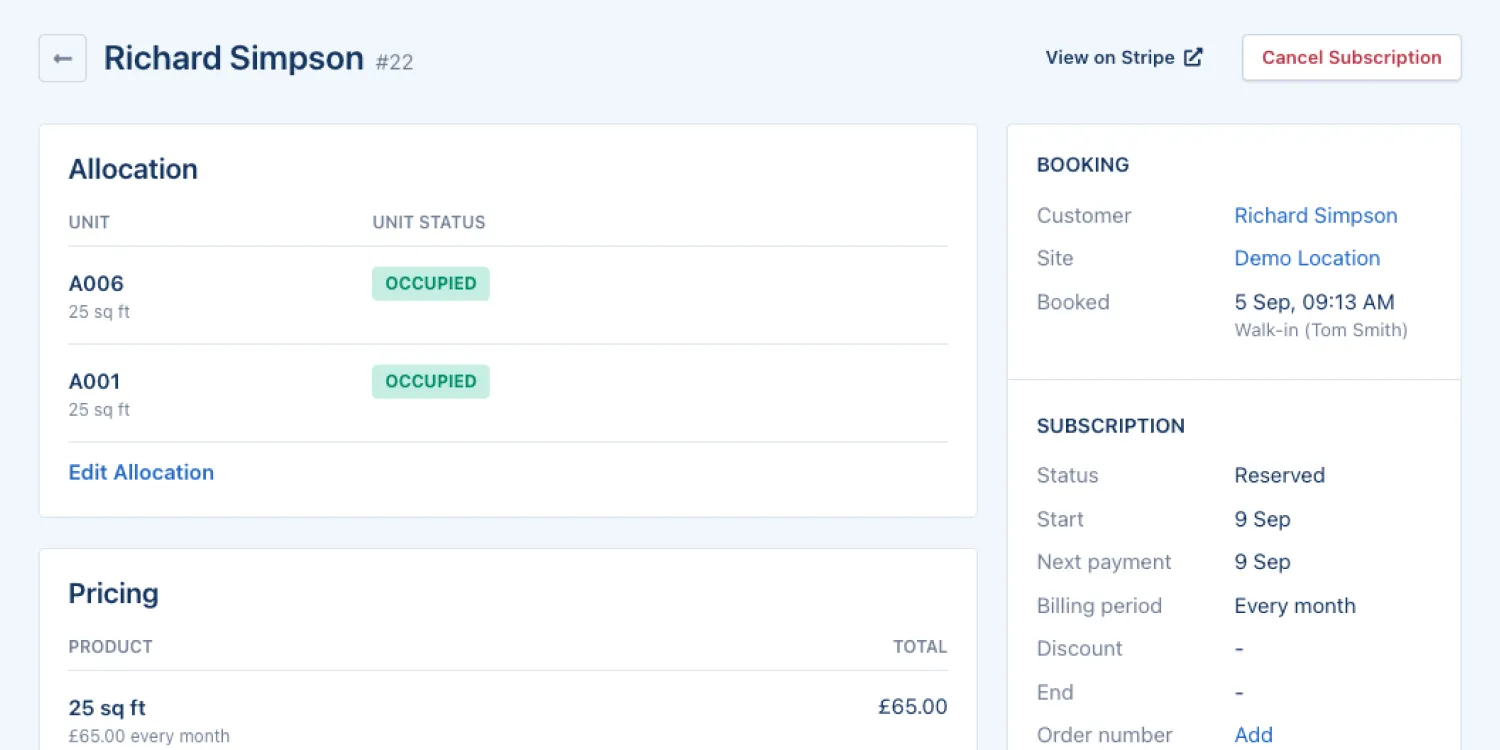
A new subscription page puts unit allocation first and shows more of the information you need to manage tenants.
Learn more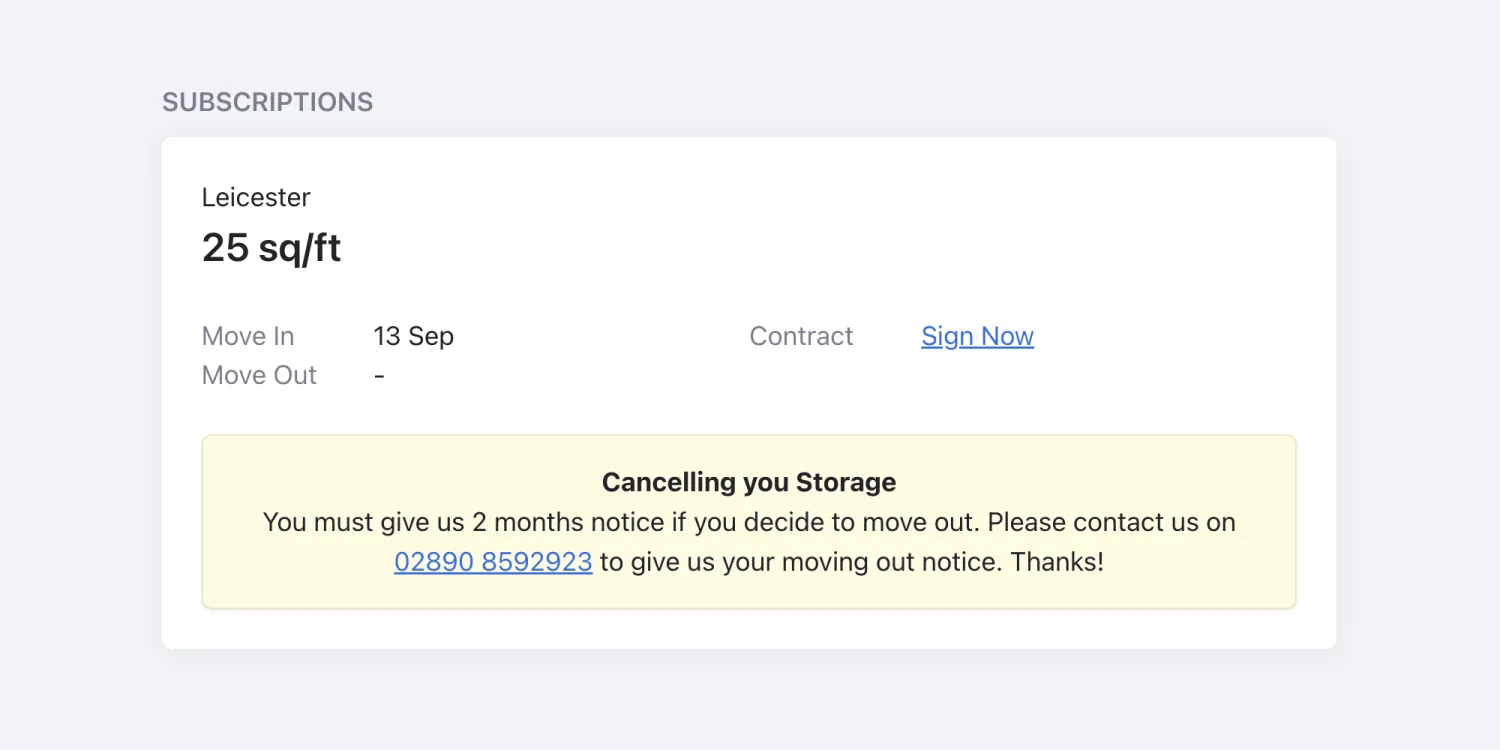
Turn off cancellation from your website and show customers your own cancellation instructions instead.
Learn more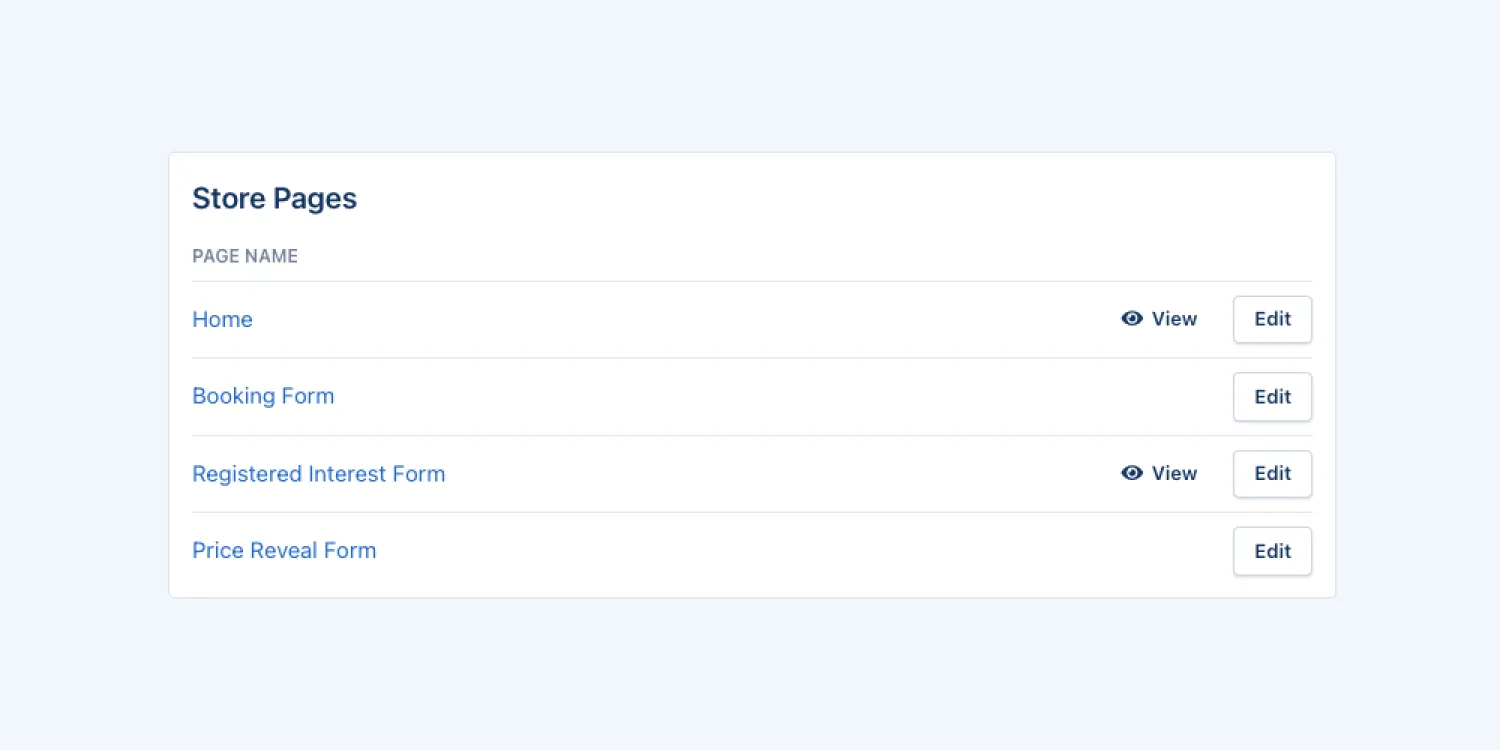
Ask for marketing source, customer type and storage use case on your lead collection forms, not just when booking.
Learn moreStore VAT numbers against customers, subscriptions and invoices, added in the Backoffice or by the customer when they book.
Learn more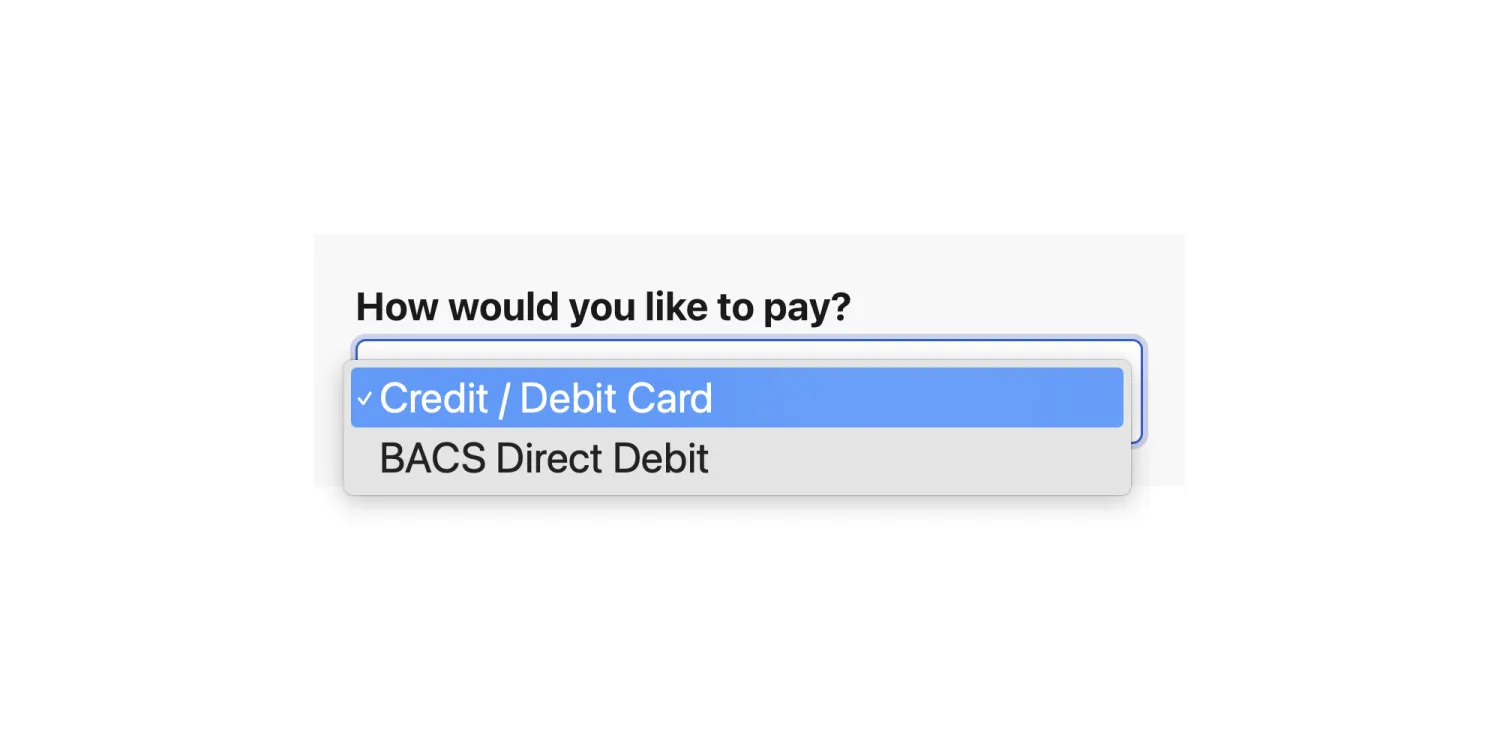
Customers can pay for their subscription by BACS Direct Debit (UK) or SEPA Debit (EU) when they book on your website.
Learn more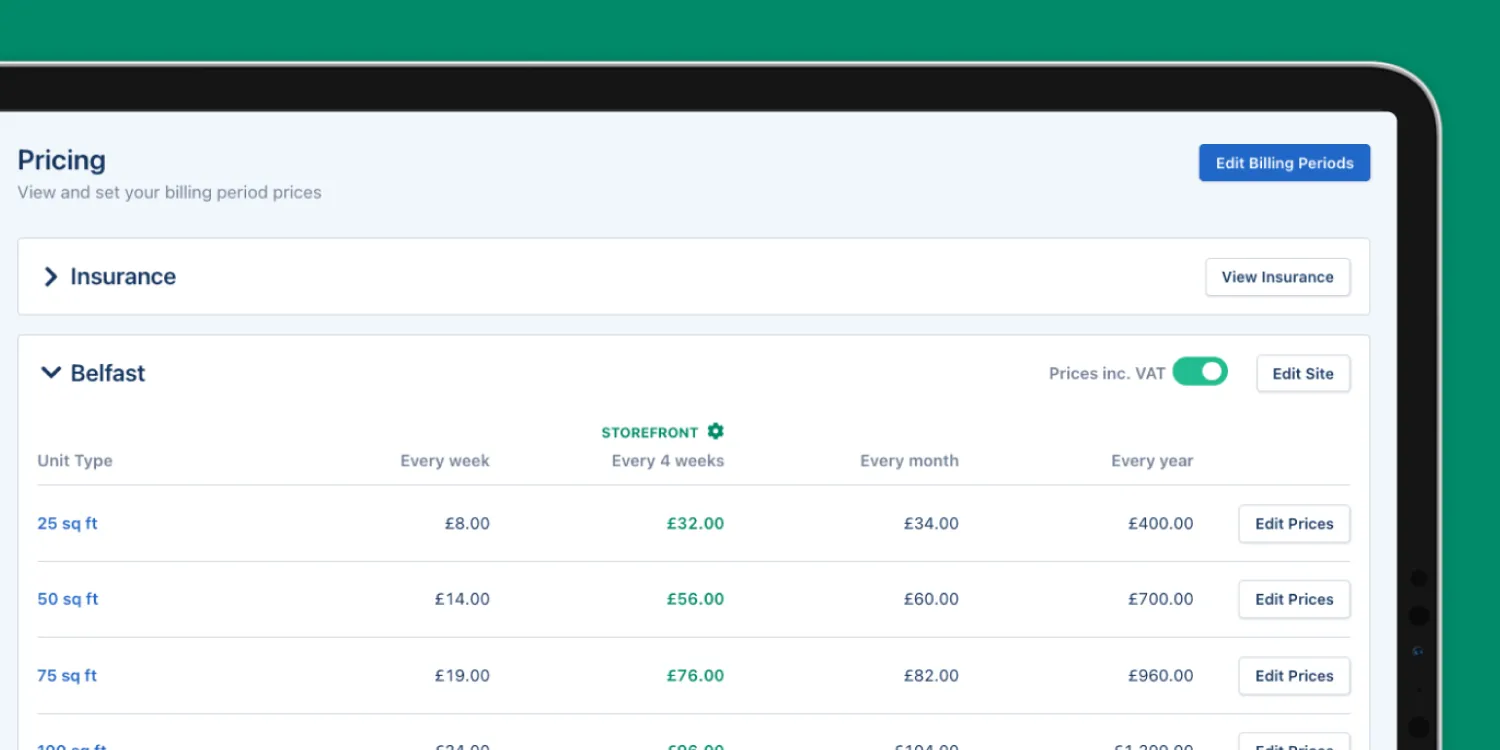
Bill customers on five new billing periods as well as monthly, plus a batch of other billing improvements you asked for.
Learn more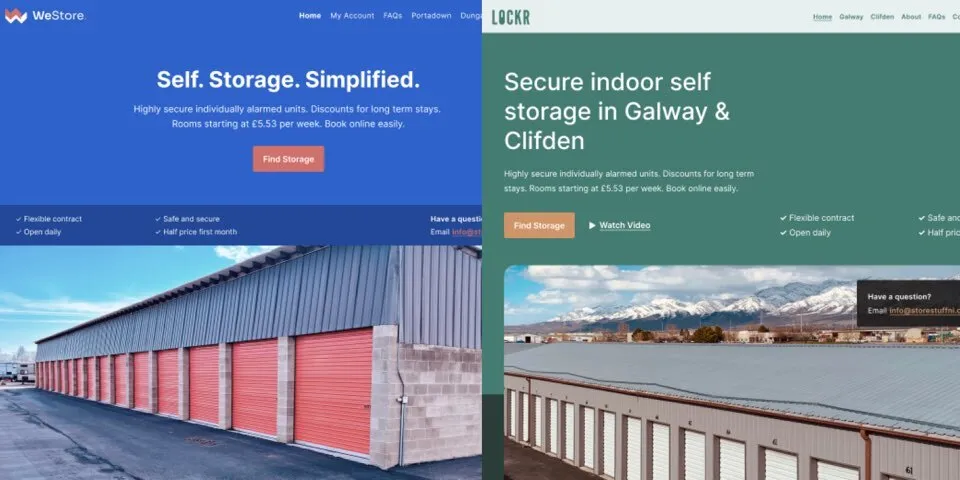
Two new homepage intro designs to choose from, switchable in seconds from the homepage edit form.
Learn more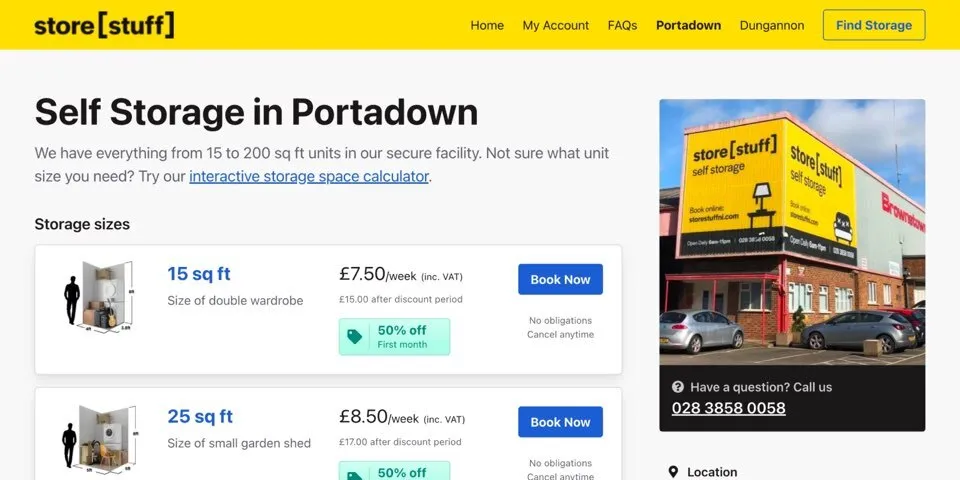
A new Storefront site page layout puts available unit types first to convert more visitors.
Learn more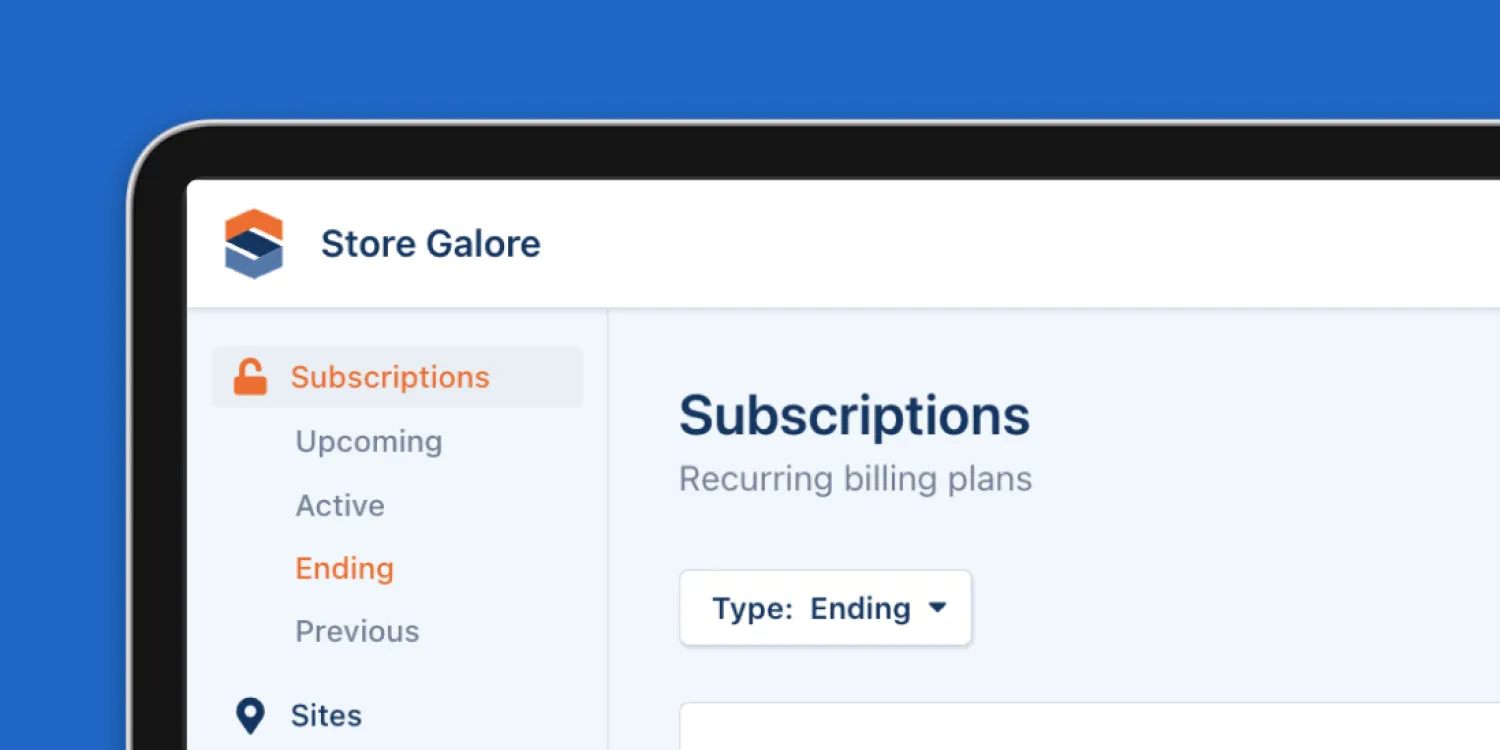
A refreshed Backoffice with simpler navigation, based on your feedback.
Learn more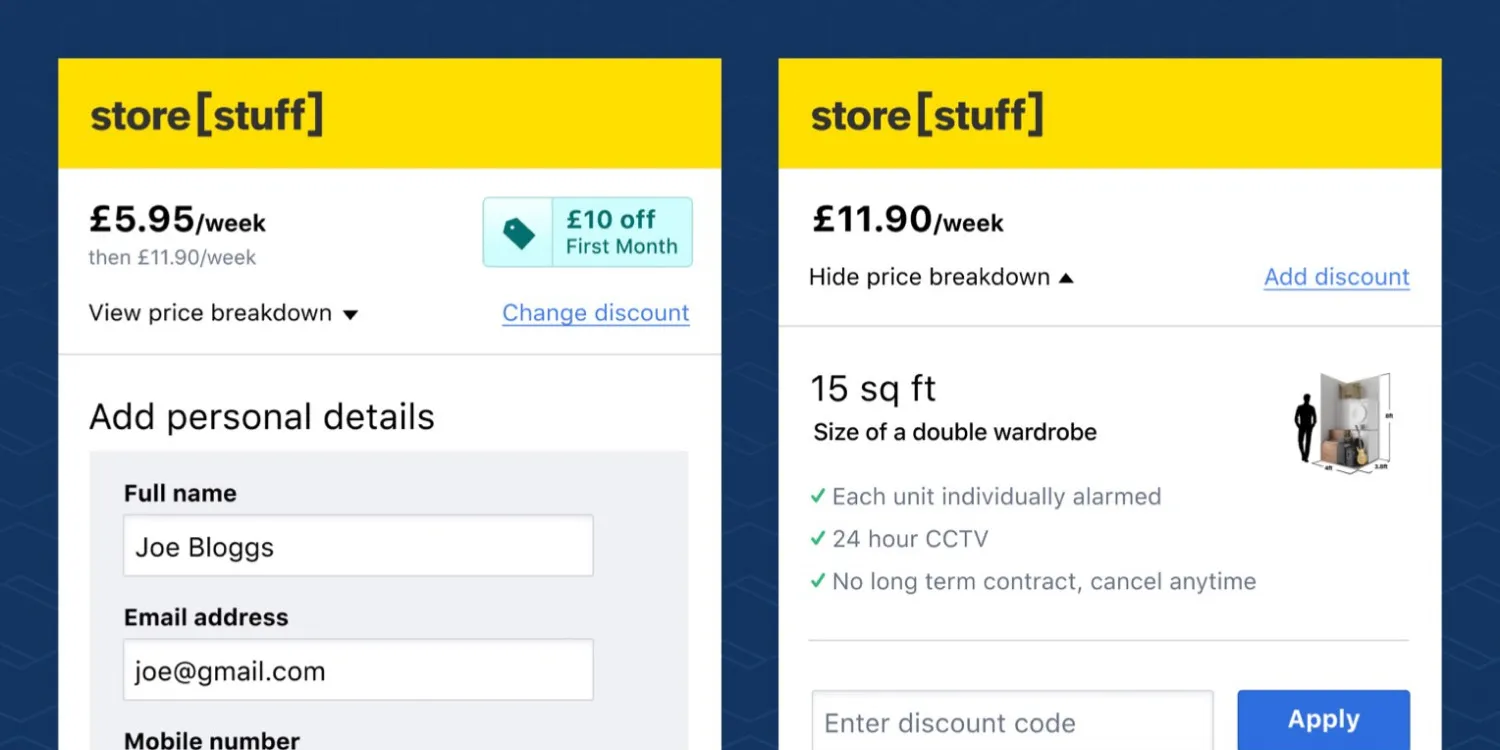
Export a CSV of your subscriptions, and exports now include whatever your current filters show.
Learn more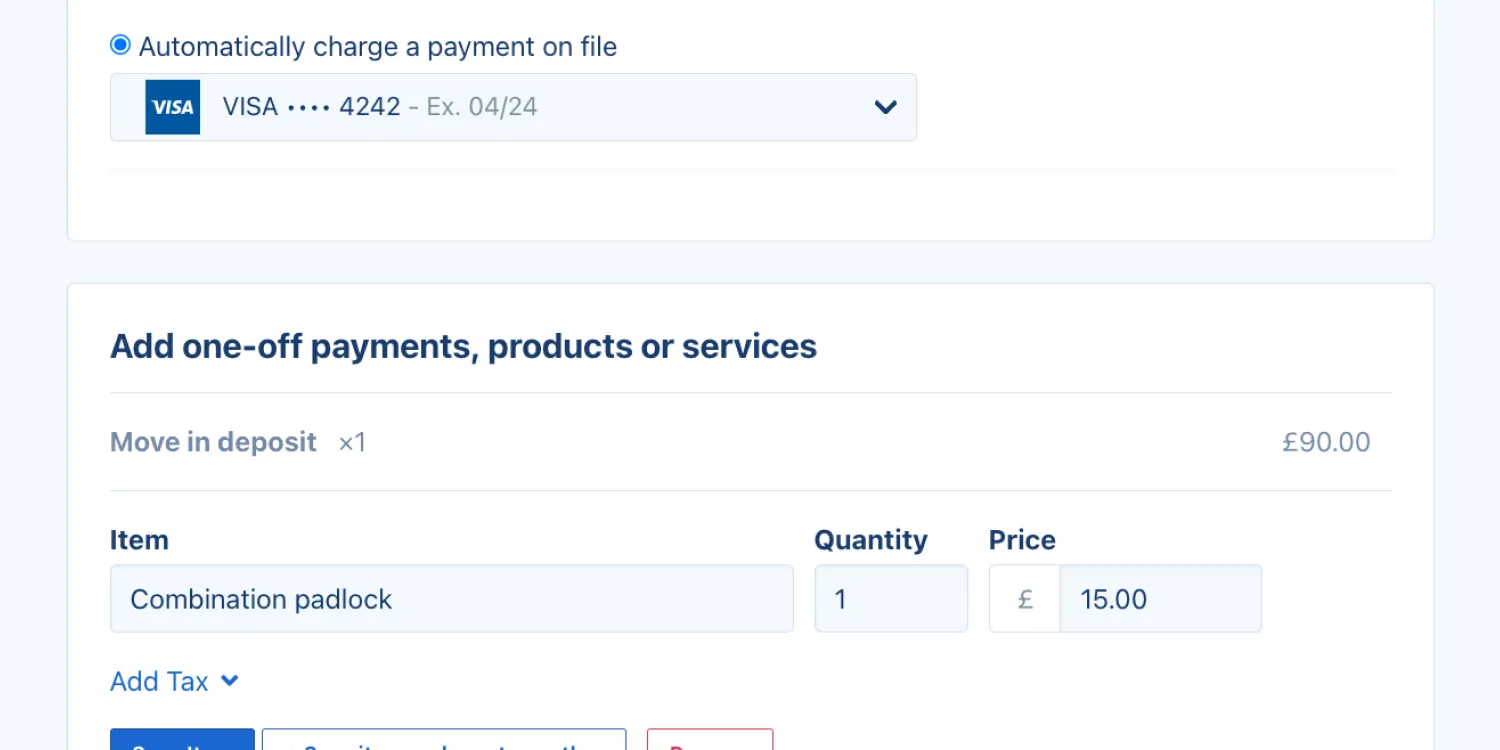
Charge customers for extras like padlocks, boxes or cleaning fees with one-off invoices.
Learn more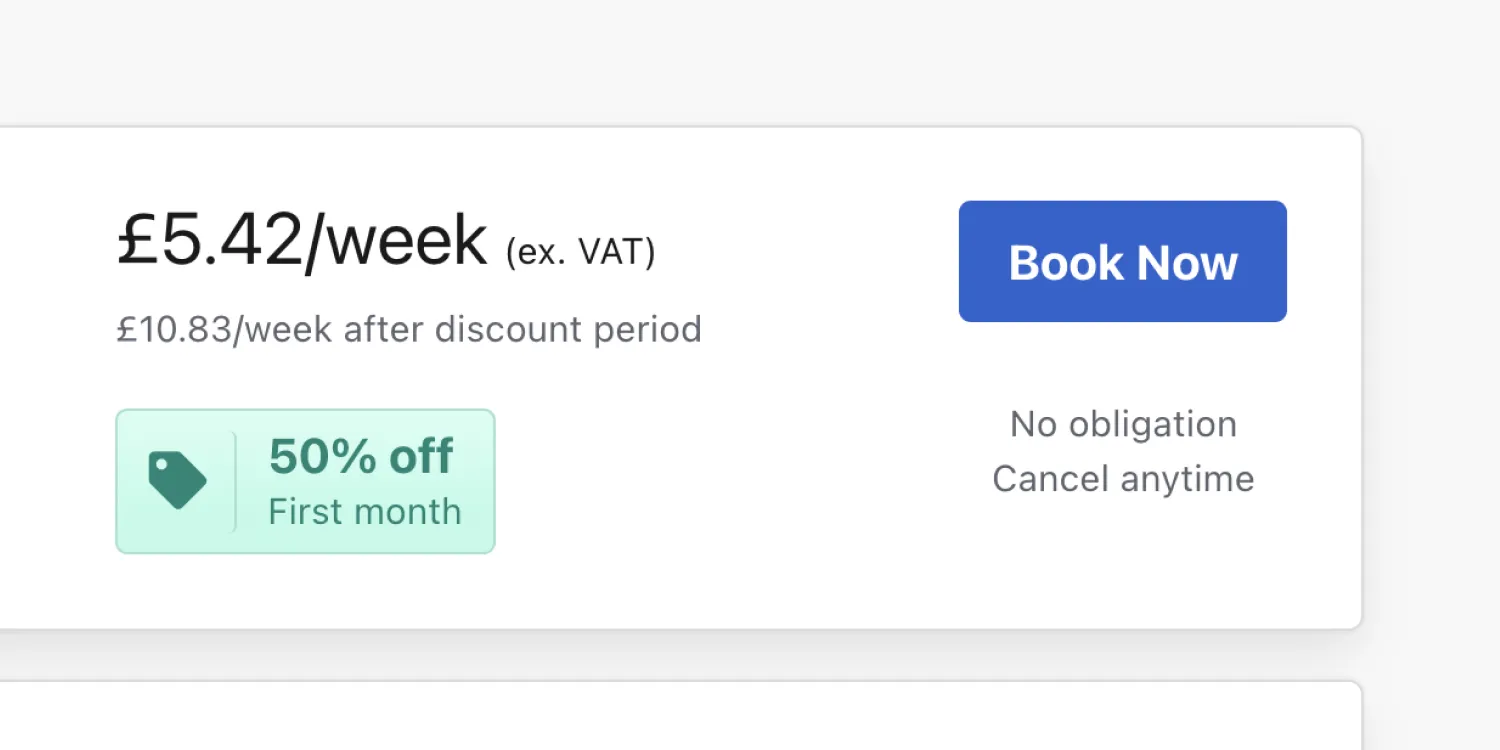
Choose whether Storefront prices show without VAT, including VAT or excluding VAT.
Learn more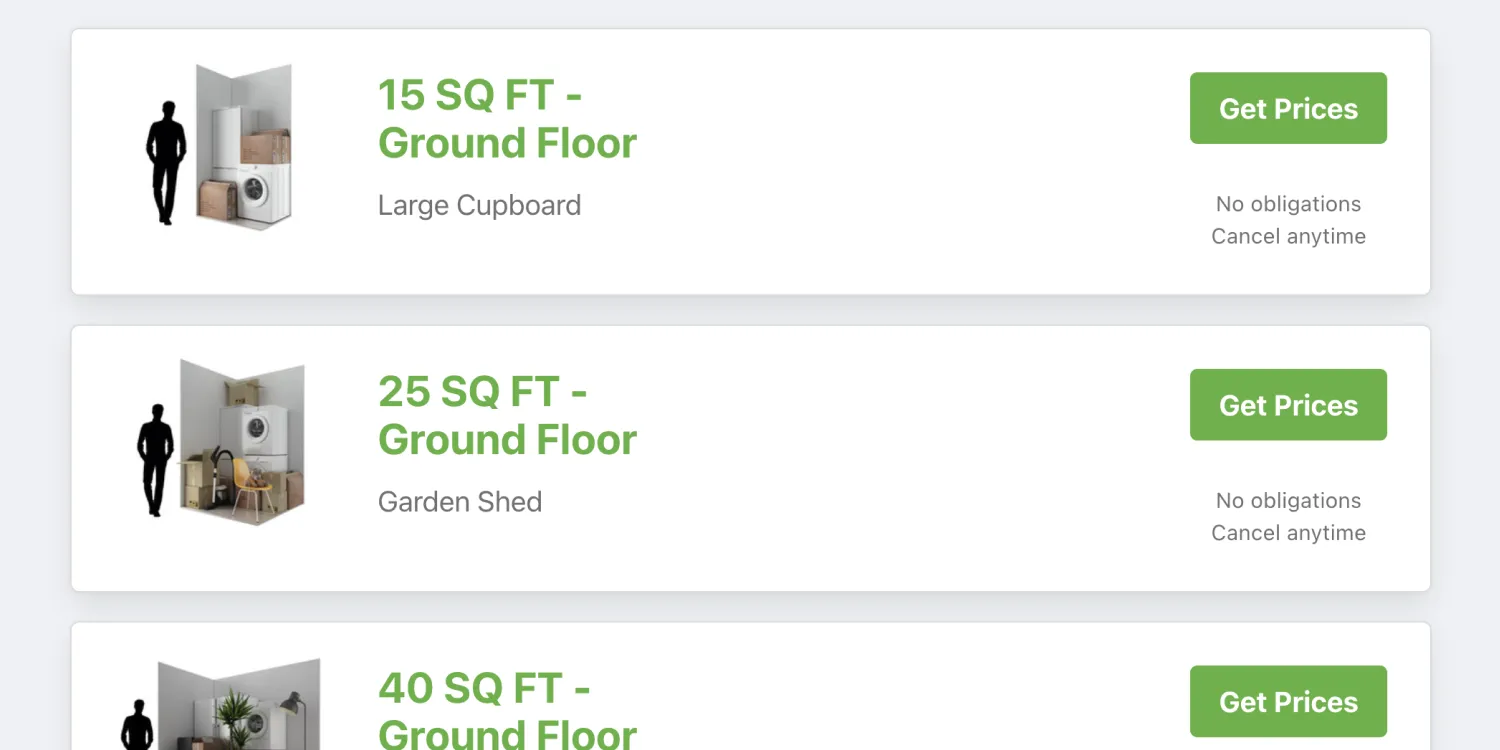
Hide prices on a site until a visitor enters their name, email and phone number, and get their details by email.
Learn more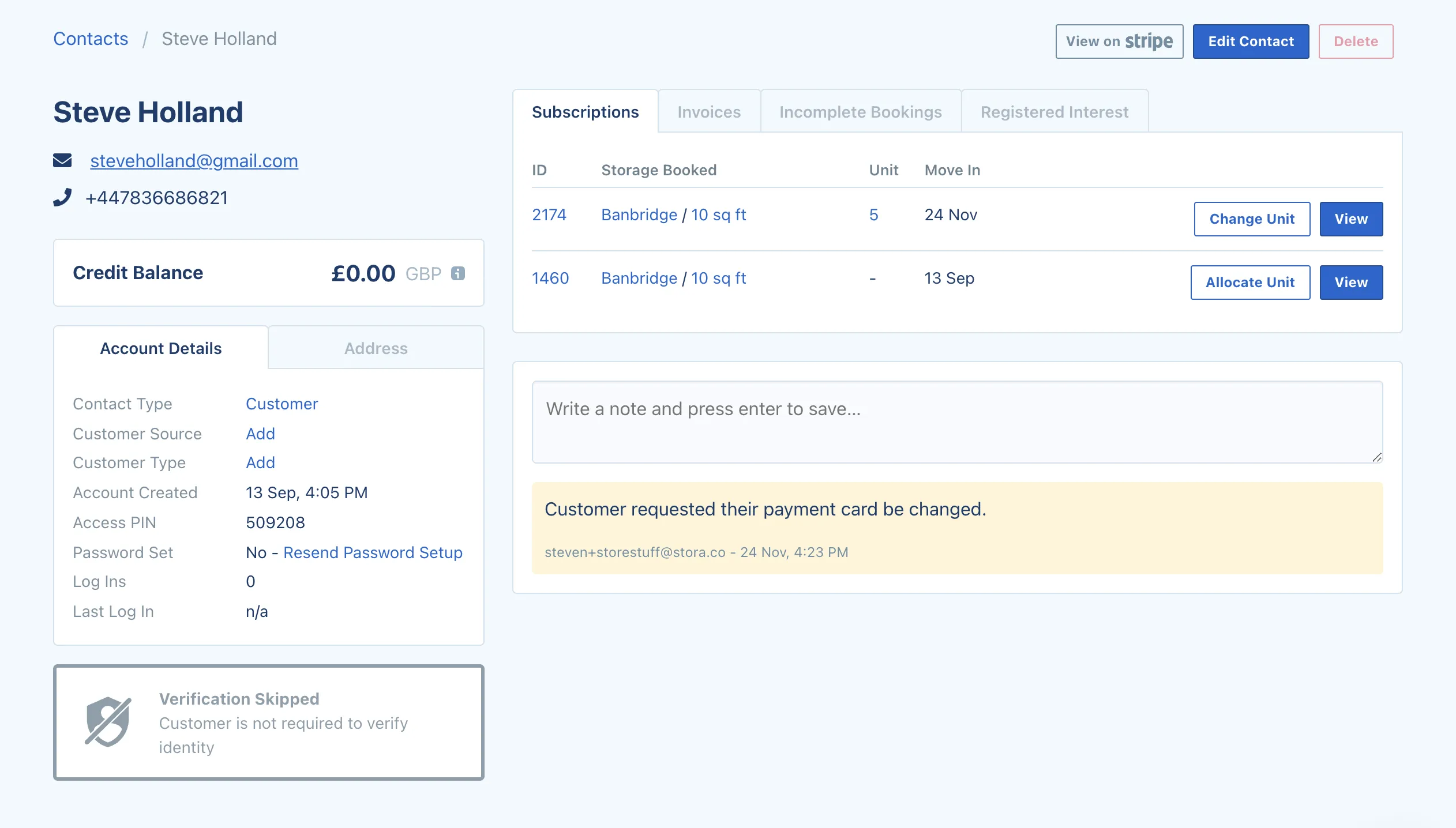
Simpler subscription and contact pages, with actions easier to reach, invoices in a tab and notes on subscriptions.
Learn more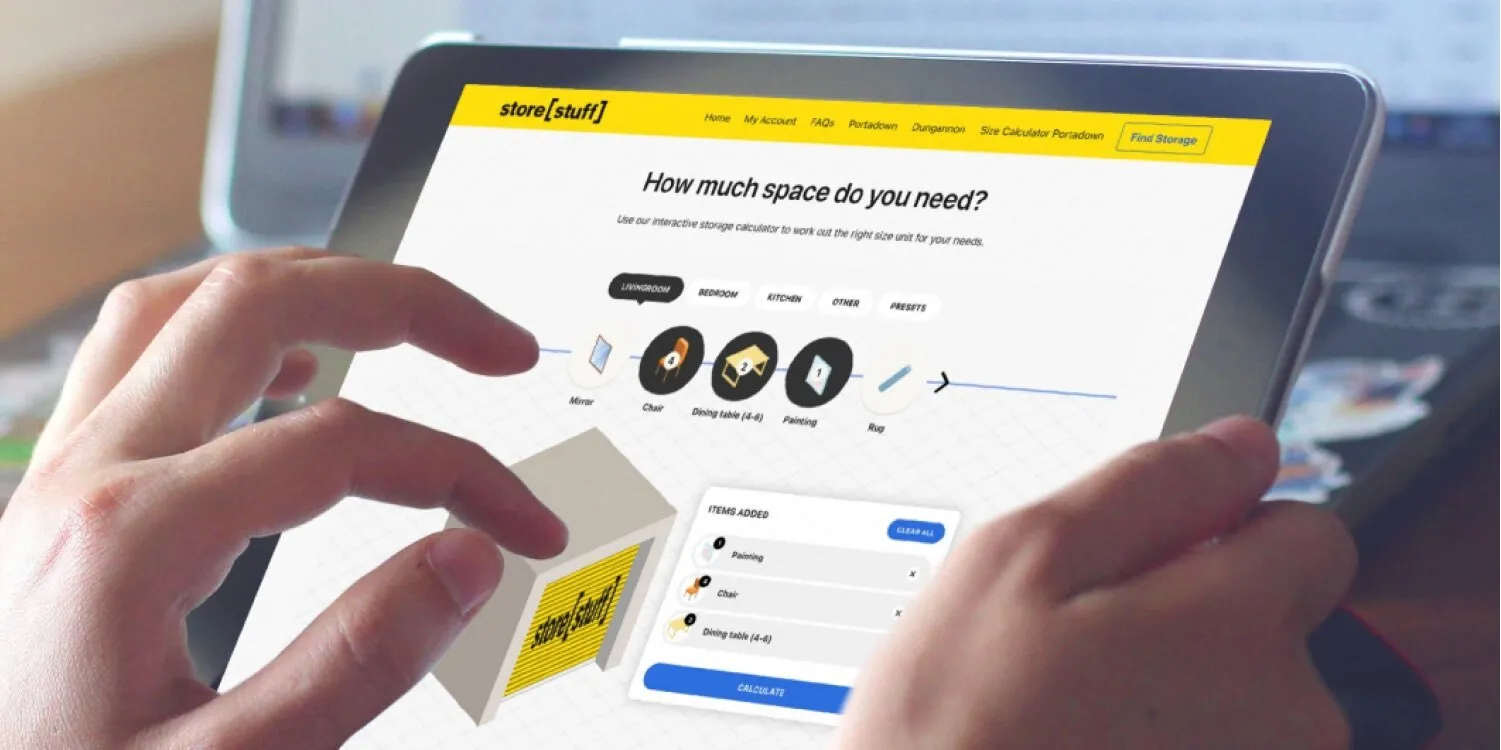
Add a Calcumate unit size calculator to a page on your Stora website.
Learn more
Stora Identity automatically checks your customers' identity, cutting the risk of bad actors moving in without adding friction for everyone else.
Learn more
Customer emails from Stora now use your logo and brand colour automatically.
Learn more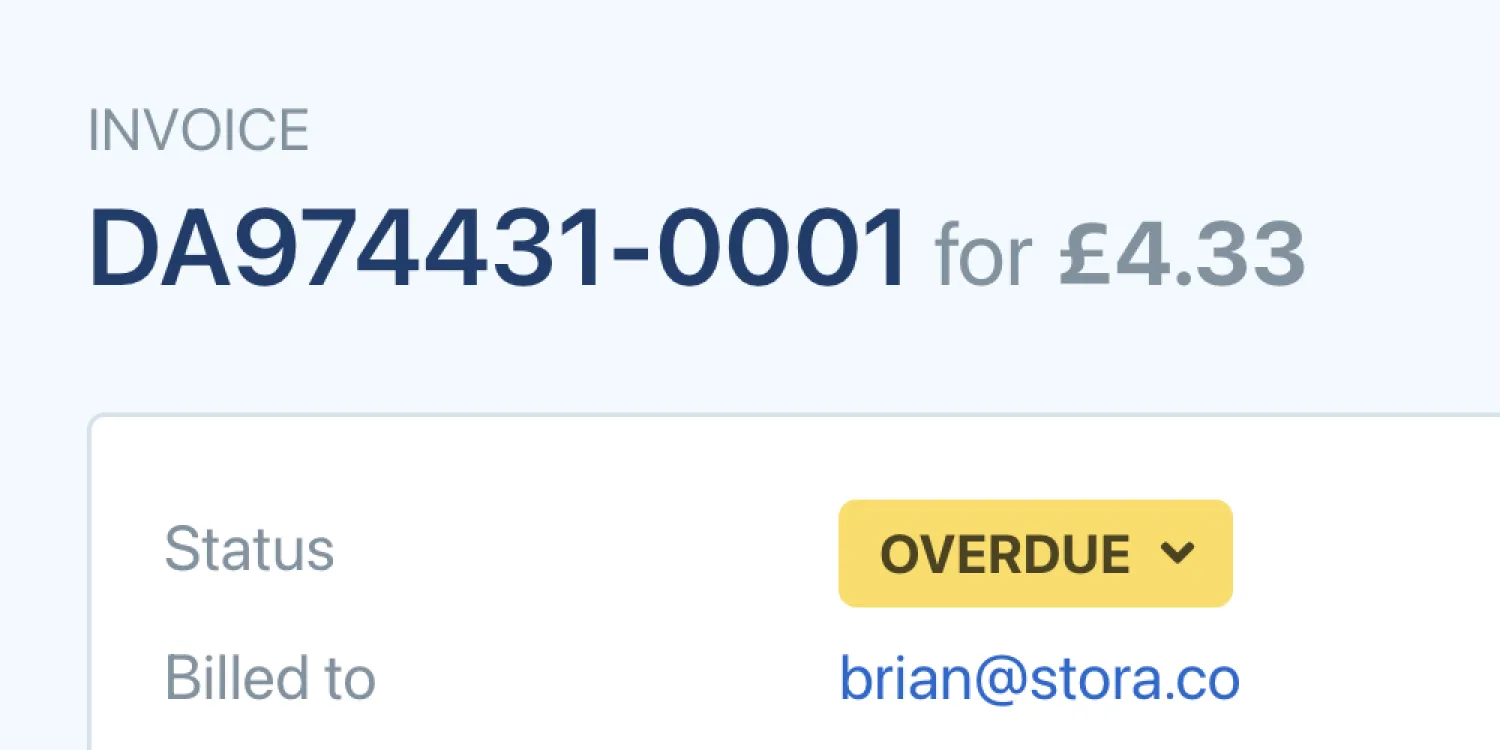
A new Backoffice form sets up any type of subscription for a customer, including ones paid by bank transfer, cash or cheque.
Learn more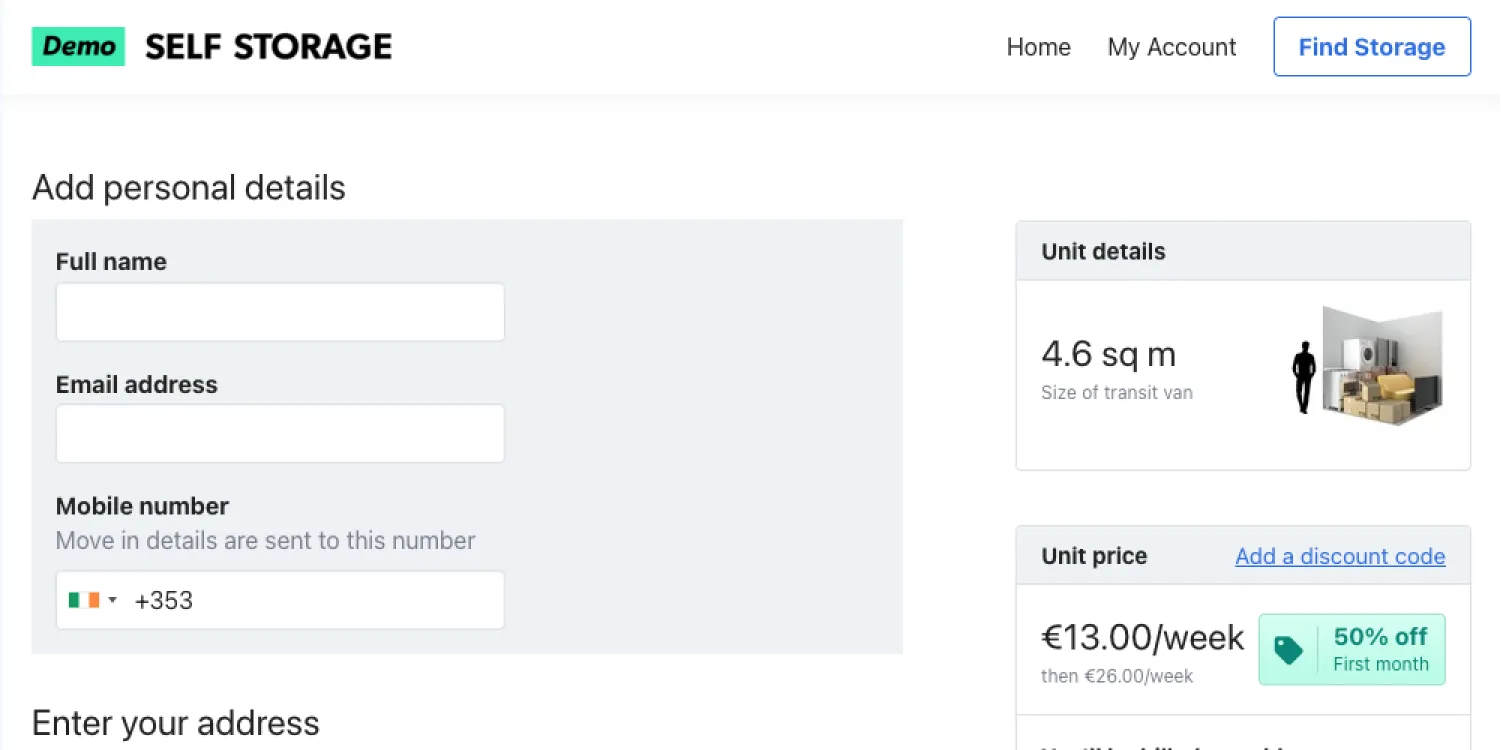
Stora now supports US, Australian and Canadian dollars and euros, handling currency, tax, timezone and units of measurement for your country.
Learn more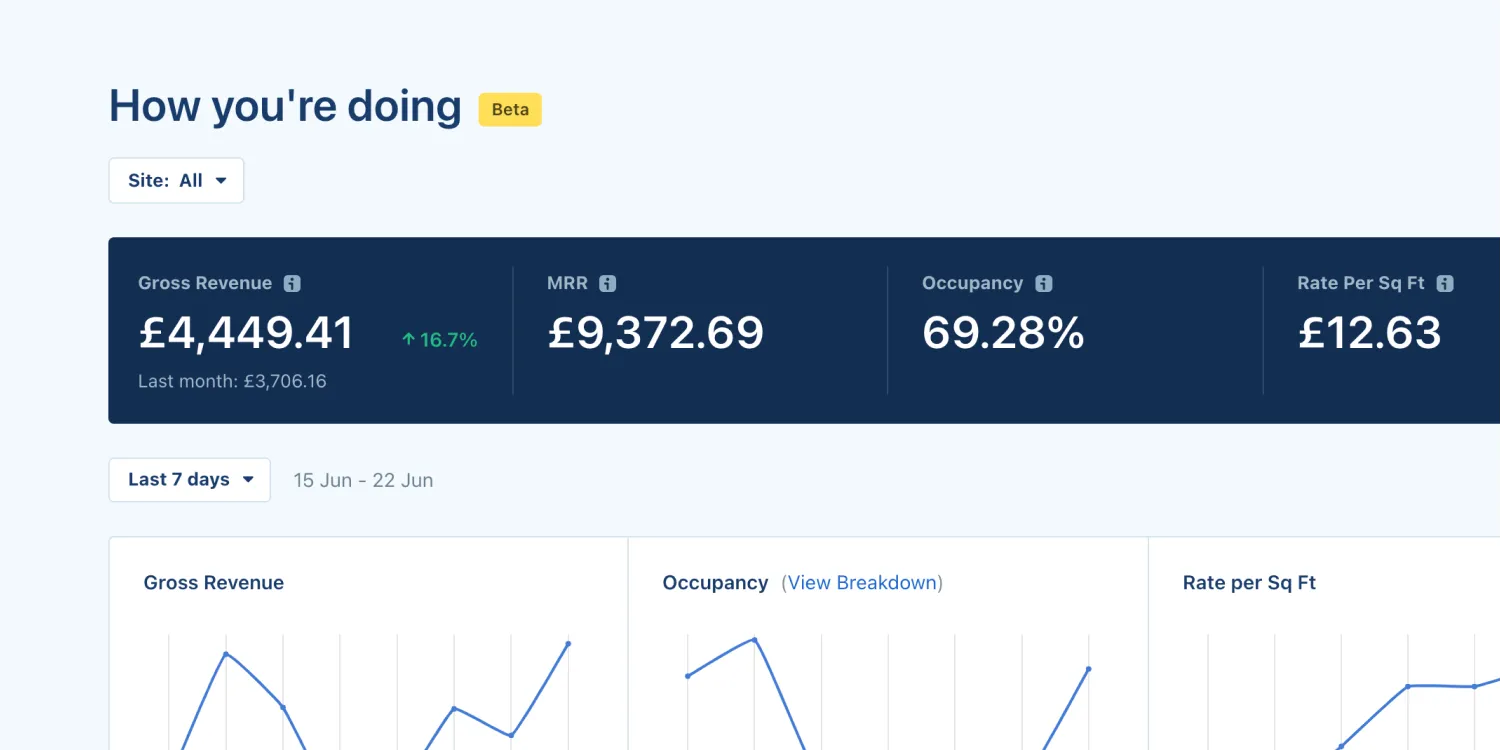
The Dashboard shows gross revenue, monthly recurring revenue, occupancy and rate per sq ft across your sites.
Learn more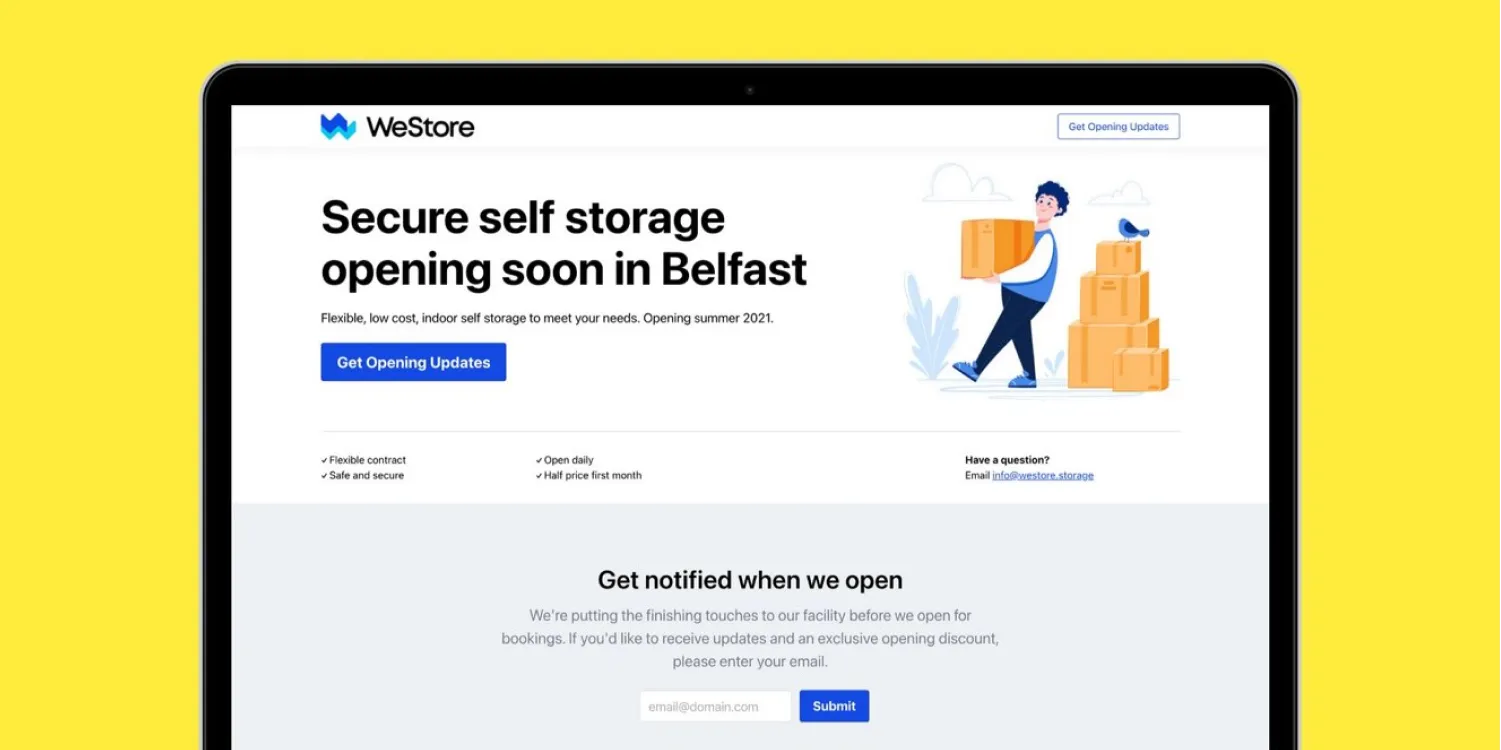
Pre-Opening mode puts your website live before your facility opens, so you can start collecting leads early.
Learn more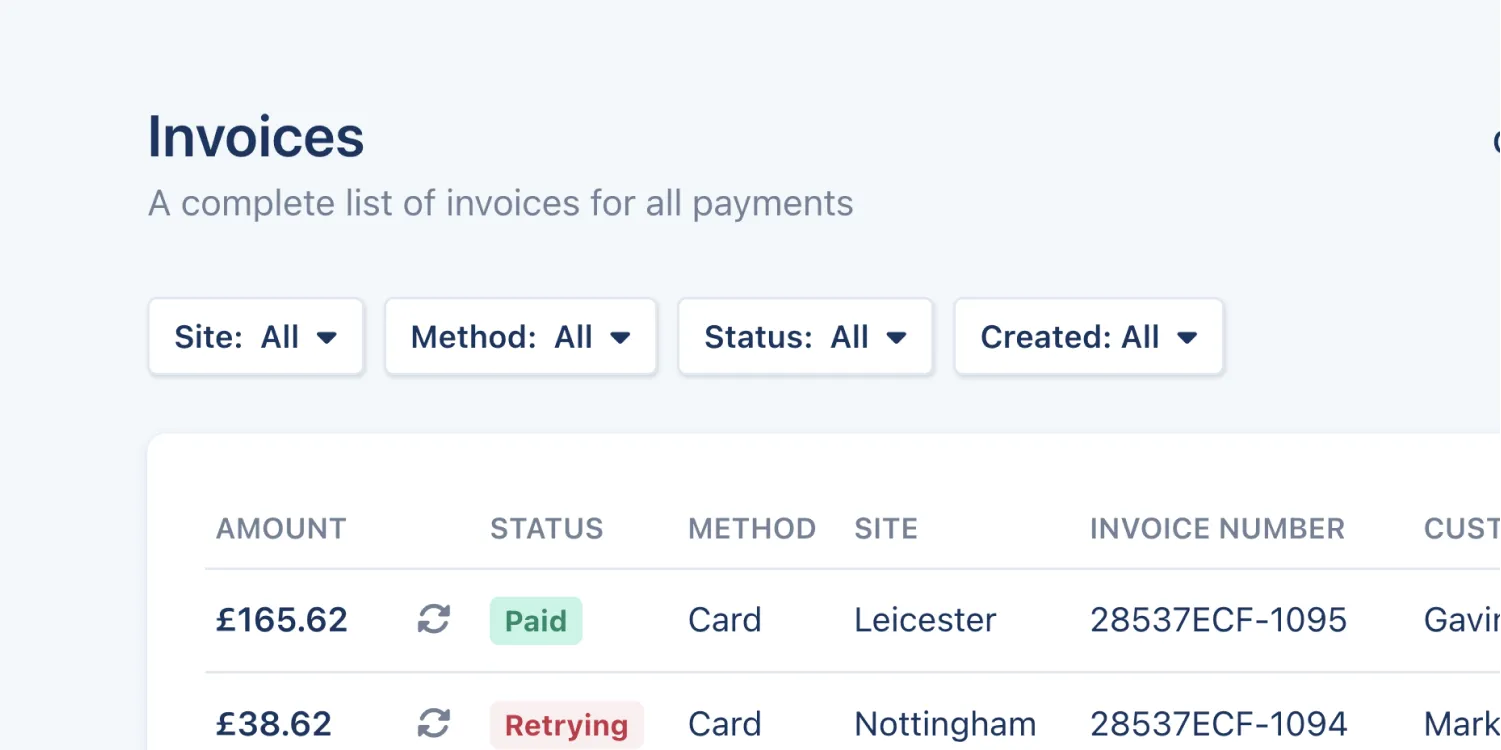
A new Invoices page logs every invoice, and subscription and customer pages show their own invoices.
Learn more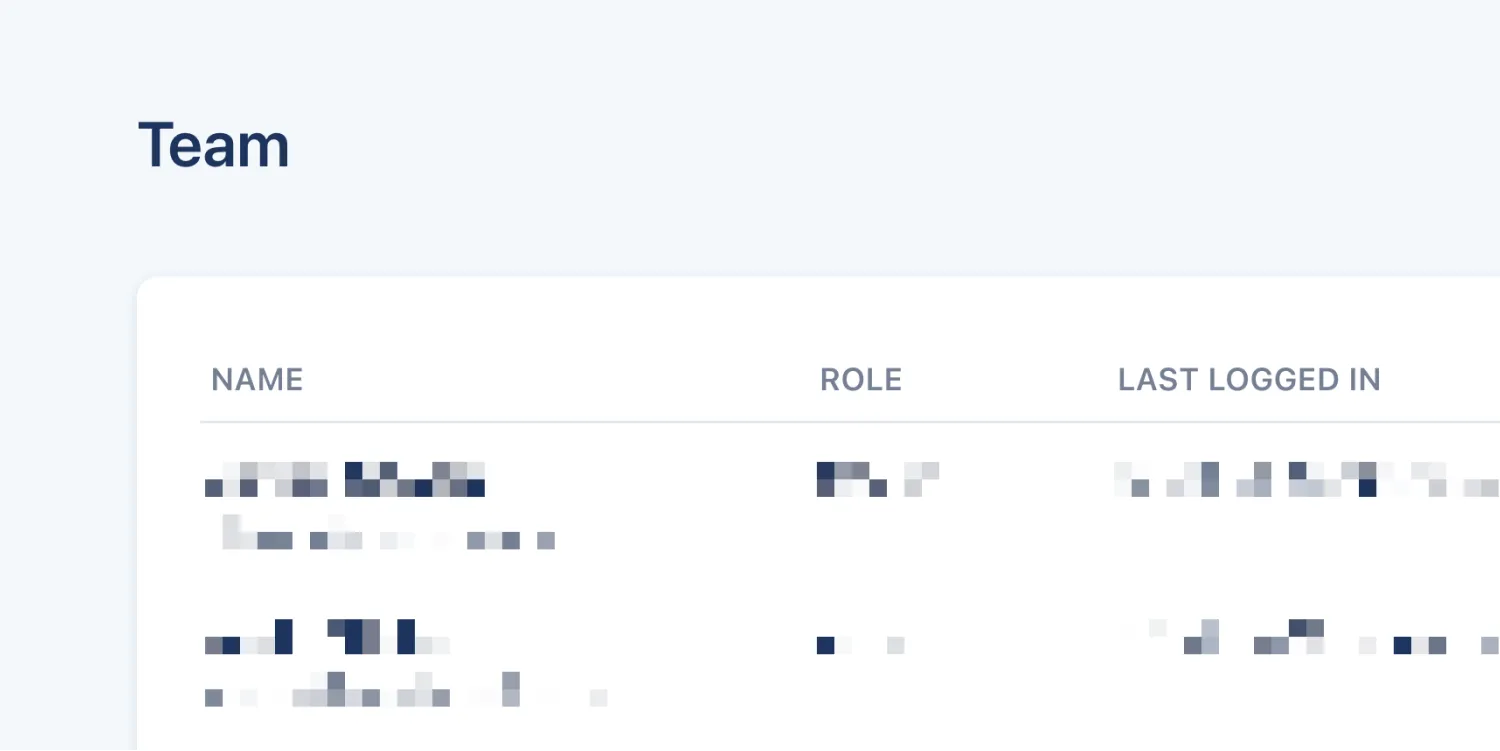
Invite staff, partners or investors to Stora with their own accounts and a team role.
Learn moreGet an email whenever someone fills in your booking form but doesn't finish paying within 10 minutes.
Learn more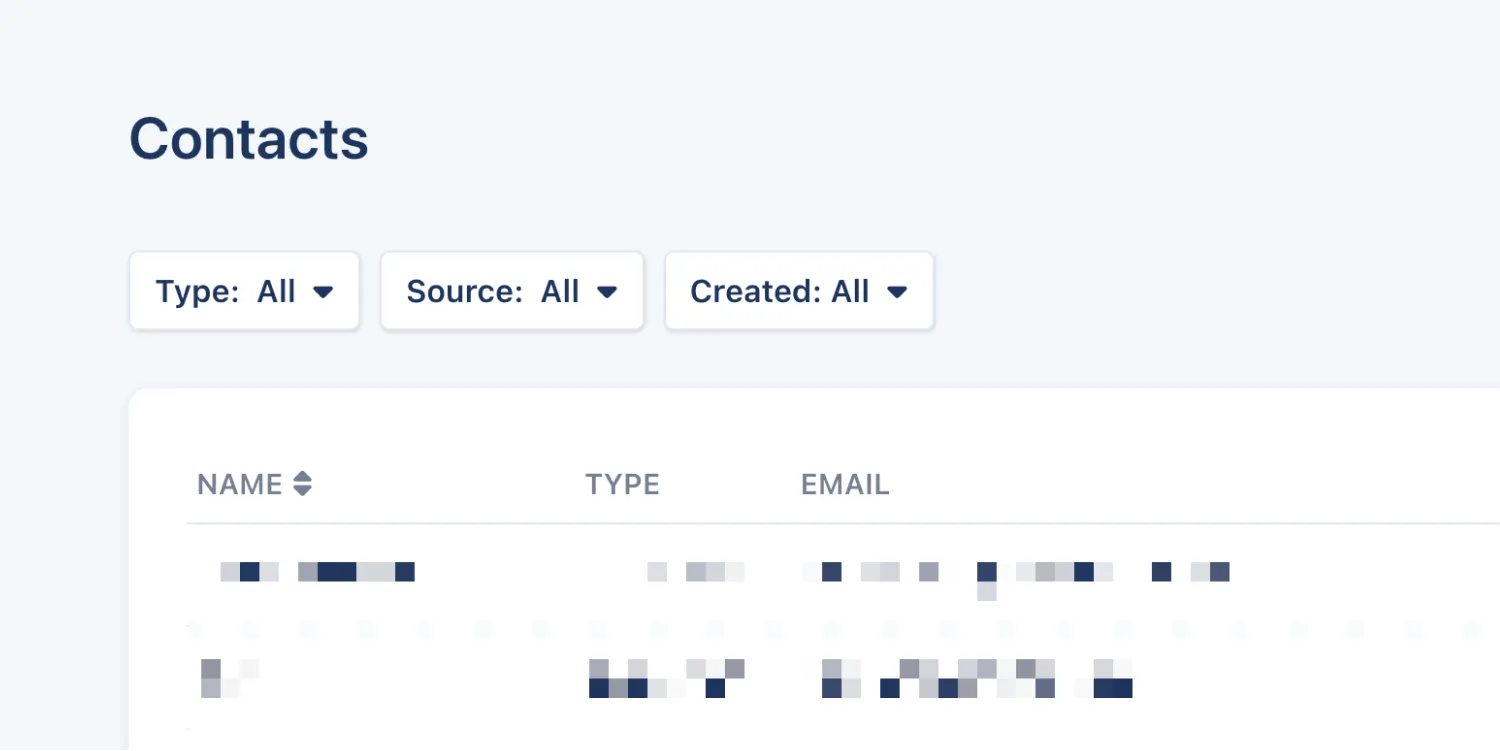
Contacts brings customers and leads together, so you can track potential customers as well as existing ones.
Learn more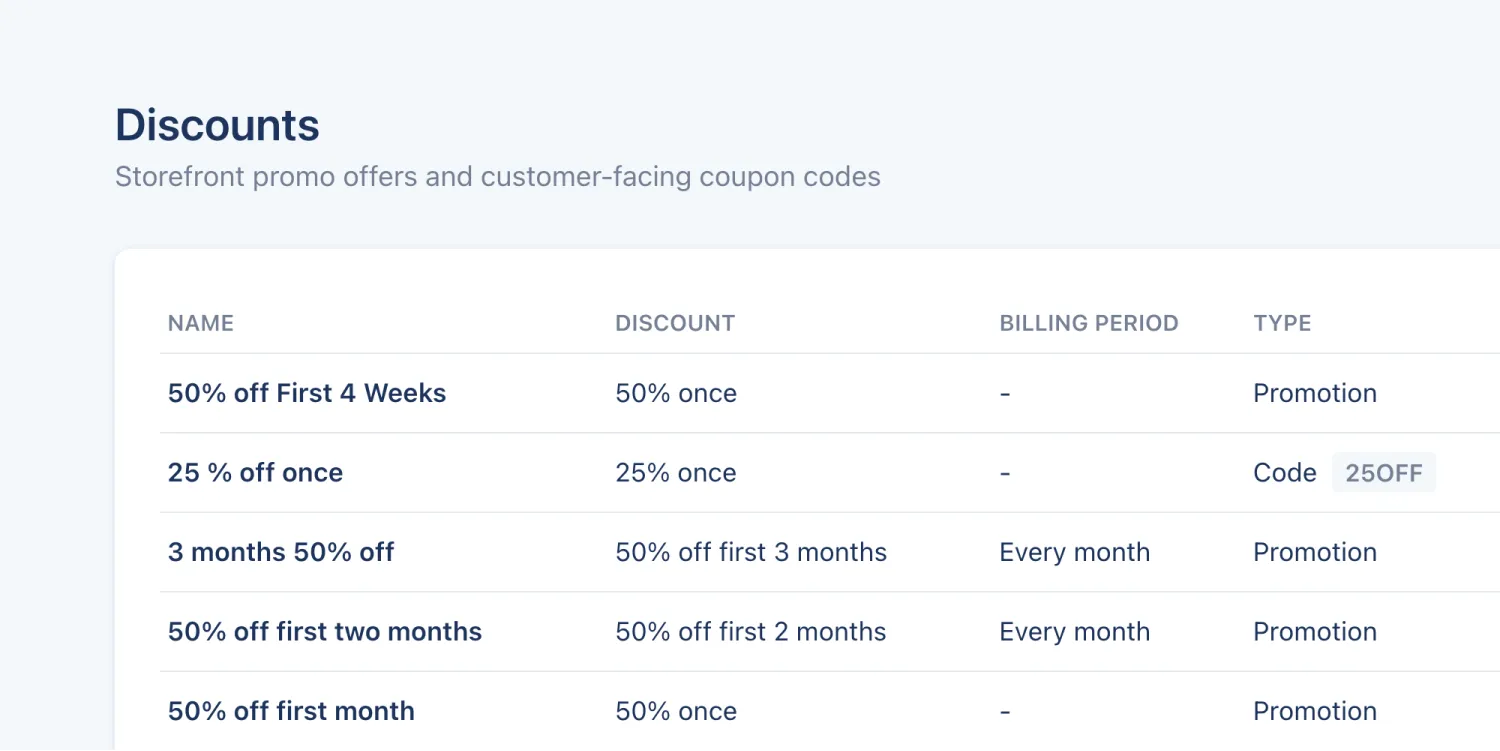
Create your own coupon codes for customers to redeem in your Storefront booking form, as a percentage or a fixed amount.
Learn more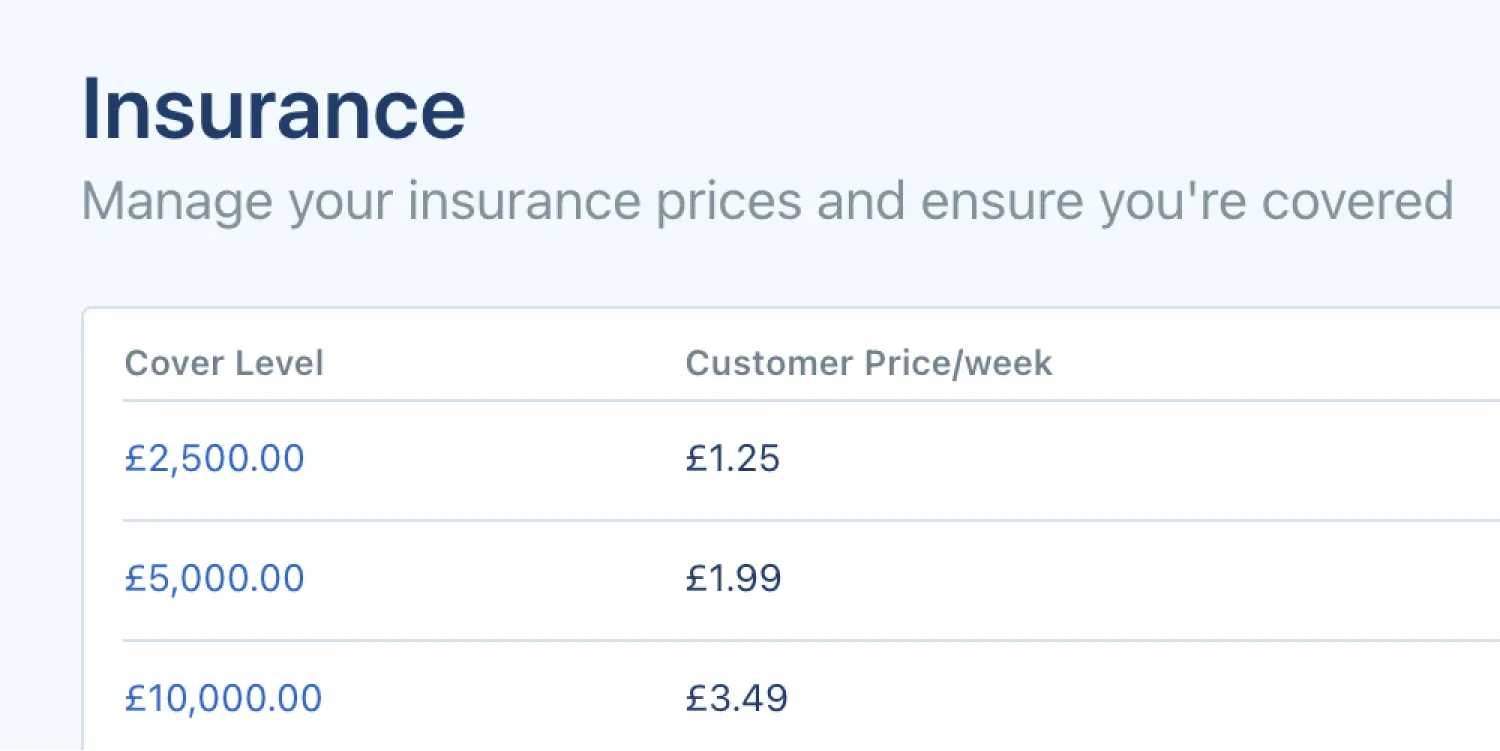
Create your own insurance cover levels with their own cover amount and weekly price, and change prices without affecting existing customers.
Learn more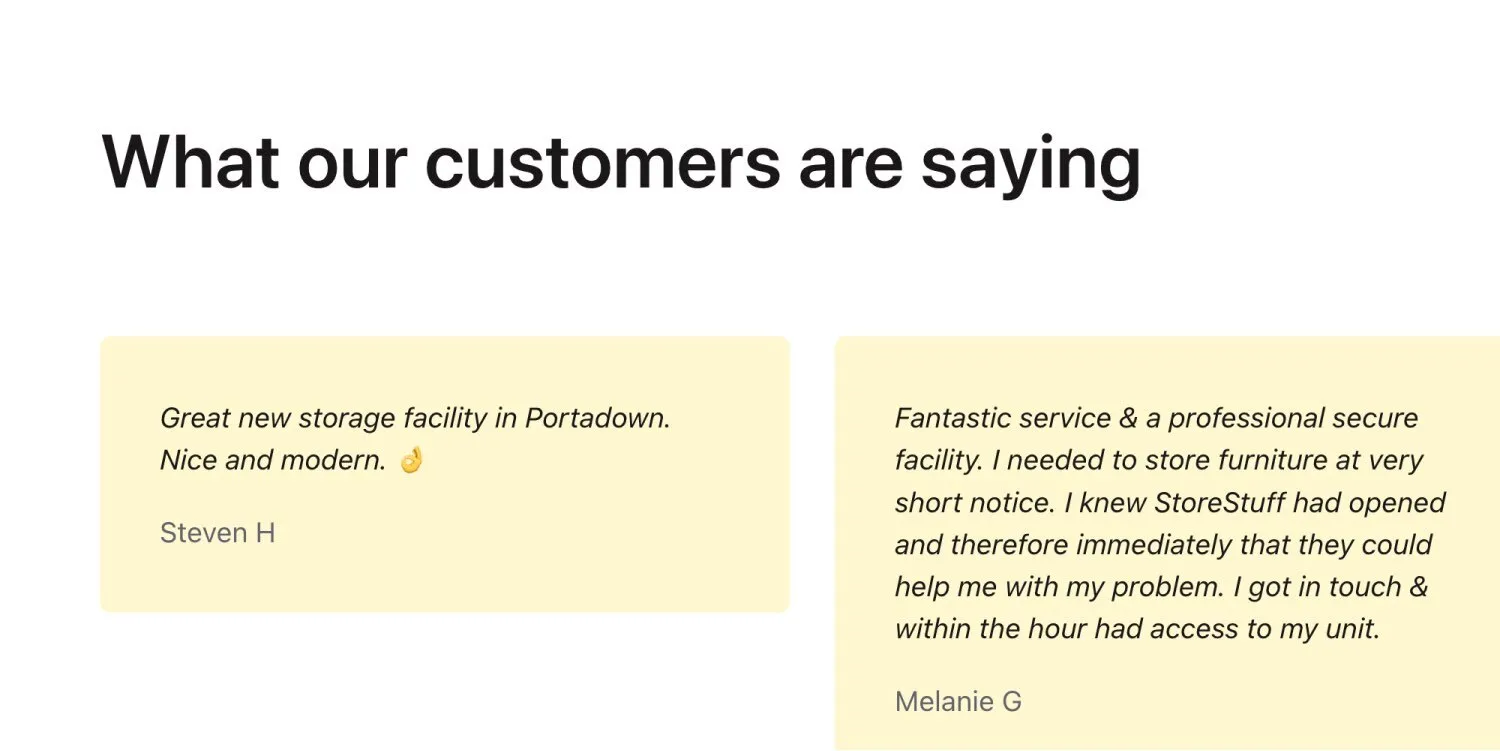
Add the reviews you've received to your Storefront settings and display them on your homepage, with a link to read more.
Learn more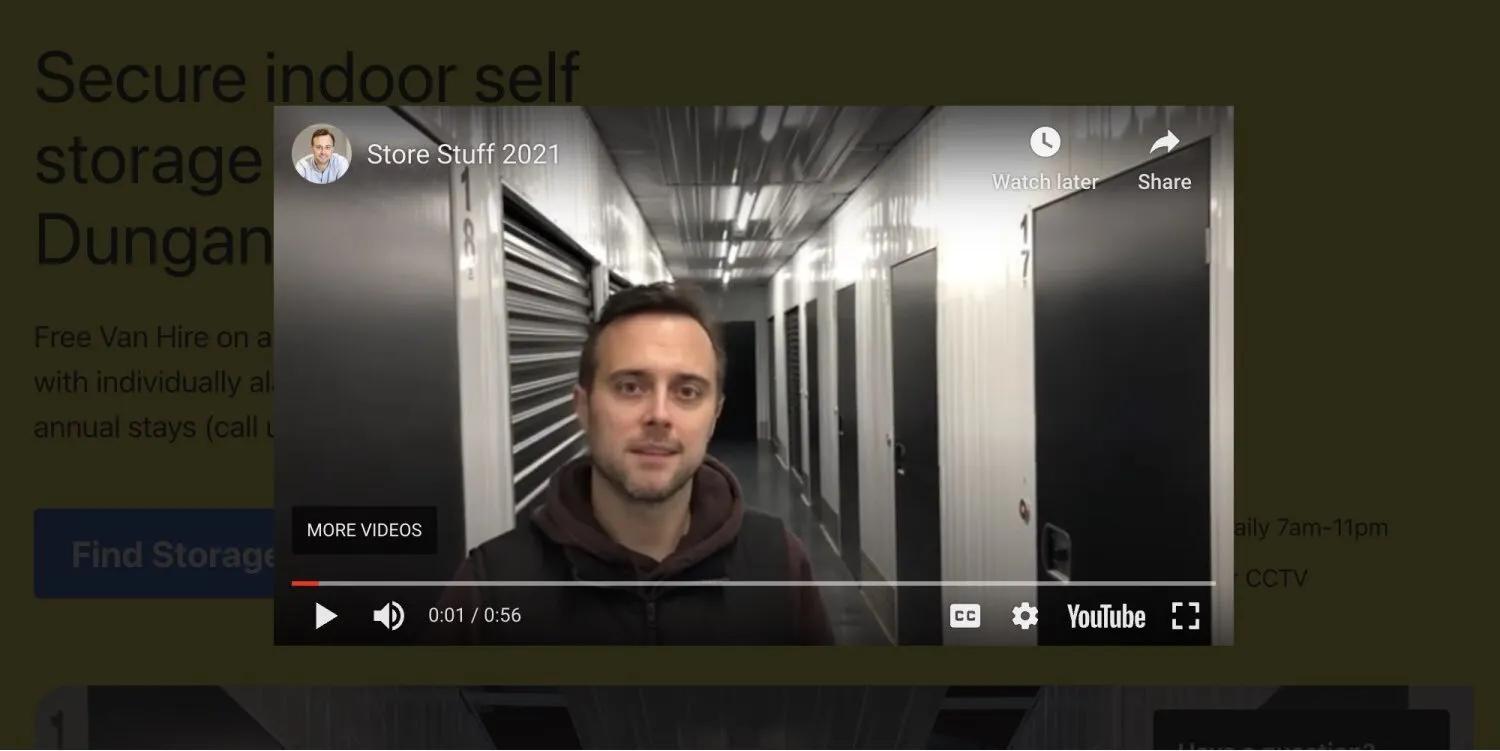
Add a pop-up YouTube, Vimeo or Facebook video to the top of your homepage to show customers what your business offers.
Learn moreSet a custom move-in date range, from same-day move-ins to bookings up to 90 days ahead.
Learn moreNo updates match these filters.